Nextiva is a unified customer experience platform known for omnichannel communication, AI Employee XBert, and automated workflow optimization tools. Nextiva offers a 30-day money-back guarantee, 3 Business phone service plans from $15-$75 user/month, and three contact center plans from $75/user per month.
It is best for blended teams prioritizing a scalable unified communications solution with real-time collaboration, built-in workforce management, and AI-powered conversational analytics.
That said, a more focused integration catalog, mixed mobile app feedback, and porting timelines lead some businesses to compare alternatives. This post outlines best UCaaS and CCaaS Nextiva alternatives.
Quick Summary
Nextiva is a strong UCaaS and CX platform, but its higher-tier pricing, mobile app feedback, and some user-reported billing friction lead a few businesses to alternatives to compare alternatives. Here's a quick summary of best Nextiva alternatives:
- RingCentral is best for growing teams that want a true all-in-one UCaaS platform with deep third-party integrations and advanced video conferencing.
- Dialpad is best for teams that want AI baked into every interaction, AI agent coaching as a standard feature (not an add-on), and a modern interface.
- Zoom is best for video-first or fully remote teams, existing Zoom customers, or businesses that want a generous free tier to test before committing.
- Quo (formerly OpenPhone) is best for small teams of under 50 people that need shared business lines and modern AI call handling without enterprise complexity.
- Ooma Office is best for brick-and-mortar small businesses wanting plug-and-play desk phones with no contracts and transparent pricing.
- Grasshopper is best for solopreneurs and freelancers wanting a professional business number on top of their personal phone, with flat-rate account-based pricing.
- 8x8 is best for global businesses and mid-market enterprises needing unlimited international calling, large-capacity video meetings, and bundled compliance certifications.
- Vonage Business Communications is best for mobile-first teams and high-SMS-volume businesses that want à la carte pricing and pay-as-you-go texting.
- Aircall is best for sales and support teams that live inside Salesforce or HubSpot and want deep CRM workflows with fast deployment.
- NICE CXone is best for high-volume enterprise contact centers needing best-in-class AI, deep workforce management tools, industry-specific automation, and intelligent analytics.
- Genesys Cloud CX is best for outbound-focused or high-growth contact centers wanting predictive engagement and detailed customer journey analytics.
- Five9 is best for sales-driven or compliance-heavy contact centers needing advanced dialers, voice biometrics, and customizable AI agents.
The Best Nextiva Alternatives: An Overview
The comparison table below provides a quick overview of the top Nextiva alternatives.
| Provider | Pricing | Top Features | Best For |
| RingCentral RingEX | 3 plans from $20-$35/user per month | RingSense AI Assistant and 300+ third-party integrations | Growing teams looking for a scalable all-in-one UCaaS+business phone system software with built-in AI |
| Dialpad Connect | 2 plans from $15-$25/user per month, plus custom enterprise plans | Real-time analytics and unlimited ring groups | Small teams struggling to keep up with high daily call volumes that need to achieve a higher self-service containment rate |
| Zoom Workplace | 1 free plan, 2 paid plans from $14.16-$18.33/user per month, plus custom enterprise plans | Zoom AI Companion and Zoom Meetings | Remote/hybrid teams needing AI-powered team collaboration tools or a robust free video conferencing platform |
| Quo (formerly OpenPhone) | 3 plans from $15-$35/user per month | Sona AI receptionist and shared phone numbers | Small teams and solopreneurs wanting a modern, AI-powered business phone without enterprise complexity |
| Ooma Office | 3 plans from $19.95-$29.95/user per month, plus custom enterprise plans | Plug-and-play hardware and no contracts | Brick-and-mortar small businesses wanting reliable VoIP with desk phones and month-to-month flexibility |
| Grasshopper | 3 plans from $14-$55/month flat rate | Account-based pricing with unlimited users on higher tiers | Solopreneurs and freelancers who want a professional business number without per-user costs |
| 8x8 | 3 plans all quote-based | Unlimited calling to 48+ countries, 500-participant video meetings, HIPAA/PCI/GDPR/SOC 2 on every plan | Global businesses and mid-market enterprises needing international calling and bundled compliance |
| Vonage Business Communications | 3 plans from $13.99-$27.99/line per month (annual for 1 user) | À la carte pricing, pay-as-you-go SMS, cross-channel Business Inbox | Mobile-first distributed teams and businesses with high SMS volume |
| Aircall | 2 plans from $30-$50/user per month (3 license minimum), plus custom plans | Native Salesforce/HubSpot integrations, Power Dialer, supervisor coaching tools | Sales and support teams that live inside CRM systems |
| NICE CXone Mpower | 5 plans from $110-$249/agent per month | Enlighten Copilot and Interaction Analytics | High-volume omnichannel contact centers needing customizable agent and supervisor-facing interaction analytics and in-conversation AI assistance to optimize workflows and shorten average handle time |
| Genesys Cloud CX | 4 plans from $75-$240/agent per month | Predictive engagement and employee performance management | Enterprises needing to improve agent performance and scheduling with AI-powered WFM and agent assist tools |
| Five9 Intelligent CX | 5 plans from $119/concurrent user | Five9 AI Agents and Workforce Management | Large businesses prioritizing customizable AI self-service bots and increased sales |
Why Look For A Nextiva Alternative?
Nextiva is a highly scalable CX platform with solutions designed for small businesses and enterprises alike. While Nextiva provides flexible pricing options, 24/7 customer service on all plans, and best-in-class reputation management tools, there are a few drawbacks.
Businesses seek Nextiva alternatives due to:
- Pricing at the Top Tiers: Nextiva's most affordable plan starts at $15/user per month, and its contact center starts at $75/agent per month. Entry pricing is competitive with alternatives like Dialpad, Vonage, and Zoom, with top-tier plans priced for larger teams. The Core plan includes inbound and outbound voice calling, SMS texting, video meetings for up to 250 participants, and team chat; Core customers can try live website chat at no additional cost for the first month before adding it.
- Mobile App Reliability: Nextiva's mobile apps have drawn user feedback around connectivity. In our analysis, most of those relate to the user's cellular or Wi-Fi network and are not isolated to Nextiva. For teams that rely on mobile-first communication, it is worth trialing the app against existing day-to-day workflows.
- SMS Activation: Some Nextiva customers report SMS activation timelines stretching from 1 to 4 weeks due to A2P 10DLC registration, a carrier-mandated process that applies across every US business texting provider. Note, however, that this timeline is in line with the industry for 10DLC activations. Businesses that heavily rely on text messaging should alert the vendor early in the onboarding process.
- Limited Integrations: Nextiva integrates with a variety of social media platforms and review management sites. However, its catalog of third-party software integrations is more focused. Nextiva Business Phone Service plans include integrations with Microsoft Teams, Outlook, and Google Contacts, with CRM integrations and APIs available as paid add-ons. All Nextiva Contact Center plans include API access along with 15+ third-party application integrations.
- No Need For Social Media+Reputation Management: Nextiva's unique social media and reputation management features set it apart from competitors. However, businesses that don't need these capabilities are likely to select a more affordable cloud communications platform that offers voice calling and more extensive collaboration tools instead.
- Consultative Sign-Up Process: The entry-level Core plan can be purchased online for 5 or fewer users, while more users and plans require a consultation with a salesperson. That conversation helps teams size channels and add-ons correctly, though some users may prefer to self-serve all the way through checkout and may find the extra step slows them down.
How We Evaluated Nextiva Alternatives
We used the following criteria to select and evaluate the best Nextiva alternatives:
- Pricing and Plans: We evaluated the affordability, flexibility, and overall value of each provider's pricing
- Included Features: We looked at each alternative's available communication channels, team collaboration tools, workflow automation capabilities, AI-powered features, workforce management systems, and more
- Scalability: We explored platform scalability, including the number of available plans and individual add-ons, to ensure these alternatives can grow alongside your business
- Analytics and Reporting: We studied the quality of each platform's available real-time and historical analytics, insights from conversational AI, KPI alerts, and custom reporting tools
- Third-Party Integrations: We reviewed each provider's available third-party integrations, API access, and developer community
- Security and Network Reliability: We looked at each platform's SLA uptime, global points of presence, security and network monitoring protocols, and compliance certifications
- Customer Support: We reviewed each provider's available customer support channels, hours, and premium support add-ons
- Ease of Use: We evaluated each alternative's overall ease of use on desktop and mobile devices, the complexity of the onboarding process, available training materials, and interface intuitiveness
- Use Cases: We determined the ideal user base for each provider, considering business type, industry, size, target market, revenue goals, and more
UCaaS Nextiva Alternatives
While Nextiva Business Phone Service covers UCaaS basics like voice, video, and team chat, its higher-tier pricing and more focused integration catalog lead some teams to compare alternatives.
Below, we compare Nextiva to unified communications providers including RingEX by RingCentral, Zoom Workplace, and Dialpad Connect, plus small-business-focused alternatives like Quo, Ooma Office, and Grasshopper. We also cover three options that fit specific niches: 8x8 for global enterprises, Vonage Business Communications for mobile-first teams, and Aircall for sales-led organizations.
RingCentral RingEX
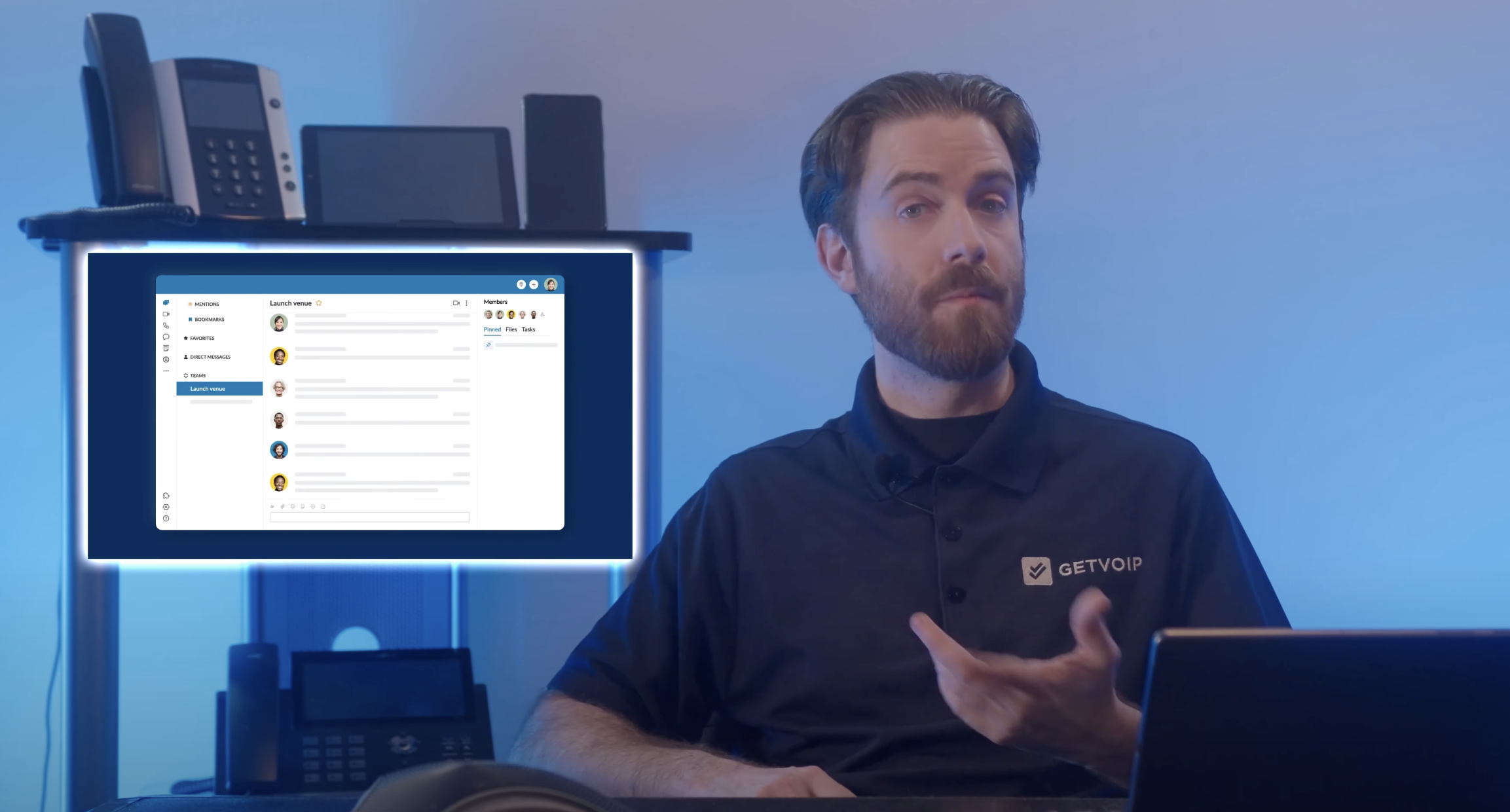
RingCentral RingEX is a unified communications platform with unlimited VoIP calling, video meetings, team chat, virtual faxing, and SMS/MMS. It has a 99.999% uptime guarantee, 24/7 customer support, and AI features like RingSense for call summaries and smart notes.
Compared to Nextiva, RingCentral offers a broader integration ecosystem of 300+ third-party apps (Salesforce, Zendesk, HubSpot, ServiceNow) and stronger video meetings with SSO across all plans. Nextiva still wins on text messaging with unlimited SMS on the Scale plan, while RingCentral caps texts and charges for overages. For teams that need deep integrations more than high-volume SMS, RingCentral is the stronger pick.
RingCentral Pricing
RingCentral offers three RingEX plans that range from $20 to $35 monthly per user. The $20 plan starts with unlimited calling in the US, team chat, video conferencing, and IVR. The higher-tier plans add additional toll-free minutes and SMS usage, CRM integrations, an AI writer, and real-time business analytics.
Read our RingCentral pricing review for more information.
What We Like About RingCentral
- Advanced video meetings: RingCentral offers in-browser and app-based AI video conferencing for up to 200 participants, plus access to smart meeting features like in-meeting public/private chat, screen recording+remote screen control, whiteboards, breakout rooms, AI meeting summaries+transcripts with speaker differentiation, meeting recording, and collaborative note
- Personal AI Assistant: RingSense AI for RingEX (add-on feature) automatically transcribes and summarizes voice calls, takes smart call notes, creates action items, and highlights key conversation topics for every call
- High-level integrations: RingCentral EX offers pre-built integrations with 300+ third-party applications including Salesforce, Zendesk, Hubspot, and ServiceNow–plus integration webinars for easy setup. Users can make calls directly in their CRM apps, view real-time CRM call pops, and benefit from two-way data syncing/automatic call logs
Where RingCentral Needs Improvement
- Call Quality: Users report inconsistent call quality and frequent dropped calls in the RingCentral desktop app–plus excessive software updates that slow down business processes
- Limited SMS: Although RingCentral Enhanced Business SMS is easy to set up and enables real-time, two-way communication between clients and agents, all RingEX plans have significantly lower number of included monthly text messages than competitors, and pricing for additional monthly text messages is not publicly available
Who Should Use RingCentral?
- SMBs needing advanced analytics: RingEX offers some of the most advanced analytics tools in the UCaaS space, including real-time and historical interactive reports, custom KPIs, pre-built reporting templates, live QoS alerts, comparative analysis, report filtering, and meeting insights
- Call centers with extensive hardware needs: RingCentral hardware packages include Device as a Service (DaaS) options that bundle hardware and software solutions, extensive BYOD compatibility, and RingCentral phones for rent or sale
Dialpad Connect
Dialpad is a UCaaS and AI contact center solution built around its Dialpad Ai engine, which delivers real-time transcriptions, live coaching, sentiment analysis, and post-call summaries across every plan rather than as paid add-ons.
Dialpad's main advantage over Nextiva is voice intelligence at the entry tier. Both platforms have limited third-party integration libraries, but Dialpad builds AI directly into the product, while Nextiva includes AI transcription and summaries on its Scale plan and offers them as add-ons for lower plans. Nextiva still offers stronger 24/7 omnichannel support across phone, email, and chat, while Dialpad limits phone support to Pro and above. For teams that need AI included from day one, Dialpad delivers more value per dollar.
Dialpad Pricing
Dialpad has three paid plans starting at $15 per user, per month. All plans include unlimited calling and texting in the U.S. and Canada, voicemail transcription, real-time AI call transcriptions, and productivity integrations. Higher tiers add CRM integrations, global number support, advanced analytics, and enterprise-grade admin tools.
Custom pricing is available for large teams with advanced needs. Explore our full Dialpad pricing breakdown to compare features across plans.
What We Like About Dialpad
- AI features on all plans: Real-time coaching, call summaries, and transcription help reduce manual admin tasks and boost agent productivity
- Easy mobile-first design: The desktop and mobile apps are lightweight, modern, and simple for users to pick up without much training or oversight
- Built-in SMS/MMS messaging: All plans include unlimited business texting within the U.S. and Canada
Where Dialpad Needs Improvement
- International calling limitations: International calling requires separate add-ons, and calling costs vary widely by country
- Limited third-party integrations: Compared to competitors like RingCentral or Nextiva, Dialpad's ecosystem is still growing
Who Should Use Dialpad?
- Startups and small businesses who want voice intelligence: Dialpad's AI tools provide real-time call transcriptions, sentiment analysis, and live agent coaching without requiring third-party integrations
- Teams working on the go: Dialpad's mobile app mirrors the desktop experience and offers full functionality, making it ideal for teams that take calls and collaborate from anywhere
Zoom Workplace
Zoom Workplace unifies Zoom Meetings (video conferencing), Zoom Phone (voice calling+SMS), email, chat messaging, and team collaboration tools into a single platform, with Zoom AI Companion providing meeting summaries, suggested action items, and drafted message responses across paid plans.
Zoom is the stronger pick for fully remote or video-first teams thanks to deeper meeting features, AI Companion included on paid plans, and a free tier that Nextiva doesn't offer. Nextiva counters with 24/7 omnichannel support on every plan, while Zoom limits chat and phone support to higher tiers. For teams that don't need the full bundle, Zoom Phone is also available standalone starting at $10/user per month.
Zoom Pricing
Zoom Workplace offers one free plan and two paid tiers, ranging from $14.16 to $18.33 per user per month. Custom enterprise plans are also available. The free Basic plan includes 40-minute meetings for up to 100 participants, along with local recording, screen sharing, breakout rooms, collaborative notes, and team chat. Paid plans expand functionality with features like longer meetings, AI Companion, cloud storage, transcription, Scheduler, and live support.
Read our full Zoom pricing breakdown to explore which plan best fits your needs.
What We Like About Zoom
- Free plan: One of the most complete free plans in the UCaaS space, ideal for entrepreneurs and new businesses that need to maintain low operating costs while connecting remote teams
- Robust third-party integrations: All plans integrate with Google, Microsoft, Salesforce, ServiceNow, and Hubspot. All paid plans include 1 year of free access to premium, in-meeting apps that take meeting notes, engage attendees, and provide high-level meeting insights
- Superior security: End-to-end encrypted video meetings, meeting lock, waiting room, SSO, anonymous call blocking, advanced participant permissions/access management, HIPAA compliance, 99.999% Zoom Phone uptime
Where Zoom Needs Improvement
- Mix-and-match pricing: Mix-and-match pricing is only available for Business Plus and Enterprise users (the two most expensive plans), so SMBs may end up paying for features that not all users need
- Zoom Phone analytics: Essential call center analytics, including real-time call queue updates and historical KPI monitoring, require all users to buy the Zoom Phone Power Pack for an additional $25/license/month
- CRM features: While competitors like Nextiva offer native CRM features for in-call access to key customer data, Zoom does not–meaning users will have to pay extra for an integrated third-party CRM system
Who Should Use Zoom?
- Fully remote teams: Zoom is the gold standard for remote unified communications, providing excellent value alongside advanced collaboration tools that connect and engage teams across different time zones, language barriers, and work schedules
- Teams prioritizing scalability: Zoom's scalability is unparalleled, with plans for every phase of business growth from startup to global enterprise. Use Zoom's free plan for basic video calling, add voice calling and SMS when you're ready, or upgrade to Zoom's omnichannel contact center with AI-powered WFM at your own pace
Quo (formerly OpenPhone)
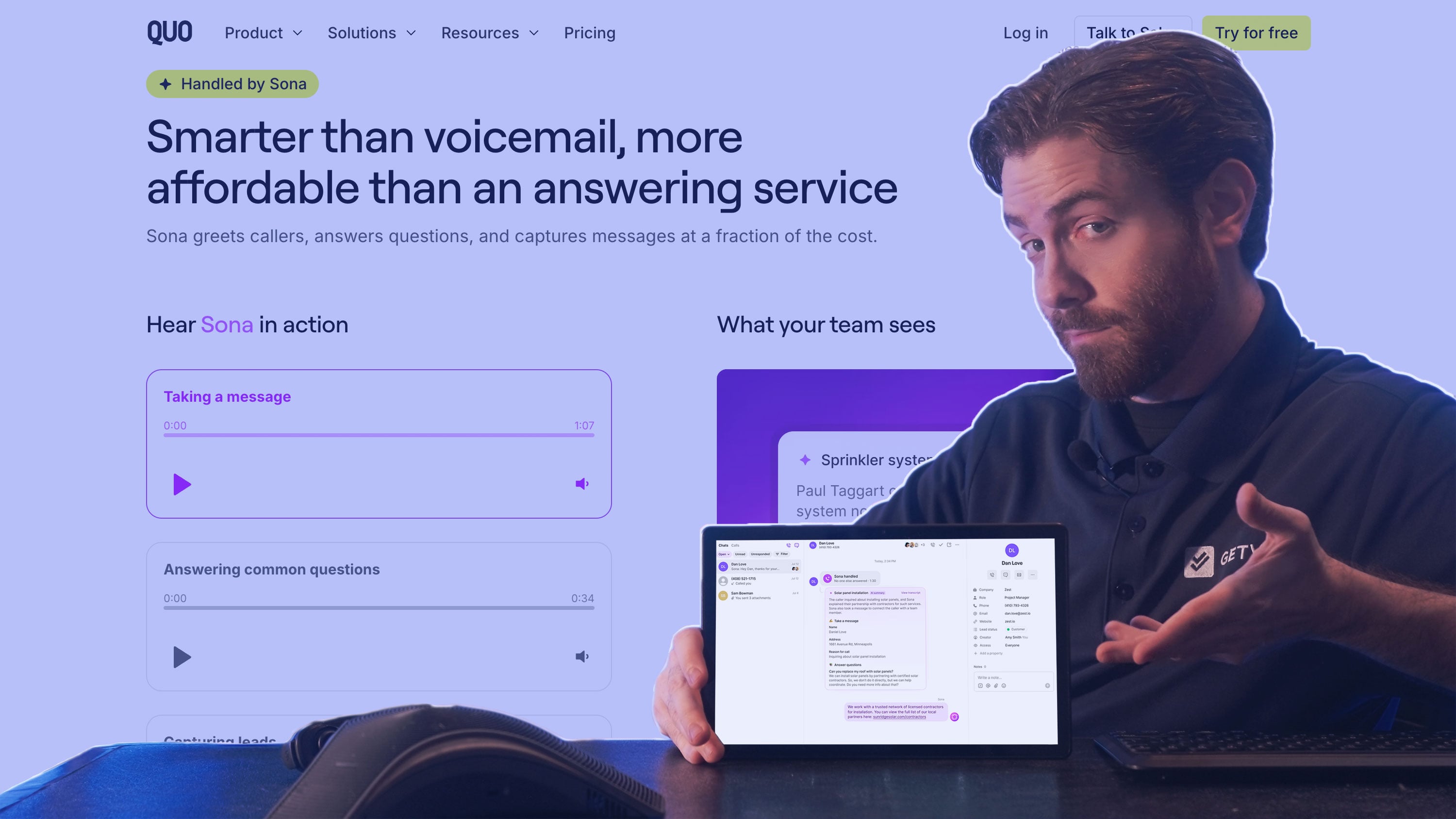
Quo is an AI-powered business phone system built for small teams and remote-first businesses. It offers shared phone numbers, AI call summaries, voicemail transcription, and Sona, an AI receptionist included on every paid plan that answers calls 24/7.
Quo trades enterprise scale for simplicity and faster time to value. Setup takes minutes, pricing is transparent with no required sales call, and the interface works for non-technical users which a meaningful contrast with Nextiva's mandatory consultation process. However, Quo lacks native video conferencing, advanced contact center routing, and workforce management.
Quo Pricing
Quo offers three plans on annual billing: Starter at $15/user per month, Business at $23/user per month, and Scale at $35/user per month. Monthly billing runs slightly higher. Sona AI is included on all plans with 1,000 automation credits per month (roughly 10 calls). Additional Sona usage is sold in tiered credit packages starting at $25/month.
What We Like About Quo
- Shared phone numbers: Multiple team members can call and text from the same number simultaneously, with full conversation history visible to everyone
- Sona AI receptionist: Built-in AI agent answers calls 24/7 with natural conversation, included on all paid plans rather than sold as an add-on
- Fast setup and transparent pricing: Onboarding takes minutes rather than days, with no sales consultation required to access pricing or sign up
Where Quo Needs Improvement
- No video conferencing: Quo focuses on voice and SMS, so teams that need video meetings will need a separate tool
- Limited international calling: Per-minute charges apply outside the US and Canada, which can add up for global teams
- SMS registration delays: Like all US business phone systems, A2P 10DLC registration can delay text activation by several weeks
Who Should Use Quo?
- Solopreneurs and small teams: Quo's per-user pricing and shared number model fit teams under 25 people who need to share inbound calls without complicated routing
- Remote and distributed teams: The mobile and desktop apps mirror each other, so reps can take calls and respond to texts from anywhere
- Businesses replacing personal cell phones: Quo lets teams separate personal and business communication on a single device without buying a second phone
Ooma Office
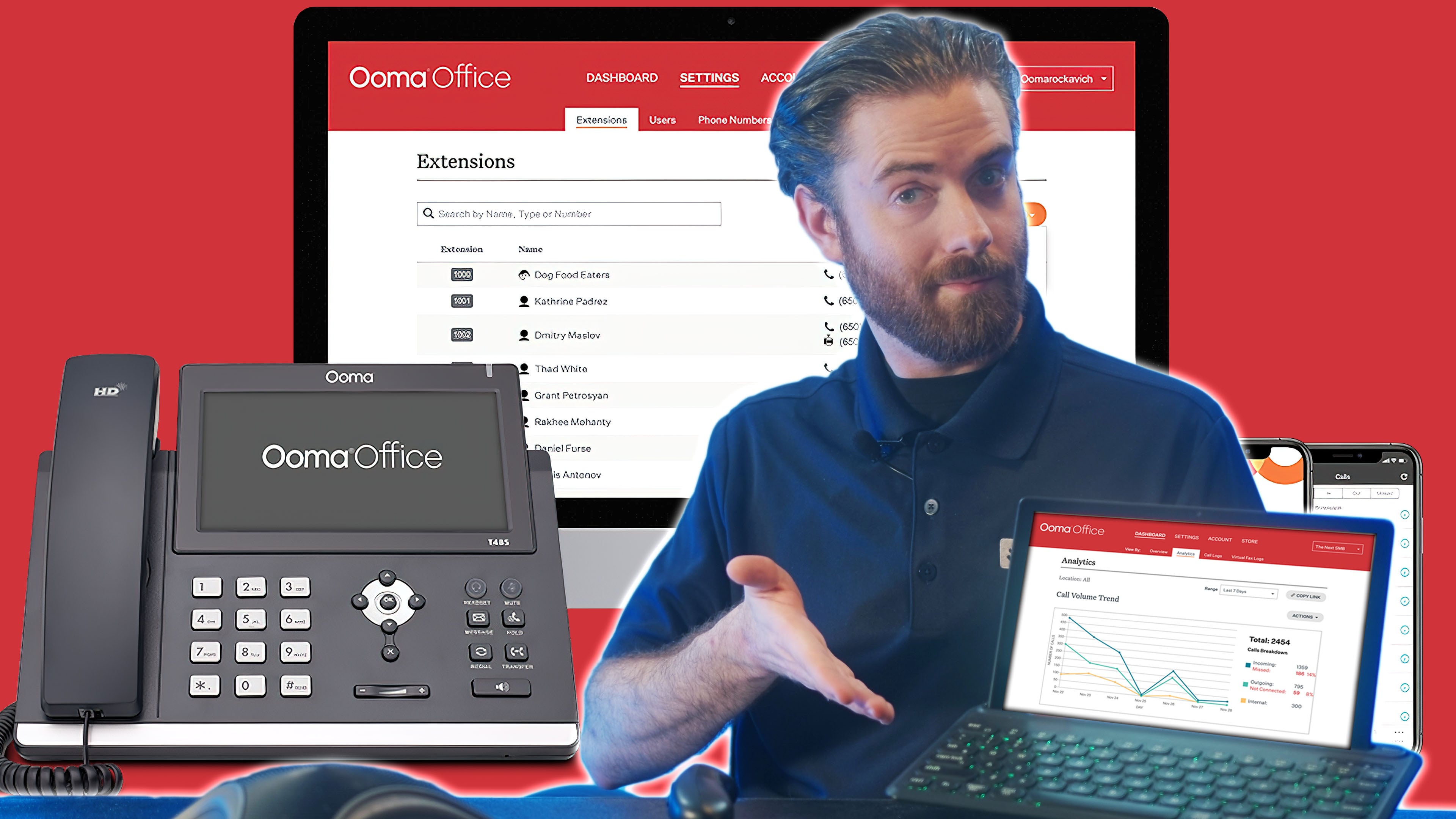
Ooma Office is a beginner-friendly cloud phone system focused on small businesses transitioning from analog landlines to VoIP. It offers a clean interface, pre-provisioned IP phones from Ooma's hardware catalog, and pricing that competes with the lowest tiers of Nextiva and RingCentral while bundling unlimited US, Canada, Mexico, and Puerto Rico calling at every plan level.
Ooma is the simpler, hardware-friendly alternative to Nextiva. Setup is plug-and-play with Ooma's branded desk phones, there's no contract, and pricing is transparent without a mandatory sales call. The catch is texting: SMS caps at 250 messages per month on Pro and 1,000 on Pro Plus, shared across the entire account rather than per user. Teams that text customers heavily will hit those thresholds fast.
Ooma Office Pricing
Ooma Office has three plans: Essentials at $19.95/user per month, Pro at $24.95/user per month, and Pro Plus at $29.95/user per month. There are no contracts and no cancellation fees on any plan. An Enterprise tier with custom pricing is available for larger deployments needing Microsoft Teams integration or SIP trunking.
What We Like About Ooma Office
- No contracts: Month-to-month billing with no cancellation fees gives small businesses real flexibility, especially for seasonal operations
- Plug-and-play hardware: Ooma's pre-provisioned IP phones connect to the network and register automatically, with no IT skills required for setup
- Virtual receptionist on every plan: Auto attendant with call routing is included even on the Essentials plan, where most competitors gate it behind higher tiers
Where Ooma Needs Improvement
- Restrictive SMS limits: 250 texts per month on Pro and 1,000 on Pro Plus, shared across the entire account, fills up quickly for any team that texts customers regularly
- Limited integrations: The integration ecosystem covers Salesforce, Google, and Microsoft Dynamics, with little else available
- Outdated admin portal: The backend interface feels less polished than RingCentral or Dialpad and can be clunky for teams managing multiple users
Who Should Use Ooma Office?
- Brick-and-mortar small businesses: Retail stores, restaurants, medical offices, and service businesses that rely on desk phones get strong value from Ooma's hardware-first approach
- Teams switching from landlines: Ooma's setup process and interface are designed for businesses making their first move from traditional phone service
- Companies wanting contract flexibility: Month-to-month billing without cancellation fees is rare in business VoIP and matters for businesses with unpredictable growth
Grasshopper
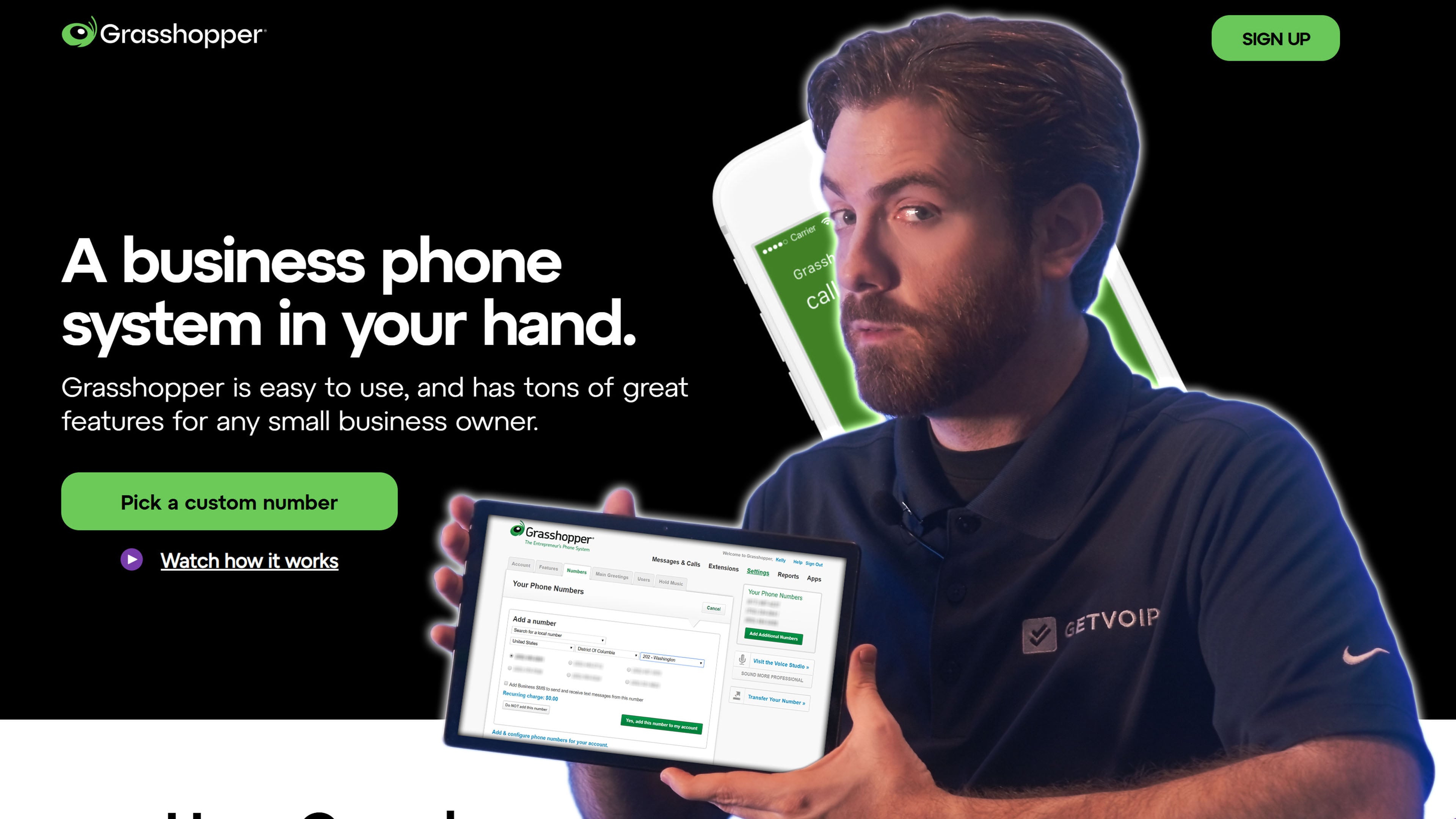
Grasshopper is a virtual phone system designed for solopreneurs, freelancers, and very small teams that need a professional business number layered on top of their personal device. It works as an app on iOS, Android, and desktop, forwarding business calls to whatever device the user prefers while keeping personal and business communications separated.
Grasshopper is a different product category than Nextiva. Nextiva is a full UCaaS and CX platform built for teams scaling past 10 users while Grasshopper is a virtual phone line for individuals or tiny teams who want their business to look bigger than it is. Pricing reflects this -- Grasshopper charges per account with unlimited users on higher tiers, while almost every other provider on this list charges per user. Growing teams will outgrow Grasshopper quickly thanks to the missing video, team chat, and integrations.
Grasshopper Pricing
Grasshopper offers three plans on annual billing: True Solo at $14/month for one user and one number, Solo Plus at $25/month for unlimited users and three extensions, and Small Business at $55/month for 4 phone numbers, unlimited users, and unlimited extensions. Monthly billing increases each tier by approximately $4-$12. Additional phone numbers cost $9/month each.
What We Like About Grasshopper
- Account-based pricing: Unlimited users on Solo Plus and Small Business plans removes the per-seat cost that makes other providers expensive at scale
- Simplicity: Setup takes minutes, the apps are clean, and there's no learning curve for non-technical users
- Number portability: Free porting of existing numbers and a wide selection of vanity, local, and toll-free options
Where Grasshopper Needs Improvement
- Feature ceiling: No video conferencing, no team chat, no advanced analytics, and limited integrations make it unsuitable for growing teams
- Texting fees: Business SMS requires a $1.50/month TCR fee per number plus one-time registration fees
- Cancellation friction: Multiple users have reported a multi-step cancellation process that requires both online forms and phone calls
Who Should Use Grasshopper?
- Solopreneurs and freelancers: The True Solo plan at $14/month is one of the cheapest professional business phone options on the market
- Small service businesses: Contractors, real estate agents, consultants, and home service businesses that need a dedicated business line on top of personal devices
- Teams wanting flat-rate pricing: Account-based pricing on Solo Plus and Small Business plans makes Grasshopper attractive for teams of 5-20 sharing one or two business numbers
8x8
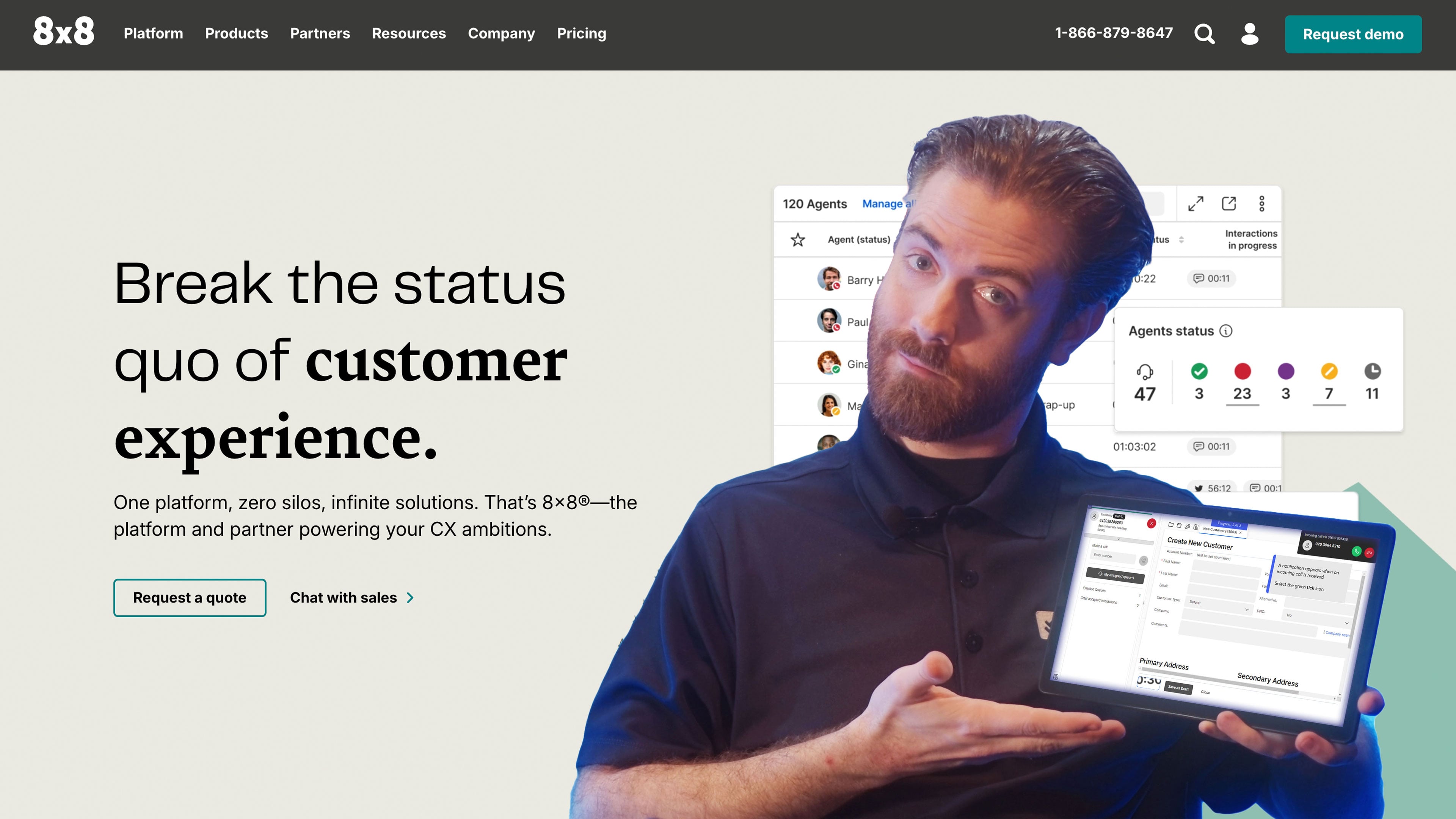
8x8 Work is a unified communications platform built around three pillars: unlimited international calling, large-capacity video meetings, and enterprise-grade compliance. The product combines VoIP, team messaging, SMS, video conferencing, and analytics into one package typically sold to global businesses and mid-market enterprises.
8x8's main advantages over Nextiva are international reach and meeting size. Every 8x8 plan includes unlimited calling to 48+ countries, while Nextiva charges per-minute international rates. Video capacity is also higher (500 participants vs Nextiva's 250), and 8x8 carries deeper compliance credentials with HIPAA, PCI, GDPR, ISO 9001, SOC 2, end-to-end encryption, and annual third-party penetration testing as standard. Nextiva remains the more transparent choice on pricing, since 8x8 plans are quote-only.
8x8 Pricing
8x8 offers a unified communications solution with quote-based pricing under the 8x8 Work product. Third-party pricing data places typical deployments between $24-$57 per user per month depending on features and contract size, though final pricing is determined through sales negotiation.
The platform includes VoIP, team messaging, SMS, video conferencing, collaboration, routing, analytics, and more.
Read our review of 8x8 pricing for more details.
What We Like About 8x8
- Unlimited international calling: Every plan includes unlimited calling to 48+ countries, which Nextiva charges per-minute rates for
- Large-capacity video conferencing: Up to 500 active participants with breakout rooms, virtual backgrounds, YouTube live streaming, meeting recording, and closed captions in 46 languages
- Enterprise-grade security and compliance: Geographically redundant network, HIPAA/PCI/GDPR compliance, ISO 9001 and SOC 2 certification, and annual third-party penetration testing on every plan
Where 8x8 Needs Improvement
- No transparent pricing: All plans are quote-based, which makes budgeting and direct comparison harder without a sales conversation
- Mobile app reliability: Some users report buggy behavior in the 8x8 mobile app, particularly after updates
- Steeper learning curve: The platform offers more customizations and a more complex setup process than simpler UCaaS competitors
Who Should Use 8x8?
- Global businesses: Companies with international customers or remote employees in multiple countries benefit most from 8x8's unlimited 48-country calling and local number support in 100+ countries
- Mid-market enterprises with compliance needs: Healthcare, financial services, and regulated industries that need HIPAA, PCI, GDPR, ISO 9001, and SOC 2 compliance bundled into the platform
- Teams hosting large video meetings: Organizations that regularly run all-hands meetings, training sessions, or external webinars with 200+ participants
Vonage Business Communications
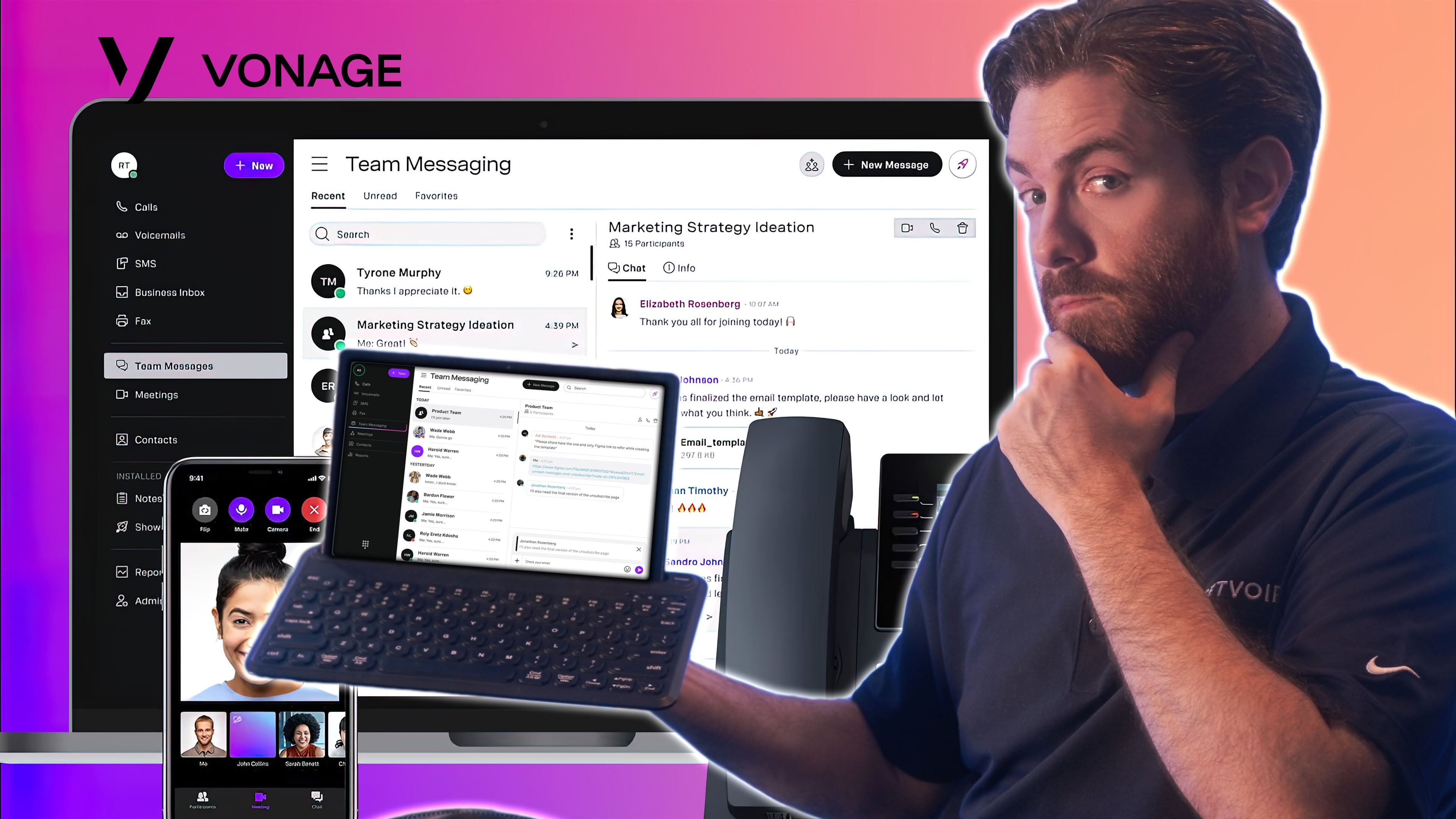
Vonage Business Communications (VBC) is a customizable UCaaS platform with unlimited domestic calling, SMS/MMS, team chat, video conferencing, and a mobile-first experience designed for distributed teams. The platform's defining feature is its modular pricing. Rather than bundling everything into rigid tiers, Vonage lets buyers add features individually as needed.
Vonage's main pull-ahead point over Nextiva is pricing flexibility and texting depth. The à la carte model means smaller teams pay only for features they use, while Nextiva bundles social media management, reputation tools, and analytics into higher tiers regardless of need. Vonage also offers pay-as-you-go SMS pricing through the VonageReach add-on, which supports high-volume SMS campaigns, automated opt-out handling, shortcodes, and text-to-join opt-ins that Nextiva doesn't natively support.
Vonage Pricing
Vonage Business Communications offers three plans from $13.99-$27.99/line per month with annual billing and $19.99-$39.99/line per month with monthly billing. Volume discounts are available for larger deployments.
Paid add-ons include the AI Virtual Assistant (pricing unlisted), a toll-free number ($39.99/number per month), and call queues ($250/line per month).
What We Like About Vonage
- Modular, à la carte pricing: Buyers add features individually rather than paying for bundled capabilities they won't use
- Pay-as-you-go SMS: Vonage's per-message SMS pricing can save businesses with variable texting volumes significant money compared to fixed monthly text bundles
- Cross-channel Business Inbox: Unified inbox combines voice calls, business text messages, and Facebook messages, with admins able to assign customer conversations to individual agents or teams
Where Vonage Needs Improvement
- Add-on costs add up: Modular pricing sounds flexible, but a fully featured Vonage deployment with AI, toll-free numbers, and call queues can quickly exceed bundled competitors like Nextiva
- Limited AI capabilities: Vonage's AI Studio is more of a workflow builder than a true agentic AI layer like Nextiva's XBert or Dialpad's Dialpad Ai
- Basic video conferencing: Video meetings are more limited compared to Nextiva, RingCentral, or Zoom, with fewer collaboration features
- Contract lock-in: Annual contracts auto-renew and cancellation requires calling customer service, with potential early termination fees
Who Should Use Vonage?
- Mobile-first distributed teams: Vonage's mobile app is one of the strongest in the UCaaS space, making it ideal for teams that primarily work from phones rather than desk setups
- Businesses with high SMS volume: Pay-as-you-go SMS pricing and the VonageReach add-on suit businesses running text-based marketing campaigns, appointment reminders, or two-way customer support
- Global small businesses: VBC International gives users access to voice calling, messaging, and video conferencing in 40+ countries, with localized pricing options
Aircall
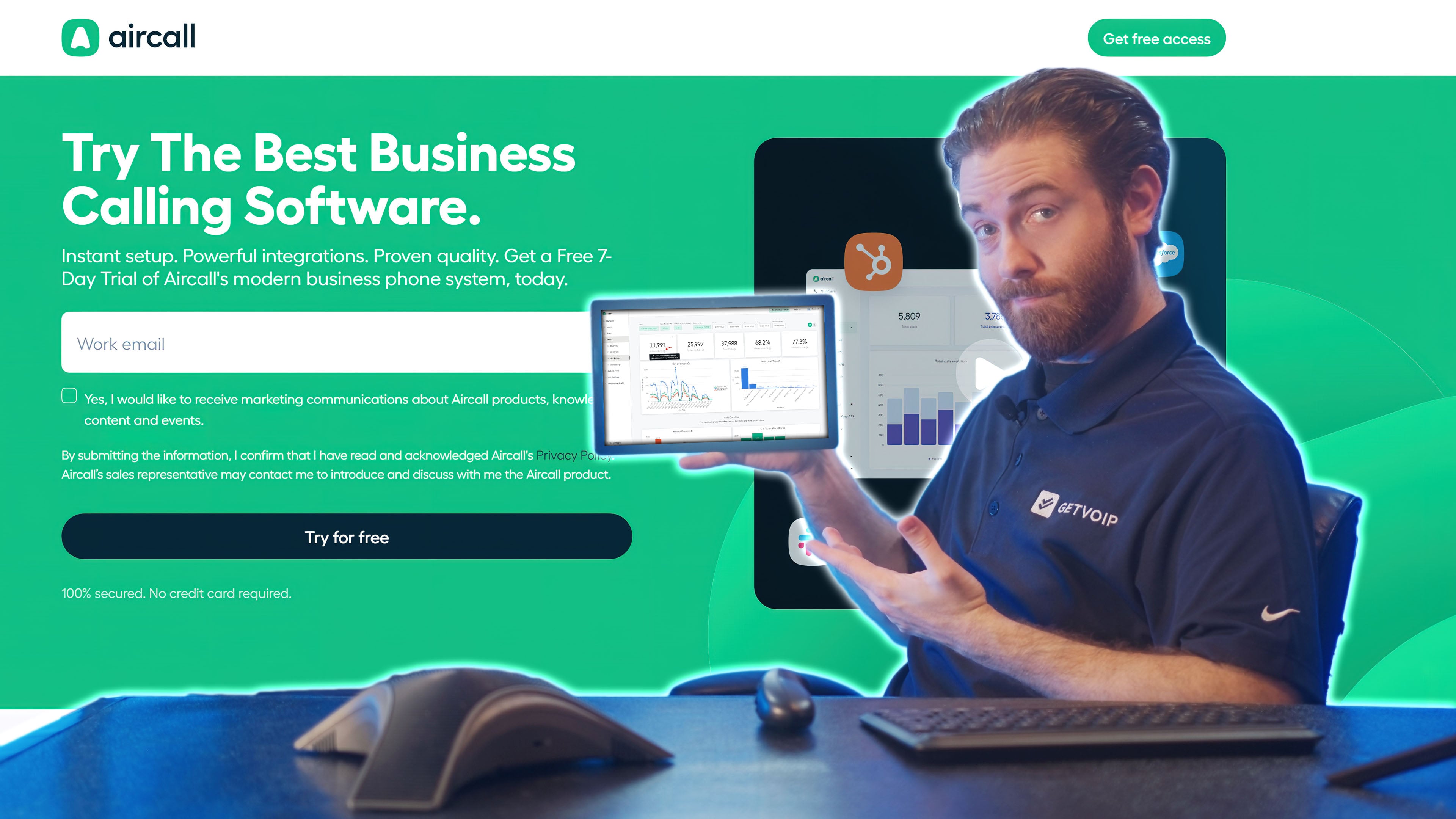
Aircall is a cloud-based phone system and contact center platform built specifically for sales and support teams. The product is designed around fast deployment (most setups take hours rather than weeks), deep CRM integrations, and front-and-center coaching tools that supervisors can use during live calls without digging through dashboards.
Aircall's defining advantages over Nextiva are setup speed and CRM depth. Aircall is entirely browser and app-based with no hardware requirements, while Nextiva deployments often involve sales consultations and longer onboarding timelines. Aircall also offers true two-way integrations with Salesforce, HubSpot, Zendesk, and Intercom that pass data between systems automatically, while Nextiva's CRM integrations are gated to higher tiers and tend to be more surface-level. Nextiva remains the better fit for businesses that need video, omnichannel digital channels, or 24/7 phone support across all tiers.
Aircall Pricing
Aircall offers two plans from $30-$50/user per month with annual billing, plus a quote-based Custom plan. Paid add-ons include AI Assist for $9 per license per month, AI Assist Pro for $49 per license per month, Advanced Analytics for $15 per license per month, and AI Voice Agent from $0.19 per minute.
All paid plans require a 3-license minimum, and the Custom plan requires a 25-license minimum. See our Aircall pricing guide for more information.
What We Like About Aircall
- Best-in-class CRM integrations: Native, bidirectional integrations with Salesforce, HubSpot, Zendesk, Intercom, and Pipedrive, with contextual workflows that automatically log calls, recordings, and notes
- Fast deployment: Setup takes hours rather than weeks, with no hardware required and minimal IT involvement
- Front-and-center coaching tools: Listen, Whisper, and Barge are surfaced prominently on the supervisor dashboard rather than buried in admin menus
- Power Dialer: Sequential auto-dialing with voicemail drop and CRM integration on the Professional plan and above, with lists up to 1,000 numbers
Where Aircall Needs Improvement
- No native video conferencing: Aircall focuses on voice and SMS only, so teams that need video meetings will need a separate tool
- AI features are paid add-ons: AI Assist, AI Assist Pro, and AI Voice Agent are sold separately rather than included in the base plan, which can push total costs above $100/license per month for fully equipped setups
- Limited omnichannel: Voice and SMS only, with no native email, live chat, or social media channel integration that Nextiva includes
- License minimums: 3-license minimum on standard plans and 25-license minimum on Custom plan, with pricing per license rather than per active user
Who Should Use Aircall?
- Sales-led teams: SDR, AE, and outbound sales teams that live in Salesforce, HubSpot, or Pipedrive get the most value from Aircall's CRM-tight workflows and Power Dialer
- Customer support teams: Support teams that need fast call handling with deep Zendesk or Intercom integration, plus easy coaching tools for supervisors
- Growing SMBs: Teams in the 10-100 license range that prioritize ease of setup and modern UI over the broader feature scope of platforms like Nextiva or RingCentral
CCaaS Nextiva Alternatives
While Nextiva Business Phone Service plans are geared towards newer and growing teams that don't need omnichannel contact center capabilities, Nextiva Contact Center plans combine CCaaS, WFM, marketing tools, and CX management into one platform.
Below, we compare Nextiva to CX and CCaaS competitors including NICE CXone, Genesys Cloud CX, and Five9 Intelligent CX.
NICE CXone
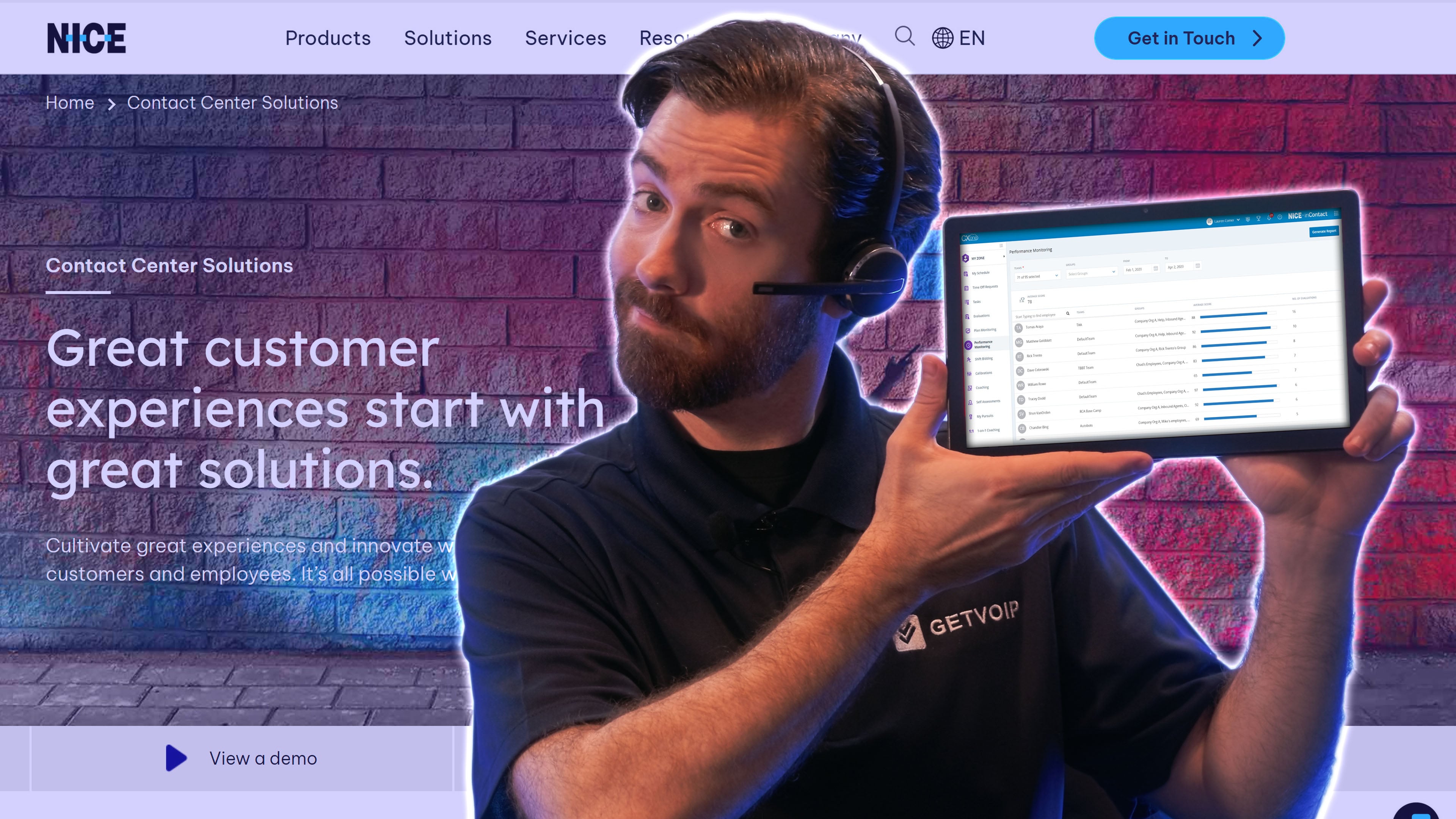
NICE CXone is an AI-optimized contact center platform supporting omnichannel communication across 30+ channels, conversational analytics, outbound dialers, workforce management, and advanced performance tools. Compared to Nextiva Contact Center, which includes features like WFM, customer surveys, and CX analytics, NICE goes further with GenAI-powered agent assist, interaction summaries, and industry-specific AI trained on real customer service data.
While Nextiva uses AI to streamline live agent interactions, NICE CXone enables full automation of even multi-intent customer conversations thanks to its knowledge management, AI virtual agent (Autopilot), and live coaching assistant (Copilot). Both platforms scale, but NICE is built for enterprise teams with complex needs, particularly in high-volume environments.
NICE CXone Pricing
NICE CXone plans start at $110 per agent, per month, with omnichannel plans ranging up to $249 per agent for the Ultimate Suite. Pricing tiers include options for digital-only, voice-only, or blended contact centers, each with increasing levels of AI, analytics, workforce optimization, and self-service automation.
NICE CXone delivers more value at the high end with AI-powered tools and vertical-specific automation. Full pricing details are available in our NICE CXone pricing guide.
What We Like About NICE CXone
- Best-in-class AI features: From GenAI-powered summaries to fully automated omnichannel conversations, NICE leads in AI depth and breadth
- Enterprise-ready WFM tools: Includes 40+ forecasting models, gamification, live and automated coaching, and agent scheduling
- Powerful knowledge management: CXone Expert organizes and updates help content from internal and external sources for both agents and customers
Where NICE CXone Needs Improvement
- Higher cost at scale: NICE's advanced capabilities come at a premium price point compared to platforms like Nextiva
- Steeper learning curve: With so many features and customizations, CXone may require additional onboarding and training
Who Should Use NICE CXOne
Large, global contact centers with high volumes across voice and digital channels. Organizations that need advanced self-service, AI assistance, post-call analytics, and customizable dashboards will get the most value from CXone. It's also ideal for teams requiring deep knowledge management and industry-specific automation.
Genesys Cloud CX
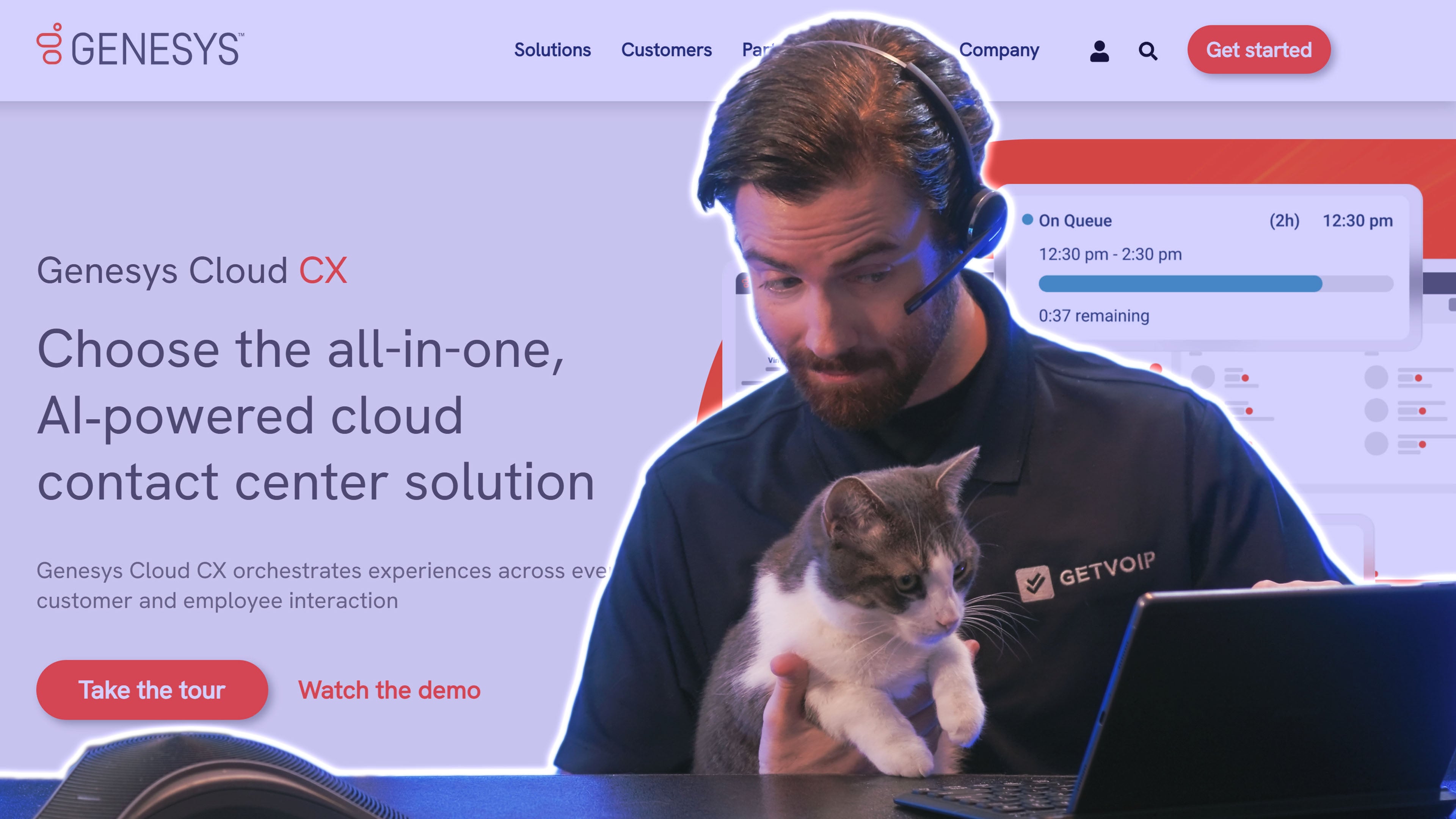
Genesys Cloud CX is an AI-powered contact center platform offering digital, voice-only, and omnichannel solutions with knowledge management, customer journey mapping, and co-browsing. Like Nextiva Contact Center, Genesys includes Agent Assist, predictive engagement, and omnichannel messaging, but goes further with more granular analytics, journey tracking, and outbound campaign tools.
Genesys is more budget-friendly, with plans starting at $75/user per month, though forecasting and conversation analytics are gated to top tiers. Nextiva includes many of these features by default, which makes it the better value for teams that don't need Genesys-level customization. Nextiva is also more user-friendly and includes a built-in mini CRM and stronger interaction summaries.
Genesys Cloud CX Pricing
Genesys offers five core plans, ranging from digital-only to full omnichannel capabilities. Plans start at $75/user per month for voice-only and $115/user for omnichannel. Higher tiers add advanced analytics, employee performance management, and AI-based scheduling.
While Genesys is more affordable than Nextiva upfront, some of its most powerful tools are locked behind higher-tier subscriptions.
See our full Genesys pricing guide for detailed comparisons.
What We Like About Genesys
- Customer journey mapping: Visualize and optimize each step of the customer's path with AI-powered insights and journey milestones
- Campaign tools for outbound teams: Mass SMS marketing, predictive dialers, and lead scoring tools support outbound campaigns
- Advanced real-time analytics: Live sentiment, behavioral changes, and topic analysis make Genesys ideal for fast-moving contact centers
Where Genesys Needs Improvement
- Key features behind top-tier plans: Forecasting, performance management, and deep analytics require more expensive subscriptions
- Steeper learning curve: Compared to Nextiva, Genesys has a more complex UI and setup process
Who Should Use Genesys?
Outbound-focused and high-growth contact centers needing advanced scheduling, campaign management, and AI-driven engagement will benefit most from Genesys Cloud CX. Teams struggling with agent performance can also take advantage of its gamification and coaching features, while organizations needing detailed customer journey analytics will appreciate its visual mapping tools.
Five9 Intelligent CX
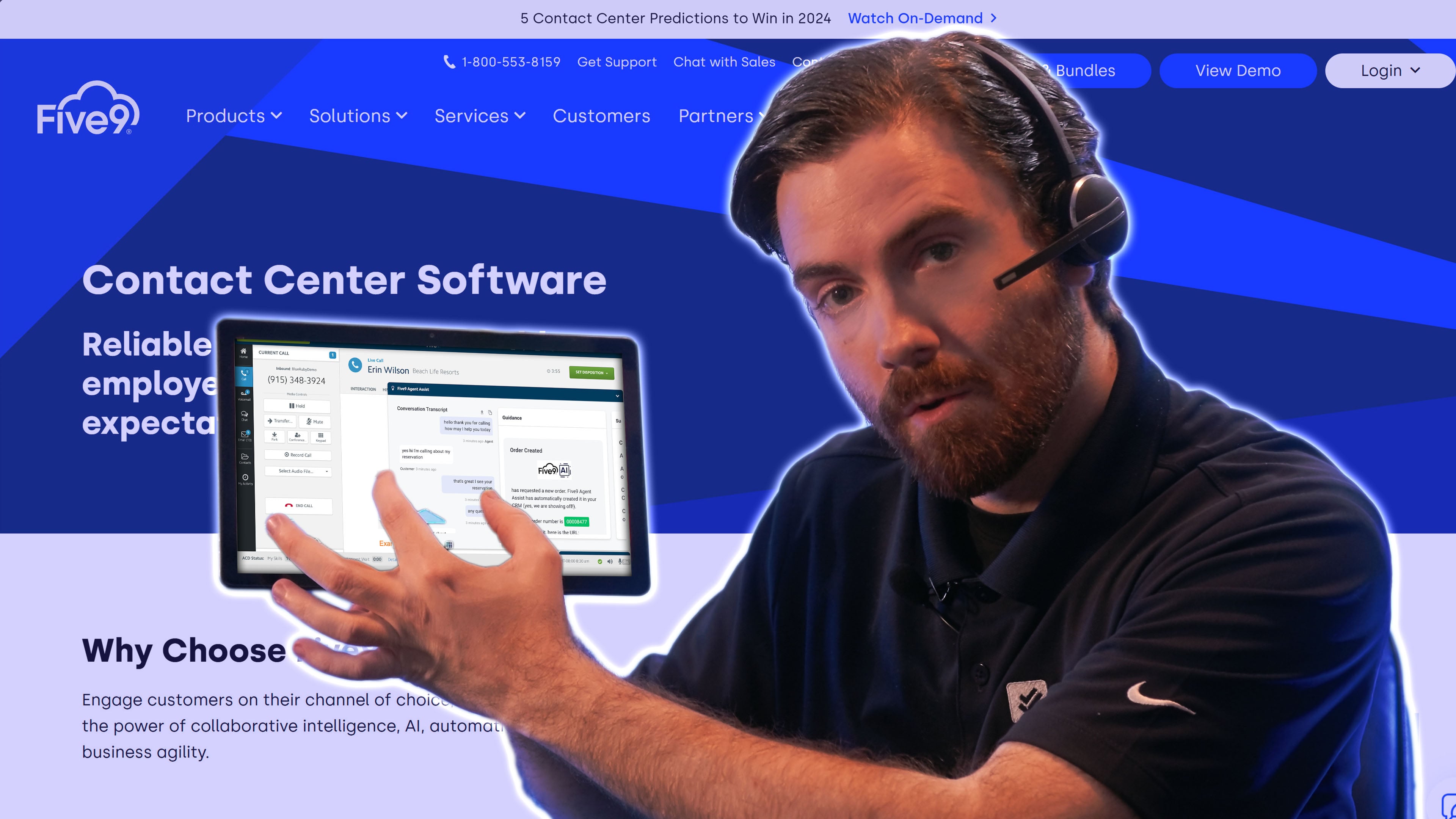
Five9 Intelligent CX connects agents with customers via voice, SMS, chat, email, and social messaging while optimizing operations with built-in WFM, quality management, and AI analytics. Like Nextiva, Five9 supports customer-facing video, but adds screen sharing for real-time visual support.
Five9 also provides more advanced AI than Nextiva Contact Center, including sentiment analysis, CSAT tracking, and automation opportunity detection. On the other hand, Five9 lacks native team chat or file sharing and requires a Microsoft Teams integration to cover what Nextiva includes by default. For sales-led and compliance-heavy contact centers that need dialers and AI agents, Five9 wins. For teams that need internal collaboration baked in, Nextiva is the cleaner pick.
Five9 Pricing
Five9 plans start at $119/agent per month for digital-only. Omnichannel plans start at $159/agent per month, and higher-tier plans are available by quote. While slightly more affordable than Nextiva, not all Five9 omnichannel plans include social or SMS messaging by default.
Customization options, such as mixing and matching digital channels or selecting WFM tools à la carte, offer flexibility not available in Nextiva's bundles.
Explore our full Five9 pricing guide for more detailed breakdowns.
What We Like About Five9
- Advanced auto dialers: Includes predictive, power, preview, and progressive dialers with built-in TCPA compliance and call prioritization
- Custom AI assistants: Five9 Genius AI enables virtual agent customization and prompt testing through a built-in GenAI Studio
- Secure authentication: Voice biometrics and imposter detection offer enterprise-grade identity protection
Where Five9 Needs Improvement
- No built-in team collaboration tools: File sharing, internal chat, and whiteboards require third-party integrations
- Quote-based pricing for key plans: Makes it harder to directly compare costs with competitors like Nextiva
Who Should Use Five9?
Sales-driven and compliance-focused teams will benefit most from Five9's auto-dialer tools, real-time agent coaching, and AI-powered fraud prevention. It's also a strong choice for large contact centers that need to scale digital channels on demand or operate under strict industry regulations like finance, government, or healthcare.
Which Nextiva Alternative Should You Choose?
The best Nextiva alternative for your business depends on if you need a unified communications or contact center platform, the specific problems you're trying to solve, and common-sense factors like budget and required features.
Use the framework below to match your situation to the right pick:
- Choose RingCentral if you're a growing team that needs a true all-in-one UCaaS platform with deep third-party integrations and advanced video conferencing.
- Choose Dialpad if you're a team that wants AI baked into every interaction, AI agent coaching as a standard feature (not an add-on), and a modern interface.
- Choose Zoom if you're a video-first or fully remote team, existing Zoom customer, or business that wants a generous free tier to test before committing.
- Choose Quo if you're a small team of under 50 people that needs shared business lines and modern AI call handling without enterprise complexity.
- Choose Ooma Office if you're a brick-and-mortar small business wanting plug-and-play desk phones with no contracts and transparent pricing.
- Choose Grasshopper if you're a solopreneur or freelancer wanting a professional business number on top of their personal phone, with flat-rate account-based pricing.
- Choose 8x8 if you're a global business or mid-market enterprise that needs unlimited international calling, large video meetings, and bundled HIPAA/PCI/GDPR/SOC 2 compliance.
- Choose Vonage Business Communications if you're a mobile-first team or high-SMS-volume business that wants à la carte pricing and pay-as-you-go texting.
- Choose Aircall if you're a sales or support team that lives inside Salesforce, HubSpot, or Zendesk and wants deep CRM workflows plus front-and-center coaching tools.
- Choose NICE CXone if you're a high-volume enterprise contact center needing best-in-class AI, deep workforce management tools, industry-specific automation, and intelligent analytics.
- Choose Genesys Cloud CX if you're an outbound-focused or high-growth contact center wanting predictive engagement and detailed customer journey analytics.
- Choose Five9 if you're a sales-driven or compliance-heavy contact center needing advanced dialers, voice biometrics, and customizable AI agents.
A note on switching costs: moving off Nextiva involves number porting, contract review, and rebuilding your call flows in a new system. Plan for 2-4 weeks of overlap between providers to avoid service gaps. The "How to Switch from Nextiva" section below covers the specifics.
How to Switch from Nextiva
Switching from Nextiva to another provider is straightforward if you plan ahead, but it's not instant. The two main steps are porting your phone numbers to the new provider and canceling your Nextiva contract, and getting the order of operations right matters because canceling Nextiva before porting will lose your numbers.
Step 1: Choose your new provider and set up the account
Sign up with your new provider before initiating any changes with Nextiva. You'll need an active account on the new platform to receive ported numbers. Most providers in this guide can be set up within a day, except for Ooma, which typically requires hardware shipping if you want desk phones.
Step 2: Initiate number porting
Submit a porting request through your new provider, not through Nextiva. You'll need:
- A recent Nextiva bill (the Customer Service Record, or CSR)
- The exact account name and address on file with Nextiva
- Your Nextiva account number and PIN
- A list of every number you want to port
Number porting typically takes 5-10 business days for local numbers and 3-5 business days for toll-free numbers. During this window, your numbers continue to ring through Nextiva, so service is not interrupted.
Step 3: Cancel Nextiva only after porting completes
Do not cancel Nextiva until your numbers have fully ported. Once ported, contact Nextiva customer support to cancel. Be aware that:
- Nextiva contracts often auto-renew, so cancellation timing matters to avoid an additional billing cycle
- Early termination fees may apply if you're still under contract
- Cancellation typically requires speaking with a retention representative, not just an online form
- You'll need to confirm cancellation in writing for your records
Step 4: Rebuild your call flows in the new system
Call routing, IVR menus, ring groups, business hours, and voicemail greetings don't transfer between providers. Plan for 1-2 weeks of configuration and testing in the new system before going live.
Total transition timeline
For most teams, the full switch takes 2-4 weeks from sign-up to fully live on the new platform. Solopreneurs and very small teams using lighter providers like Quo or Grasshopper can sometimes complete it in under a week.
FAQs
Yes. Nextiva’s unified communication services are HIPAA compliant.
Yes. Number porting is supported by every major US business phone provider. You'll need a recent Nextiva bill, your account credentials, and the list of numbers you want to port. Most local numbers transfer in 5-10 business days, and toll-free numbers transfer in 3-5 business days. Service continues to ring through Nextiva during the porting window, so customers will not lose calls.
Nextiva works for small businesses but is often more platform than smaller teams need. The entry-tier plan starts at $20/user per month, which is competitive, but the platform is built around omnichannel CX, social media management, and advanced analytics that solopreneurs and small teams rarely use.
For businesses under 10 employees primarily needing voice and SMS, alternatives like Quo, Ooma Office, or Grasshopper typically offer better value.
The technical part is straightforward. Sign up with the new provider, initiate number porting, and cancel Nextiva once porting completes.
The full timeline runs 2-4 weeks for most teams. The harder parts are rebuilding call flows in the new system and managing contract terms, since Nextiva contracts often auto-renew and may include early termination fees.
Nextiva cancellation requires contacting customer support directly, typically by phone. Online cancellation is not available. You'll likely speak with a retention representative who may offer discounts to retain your business.
To complete cancellation, you'll need your account credentials and should confirm cancellation in writing for your records. Always port your phone numbers to a new provider before canceling, otherwise you risk losing them.