AI answering services help businesses handle calls when staff are busy, unavailable, or off the clock. They answer customer questions, capture new inquiries, book appointments, and transfer calls that need a person’s attention.
We reviewed nine providers to assess their call handling capabilities, setup requirements, integrations, and costs. This guide helps business owners and operations teams compare options for after-hours coverage, missed calls, and routine inquiries, with a clear assessment of where each service fits and what to check before committing.
How We Evaluated + Tested AI Answering Services
This comparison draws on provider product information, pricing pages, and support documentation. We focused on the work each service can perform, the setup it requires, and the costs that emerge after the starting allowance runs out.
The assessment covers:
- Call handling: Answering questions, collecting information, booking appointments, and transferring callers. We distinguish an appointment request from a confirmed booking.
- Conversation controls: Business instructions, language settings, and the options for handling requests outside the AI's remit.
- Integrations: How the service reads or updates customer information, including the difference between a built-in connection and custom development.
- Setup and management: What the business can configure itself and where it may need implementation support.
- Pricing: Subscription fees, included usage, overages, phone charges, and paid human assistance.
- Review tools: Recordings, transcripts, testing features, and reports that help teams identify unsuccessful calls.
- Deployment requirements: Compatibility with an existing phone service, simultaneous-call limits, and the controls available for sensitive information.
Recommendations reflect our assessment of these capabilities. Voice quality and performance still need testing against the calls a particular business receives.
Best AI Answering Services in 2026
| Service | Starting Price | Best For | Key Strength |
| Nextiva XBert | $99/month for 100 interactions; $0.99 per additional interaction | Small service businesses that need to answer phone, text, and website inquiries, book appointments, and hand complex requests to staff. | Businesses already using Nextiva that want to add AI call answering, appointment handling, and staff handoffs through their existing communications provider. |
| Reception.ai by ElevenLabs | Starts at $29/month for 75 credits; phone calls use one credit/minute | Small salons, studios, and other appointment-based businesses with light call volume that want booking against individual staff calendars and optional staff-first answering. | Checks staff availability through Google Calendar, supports phone and online bookings, and offers multilingual answering. Staff-first mode lets employees pick up before AI; simultaneous-call limits vary by plan. |
| RingCentral AI | $49/month standalone or $39/month as a RingEX add-on; 100 minutes, then $0.50/minute | Businesses with multiple locations or departments that need different hours, routing rules, and transfer destinations while retaining their phone setup. | Routes by intent, employee, department, or location and supplies a handoff summary. Supports separate after-hours and campaign flows, plus compatible third-party phone systems through AIR Everywhere. |
| Smith.ai | Free for 25 calls/month; Pro from $150/month for 75 calls; human involvement costs extra | Law firms and other professional practices needing tailored intake, connections to client-management tools, and outsourced human help when AI cannot complete a call. | Combines service-specific intake with practice-management integrations and Quality Studio testing. Live receptionist involvement is a paid add-on; Enterprise adds custom setup and ongoing optimization. |
| Retell AI | Advertised voice-agent range of $0.07–$0.31/minute; configuration and telephony affect total cost | Businesses with a developer or implementation partner building call workflows that retrieve account details, update records, and organize follow-up. | Custom functions read from or write to business systems during calls. Configurable extraction fields capture inquiry details, while business-defined success criteria support review of completed conversations. |
| Bland | Starts at $0.14/minute, plus telephony and applicable transfers. Enterprise implementation and infrastructure are custom-priced | Enterprises with defined intake procedures that need control over call stages, system actions, and deployment, with engineering support on Enterprise. | Conversational Pathways combine branching rules, fixed statements, and external system requests. Teams can test individual stages and alternate responses. Enterprise adds implementation engineers and dedicated infrastructure options. |
| Sona by Quo | 10 calls included with a Quo subscription; paid Sona tiers from $25/month for 40 calls | Small teams already using Quo that want missed-call intake and follow-up to remain in their existing shared phone inbox. | Keeps AI calls alongside customer conversation history. Custom jobs collect lead details, send SMS links, and transfer calls. Includes a small monthly call allowance and spending controls. |
| Newo.ai | Pay As You Go: no monthly fee, then $1.75/unit after the one-time free allowance | Service businesses handling inquiries over several calls and messages, where the agent needs earlier customer context and access to booking or CRM records. | Carries customer context across channels and connects conversations to scheduling and CRM systems. Intake checks track missing details, action controls help prevent duplicates, and staff can edit routine business settings. |
| Goodcall | $79/agent/month for 100 unique customers; $0.50 per additional customer | Businesses with a regular customer base and frequent repeat inquiries, where billing by distinct callers may cost less than metering every call or minute. | Counts repeat calls from the same number once toward the monthly customer allowance, with unlimited minutes. Supports staff-first answering and configurable transfers, messages, callbacks, and self-service referrals. |
Nextiva XBert
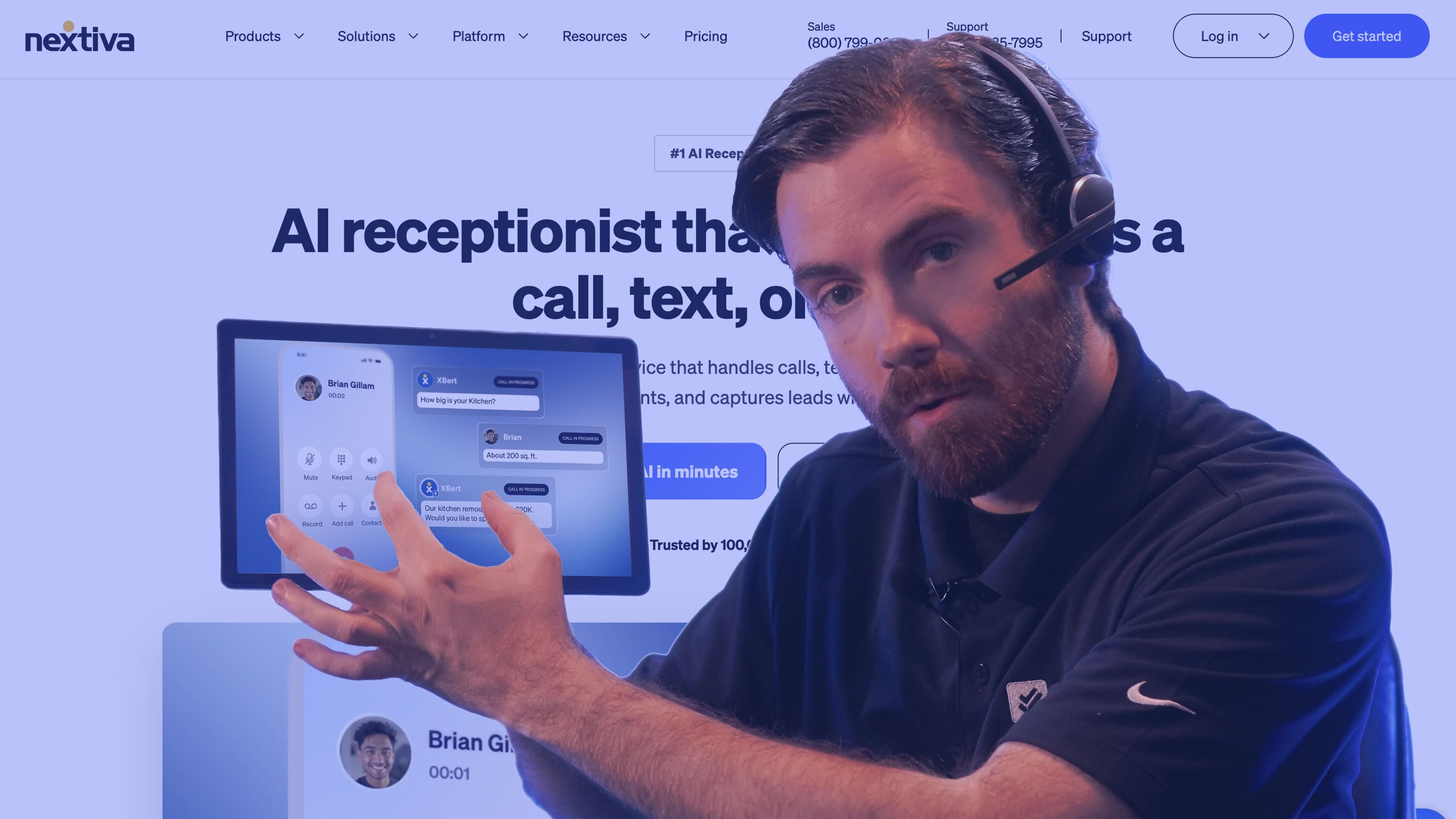
For businesses already using Nextiva, XBert extends their answering coverage to routine calls, texts, and website inquiries. Customers can ask questions or arrange an appointment while employees are busy, with requests that need attention passed to the team.
Connected calendars allow XBert to book, confirm, and reschedule appointments during the conversation. The business sets the boundaries: which requests the AI can complete, when it should involve an employee, and where that handoff goes. Staff receive the conversation context, so they can pick up from the information already collected.
XBert is also sold independently, but its place within Nextiva's wider communications service is the main reason to consider it here. Existing customers can add AI answering through the provider already handling their business communications.
Pricing and Plans
Nextiva XBert costs $99 per month, including 100 interactions across phone calls, SMS, and web chat. Each additional interaction costs $0.99. There is no long-term contract, and Nextiva offers a 30-day money-back guarantee.
Languages
English and Spanish, with multilingual capabilities extending across Nextiva's broader platform availability.
Standout Features
- Nextiva Platform Integration: XBert is available alongside Nextiva's communications service. Within the NEXT environment, it can use customer history, connected business data, and workflows to inform its responses and actions. For existing customers, this supports an answering service that works with the customer information held in their Nextiva environment and passes unresolved requests to staff.
- Voice and Digital Coverage: XBert handles phone calls, SMS, and web chat, with usage drawn from a shared interaction allowance. A business can extend answering coverage to customers who text or contact it through its website. For teams already using Nextiva, that broadens the scope of automation beyond the phone line.
- Appointment Management and Escalation: Connected calendars let XBert book, confirm, and reschedule visits during a conversation. The business also defines when a request needs an employee, with conversation context accompanying the handoff. Routine scheduling can therefore be completed automatically, while an unusual request reaches staff with the details already collected.
Best For
- Existing Nextiva customers: Businesses adding AI call answering, appointment management, and transfers to staff through the provider already handling their business communications.
- Appointment-based businesses using Nextiva: Service teams that want routine booking and rescheduling inquiries handled automatically, with unusual requests passed to staff for follow-up.
Reception.ai by ElevenLabs

Reception.ai's appointment handling makes it relevant to salons, studios, and other businesses where a booking depends on a particular employee being available. Its Google Calendar integration checks staff schedules before offering a time and can write new bookings back to the appropriate calendar.
That accounts for a distinction a simple list of opening hours cannot: the business may be open while the person delivering the service is already booked. Customers can arrange an appointment by phone, through web chat, or on a booking page, with support for more than 70 languages.
Businesses that prefer employees to answer first can set a ring window before the AI takes over. This lets staff keep handling calls when they are free and leave unanswered inquiries to the service, although calls picked up by employees still consume plan credits.
Basic fits light call traffic and handles one call at a time. Businesses expecting several customers to call at once need the higher allowances and simultaneous-call capacity of Plus or Premium.
Pricing and Plans
Reception.ai offers three paid plans: Basic at $29 per month for 75 credits, Plus at $79 for 275 credits, and Premium at $199 for 1,000 credits. Additional credits cost $0.45 on Basic, $0.38 on Plus, and $0.30 on Premium.
Each credit covers one minute of phone time, so Basic includes up to 75 call minutes. Web chat draws from the same allowance at half a credit per minute, while calls answered by employees through staff-first mode still use one credit per minute.
Moving up the tiers also increases capacity, from one call at a time on Basic to three simultaneous calls on Plus and ten on Premium. Premium adds support for multiple receptionists and locations.
Businesses can reduce subscription costs with annual billing or try the service first through a 14-day free trial with 30 credits.
Languages
ElevenLabs advertises more than 70 languages for Reception. Its voice settings support automatic language detection, with options depending on the selected voice.
Standout Features
- Staff-Level Appointment Availability: Reception.ai reads the free/busy status of connected Google calendars and excludes occupied times from bookings. New appointments can optionally sync back to the relevant calendar. This accounts for individual staff schedules as well as the business's opening hours, helping appointment-based teams avoid offering a time when the employee delivering the service is unavailable.
- Staff-First Answering and Multiple Booking Channels: Businesses can let employees answer first, with a configurable ring window before the AI takes over. Customers can also arrange appointments through web chat or a booking page. The service therefore accommodates both staff-led phone coverage and self-service booking, although calls answered by staff still consume plan credits.
- Multilingual Voice Configuration: Reception.ai supports more than 70 languages, with a default language and optional automatic detection for switching during a call. Businesses can select a voice suited to their primary audience and preview its delivery. This gives appointment-based services broader language coverage, while the choice of voice affects pronunciation and naturalness in each language.
Best For
- Small appointment-based businesses with light call volume: Salons, studios, and service providers whose incoming calls rarely overlap and need booking against individual staff calendars.
- Appointment businesses serving several language groups: Teams that want multilingual answering with phone and online booking options.
RingCentral AI Receptionist
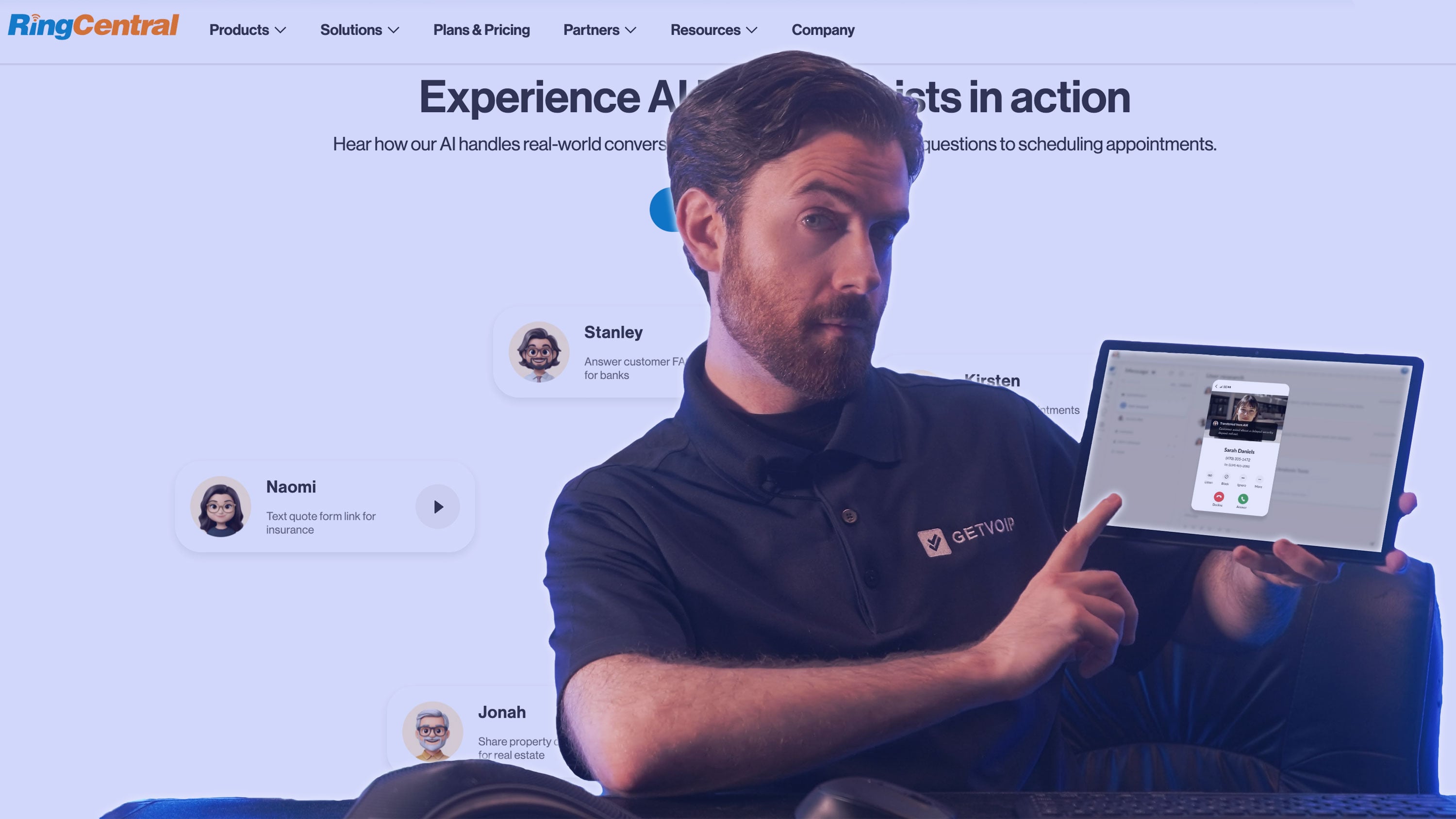
RingCentral AI Receptionist, or AIR, is well suited to businesses where answering a call involves choosing between several departments, employees, or locations. It can recognize an employee's name or use the caller's request to select a destination, then pass along a summary when staff take over.
Each location can have its own hours and routing rules. A customer asking about a local appointment can reach that branch, while an inquiry for a shared department follows a different route. Businesses can also assign AIR to individual numbers, such as a campaign or appointment line, or use it for after-hours coverage.
Existing RingCentral customers can reuse their phone configuration. For companies on other systems, AIR Everywhere connects through call forwarding or SIP. This gives organizations a way to add AI answering across compatible phone systems while retaining their existing numbers and routing arrangements.
Pricing and Plans
RingCentral AIR has two purchase options. The standalone service starts at $49 per month. Existing RingEX customers can add AIR for $39 per month, in addition to their phone subscription. Both include 100 minutes of AI call handling each month.
Additional minutes cost $0.50 each, with additional minute bundles also available. Calls are billed in 30-second increments. Both options include a 14-day free trial.
Languages
RingCentral AIR supports 8 languages: English, Spanish, French, Japanese, Italian, German, Portuguese, Dutch. AIR can switch languages during a conversation.
Standout Features
- Routing Across the Organization: AIR can select a destination using employee names, departments, locations, and the content of the caller's request. Each location can have its own hours and routing rules. This accommodates businesses where some inquiries belong with local staff and others with a shared department, while call summaries prepare employees for the handoff.
- Targeted AI Coverage: Businesses can assign AIR to particular phone numbers or schedules, including campaign lines, after-hours calls, and overflow. A company could automate appointment inquiries while employees continue answering its main line. That allows the scope of automation to reflect the purpose of each number and the staff available to answer it.
- Existing Phone-System Support: RingCentral customers can reuse phone settings such as numbers, extensions, contacts, and business hours. AIR Everywhere also connects with compatible third-party systems through forwarding or SIP. For organizations with established phone infrastructure, this makes it possible to add AI answering while retaining their existing service and routing arrangements.
Best For
- Businesses with multiple locations and departments: Organizations whose answering service needs to apply different hours, staff directories, and routing rules.
- Teams with dedicated inquiry lines: Businesses assigning separate coverage to appointment requests, campaigns, or after-hours calls.
Smith.ai
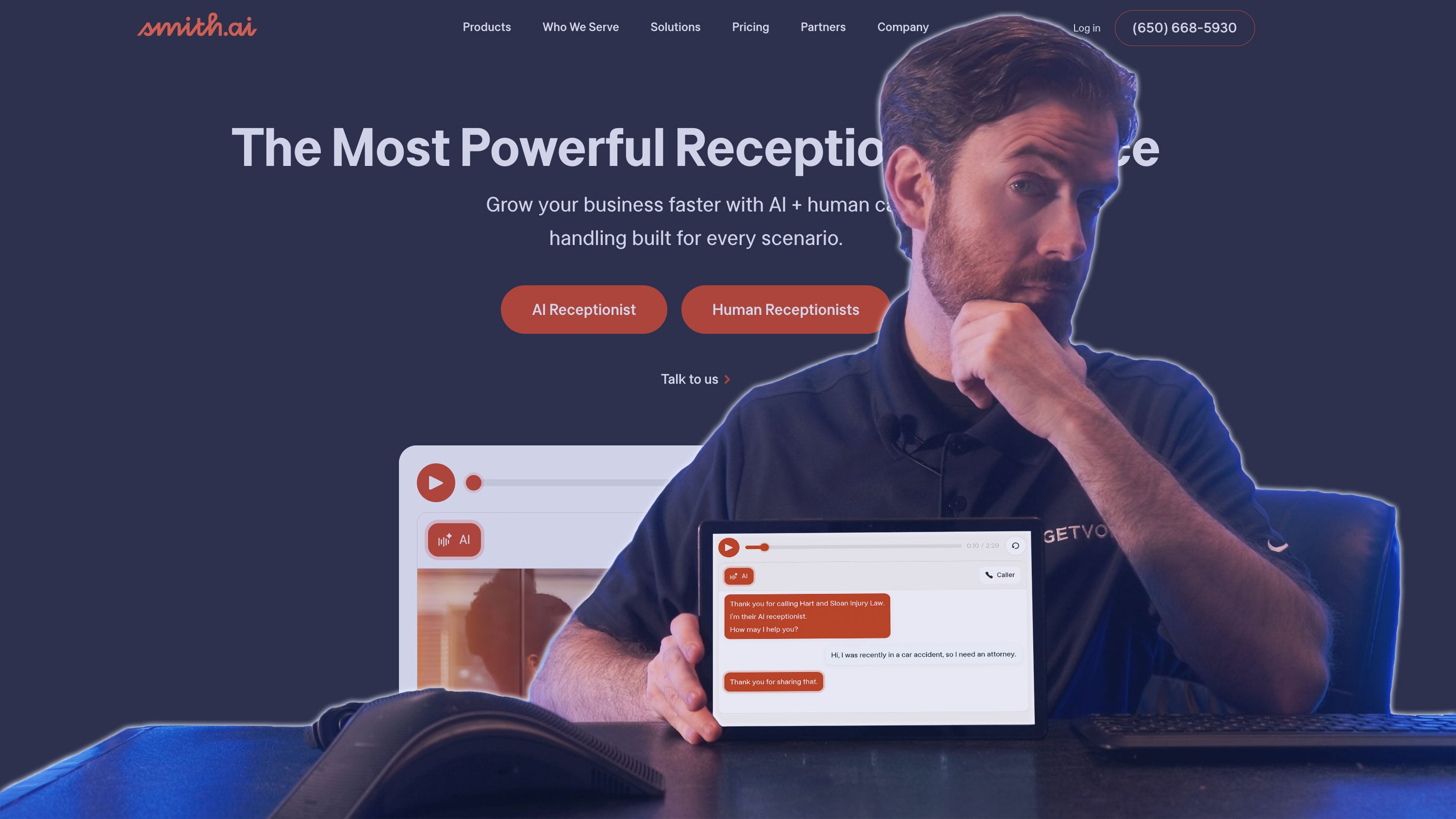
Smith.ai combines AI call answering with access to its own live receptionists, giving businesses somewhere to send complex inquiries when their employees are unavailable. The AI can answer routine questions, collect information, and transfer callers either to the business or to Smith.ai's receptionists.
Its intake capabilities have particular relevance for professional practices. A law firm, for example, can use different questions for a prospective client and someone calling about an existing matter, with practice-management integrations including Clio and MyCase connecting the service to the firm's client records.
Quality Studio allows the firm to test those intake instructions and review transcripts before taking customer calls. After launch, it can address gaps identified in the AI's knowledge and refine how requests are handled.
The level of assistance depends on how much the business wants to manage itself. Pro provides dedicated onboarding, while Enterprise includes custom setup and ongoing optimization for firms that want Smith.ai to build and maintain the answering process.
Pricing and Plans
Smith.ai offers Free, Pro, and Enterprise plans. Free includes 25 calls per month. Businesses can enable additional calls at $3 each.
Pro starts at $150 per month for 75 calls, with extra calls at $2.50 each. It adds dedicated onboarding and live support. Enterprise starts at $500 per month for 300 calls, with extra calls at $2.17 each. Smith.ai handles setup and ongoing optimization on this plan. Larger call packages are available on both paid plans.
AI-initiated escalations to Smith.ai's human receptionists carry no additional fee. Businesses that arrange human involvement for tasks such as information verification or scheduling pay a separate per-call fee. Smith.ai does not publish that add-on rate on its product page.
Languages
English and Spanish. Bilingual call handling is included on every plan.
Standout Features
- Outsourced Human Backup: Smith.ai's live receptionists can take over when its AI escalates a call, with no additional fee for AI-initiated escalation. Businesses can also arrange paid human involvement for verification or scheduling. This gives a firm access to receptionists when its own employees are unavailable, with charges determined by the type of human assistance it arranges.
- Service-Specific Intake: Smith.ai can vary its questions and qualification criteria according to the service the caller requests. Connections to practice-management tools, including Clio and MyCase, support its focus on professional firms. A practice can collect different information for different inquiry types and connect the resulting call record with its existing client-management process.
- Quality Studio: Businesses can run scenarios, inspect transcripts, and speak with their configured AI before it handles customer calls. Smith.ai also identifies knowledge gaps and recommends changes to the answering instructions. This supports a continuing review process: the firm can check an intake scenario before launch and refine it when real calls expose missing information.
Best For
- Law firms and other professional practices: Businesses needing service-specific intake and connections to their client-management software.
- Firms needing outsourced human backup: Organizations willing to pay for live receptionist involvement when an inquiry requires a person.
Retell AI

Retell AI suits businesses that need their answering service to act on information held in internal applications. Its custom functions allow an agent to retrieve a record, request an update, or trigger an action while the customer is on the phone.
A service company could use that access to check an outstanding request and explain its status to the caller. If no matching record is found, the workflow can move to an escalation. The business defines both the system request and what the agent should do with the response, including when there is no ready-made connector for the application.
The same control extends to the call record. With post-call extraction, teams choose which details to capture, such as urgency or the need for a callback, and send those fields to a queue or report. They can also define what counts as a successful call.
This flexibility comes with implementation work. A developer or partner needs to connect the applications and maintain the instructions governing those exchanges.
Pricing and Plans
Retell offers Pay As You Go and custom-priced Enterprise plans.
Pay As You Go has no monthly platform fee and advertises voice-agent rates of $0.07–$0.31 per minute. New accounts receive $10 in free credits.
The per-minute bill combines voice infrastructure, the selected voice, and the language model. For example, Retell's $0.055 infrastructure charge, a $0.015 platform voice, and GPT-4.1 mini at $0.016 total $0.086 per minute before phone charges or optional features. That configuration costs $86 for 1,000 minutes before those extras.
Retell phone numbers cost $2 per month. Carrier charges and add-ons, such as knowledge-base use, increase the total. The plan includes capacity for 20 simultaneous calls; each additional slot costs $8 per month.
Enterprise adds negotiated volume pricing, dedicated infrastructure, and expanded support. Implementation assistance is a paid add-on.
Languages
Retell advertises more than 55 supported languages, including English and Spanish. The configured agent and voice determine availability; support for switching languages during a call varies by setup.
Standout Features
- Custom Functions During Calls: Retell can send a request to an external application while the caller is speaking with the agent. The application returns information that can shape the next response or routing decision. For example, a service-status lookup could produce an answer for the caller or trigger escalation when the record cannot be found. These connections require configuration by the business or its implementation partner.
- Structured Post-Call Data: Teams define the information Retell extracts from a conversation, using fields such as inquiry type, service category, urgency, or callback required. Those results are available through its API and analysis webhook. A developer can use them to populate customer records, organize a callback queue, or produce reports without manually categorizing each transcript.
- Business-Defined Call Evaluation: Retell lets businesses customize the criteria used to label a call successful. An intake workflow, for instance, can be assessed against the details the agent was supposed to collect. Evaluations can therefore reflect the purpose of the answering process and help reviewers identify conversations that require closer inspection.
Best For
- Teams building custom call automation: Businesses with a developer or implementation partner connecting the agent to their own account, service, or scheduling systems.
- Operations using call data for follow-up: Teams that want defined fields and call-success criteria to feed reports, callback queues, or other internal processes.
Bland
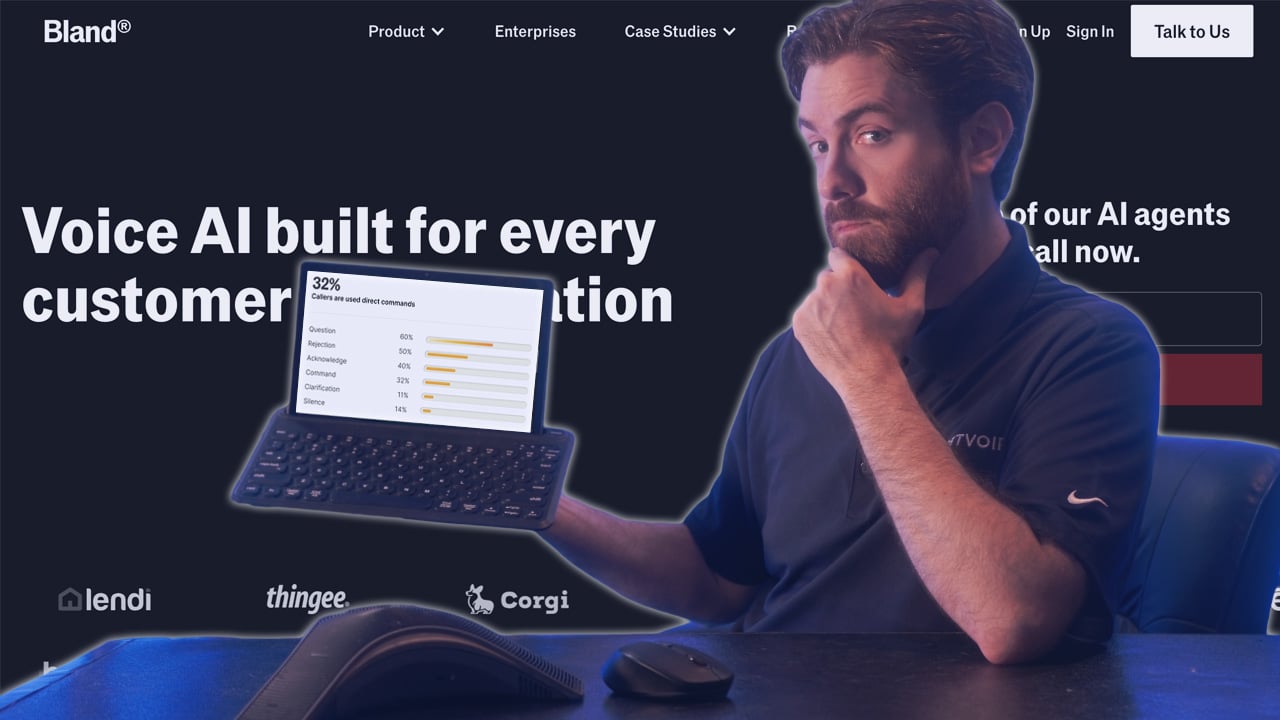
Bland is suited to organizations with established call procedures they want an AI answering service to follow. Its Conversational Pathways let teams define the information needed at each stage and the conditions that move a caller to the next question or a transfer.
Within that structure, businesses can choose where exact wording matters. A required statement can remain fixed, while the agent has more freedom to phrase questions about the customer's request. Webhook steps connect the procedure to external systems, allowing information retrieved during the call to shape what happens next.
Teams can test individual stages and revisit earlier answers to see how an alternative response changes the conversation. This is useful when an intake process has several possible routes, each of which needs to work before customers encounter it.
For more involved deployments, Bland's Enterprise engineers work with the customer's team on implementation. Dedicated infrastructure, on-premises hosting, and private-cloud options give larger organizations choices over where the service runs. Those options belong to the custom Enterprise offering.
Pricing and Plans
Bland offers three plans: Start, Build, and Enterprise. Start costs $0.14 per minute with no monthly platform fee. Build costs $299 per month plus $0.12 per minute and supports higher call volumes.
Both rates cover the language model, speech recognition, and voice generation. Phone service is billed separately.
Transferred calls cost another $0.05 per minute on Start or $0.04 on Build. Bland waives these transfer fees when businesses connect their own telephony provider, although carrier charges still apply.
Enterprise pricing is negotiated around call volume and deployment requirements. It adds dedicated infrastructure and engineering support for implementation.
Languages
Bland's receptionist product page advertises more than 40 languages. Live translation during transfers covers 23 languages and is a separate capability. Voice and transcription settings determine the options for a particular deployment.
Standout Features
- Conversational Pathways: Businesses control individual stages of a call through branching conditions, instructions, and fixed statements. A required statement can retain its exact wording, while other stages give the agent room to phrase a question naturally. This suits intake procedures where certain information must be collected before the call advances or transfers.
- System Actions and Branch Testing: Webhook steps retrieve information or trigger actions in external applications during a call. The returned data can then inform the conversation. Bland's testing tools let teams revisit an individual stage or change an earlier customer response to explore another route, helping them inspect how the procedure behaves when the caller supplies different information.
- Enterprise Implementation Support: Bland's engineers work with the customer's team to build and deploy its voice agents. Enterprise also offers dedicated infrastructure, with on-premises and private-cloud options available. For an organization reproducing detailed call procedures across internal systems, this combines implementation assistance with deployment choices. Those services sit within the custom-priced Enterprise offering.
Best For
- Enterprises with detailed call procedures: Organizations that need control over required questions, fixed statements, routing decisions, and system actions.
- Enterprise buyers needing implementation support: Companies commissioning a deployment with engineering assistance and specific infrastructure requirements.
Quo (formerly OpenPhone) Sona
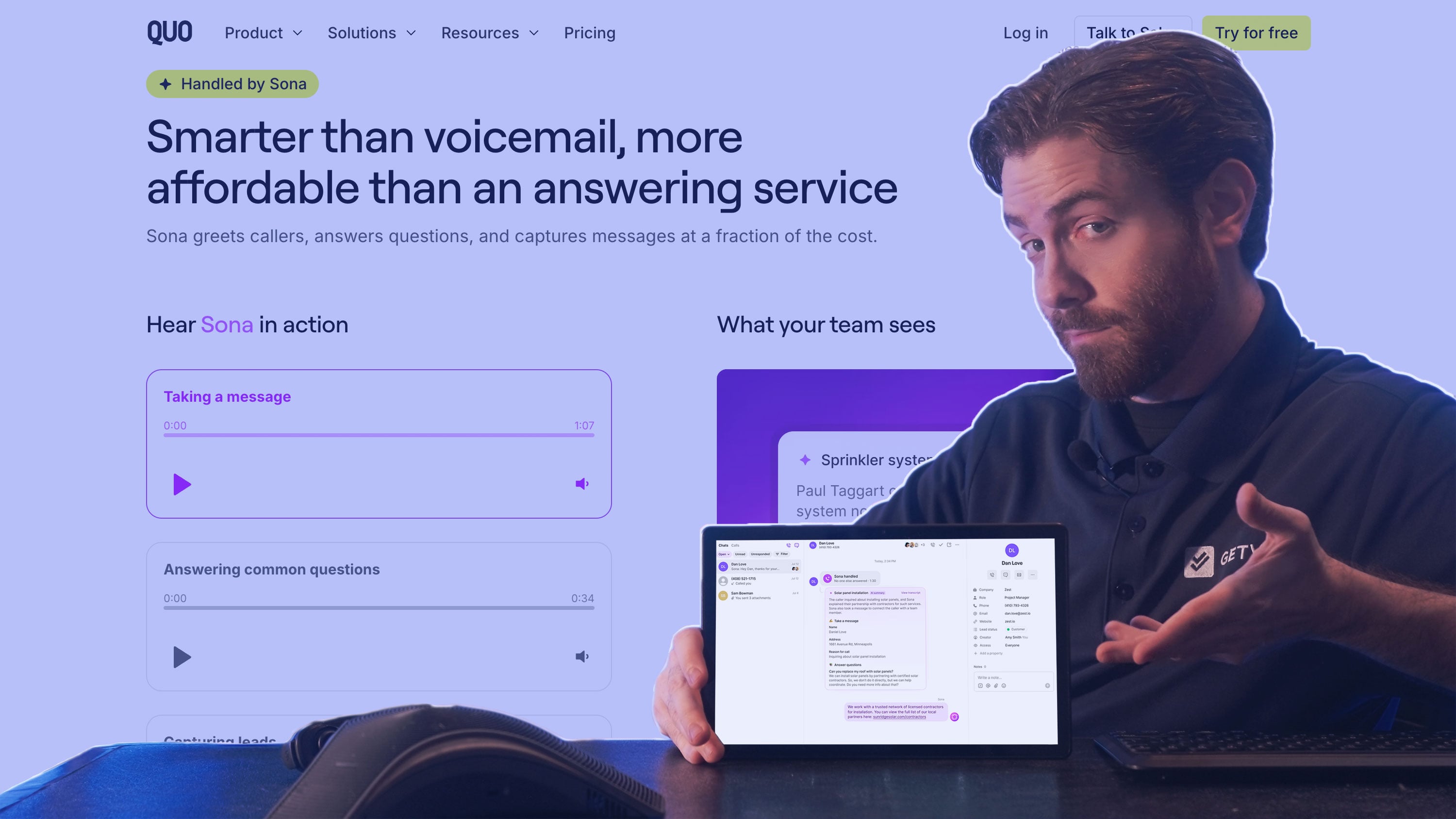
Sona brings AI answering into Quo with calls recorded in the same inbox employees use for customer conversations. When someone follows up on a missed call, they can review what Sona collected alongside the customer's earlier calls and messages.
That makes it a natural addition for small teams already sharing a Quo number. The service captures inquiries while colleagues are unavailable and leaves the details where they will return to handle them. A business using another phone provider would need to adopt Quo to get that same arrangement.
Businesses configure Sona through jobs that specify what to ask and when to act. A new inquiry could trigger a series of qualifying questions followed by a text with a booking link, while an urgent request could prompt a transfer to an employee. Staff availability still matters: unanswered transfers to Quo users or numbers go to voicemail.
Pricing and Plans
Sona requires a paid Quo subscription, starting at $19 per user per month, or $15 with annual billing. Every subscription includes enough automation credits for 10 Sona calls each month.
The Sona fee is charged on top of the phone subscription. For example, one Quo Starter user on monthly billing with the 40-call package pays $44 per month before taxes, other fees, or extra usage. Spending caps let businesses limit additional charges.
Languages
English, Spanish, and French are supported.
Selecting multiple languages allows Sona to respond in those languages during the same call. Call summaries remain in English.
Standout Features
- Shared Customer History: Sona's calls appear in the Quo inbox alongside the customer's previous calls and messages. An employee returning an inquiry can see what the AI collected and review the earlier conversation before responding. For a small team sharing responsibility for the phone, this keeps AI-handled inquiries within its established follow-up process.
- Job-Based Call Handling: Businesses give Sona instructions for specific requests, including the information to collect and the conditions for sending a text or transferring a call. A lead-qualification job, for example, can gather details before sharing a booking link. This lets the business define a sequence of actions for each common inquiry.
- Multilingual Calls, English Summaries: Sona can be configured to handle English, Spanish, and French, with multiple selected languages available during the same call. Summaries remain in English. Staff can therefore review the substance of an inquiry even when it was handled in another language, although any live follow-up still needs the appropriate language coverage.
Best For
- Current Quo customers: Owners and colleagues who share an inbox and want AI-handled inquiries recorded alongside their existing customer conversations.
- Small businesses and startups: Companies needing affordable, predictable AI reception pricing without sacrificing essential features or professional capabilities.
Newo.ai

Newo.ai keeps track of customer inquiries across calls and messages, allowing someone to explain a problem by phone and follow up later without starting again. If they send additional details or change their plans, the agent can use the earlier conversation to understand the update and respond.
Its connections to scheduling and customer-management systems, including Calendly, Zoho CRM, and Housecall Pro, let the agent retrieve information during the exchange and write the outcome back to the relevant application. Staff can then work from the details collected during the conversation.
Newo also checks the steps between taking an inquiry and acting on it. Intake controls identify missing information, while separate action checks help prevent duplicate bookings or follow-ups when work is already underway or complete.
Operational staff can adjust hours, services, pricing, and routing as the business changes. Developers have a separate builder for custom automation and integrations, allowing routine updates to remain with the people managing the service.
Pricing and Plans
Newo offers three plans: Pay As You Go, AI Receptionist, and Enterprise.
Pay As You Go has no monthly subscription fee and includes a one-time allowance of 50 free units, after which each unit costs $1.75. AI Receptionist costs $299 per month for 200 units, with additional units at $1.50 each, while Enterprise is custom-priced for larger and multi-location deployments.
Both calls and text conversations draw from the unit allowance. A call lasting more than 30 seconds and up to three minutes uses one unit, with longer calls billed in three-minute increments. Calls and voicemails of 30 seconds or less use 0.2 units, while text conversations use 0.5 units for every 15 agent messages.
Newo charges no setup fees and excludes immediate hang-ups, calls that never connect, and spam disconnected within 30 seconds from billable usage.
Languages
Newo's voice agents support 46 languages and can switch between them mid-conversation. Chat supports a broader set of languages.
Standout Features
- Customer Context Across Channels: Newo can recognize a returning customer and use details from earlier conversations when an inquiry moves between calls and messages. For a service business, that could mean retaining the original request when the customer contacts it again with additional information. The agent can respond using what the customer has already explained.
- Scheduling and Customer-System Actions: Newo reads information from connected applications during a conversation and writes the result back to the relevant system. Its integration portfolio includes Calendly, Zoho CRM, and Housecall Pro. This connects answering with the records staff use to manage appointments and customer requests, reducing the need to re-enter information collected by the agent.
- Intake and Action Oversight: Newo's Observer reviews the conversation and guides the agent toward missing details or the next required step. Its Supervisor detects commitments and triggers the associated action. The platform also checks for actions already underway or completed. These controls address two specific problems in automated intake: proceeding with incomplete information and repeating a booking or follow-up.
Best For
- Service businesses handling repeat contact across channels: Companies that need details from an earlier call available when the customer follows up by message.
- Teams connecting intake with bookings and customer records: Businesses that want the conversation to read from and update existing operational systems.
Goodcall
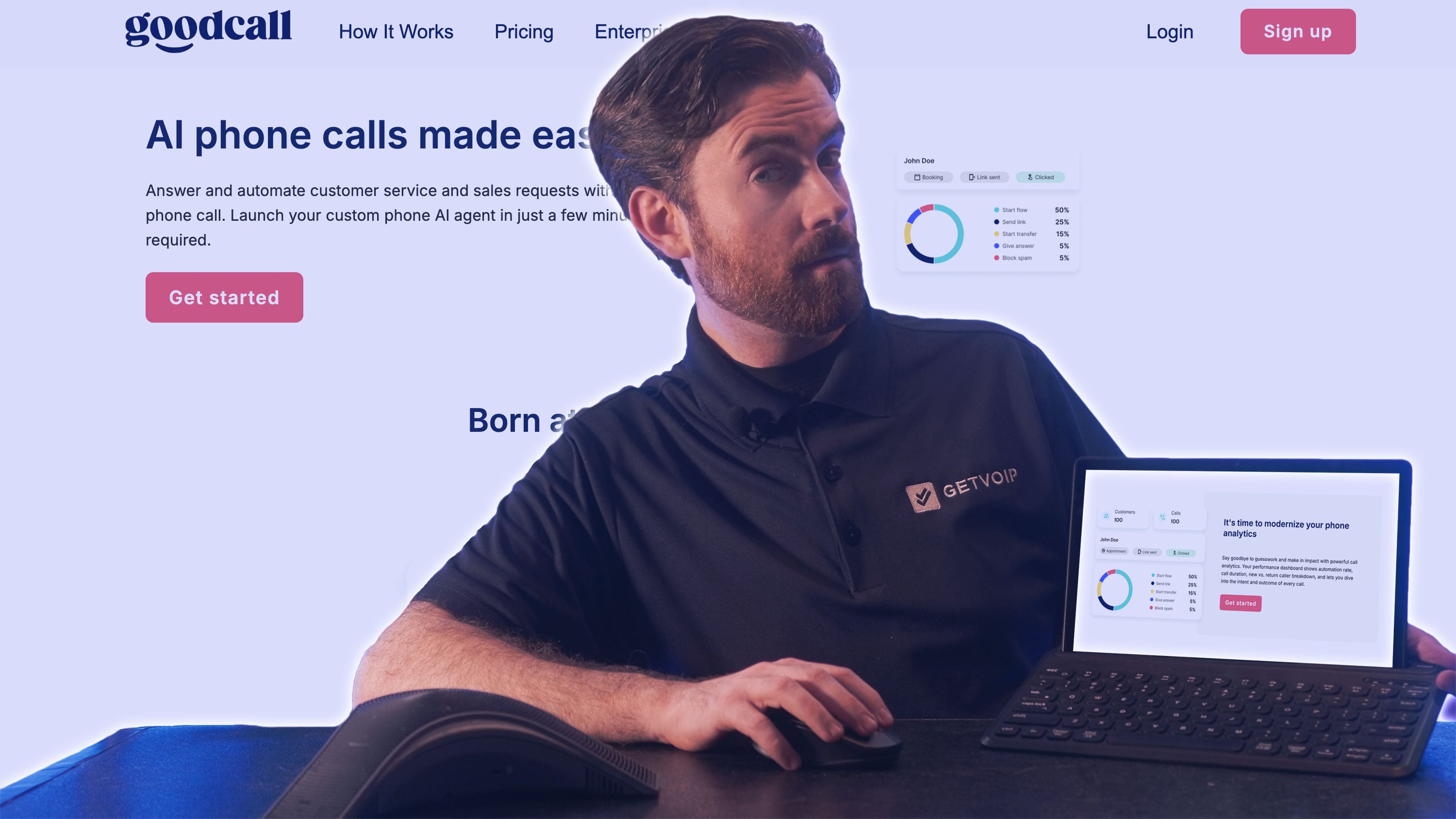
Goodcall is worth considering when a business receives frequent calls from the same customers. Its billing model counts distinct phone numbers each month, so 500 qualifying calls from 100 numbers count as 100 unique customers. Neither longer conversations nor repeat calls from those numbers add to the usage charge.
The answering setup also accommodates teams that want to keep taking calls themselves. Employees can have the first opportunity to answer, with the AI picking up afterward, or a business can forward calls only when its existing line is busy or unanswered.
Businesses use skills and actions to define how common requests are handled. When the agent cannot complete a request, an operator workflow can transfer the call, take a message, arrange a callback, or send a self-service link. A busy service desk can therefore reserve immediate transfers for requests that warrant interrupting staff.
The pricing advantage depends on repeat contact. A business attracting mostly new callers will use its customer allowance faster, even if each conversation is brief.
Pricing and Plans
Goodcall charges per AI agent. On monthly billing, Starter costs $79 for 100 unique customers, Growth costs $129 for 250, and Scale costs $249 for 500. Each additional customer costs $0.50 on all three plans.
A unique customer is a caller using a distinct phone number. Repeat calls from that number count once within the month. There are no additional charges for call length or the number of repeat calls.
Higher plans also increase workflow and team limits. Growth supports nine team members and three logic flows, while Scale supports 50 team members and 25 flows. Annual billing lowers the subscription price. Enterprise plans are quoted separately.
Languages
Goodcall advertises multilingual use cases, but we could not verify a definitive language list in its product or support documentation.
Standout Features
- Unique-Customer Billing: Goodcall counts distinct phone numbers that interact with the agent each month. Repeated calls from the same number count once toward that allowance, with no per-minute or token charge. This favors businesses whose customers call several times about the same service or account. New callers still increase usage, so the benefit depends on the pattern of repeat contact.
- Staff-First and Overflow Answering: Goodcall can give employees a configurable window to answer before the AI picks up. Conditional forwarding also allows calls to reach the agent only when the existing line is busy or unanswered. A shop or service desk can retain staff-led phone service while covering the periods when employees are occupied with customers in person.
- Configurable Exception Handling: The operator workflow determines what happens when the agent cannot complete a request. Options include transferring to a person or department, taking a message, sending a self-service link, and arranging a callback. A business can choose which inquiries need an immediate interruption and which can wait for staff to follow up.
Best For
- Businesses with frequent repeat callers: Companies whose monthly calls are concentrated among a regular customer base, making unique-caller billing attractive.
- Service desks combining phone and in-person work: Teams that want staff to answer when available, with AI handling overflow and collecting follow-up requests.
FAQs
An AI answering service interprets what a caller says and uses the business’s information and instructions to respond. Depending on its integrations, it can also check availability, book appointments, or retrieve customer records during the conversation. The business sets the rules for which requests it handles and when to involve an employee.
AI answering services are particularly useful for businesses where missed calls can mean lost appointments or new clients, including home services, legal practices, healthcare, and real estate. The potential benefit depends on the calls being handled: routine scheduling and intake are easier to automate than requests requiring professional judgment.
Security depends on the provider and how the service is configured. Buyers should check how recordings and transcripts are stored, who can access them, and when they are deleted. Businesses handling sensitive information also need to confirm that the specific product and contractual terms meet their requirements, rather than relying on broad security claims.
Some AI voices sound natural in everyday conversation, but performance varies when callers interrupt, change topics, or use unfamiliar names. A polished demo may not reveal those weaknesses, so testing realistic calls is more useful than judging the voice alone. The agent also needs to understand the request and respond without awkward delays.
Many support multilingual calls, although the available languages and switching capabilities vary by provider. Some require a language to be selected during setup, while others can detect and switch languages during a conversation. Businesses should test their customers’ languages and accents, including whether an appropriate employee is available if the call needs transferring.
Basic setup takes 15 minutes to 2 hours, while complex customizations with multiple integrations may require several days of configuration and testing.
The service follows the fallback instructions configured by the business, which may involve transferring the caller, taking a message, or arranging a callback. Some providers also offer access to their own live receptionists. Buyers should check what information accompanies the handoff and what happens if nobody answers the transfer.