
Best AI Receptionist Solutions for Business (2026)

Why You Can Trust GetVoIP + Our Research
We evaluated each platform using available trials, demos, product access, and hands-on testing, setting up AI receptionist prompts and workflows and approaching each service from the perspective of a small business owner.
We reviewed the admin experience and pricing model, how the receptionist handled common scenarios, including after-hours calls, misdirected callers, interruptions, appointment changes, and requests that required a human handoff.
We focused our testing on:
- Conversation quality and pacing: We made real calls and assessed whether the AI sounded natural and professional, including when callers interrupted, hesitated, or changed direction.
- Intent recognition accuracy: We tested whether the AI understood why someone was calling, including less direct requests and calls involving multiple needs.
- Call routing and escalation logic: We evaluated how effectively each platform routed calls based on context, business rules, or urgency, and whether it handed conversations to humans appropriately.
- Setup and ongoing management effort: We looked at how quickly businesses can get started and how easily they can update prompts, workflows, routing rules, and responses.
- Reliability and latency: We tested response speed, audio quality, and consistency across repeated conversations.
- Reporting and visibility: We reviewed how clearly each platform surfaces call outcomes, escalations, appointments, leads, and other information businesses can use to improve performance.
- Pricing predictability: We looked beyond entry pricing to understand how minutes, calls, sessions, customers, overages, and other usage factors affect the overall cost.
We also considered how much customization, vendor involvement, or ongoing management each platform requires. Products that needed significant tuning or added unnecessary friction for callers were viewed less favorably, even when they offered a broader feature set.
If there is something you'd like to see on this review or further assessed, please email Reuben Yonatan at ry@getvoip.com.
We reviewed, tested, and analyzed today's leading AI receptionist software to understand how they perform in real business environments. We looked beyond demos and marketing language to evaluate conversation quality, call handling accuracy, setup effort, pricing realities, and day-to-day manageability.
This guide is for business owners, operators, and IT leaders actively researching an AI phone receptionist and looking for an honest assessment of what each platform does well and where each falls short.
The Best AI Receptionist Providers for 2026
Here are the AI receptionist platforms that stood out in testing, based on call quality, setup effort, routing, integrations, and cost.
| Provider | Pricing | Key Features | Supported Languages | Best For |
| Nextiva XBert AI | $0.99/session, with a 100-session monthly minimum ($99/mo); 14-day free trial | Multi-channel handling (calls, SMS, web chat, social), calendar sync and rescheduling, context-aware call routing, real-time CRM integration, unified analytics dashboard | English and Spanish | Best for small businesses using Nextiva. |
| RingCentral AIR | $49/mo standalone; from $39/mo as RingEX add-on; 100 minutes included, then $0.50/min | Intent-based call routing, business-hours and department logic, Salesforce/HubSpot CRM lead capture, 10-language support, context-aware live agent handoff | 8 languages supported | Best for hybrid environments and healthcare. |
| Retell AI | $0.07-$0.31/min depending on models and add-ons; custom Enterprise pricing; $10 free credits | AI-driven workflow testing and optimization, agent-queryable warm transfers, voice cloning, expressive voice controls, customizable LLM/TTS stack | 55 languages supported | Best for customizable, voice-heavy contact centers. |
| Bland | Start $0.14/min; Build $299/mo + $0.12/min; custom Enterprise pricing; additional fees may apply | Self-hosted AI stack, enterprise fine-tuning, forward-deployed engineering support, advanced voice controls and cloning, FedRAMP 20x Class A certification | 23 languages supported | Best for regulated enterprises needing customization. |
| Reception.ai | 14-day free trial; Basic $29/mo, Plus $79/mo, Premium $199/mo; usage allowances increase by tier | Website-to-receptionist setup, phone number and booking page generation, low latency, natural conversational turn-taking, scalable usage plans | Over 70 languages | Best for multilingual teams needing AI reception. |
| Newo.ai | Pay As You Go $0/mo with 50 units; AI Receptionist $299/mo with 200 units; custom Enterprise pricing | Website or Google Business Profile setup, conversational Vibe Mode, real-time Observer quality checks, Supervisor follow-up automation, campaign attribution | 60 languages supported | Best for niche businesses like fitness and wellness. |
| Smith.ai | $0-$500/mo based on call volume, with 25-300 calls included; $1.67-$3/additional call | 500+ live agent backup on every plan, calendar integrations (Google, Outlook, Calendly), legal-specific CRM integrations (Clio, MyCase), bilingual English/Spanish support, AI plus human review on calls | English and Spanish | Best for professional services needing human backup. |
| Goodcall | $79-$249/agent/mo with unlimited minutes, based on 100-500 unique customers; $0.50/additional customer | Unlimited call minutes and tokens, drag-and-drop workflow builder, custom intake forms, HIPAA-compliant flows, Zapier integration with 9,000+ apps | 20+ languages supported | Best for businesses with a high number of repeat callers. |
Nextiva XBert
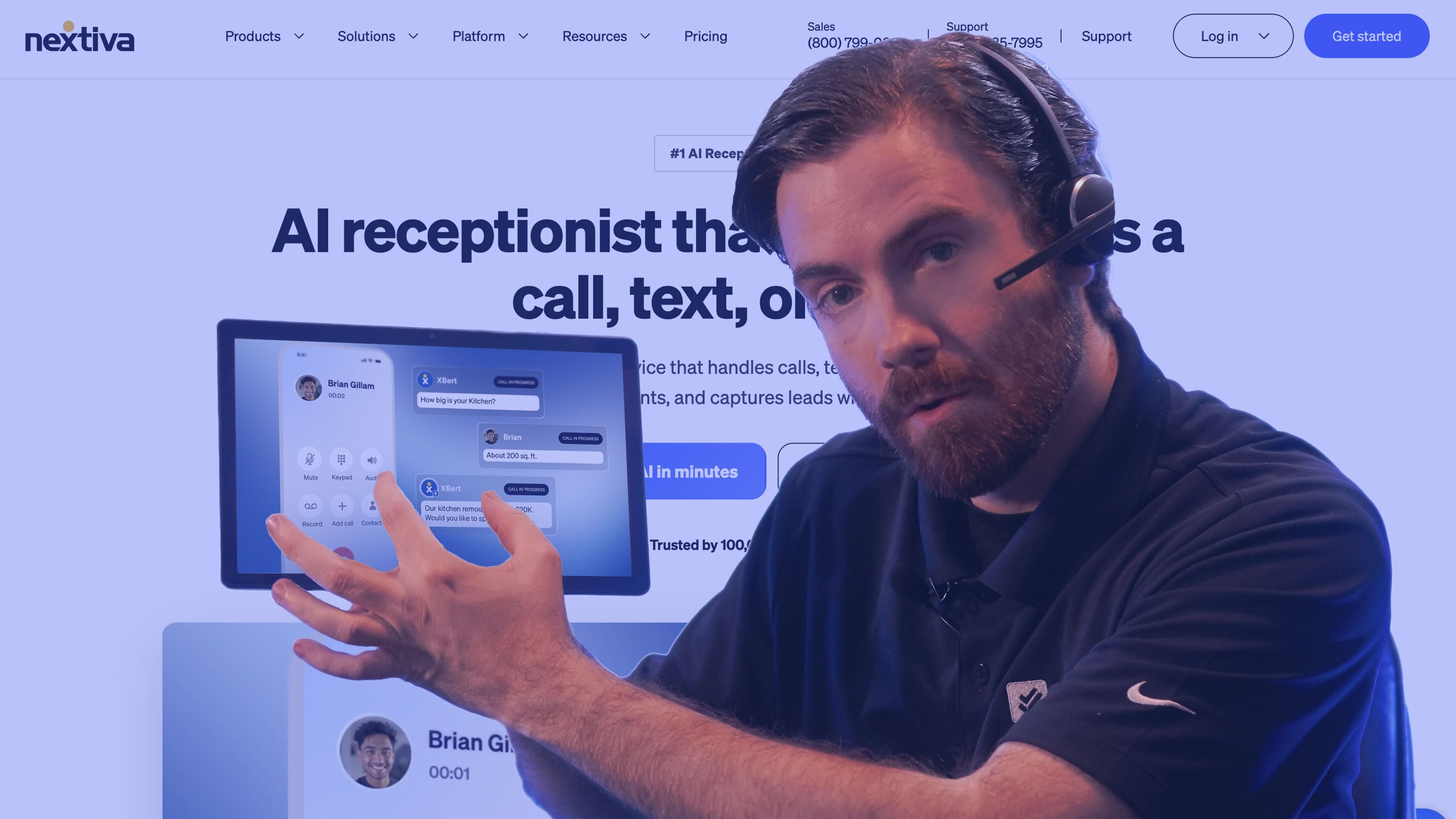
Typically, AI Receptionists are light overlays of third-party business communication systems focused on speed-to-deployment or more sophisticated models delivered by those communication vendors.
Nextiva XBert straddles both worlds. It’s fast to set up, with automatic number provisioning and can crawl a company’s website to automatically generate a receptionist that’s ready to converse with customers from the get-go.
Yet, it’s also embedded and optimized for the Nextiva environment, understanding complex team structures while directing conversations to specific employees when requested by the caller.
There is also the option to upgrade to a more capable Nextiva Intelligent Virtual Agent (IVA) should the business expand and seek more advanced capabilities than an AI receptionist offers.
Elsewhere, Nextiva offers more advanced analytics than many other AI receptionist providers. It doesn’t just look at contact volumes, intent, and abandonment rates. It also monitors failed resolutions, escalation triggers, and sentiment trends, enabling continuous solution optimization.
Finally, Nextiva is well-regarded for customer support, offering regular follow-up conversations to companies layering over its broader platform, ensuring they’re executing on those optimization opportunities.
Pricing & Plans
Nextiva XBert uses a consumption-based pricing model starting at $0.99 per session, but requires a minimum of 100 sessions per month, meaning buyers pay at least $99 monthly. A 14-day free trial is also available.
Standout Features
- Ease of Implementation: Like many standalone AI receptionist providers, Nextiva enables rapid deployment through automatic number provisioning and website crawling. Yet, it also integrates closely with the Nextiva environment.
- Optimization Analytics: Reporting for XBert goes beyond basic contact-volume, intent, and abandonment metrics, as Nextiva continuously monitors failed resolutions, escalation triggers, and sentiment trends, providing actionable insights to optimize customer interactions over time.
- Customer Support: When implemented alongside the broader Nextiva platform, customers get regular follow-up conversations and hands-on customer support, helping businesses translate performance insights into ongoing improvements and maximize the value of their AI Receptionist.
Best For
- Existing Nextiva customers: XBert plays well within the broader Nextiva platform, enabling smarter escalations and context preservation.
- Startups and small businesses: Over 100,000 small businesses work with Nextiva, and it has optimized its solutions and support services for this market segment.
RingCentral AIR
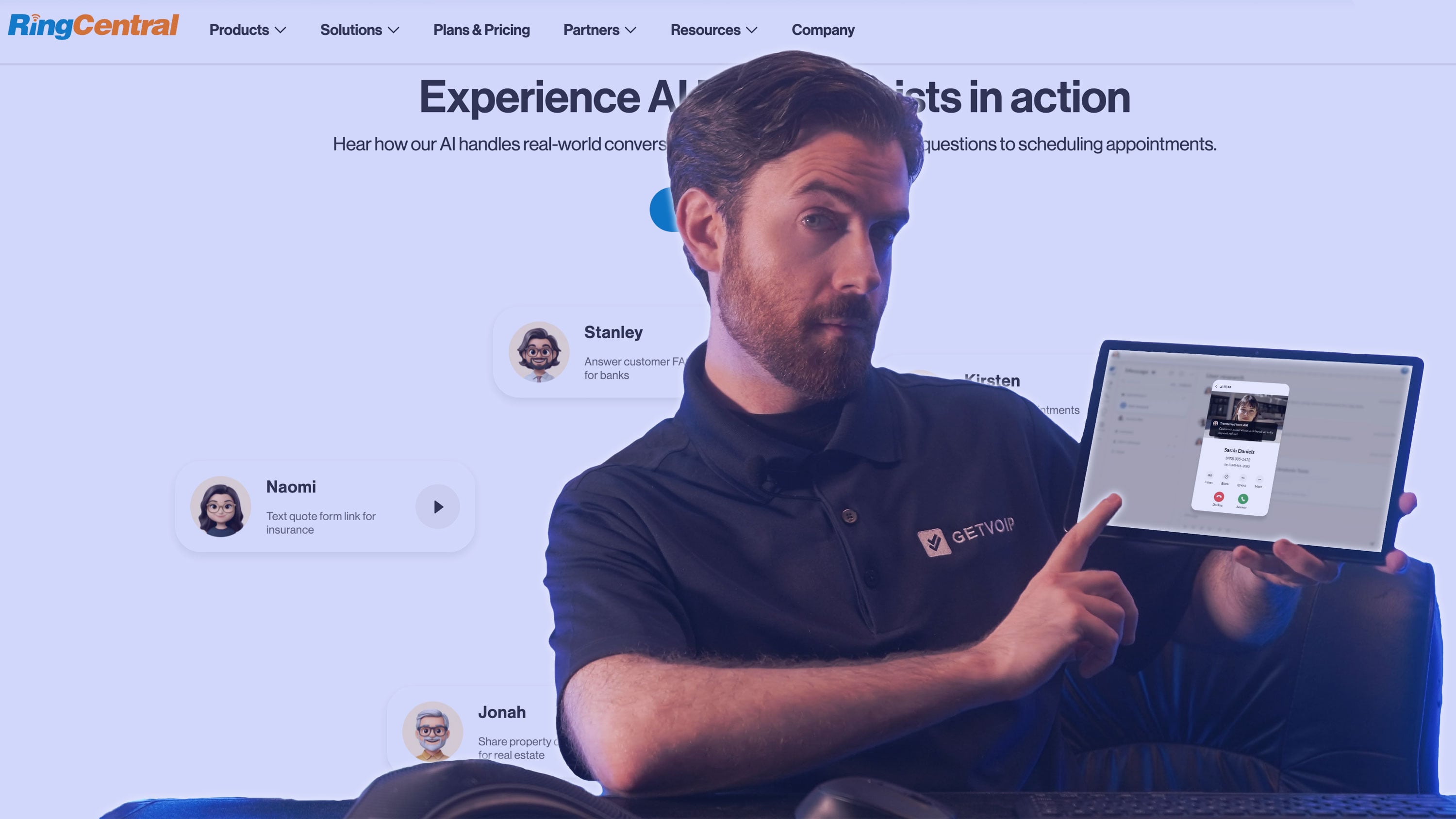
RingCentral is most often deployed as a paid add-on for RingEX and RingCX users. Yet, in August 2026, it introduced AIR Everywhere, ensuring compatibility with any phone system.
Critically, AIR Everywhere includes dynamic SIP integration that generates SIP credentials, enabling deployment across cloud, on-premises, and hybrid environments. This allows the AI Receptionist to work with an organization’s existing hardware and workflows.
Alongside deployment flexibility, RingCentral also stands apart for its vertical-specific editions of AIR Pro, with custom templates, workflows, and integrations.
It has started with RingCentral AIR Pro for Healthcare, offering 100+ EHR integrations, specialized and customizable templates for common queries like prescription refills, and advanced patient verification capabilities.
Such capabilities result from RingCentral delivering an AI Receptionist ahead of its traditional rivals in enterprise communications, enabling a richer experience that’s also evident in its analytics. Here, it equips brands to run ROI analysis to validate use cases.
Lastly, RingCentral has delivered several other innovations for dispersed organizational structures, including its Customer Engagement Bundle (CEB). This acts as a lightweight contact center solution inside RingEX and Microsoft Teams. Together with AIR, RingCentral provides a unified AI and human support layer that sits across the collaboration solutions employees already use.
Pricing & Plans
RingCentral AIR is priced at $49 per month as a standalone solution (AIR Everywhere).
As an add-on to RingEX it’s available from $39 per month, dropping to $30 per month for customers on the RingEX Core Plan.
Every AIR package includes 100 minutes per month, with additional usage billed at $0.50 a minute. As with Nextiva XBert, a 14-day trial is available.
Standout Features
- Deployment Flexibility: AIR Everywhere enables RingCentral to work with virtually any phone system, using dynamic SIP integration to support legacy integrations and high-volume environments with complex configurations and organizational hierarchies.
- Healthcare-Specific Offering: RingCentral has developed vertical-specific editions of AIR Pro, starting with healthcare. The offering includes 100+ EHR integrations, customizable templates, and specialist capabilities. Expect the vendor to expand this strategy into financial services, professional services, and retail soon.
- Complementary Solutions: AIR is complemented by RingCentral’s broader engagement portfolio, including its CEB, which adds lightweight contact-center capabilities to RingEX and Microsoft Teams. Together, these solutions create a unified AI and human support layer across the collaboration tools employees already use.
Best For
- Complex, hybrid environments: AIR Everywhere can layer over cloud, on-premises, and hybrid environments, making it a prime choice for businesses deploying across many locations and communications solutions.
- Healthcare businesses: While RingCentral serves other industries, it has a healthcare-specific edition of AIR Pro, with specialist integrations, workflows, and tools baked in.
Retell AI

Retell AI is often commended for its easy setup. Yet, its Conductor tool, which helps businesses test and optimize AI receptionists, is perhaps its standout feature.
Conductor is an AI assistant that simulates customer conversations, evaluates failures, and suggests changes within the AI receptionist’s workflow. Retell describes this as the "first graph native review system for production voice agents."
In other words, it isn’t generating JSON files or lists of suggested edits. Instead, it suggests a fix within the workflow, with an understanding of what it may affect downstream, for a human to approve. As such, the receptionist self-improves, with a human-in-the-loop.
Elsewhere, Retell’s approach to escalation handling is also differentiative. Instead of only giving the employee receiving the handoff context of the customer’s request and the resolution journey so far, Retell’s AI Receptionist lets the employee query the AI.
So, if they want more information than the "warm transfer" gave them, the employee can query the AI before picking up the call or routing it elsewhere across the business.
Other strengths of Retell include voice cloning and Expressive Voice. The former allows brands to import a voice clone or train one for a unique, brand-specific sound. Meanwhile, the latter lets teams override default settings to define when an emotion should appear. For example, adding a sigh when a customer reports a delayed service.
Pricing & Plans
Retell's AI voice agents range from $0.07 to $0.31 per minute, with the final price depending on the customer's chosen LLM, TTS model, telephony, and add-ons, such as a knowledge base, advanced denoising, safety guardrails, PII removal, and AI quality assurance.
Brands with broader needs can also negotiate a custom enterprise plan with Retell's sales team. All customers start with $10 in free credits.
Standout Features
- Retell Conductor: This simulates customer conversations to identify failures and suggest targeted workflow improvements, while accounting for downstream impacts. It aims to ensure changes remain human-approved and continuously improve the AI receptionist.
- Agentic Handovers: Retell goes beyond traditional warm transfers by letting employees query the AI for additional context before taking over, enabling a more detailed understanding of the customer’s needs before picking up the phone.
- Voice Cloning and Expressive Voice: A differentiating capability that allows businesses to create a distinctive, brand-specific receptionist voice. Retell’s Expressive Voice then helps to modify how that voice expresses emotions across specific scenarios.
Best For
- Brands wanting more capability: Those who want to select their own LLM, build custom voice features like voice clones, and play with webhooks will likely enjoy Retell's offering.
- Contact centers: While many AI receptionists support helpdesks, Retell is tailored to voice-heavy operations like contact centers, with advanced features such as agentic handovers.
Bland
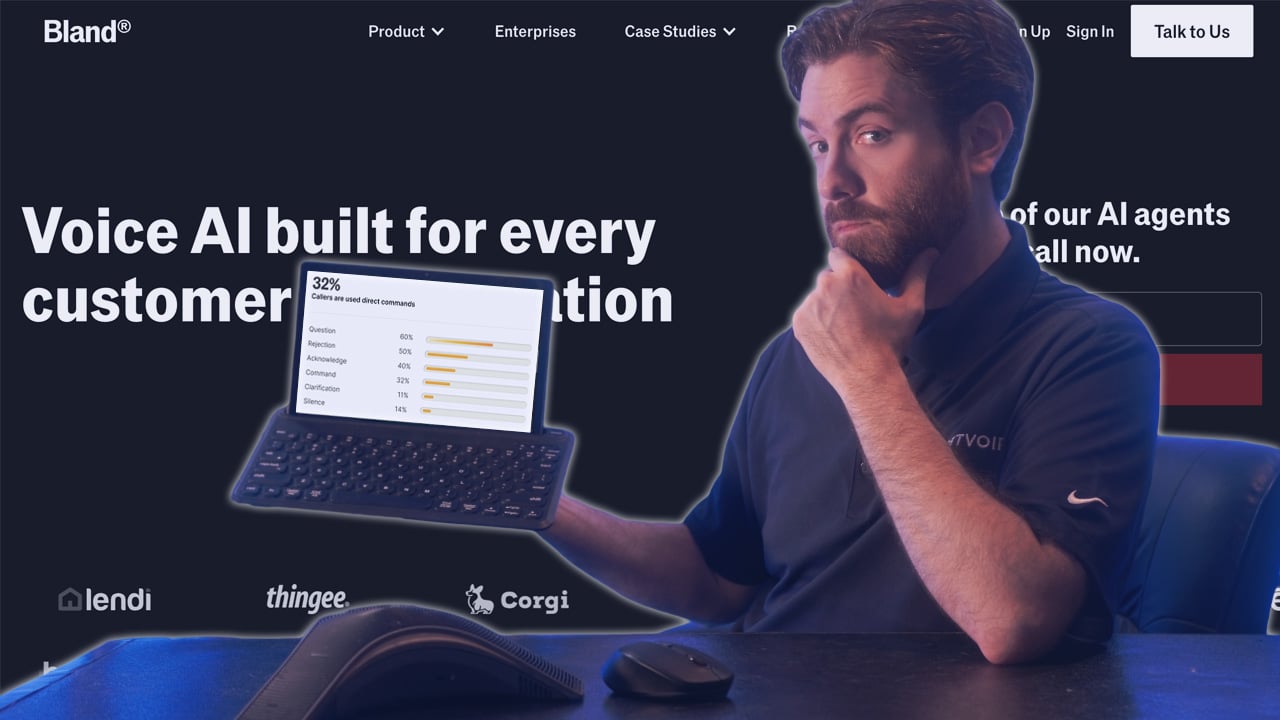
Bland self-hosts its entire infrastructure, with proprietary TTS, ASR, and LLMs. That means it can optimize interactions from speech recognition to reasoning/tool use to speech generation.
Such flexibility allows Bland to adapt to the needs of individual enterprises, which may require different models and fine-tunes for different use cases.
While that may sound complex, Bland also forward-deploys engineers, building its customers’ first AI receptionist use cases end-to-end, and stays engaged throughout the first production cycle, as part of a tailored four-week program.
That approach aligns with enterprise needs across various sectors. Yet Bland may especially appeal to the public sector, thanks to its FedRAMP 20x Class A certification, covering voice agents, SMS, and chat. It is the only vendor in this list with such an accreditation.
Why does that matter? Because a federal agency cannot just buy any tool. It must first be authorized by FedRAMP, as Bland now is, underpinning its robust governance, security, and compliance posture.
Finally, Bland stands out - alongside Retell - as it can separately control voice elements like prosody, speaker identity, acoustic characteristics, emotion, and vocal effects, while offering voice cloning options for a brand-specific voice.
Pricing & Plans
Bland AI offers three pricing plans: Start, Build, and Enterprise. Start is aimed at developers and costs $0.14 per minute. Meanwhile, Build is for small teams and costs $0.12 per minute plus a $299 monthly platform fee.
Both plans can incur additional charges for call transfers, and for exceeding limits on concurrent calls, daily call volume, or knowledge bases. Enterprise, built for larger organizations, is custom-priced.
Standout Features
- Infrastructure Ownership: Bland self-hosts its full AI stack, enabling end-to-end optimization and enterprise-specific models and fine-tuning. It also offers hands-on engineering support to help customers secure these benefits.
- Voice Control and Expression: Thanks again to its self-hosted infrastructure, Bland can break down speech into elements that users can control and adjust across use cases. It doesn’t just apply a specific emotion or tone. The vendor also differentiates through voice cloning.
- FedRAMP Certification: Bland is the only provider in this market overview that has secured a FedRAMP 20x Class A certification. This underscores its advanced governance, compliance, and security controls, not just for the public sector but other highly regulated industries.
Best For
- Organizations wanting hands-on support: Bland forward-deploys engineers to build a brand's first AI receptionist use cases with them, getting their offering up to speed quickly.
- Security- and compliance-first companies: Bland is the only company on this list with FedRAMP 20x Class A certification, underscoring its fit for the public sector and other highly regulated industries.
Reception.ai by ElevenLabs

Early in 2026, ElevenLabs launched Reception.ai, its AI Receptionist product, with a powerful - yet not entirely unfamiliar - hook: "Give us your website and go live in minutes."
Users start by pasting their business URL. ElevenLabs extracts the relevant information and automatically creates a receptionist prototype, complete with a phone number and booking page, reducing the need for manual configuration.
Reception.ai is built on the ElevenAgents platform, making capabilities such as sub-100 ms latency overhead, support for 70+ languages, and natural conversational turn-taking readily accessible.
Over time, expect more ElevenAgents features to reach Reception.ai. These could include a multi-model architecture that assigns frontier models from OpenAI, Google, and Anthropic to handle the use cases they are best suited for, alongside an Expressive Mode similar to Retell.
These differentiated capabilities stem from ElevenLabs’ ownership of its underlying AI models. This gives the company greater control over its roadmap and allows it to respond to customer feedback without waiting for releases from third-party suppliers.
Reception.ai also offers a free trial with no credit card required, giving small businesses an easy way to experiment with an AI receptionist without paying for a custom implementation.
Pricing & Plans
Reception.ai offers four packages. The first is a 14-day "Free" trial with 30 minutes of airtime. Then, there are the three paid tiers: Basic ($29 per month), Plus ($79 per month), and Premium ($199 per month).
Moving up the paid tiers unlocks more free minutes, phone numbers, and simultaneous calls, while reducing the cost of overage minutes. Premium also adds multi-location support.
Standout Features
- Time to Launch: From only a website URL, ElevenLabs automatically builds a receptionist prototype with a phone number and booking page, minimizing setup.
- ElevenAgents Platform: Reception.ai is built on the ElevenAgents platform, enabling low latency and extensive language support. The platform provides many other advanced capabilities, which ElevenLabs may soon make available to its AI receptionist customers.
- Pricing: Reception.ai offers plans scaled to call volume and a free trial, which allows users to experiment with an AI receptionist without an upfront investment.
Best For
- Organizations with specific language requirements: Many AI receptionists can only support a small number of languages, including those that interact only in English and Spanish. ElevenLabs supports 70+ languages, with highly-regarded TTS models.
- Brands looking to experiment: With a 14-day free trial, 30 minutes of free airtime, and no credit card necessary, ElevenLabs is a go-to choice for brands wanting to test out an AI receptionist.
Newo.ai

Like ElevenLabs, Newo.ai can build an AI Receptionist prototype in minutes, scraping business information from a website URL alone or, alternatively, a Google Business Profile.
From there, businesses can adapt the setup through Newo Vibe Mode, where users guide updates conversationally, telling the AI receptionist what to change, rather than configuring technical settings.
Yet, perhaps most unique are its AI Observer and Supervisor, which it deploys alongside the AI receptionist to enhance reliability.
Observer audits the conversation in real time, utilizing a different language model and checking its logic. In this sense, it acts as a separate reasoning layer. If it’s unsure of the AI receptionist’s accuracy of response, it escalates to a human.
Meanwhile, Supervisor monitors the commitments an AI receptionist makes and pushes actions into other systems, ensuring a reasonable follow-up. In doing so, Newo.ai carries forward the outcome and attaches data for a CRM or alternative customer record.
Interestingly, that data doesn’t only include the intent and outcome. Newo.ai reports on the root cause of the call and pulls activity data to attribute calls and booked appointments to a particular campaign. Such capabilities make Newo.ai a preferred option for marketing teams.
Pricing & Plans
Newo.ai offers two core plans, each with the same core capabilities: Pay As You Go and AI Receptionist.
These are priced at $0 and $299 per month, with 50 and 200 "units" included monthly, respectively. Units are drawn from a shared voice-and-text balance, and additional units cost more on the Pay As You Go plan.
There's also a custom-priced Enterprise option, with both the monthly platform fee and unit costs customized to the organization.
Standout Features
- Setup and Configuration Experience: Newo.ai rapidly creates AI receptionist prototypes from a website URL or Google Maps profile, then lets users refine them conversationally through Vibe Mode rather than technical configuration.
- Supporting AI Agents: The provider uses an Observer agent as a separate reasoning and quality-control layer to audit conversations in real time and escalate uncertain responses to humans. Its Supervisor agent also tracks commitments and ensures follow-up actions are pushed into CRM or other systems.
- Marketing & Lead-Generation: Newo.ai captures root causes, campaign attribution, and activity data, so marketing teams can connect calls and booked appointments to specific campaigns and measure lead-generation performance.
Best For
- Companies with marketing use cases: Newo.ai has the ability to attribute calls and booked appointments to campaigns, making lead-gen performance easy to measure.
- Niche businesses: Many AI receptionists target broad verticals, Newo.ai has also built specialist voice receptionists for underserved verticals, like fitness and wellness, home services, and dental practices (not just "healthcare").
Smith.ai
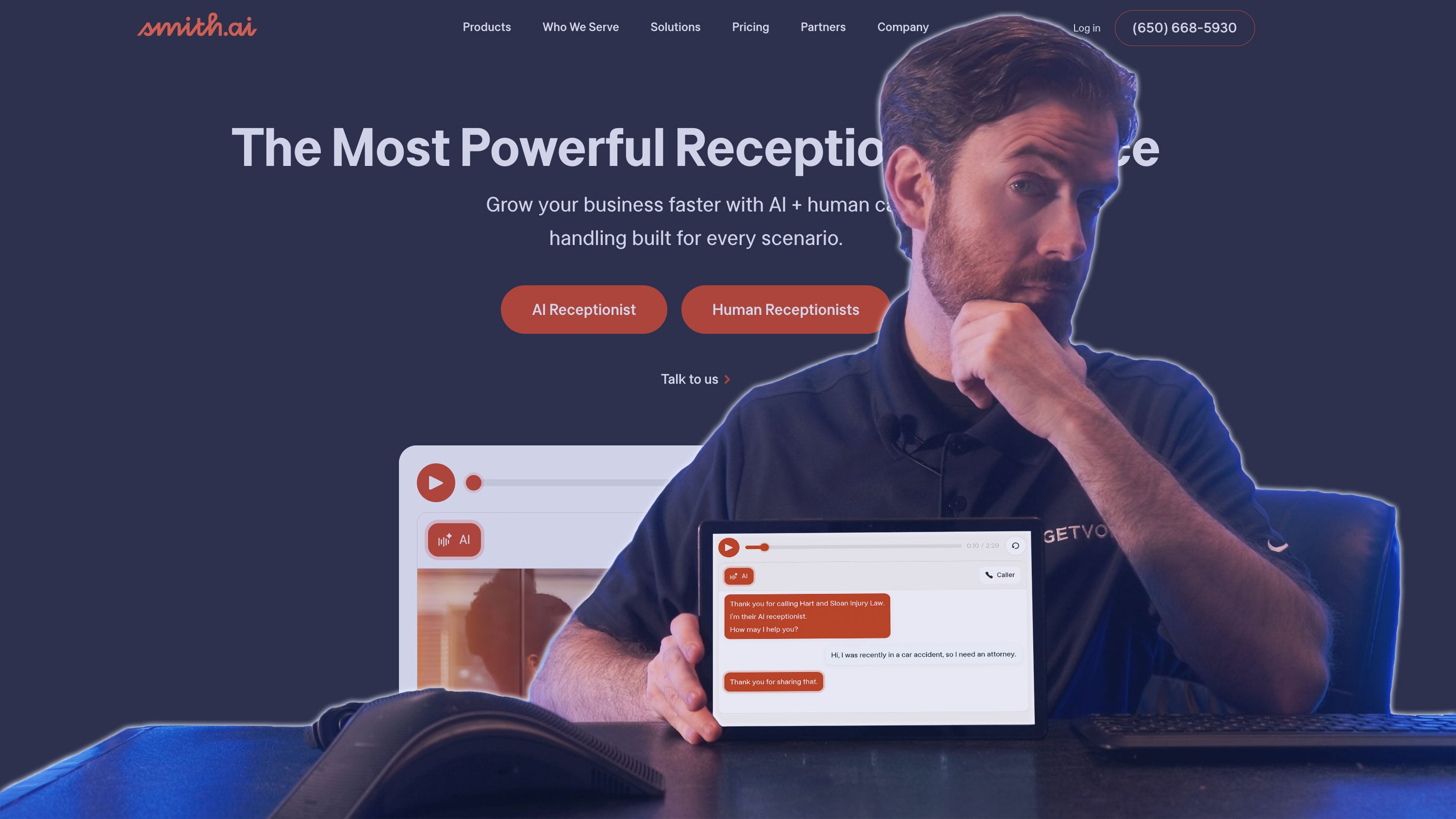
Smith.ai stands out in this overview by providing specialist customer experience management (CXM) services, including outsourced front-office support.
As a result, it can provide a fully staffed, hybrid front office that combines AI and human support in one streamlined bill.
Typically, it works with professional service providers - including law firms, agencies, and consultants - with specialist expertise in the space.
Such expertise is reflected in its portfolio of common industry use cases, customizable workflows, and integrations, informed by over a decade serving the space.
Smith.ai’s focus also extends to its people, with employees providing tailored prompts and instructions during onboarding, adapting the experience to specific business needs and objectives. This helps create a smoother setup.
It also reflects the close customer relationships Smith.ai aims to build. Organizations can test ROI across common intents before committing, with close support continuing thereafter.
Pricing & Plans
Smith.ai's AI Receptionist offers three plans: Free, Pro, and Enterprise, priced at $0, $150, and $500 per month, with 25, 75, and 300 calls included, respectively.
Extra calls cost $3.00 on Free, $2.00 on Pro, and $1.67 on Enterprise. Pro adds dedicated onboarding and live support, while Enterprise adds custom AI prompting, unlimited integrations, multi-location support, and a dedicated success manager.
A negotiated six-month plan is also available, offering rollover calls and a lower per-call rate.
Standout Features
- Unified Service Layer: Smith.ai combines AI and human receptionists within one service layer that it sells to organizations.
- Tailored Set-Up Experience: The vendor provides a tailored set-up experience, with guided prompts, instructions, and close implementation support, helping organizations test ROI before committing.
- Professional Services Expertise: Smith.ai is deeply optimized for professional service providers, with industry-specific workflows, use cases, and integrations shaped by over a decade of industry experience.
Best For
- Professional service providers: Smith.ai offers custom solutions and specialized in-house expertise for law firms, agencies, and consultants.
- Brands wanting to outsource their first line of service: The vendor also pairs its AI with human receptionists, offering a hybrid human-AI service layer.
Goodcall
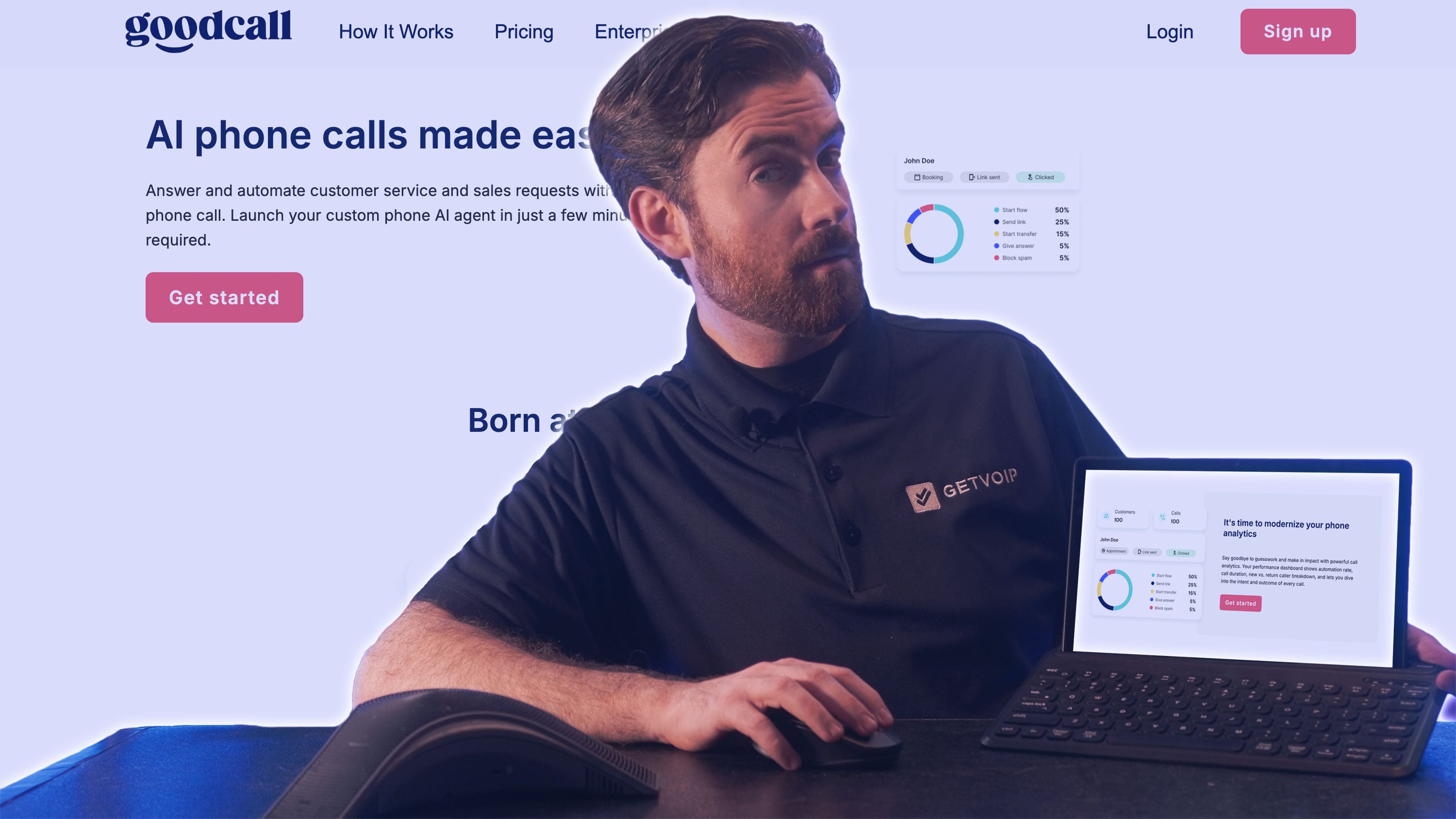
Goodcall builds an AI receptionist prototype from either a business URL or Google Business Profile, just like ElevenLabs and Newo.ai. Yet, its Google integration goes much deeper.
Indeed, Goodcall (then CallJoy) spun out of Google in 2017, and still maintains a close relationship with the tech juggernaut.
Built on Google Cloud conversational AI services, it leverages Gemini’s reasoning models and is often utilized by brands entrenched in Google Workspace, connecting closely with Google Calendar for appointment booking, Sheets for data management, and Drive for file storage.
Its integration with Google Maps is particularly interesting, allowing its voice assistant to share directions, traffic updates, and local services with customers.
Aside from that, Goodcall stands out for its pricing model. It caps usage on the number of phone numbers that reach out to the business per month, not the number of calls. That means it doesn’t charge for repeat callers.
Typically, it’s a solution leveraged by small businesses, with a library of skills and the capability to build custom skills to tailor the receptionist to the business and its specific use cases. It then monitors questions that trigger escalations, recommending new skills or "Teachable Topics" to improve outcomes.
Pricing & Plans
Goodcall offers three per-agent plans with unlimited minutes and tokens: Starter ($79 per month), Growth ($129 per month), and Scale ($249 per month).
Instead of billing by call or minute, Goodcall charges by "unique customers," distinct callers who engage with the agent monthly, with 100, 250, and 500 included respectively, and $0.50 per extra customer on every plan.
Higher tiers also add more logic flows, team members, directory contacts, and call-history retention. A custom-priced Enterprise tier adds a dedicated account manager, custom integrations, SLA support, and enhanced security.
Standout Features
- Google Relationship: Goodcall has a deep-rooted relationship with Google, having spun out of the tech giant. Its close integrations with Google Workspace, Calendar, Sheets, Drive, and Maps align it with Google-centric businesses.
- Unique Pricing Model: The provider charges based on the number of unique callers per month rather than total call volume, meaning repeat callers don’t incur additional usage charges.
- New Skill Recommendations: Goodcall monitors escalated questions to identify gaps and recommend new skills, helping businesses continuously scale and tailor their AI receptionist deployments.
Best For
- Small businesses invested in the Google ecosystem: Goodcall plays well with many Google Workspace applications, including Calendar, Sheets, and Drive.
- Companies with a high number of repeat callers: Goodcall's pricing model, which bills per unique customer rather than per call, benefits businesses like solicitors' offices whose customers may call multiple times a month.
FAQs
AI receptionist pricing varies widely because providers charge in different ways. Among the services we reviewed, monthly plans range from free to $500 per month, while usage-based platforms start at $0.07 per minute or $0.99 per session. Enterprise plans may be custom-priced.
Yes. Appointment booking is a common AI receptionist use case. You can integrate with calendar tools like Google Calendar, Outlook, and Calendly to check availability, book appointments, and send confirmation texts or emails.
Most platforms provide a way to escalate calls when the AI can't handle a request, but some do this better than others.
Newo.ai's Observer checks conversations in real time and can escalate to a human when it isn't confident in the AI's response. Retell supports warm transfers and lets the receiving employee query the AI for more context before taking over. Goodcall takes a different approach, tracking escalated questions and recommending new skills to cover recurring gaps.
Setup can range from minutes to several weeks, depending on the platform and how much customization you need.
Often, but not every provider handles this the same way.
RingCentral AIR Everywhere is designed to work with existing phone systems, including cloud, on-premises, and hybrid environments through SIP integration.
Other platforms, such as Nextiva XBert and ElevenLabs Reception.ai, can provision a phone number as part of setup.
If keeping your existing number or phone system is important, check how the provider handles it before signing up.
Yes, although the number of supported languages varies significantly between providers.
For example, ElevenLabs stands out in our review for multilingual support with more than 70 languages.
If multilingual support is a priority, check the exact languages a platform supports rather than relying on a general "multilingual" claim.
Sometimes. Voice quality and conversation style vary between platforms, and some give businesses much more control over how the receptionist sounds.
ElevenLabs supports natural conversational turn-taking, while Retell and Bland offer more control over voice characteristics and expression. What matters is how the AI behaves when callers interrupt, change direction, or need something outside its usual workflow. Test it with real calls before going live and make sure callers have a clear path to a human when the AI reaches its limits.