
Talkdesk is a scalable cloud contact center known for its industry-specific solutions, proactive engagement features, and workforce management suite. While Talkdesk offers a user-friendly contact center dashboard, some Talkdesk users want a wider variety of features and workflow tools. This may be why the provider “plummeted by 27 percent” in this year’s Voice of the Customer survey.
In search of other providers, I tried dozens of contact center solutions–looking at each one’s features, channels, interface, and AI tools. Here are my picks for the best Talkdesk alternatives in 2026.
Key Takeaways
If you're short on time, here's how the ten alternatives shake out by the situation you're in. Match your primary need to the pick rather than chasing the longest feature list.
- Choose Five9 if you run a high-volume blended contact center and need real-time agent assist plus workforce engagement bundled into the plan rather than added as an extra.
- Choose Nextiva if you want drag-and-drop call routing, secure payment assist, scalability, and an intelligent virtual assistant
- Choose Aircall if you're an SMB that needs a voice AI platform, not an omnichannel CCaaS stack, at a low entry price
- Choose Dialpad if AI conversation analysis is your priority and you want sentiment tracking, AI coaching, and call summaries powered by one proprietary engine
- Choose Twilio Flex if you have developer resources and want to build a fully custom interface, routing logic, and data layer rather than accept a packaged dashboard
- Choose NICE CXone if you need omnichannel customer experience insights, a unified interface, 30+ digital channels, and best-in-class workforce management.
- Choose Genesys if you want AI features like forecasting and an agent co-pilot included across plans while keeping a low voice-only entry price.
- Choose 8x8 if you need international calling, large video meetings, and built-in team collaboration on top of the contact center.
- Choose Freshdesk if you're ticketing-first, already have a VoIP provider, and want a customer-facing knowledge base and community forum at a budget price.
- Choose RingCentral if you want a low per-agent price, strong call quality, and multi-touchpoint customer surveys, with the understanding that advanced features are add-ons.
A quick way to narrow the field: budget-first buyers should look at Aircall, Genesys, and Freshdesk; AI-and-agent-support buyers at Five9 and Dialpad; customization-first buyers at Twilio Flex and Nextiva; and buyers who need the deepest omnichannel and analytics at NICE CXone and RingCentral. If two of those point to the same provider, that's your shortlist of one.
At A Glance Comparison of Talkdesk Alternatives
| Provider | Pricing | Standout Features | Best For |
| Five9 | 5 plans from $119-$159 per agent/mo. | Workforce Engagement, Automations, Interaction Analytics | High volume blended contact centers that need telephony and WFM/WFO tools |
| Nextiva | 4 plans from $15-$75 per agent/mo. | Skills based routing, Secure payment assist, Transcription and summarization | Omnichannel contact centers that need to streamline the customer journey |
| Aircall | 3 plans from $30 to $50+ per agent/mo. | SMS/MMS, Mandatory call tagging, Queue callback and smart routing | SMBs that need a flexible voice centered solution |
| Dialpad | 3 plans from $80-$150 per agent/mo. | Real time assist, Custom moments, Screen recording | SMBs that need to implement omnichannel support and ensure consistent CX |
| Twilio Flex | $150 per named user/mo., from $1.00/hourly active user, Flex deployments from $35/monthly active user | Custom analytics dashboards, Intelligent routing, Self service flows | Businesses that need a customizable solution and want to implement self-service |
| NICE CXone | 5 plans from $110 to $249 per agent/mo., industry-specific packages available | Agent Assist, AI-powered insights, Sentiment analysis | Companies that need a blended voice/digital solution and advanced analytics |
| Genesys | 4 plans from $75 to $240 per user/mo. | Speech enabled IVR, AI-powered Agent Copilot, Forecasting and scheduling | SMBs that want to integrate AI into their communication solution while keeping costs down |
| 8x8 | Custom pricing | Co-browsing, Speech and text analytics, Post call survey | Companies that need international calling and large video meeting capabilities |
| Freshdesk | 3 plans from $19 to $89 per agent/mo. | Custom real-time dashboards, Customer portal, Ticketing templates | SMBs that want to revamp their CX strategy without breaking the bank |
| RingCentral | 4 plans from $65-$145 per agent/mo. | Queue callback, Automated summaries, Workforce management | Enterprises that need top of the line security, call quality, and advanced features |
Why Look for a Talkdesk Alternative?
Talkdesk is a capable platform with strong industry-specific CX tooling, but it isn't the right fit for every contact center. The reasons buyers shop around tend to cluster around a few recurring issues.
- Features gated behind top-tier plans: Several of Talkdesk's most useful tools, including workforce management, interaction analytics, and proactive notifications, are reserved for higher tiers or sold as add-ons. Competitors like Nextiva, Five9, and Genesys bundle equivalent features into mid-range plans, so teams that want WFM or AI agent assist without jumping to the most expensive tier often find better value elsewhere.
- Add-on pricing makes budgeting hard: WFM, secure payment handling (Talkdesk Shield), and auto-dialing are paid add-ons rather than included capabilities. Stacking the features a typical contact center needs can push the real per-agent cost well above the advertised plan price, which makes total cost difficult to predict.
- Declining customer sentiment: Talkdesk dropped 27 percent in this year's Gartner Voice of the Customer survey, a signal that existing users are less satisfied than they were. Buyers reading recent reviews often want to evaluate alternatives before committing to a multi-year contract.
- Limited entry-level affordability: Talkdesk's pricing structure is built for mid-market and enterprise contact centers. Smaller teams and SMBs that need voice and a couple of digital channels frequently find platforms like Aircall, Freshdesk, or Nextiva better match for their budget.
- Need for capabilities Talkdesk doesn't bundle: Some teams want things outside Talkdesk's core scope, such as native video meetings (Dialpad, 8x8), team chat and UCaaS collaboration (8x8, Genesys), social media and reputation management (Nextiva), or a customer-facing knowledge base and forum (Freshdesk). When those capabilities are central to your CX strategy, a platform that includes them natively beats bolting them onto Talkdesk.
- Desire for deeper customization: Teams with developer resources sometimes outgrow Talkdesk's packaged dashboard and want full control over the interface, routing logic, and data layer. A developer-first platform like Twilio Flex offers that flexibility in a way packaged CCaaS tools can't.
How We Evaluated The Talkdesk Alternatives
- Pricing and plans: We compared the providers pricing structure to Talkdesk and looked at what features were offered in each tier to compare value
- Features: We evaluated the quality of the features offered by each provider, especially those features that are not offered by Talkdesk
- Security: We compared the security features of the provider to those of Talkdesk, looking at compliance certifications, data encryption, etc.
- Reliability: We evaluated the reliability of the provider noting global points of presence, uptime SLA, etc.
- Customer support: We compared the hours, channels and effectiveness of customer support to that of Talkdesk
- Integrations: We looked at the variety and depth of integrations of each provider and compared it to the Talkdesk marketplace
- Compatibility: We researched what hardware the provider is compatible with such as desk phones, headsets, conference phones, etc.
Best Talkdesk Alternatives in 2026
- Five9 - Best for real-time agent support
- Nextiva - Best for custom call routing
- Aircall - Best for a cost-effective call center
- Dialpad - Best for AI conversation analysis
- Twilio Flex - Most customizable dashboard
- NICE CXone - Best for customer-service insights
- Genesys - Best for workforce management
- 8x8 - Best for team collaboration
- Freshdesk - Best ticketing and task management software
- RingCentral - Best for omnichannel surveys
1. Five9
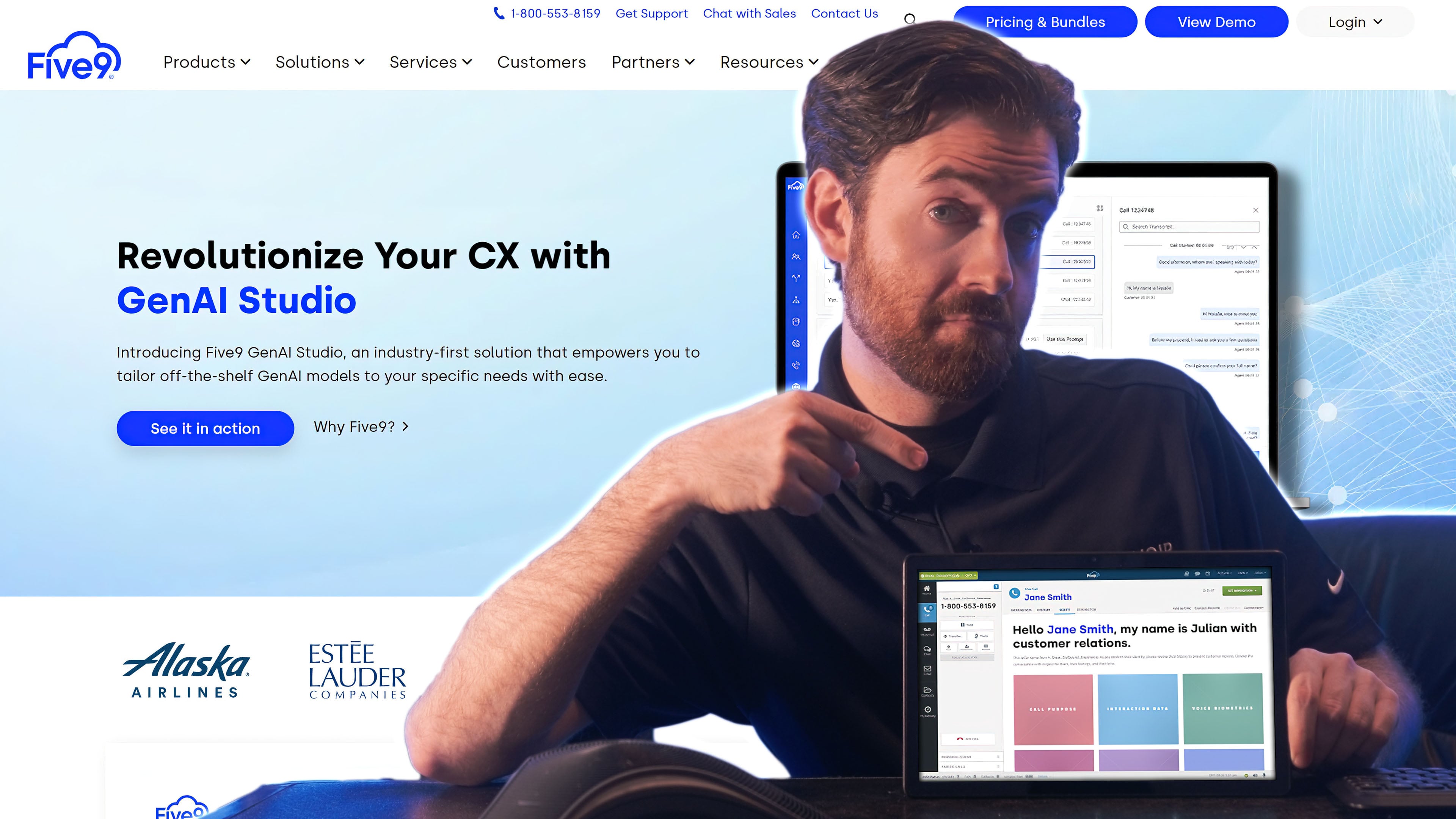
Five9’s cloud contact center software offers customizable AI tools, including live agent assistance and virtual agents across digital channels. Like Talkdesk, the platform includes voice, email, live chat, SMS, and social messaging channels. However, Five9 offers more intelligent self-service tools than Talkdesk with intelligent virtual agents and chatbots across channels.
Five9 and Talkdesk both offer workforce management tools, but Five9 includes its workforce engagement platform in three out of its five pricing plans. Talkdesk, on the other hand, only offers WFM as an optional add-on to its CX Cloud Elite plan.
Five9 is a Good Talkdesk Alternative if You Need:
- Easy-to-use AI: Five9 offers many more AI features than Talkdesk. Five9’s GenAI studio makes it easy to customize machine learning tools, including virtual agent call flows and live-agent support.
- Live-agent support: While Talkdesk only offers agent support in the Elite plan, Five9 AI supports agents across several pricing tiers. Real-time call transcriptions and live guidance provide response and action suggestions. After the call, AI generates summaries and insights that help agents stay organized.
- Customer self-service: Virtual agents and IVR menus let you customize the call paths your customers take, while workflow automations determine which agent or department the task reaches
- Supervisor support: Five9’s supervisor dashboard is designed for workforce optimization, quality management, and call monitoring. Supervisors can view agent activity in real-time, joining calls and helping out with queues as needed.
- Visual IVR: The visual IVR feature lets customers navigate your IVR and IVA menus via mobile, providing an app-like IVR experience
- Interaction analytics: Five9 AI tracks interaction transcripts to monitor customer sentiment, task resolution, and sales success. These analytics apply across all channels, including text and email.
- Omnichannel marketing: Use workflow automations to automate omnichannel customer experiences across email, SMS, and live chat. Automate customer follow-ups and communications based on triggers.
Pricing
Five9 offers five plans ranging from $119 to $159 monthly per user–including digital-only, voice-only, and omnichannel options. The provider requires an annual commitment and has no free trial period.
For more information, check out our Five9 pricing review.
Pros & Cons
Pros
- User-friendly interface: Five9’s agent dashboard, supervisor dashboard, and workflow automation tools are intuitive
- Versatile use cases: The auto dialer, omnichannel customer experience, and self-service options make Five9 useful for sales, marketing, and customer support
- Intricate routing and queueing: With highly customizable IVR, IVA, and queue callbacks, Five9 works great for call centers
Cons
- Expensive: Five9’s plans are the priciest on our list, and the most worthwhile features are reserved for the higher-tier plans
- Onboarding frustrations: We experienced a few onboarding issues regarding user email addresses and usernames. The process required a lot of support from Five9 and within our company
- No free trial: While many CCaaS tools, like Talkdesk, offer a free trial to familiarize yourself with the software, Five9 does not
2. Nextiva
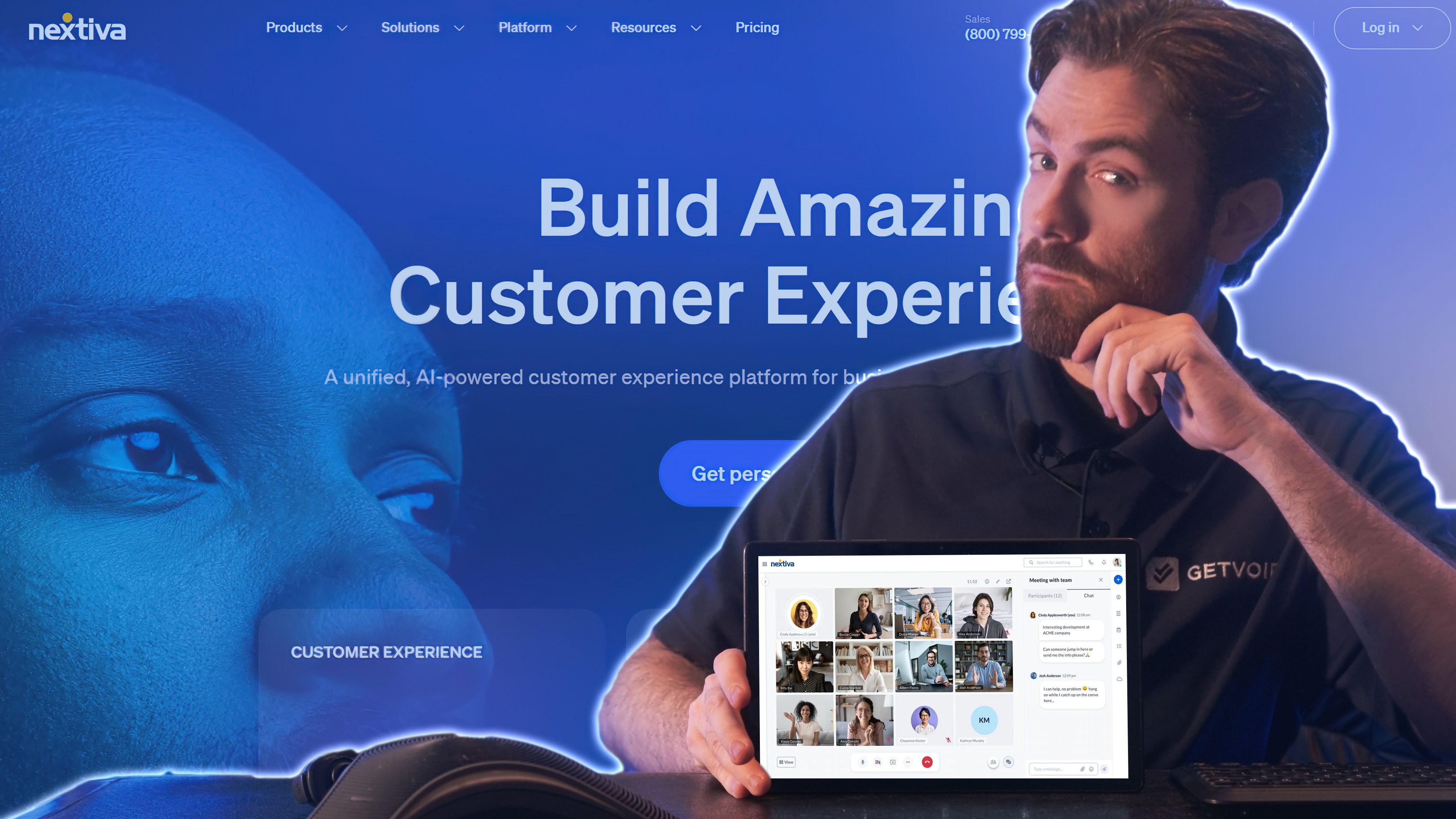
Nextiva offers a comprehensive contact center with AI-powered bots, workforce engagement, and agent assist tools. Unlike Talkdesk, Nextiva offers add-ons for social media and reputation management, enabling users to respond to negative reviews directly from the agent dashboard.
Like Talkdesk, Nextiva offers voice-only, digital-only, and omnichannel options with chat, email, social media channels, and SMS. Each plan includes workflow automation features like outbound proactive notifications and AI-powered features like interaction analytics. Talkdesk only includes these features in its upper level plans.
Nextiva also offers dynamic lead management features that Talkdesk doesn’t, like lead filtering, prioritization, and verification. Additionally, Nextiva includes secure payment assist in its Professional and Premium plans, while Talkdesk Shield is only available as a paid add-on.
Nextiva offers users better customer service than Talkdesk, with 24/7 live support and high ratings for effectiveness and responsiveness.
Nextiva is a Good Talkdesk Alternative if You Need:
- Custom routing: Customize IVR and IVA menus with drag-and-drop menus, which can direct calls to various agents, ring groups, or queues with callback options
- Secure payment agent assist: Enable live agents to accept secure payments directly through your website or app’s live chat window
- Customer insights: Nextiva uses AI and live call transcription to analyze each interaction’s customer experience, powering insights about agent performance and success rates
- Social media management: Nextiva offers unique add-ons and dashboards for social media reputation management. Monitor all of your company’s mentions across apps like Instagram, Twitter, and Yelp, responding and posting directly in the apps.
- Agent multichannel inbox: The Nextiva dashboard features a multichannel inbox that compiles all of an agent’s tasks, preventing tasks from falling through the cracks. Easily assign and route tasks, with automated reminders.
- Lead management tools: Lead-management tools like Kanban boards for lead status, customer journey tracking, conversation analysis help your team manage the sales funnel
- Workflow automations: Use the drag-and-drop designer to automate multichannel workflows. Send proactive texts, emails, and create tasks based on customer sentiment scores, survey results, lead status, and more.
Pricing
Nextiva offers three enterprise contact center plans from $75 monthly per user with an annual commitment. Choose from a single-channel or omnichannel setup, with the option for a seven-day free trial. Nextiva Small Business has three plans from $15-$75 monthly pere user.
To learn more, see our Nextiva pricing breakdown.
Pros & Cons
Pros
- Workflows and automations: Nextiva beats Talkdesk in customer journey orchestration. Nextiva’s drag-and-drop designers customize virtual agents, call routing, and workflows that draw data from many KPIs.
- Better agent support: The multichannel inbox, live-agent support tools, and secure payment processing give agents better live support on Nextiva than on Talkdesk
- Sales and marketing features: Nextiva supports sales and marketing with several unique features that Talkdesk doesn’t have–social media interactions, reputation management dashboards, kanban lead management boards, and secure payments
Cons
- Lack of surveys and mobile app: Talkdesk lets you customize and automate surveys for customer feedback, and it provides a mobile app for agents to communicate with customers on digital channels. Nextiva does not include either of these features.
- Number porting: When first switching your call center to Nextiva, it sometimes can take several weeks for the phone numbers to transfer and get your system up and running
- Limited number of integrations: Nextiva’s contact center integrates with far fewer third-party software systems than Talkdesk, which could interrupt your company’s workflows
3. Aircall
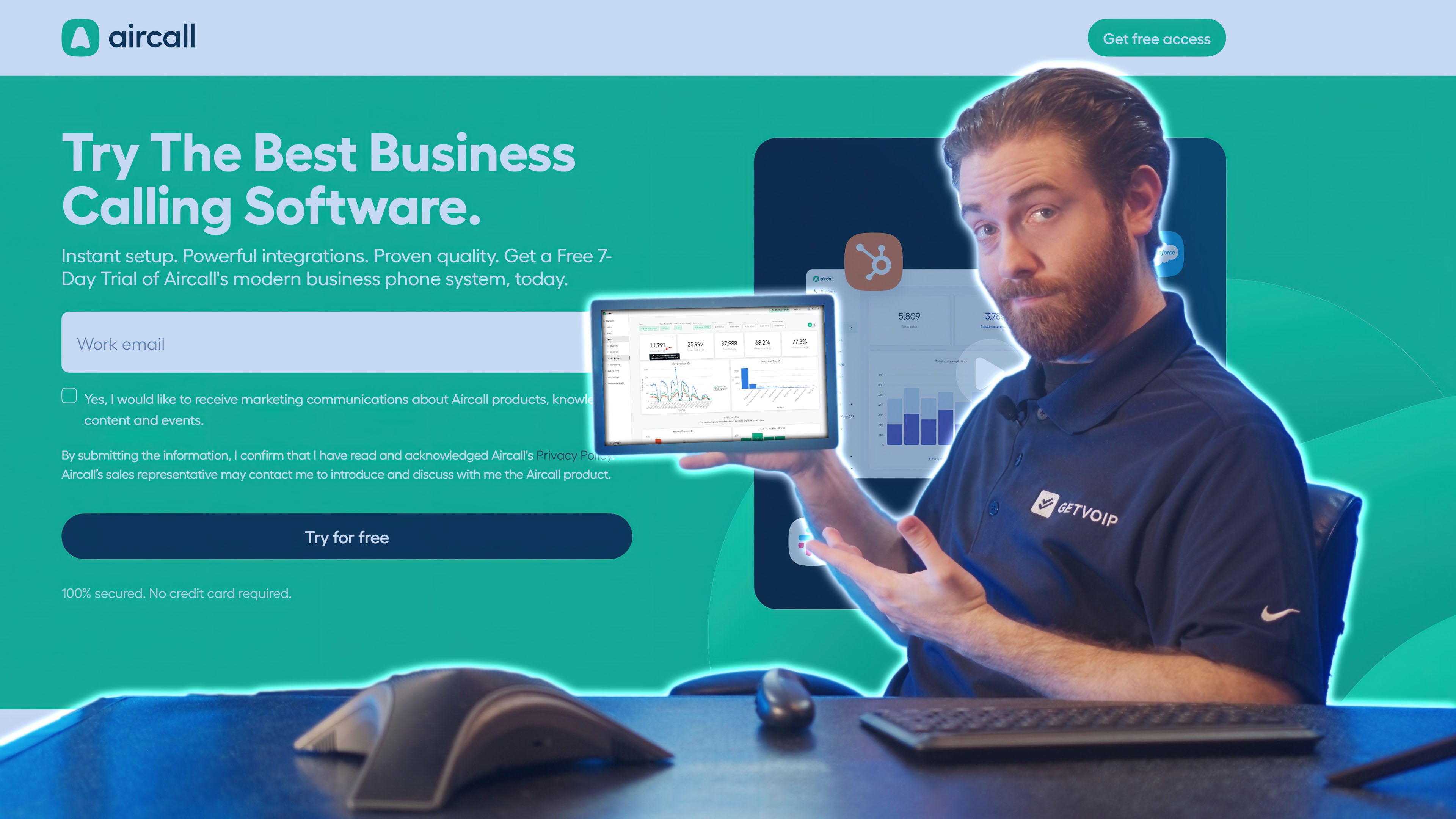
Aircall is an affordable cloud-based call center software provider focused on voice and SMS. Like Talkdesk, Aircall doesn’t include team chat, or video, but it does support team collaboration with a shared call inbox and basic task management tools.
Aircall is significantly less expensive than Talkdesk and its user-friendly platform supports customer service and sales use cases with advanced queueing features, routing, and flexible call distribution.
Aircall is a Good Talkdesk Alternative if You Need:
- A low-cost phone system: Aircall’s plans cost $30 and $50 respectively, which is way less than virtually any other contact center or call center software
- User-friendly voice and texting: Aircall only has two channels–voice calling and SMS texting. This leads to a less cluttered interface than Talkdesk, making a great option for teams that want to focus on just those two channels.
- Task collaboration: While Aircall doesn’t have team chat, you can set up shared call inboxes for teammates. Comments on tasks, calls, and contacts let teammates delineate query handling.
- Advanced call logs: Aircall’s Conversation Center organizes call logs with AI-powered transcriptions and recordings. Administrators can easily sort call logs by user, timeframe, or keywords in the call transcription.
- AI-based conversation analysis: Aircall offers several unique AI-based features. Call and voicemail transcriptions enable automated call summaries, topic recognition, and even talk-to-listen ratios for agents
- Easy-to-manage routing: Although Talkdesk matches most of Aircall’s routing features, the Aircall routing and queueing features are easy to use. They include ring groups, queue callbacks, IVR menus, and flexible call distribution groups with a drag-and-drop designer.
- Supervisor support: Aircall’s supervisor dashboard offers a live feed for supervisors to track queue activity, recent calls, the day’s service level, and other statistics like the average call length
Pricing
Aircall offers three phone-system plans, from $30 to $50 monthly per user when billed annually. The provider offers a seven-day free trial.
For more information, check out our review of Aircall pricing and plans.
Pros & Cons
Pros
- Low cost: Aircall is the most affordable call center on our list by a long shot
- Simple call center: Aircall’s dashboard is easy to use, focused on voice calling and SMS texting
- Advanced AI and analytics: Aircall implements AI seamlessly for call transcriptions and unique analytics like talk-to-listen ratios and customer service level
Cons
- Fewer channels: Aircall omits most of the customer-support channels that Talkdesk has, like live chat and chatbots, email, and social media messaging
- Lack of workflow automations: Aircall lacks workflow design tools that Talkdesk has. These tools help teams with task management, multichannel routing, and proactive customer communication.
- Minimal self-service: IVR menus are the only customer self-service tool that Aircall has. By contrast, Talkdesk offers virtual agents and bots across several other digital channels, unlocking a variety of touchpoints like your app or website.
4. Dialpad
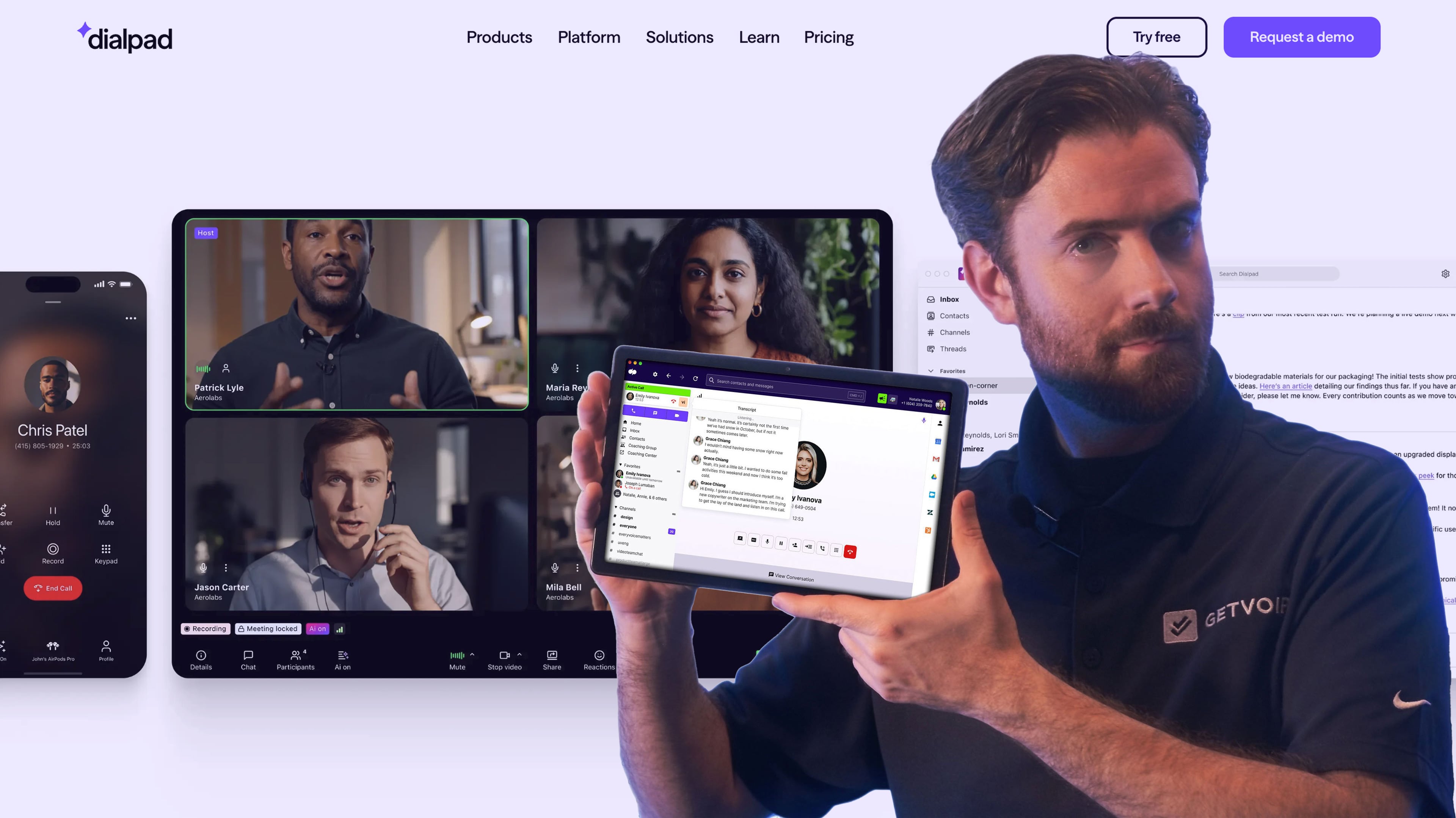
Dialpad’s voice and digital CCaaS platform is priced similarly to Talkdesk. Dialpaduses AI and NLP-powered tools to improve the customer experience across voice calling, webchat, SMS, WhatsApp, Facebook Messenger, Apple Business Chat, and more.
While Talkdesk includes some AI features such as self-service digital agents, Dialpad expands this functionality with real-time sentiment tracking, AI coaching, and “custom moments” that track key interactions during calls.
Dialpad also includes video conferencing with its contact center platform, which Talkdesk does not offer.
Dialpad is a Good Talkdesk Alternative for Those Who Need:
- Live agent support: Dialpad has a proprietary AI engine, DialpadGPT, which powers many functions across the platform. Agents have access to real-time transcriptions and canned response suggestions that pull from connected data
- Performance evaluations: Create custom AI-based scorecards that use call transcripts to evaluate agents based on metrics you determine beforehand
- Intelligent conversation analysis: Dialpad’s AI CSAT generates satisfaction scores for every call. Administrators can sort these scores by agent and timeframe, or view trends, to improve customer service.
- SMS surveys: Create and automate SMS surveys to gather customer data, automating when you text them to customers
- Particular digital channels: Dialpad’s $115 Advanced plan includes voice and your choice of digital channel. This is a good deal for a multichannel CCaaS platform, with strong value for companies that only want one digital channel, such as live chat or email.
- Sales features: In addition to the regular contact center, Dialpad offers a sales-focused contact center software with video meetings, a power dialer, and coaching support
- In-depth call summaries: Dialpad’s AI Moment feature creates a comprehensive call summary with a searchable transcript and key moments like action items, sentiment scores, and other insights from the call
Pricing
Dialpad offers Dialpad Support AI Contact Center in three plans from $80-$150 monthly per user. Dialpad Sell has three plans from $39-$150 monthly per user, and Dialpad AI Agent offers custom conversation-based pricing.
The provider offers a 14-day free trial. To learn more, read our Dialpad pricing guide.
Pros & Cons
Pros
- Proprietary AI: Dialpad uses its proprietary AI across the contact center to power several features–IVA and chatbots, call transcription, agent assistance, and automated summaries
- Coaching support: The software supports supervisors in several ways–AI scorecards, call recording, screen recording, call monitoring, and automated playbooks that guide agents through interactions
- Includes video meetings: Both Dialpad contact centers include video meetings for customer support, which Talkdesk and many other CCaaS platforms don’t offer
Cons
- Fewer channels: Dialpad’s contact center plans include VoIP, one digital channel, and video. Talkdesk omnichannel plans include dozens of channels, making a better fit for companies that want to provide many customer touchpoints.
- Higher price floor: Dialpad's AI COntact Center costs $115 monthly per user, which is $40 more per month than Talkdesk’s voice-only or digital-only plans
- Lack of workflows: Dialpad does not offer workflow automations, which Talkdesk has for things like notifications and task routing
5. Twilio Flex
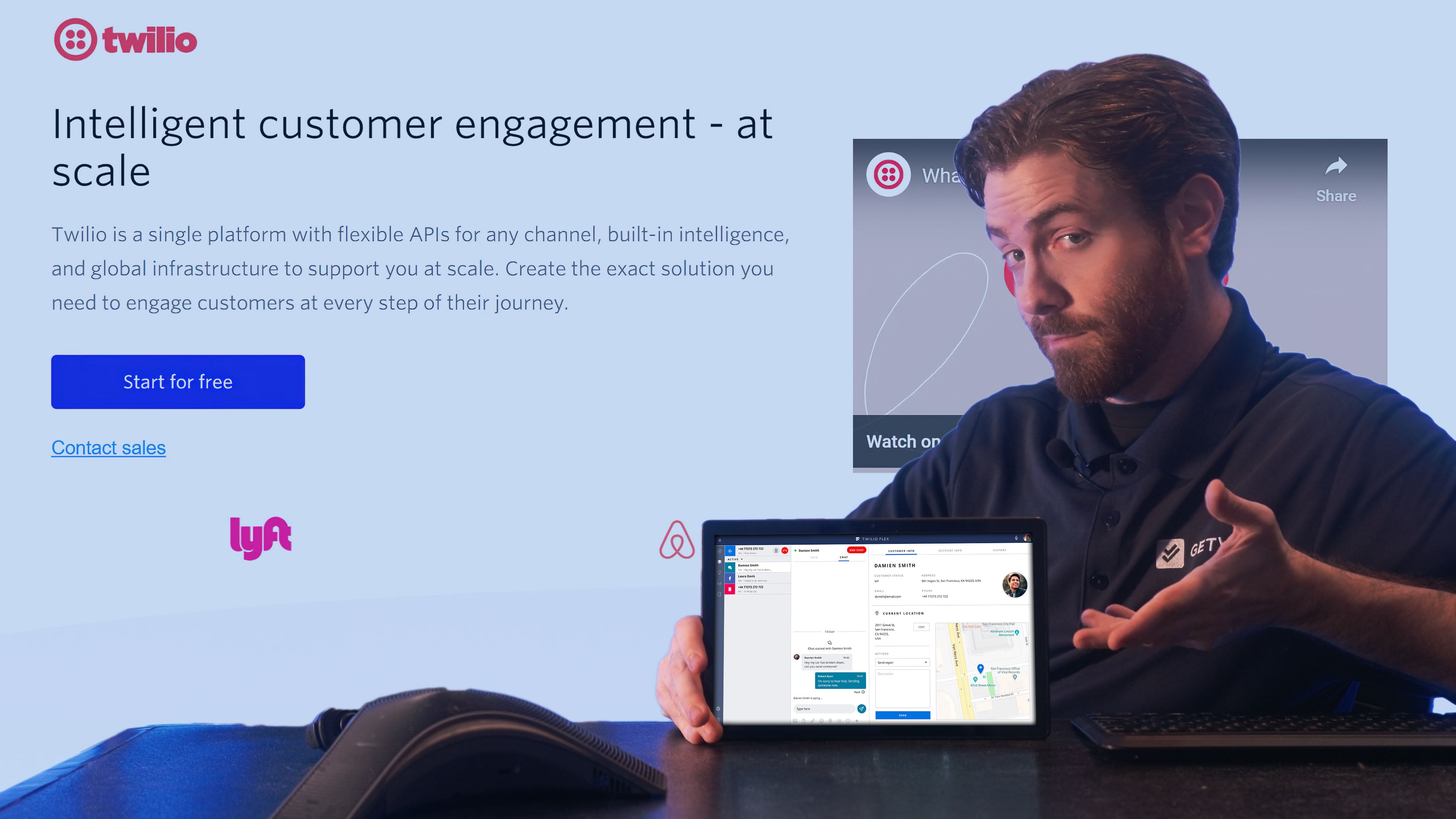
Twilio Flex combines a customer-service user interface with customizable channels, pre-built services for routing and reports, self-service and AI features, and developer tools to make the platform your own.
Twilio is more customizable than Talkdesk and enables users to build an omnichannel contact center with voice, SMS, WhatsApp, Facebook Messenger, live chat, email, and virtual agents and embed it into a website or app.
Twilio’s flexible pricing model allows companies to pay by the month or by the hour, while Talkdesk has a traditional pricing structure with tiered feature-bundled plans.
Twilio Flex is a Good Talkdesk Alternative If You Need:
- A customizable interface: Since Twilio is highly customizable with APIs, design your CCaaS user interface with channels, data inputs, and customer profile information
- Task management: Twilio’s TaskRouter service powers intelligent ticketing and task assignment. Customize TaskRouter to manage queues, route tasks, and escalate calls by following workflows you design.
- AI-based self-service: Integrate Google Cloud Contact Center AI into Twilio Flex to power live-agent support and highly conversational self-service via IVR and chatbots
- Email marketing campaigns: Twilio’s SendGrid service lets you build email marketing campaigns with custom templates and workflow automations
- App or website customer touchpoints: Flex’s live chat lets you connect with customers via live chat directly within your website or app, with rich services–reservation booking, secure payment, account updates, and more
- Customer insights: Twilio Flex’s API synchronizes data across channels, tracks customer journeys, and pulls customer data from connected software sources. This powers comprehensive customer profiles that assist marketing and on-call agents.
Pricing
Twilio Flex offers both per-hour and per-month pricing. Choose from $1 per active user hour or $150 monthly per user. The provider offers a free trial with 5000 free active user hours. Existing Twilio account holders pay from $35/month/active user, plus metered usage fees.
For a more complete breakdown, see our Twilio Flex review.
Pros & Cons
Pros
- Customizability: Twilio Flex lets you customize basically everything–the user interface, AI tools, task-routing workflows, and the data points that support your live agents
- Rich services: Engage with customers across all channels, including on your website and mobile app. Provide rich services like reservations and appointment booking, which many other contact centers don’t support
- Better customer data: When connected with external data sources, Twilio Flex enables more information-rich customer profiles than any alternative
Cons
- Requires a developer: Since Flex’s customization requires API implementation, it requires a developer on your team to implement and manage the code
- Complicated setup: Partially due to the API structure mentioned above, we found Flex’s setup process more complex and painstaking than with other providers
- Complicated pricing: While Twilio’s pricing rates seem straightforward, users incur costs when using additional Twilio services like TaskRouter, SendGrid, or other channels
6. NICE CXone
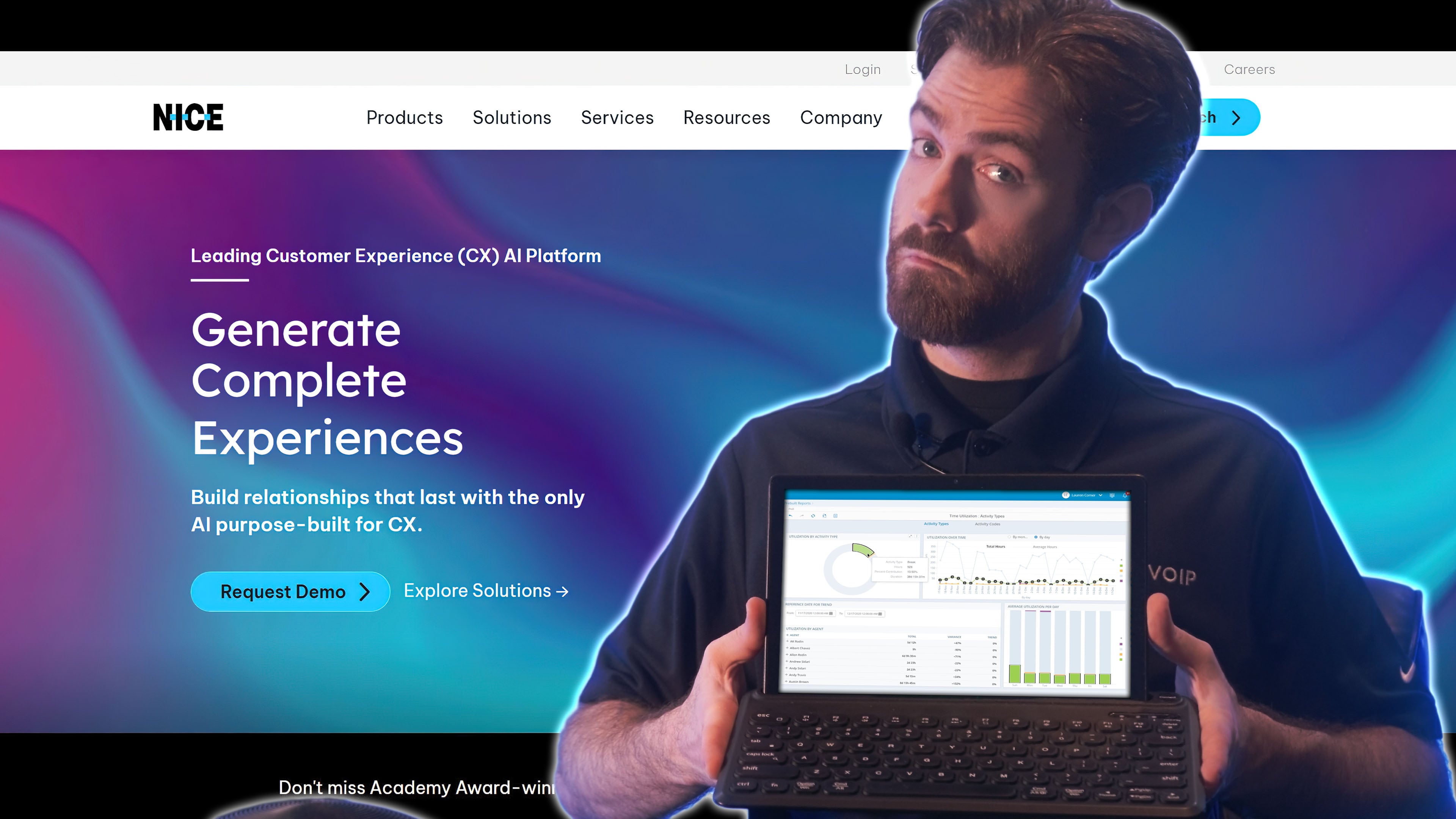
NICE CXone is an intelligent contact center software with AI-based self-service features like conversational AI chatbots, virtual agents, and call routing. NICE CXOne has some more affordable plans than Talkdesk. NICE also offers features that Talkdesk doesn’t have, including agent coaching.
NICE has a power dialer to improve outbound sales call workflows, while Talkdesk only offers auto dialing as an add-on feature.
The NICE platform includes over 30 digital channels including live chat, email, and social media messaging, while Talkdesk has a limited number of digital channels.
NICE CXone is a Strong Talkdesk Alternative if You Need:
- Customer experience insights: NICE’s Voice of the Customer (VoC) function aggregates customer feedback across channels and touchpoints–including conversation analysis, self-service, and surveys.
- Supervisor support: NICE’s quality management workflows include automated task distribution, rich agent feedback and evaluations, and self-assessment forms
- Live agent support: NICE’s Enlighten Copilot tool generates suggested responses for agents based on the conversation’s context, transcript, and the customer’s history
- Social media management: Use NICE CXone to communicate with customers on various social media platforms including X (Twitter), Facebook, and Instagram
- Data-based customer service: The Enlighten Actions feature supervisor dashboard tracks data, insights, and trends for agent performance and customer service. It scores agents on various metrics and identifies the most common reasons for customer issues
- Intelligent routing: NICE offers omnichannel routing with IVR, virtual agents, and call queues. Enlighten AI provides deep IVR insights like the most popular menu choices, the percentage of calls influenced, and the average number of seconds saved per call
Pricing
NICE CXone offers five pricing plans ranging from $110 to $249 monthly per user when charged annually. It also has industry-specific packages from $249/user/month for banking, insurance, healthcare, retail, and government. AI capabilities are charged on consumption-based pricing.
Our NICE CXone pricing review covers the plans in more detail.
Pros & Cons
Pros
- Lower-cost digital plan: At $71 monthly per user, NICE CXone’s Digital Agent plan is an excellent value
- Customizable analytics: NICE CXone offers more customizable dashboards than Talkdesk, with a wider variety of KPIs that drill down into call center performance
- Workforce management: NICE CXone may have the best AI forecasting and scheduling tool on our list, with rich agent evaluation forms and self-assessment tools
Cons
- Many AI features are add-ons: Many of NICE’s best features, like AI agent assistance and intelligent routing, are add-ons. Talkdesk includes more AI features in its standard plans.
- Outdated user interface: The NICE dashboard feels outdated and clunky compared to Talkdesk’s
7. Genesys
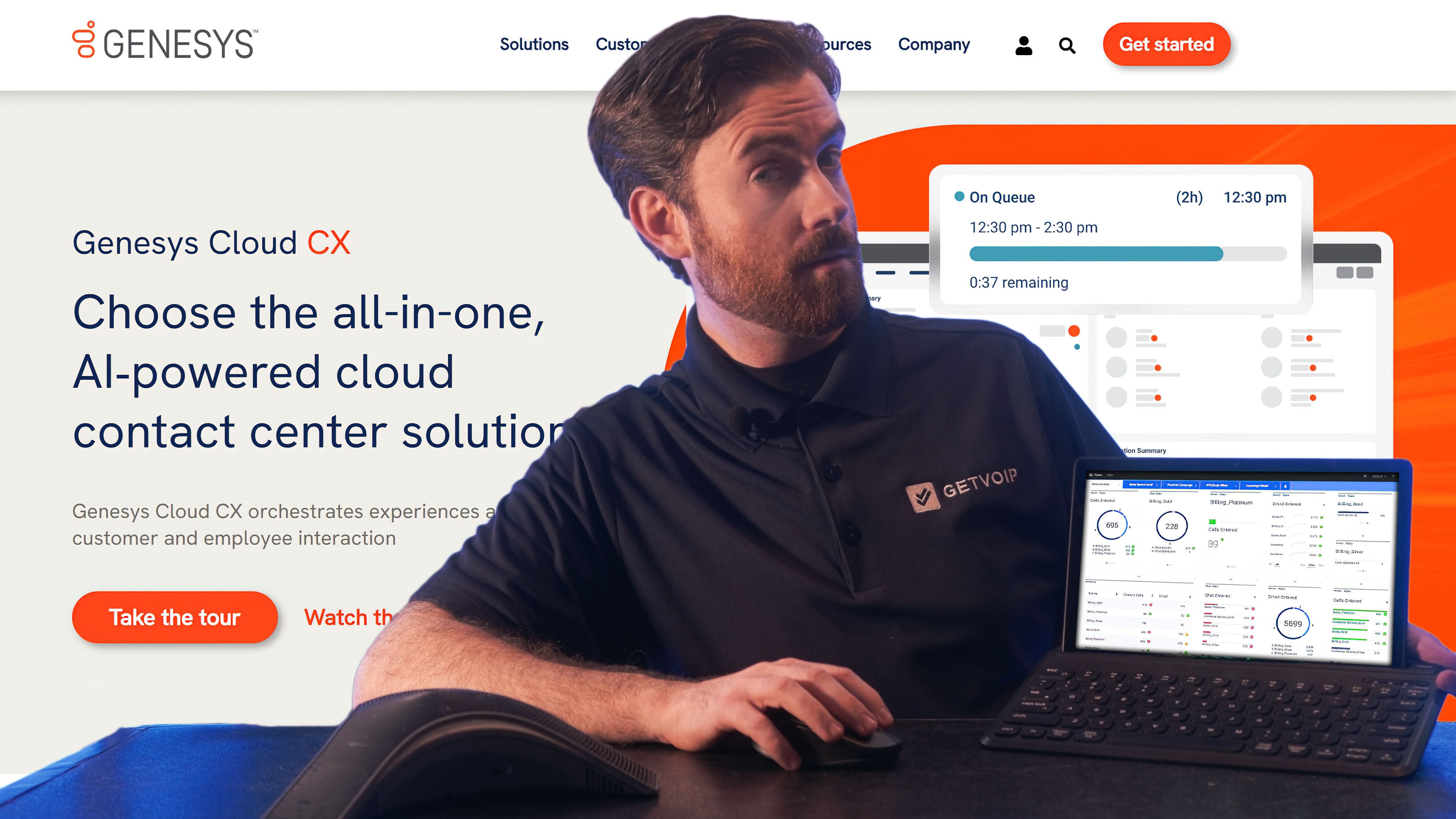
Genesys enhances agent and customer experience with self-service voice bots, chatbots, and live communication across voice, SMS, live chat, email, web messaging, and social media.
Genesys offers omnichannel routing via IVR and virtual agents that you can install on your app or website, while Talkdesk’s IVAs are limited to voice. Both Genesys and Talkdesk offer WFM tools, but Genesys gives employees a voice with the option for shift trading via a mobile app.
Genesys includes an AI-powered agent co-pilot that provides real time insights in all plans, while Talkdesk only offers these capabilities in upper tier plans.
Genesys is a Strong Talkdesk Alternative if You Need:
- A low-cost call center: Genesys’ voice-only plan costs just $75 monthly per user and includes IVR, reporting, and comprehensive routing. This is a strong value for teams seeking just voice.
- Easy-to-design routing and bot flows: The platform has a drag-and-drop routing call flow designer for IVR and virtual agents, making it simple to customize call flows
- Staff scheduling: Genesys uses AI to forecast call center activity and schedule agents based on FTE and availability. An agent mobile app lets staff trade shifts, request shifts, and communicate with supervisors.
- Customer experience data: Voice of the Customer (VoC) functionality uses AI-based text and speech analytics to elicit customer feedback regarding agent performance, frequently cited issues and topics, and more
- Simple interface: Genesys’ omnichannel interface is simple and easy to use right out of the box
- Team messaging: Genesys Cloud CX supports team collaboration with internal team messaging–a feature that many contact centers, like Talkdesk, don’t include
Pricing
Genesys offers four plans from $75 to $240 monthly per user with an annual commitment, including voice-only and digital-only options. The provider offers a 14-day free trial.
To learn more, check out our Genesys pricing review.
Pros & Cons
Pros
- Customizable analytics: Genesys analytics dashboards offer more customization options and more KPIs than Talkdesk
- Staff support: With AI-based scheduling, gamification, built-in coaching, and a mobile app for shift management, Genesys offers several tools to engage and support agents
- More AI features: While both Talkdesk and Genesys offer AI features like activity forecasting and customer experience analytics, Genesys’ advanced plans bundle more of these features while Talkdesk asks you to choose just some of them
Cons
- Weak mobile app: Talkdesk’s mobile app lets agents message customers through multiple channels. By comparison, the Genesys mobile app only lets agents manage shifts.
- Team messaging difficult to access: While Genesys supports team messaging, IM notifications can easily get lost in the dashboard, causing users to miss instant messages.
8. 8x8
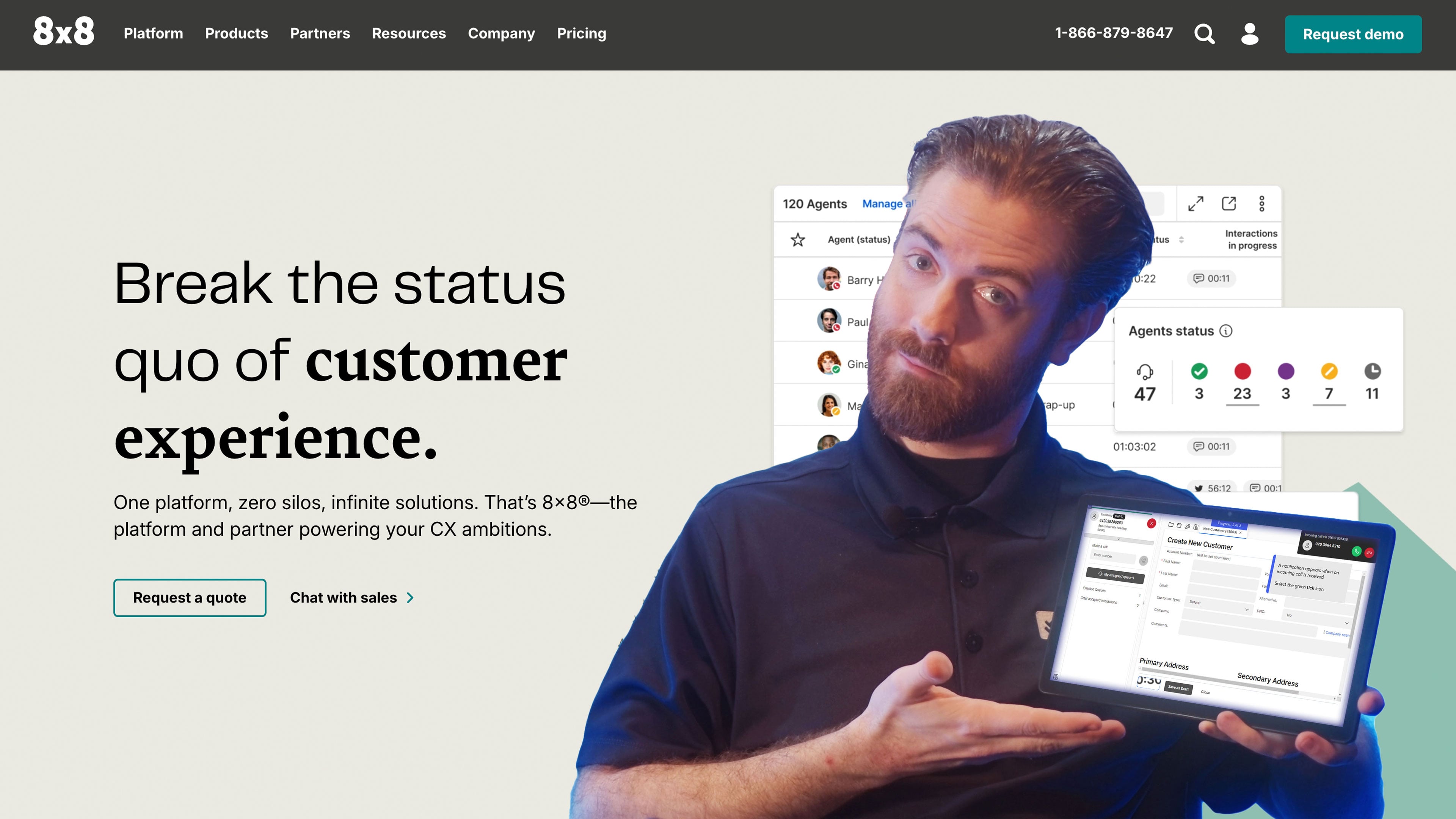
8x8 is an omnichannel contact center with a built-in UCaaS platform for team collaboration. It unifies voice calling, SMS texting, email, social media messaging on Instagram, X (Twitter), and live chat via your website or mobile app.
8x8 includes team-chat messaging and video meetings with up to 500 participants and interactive features. Talkdesk does not offer video conferencing or team messaging.
8x8 also includes several advanced call management features that Talkdesk doesn’t, including call barge/monitor/whisper, skills-based routing, and web and queued callback.
8x8 is a Good Talkdesk Alternative if You Need:
- Team collaboration: With interactive video and team chat, 8x8 combines contact center and UCaaS functionality. Team members can share files, draw on whiteboards, and host meetings directly in the app.
- Video meetings: Create meeting links and email them to customers for any use case requiring face-to-face interaction over video. 8x8 also supports live streaming, for demonstrations and webinars.
- Customer self-service: 8x8’s Intelligent Customer Assistant is an intelligent virtual agent that provides self-service across channels–social media, voice, live chat, SMS, and email. It provides human-like interactions and rich services like appointment booking, account updates, and more.
- Payment processing: 8x8 Secure Pay enables customers to purchase directly from vendors from the live chat, SMS, or voice chat window. Customers securely enter credit card information via keypad or keyboard, and this information is masked from the agent.
- Customer profiles: Besides integrating with popular CRM systems, 8x8 offers a native CRM system that organizes customer data, interaction history, sentiment scores, and more. These profiles help agents provide personalized service.
Pricing
8x8 doesn't publicize pricing information for contact center plans, you'll have to reach out to them for a specific quote. The provider offers a free trial for their UCaaS platform and phone system, but you'll have to contact them directly to request a free trial for the contact center.
For more information, check out our 8x8 pricing overview.
Pros & Cons
Pros
- UCaaS functionality: 8x8 promotes team collaboration and more personal interactions with video and team chat
- Customer insights: Gain insights about your customers in multiple ways–AI-based speech and text analytics and custom post-call surveys. This data and survey results are organized and sortable in the supervisor dashboard.
- Supervisor support: 8x8 offers multiple tools that helps supervisors monitor agent teams. Speech and text analytics identify problematic interactions to help supervisors revisit the recordings and provide feedback.
Cons
- Lack of AI for agent support: 8x8 doesn’t offer AI-based live agent support tools like suggested responses. Talkdesk outperforms in this regard.
- No workflow automations: While 8x8 does have a drag-and-drop IVA designer and follow-up surveys, it doesn’t provide the same degree of workflow customization as some alternatives–like Talkdesk
9. Freshdesk
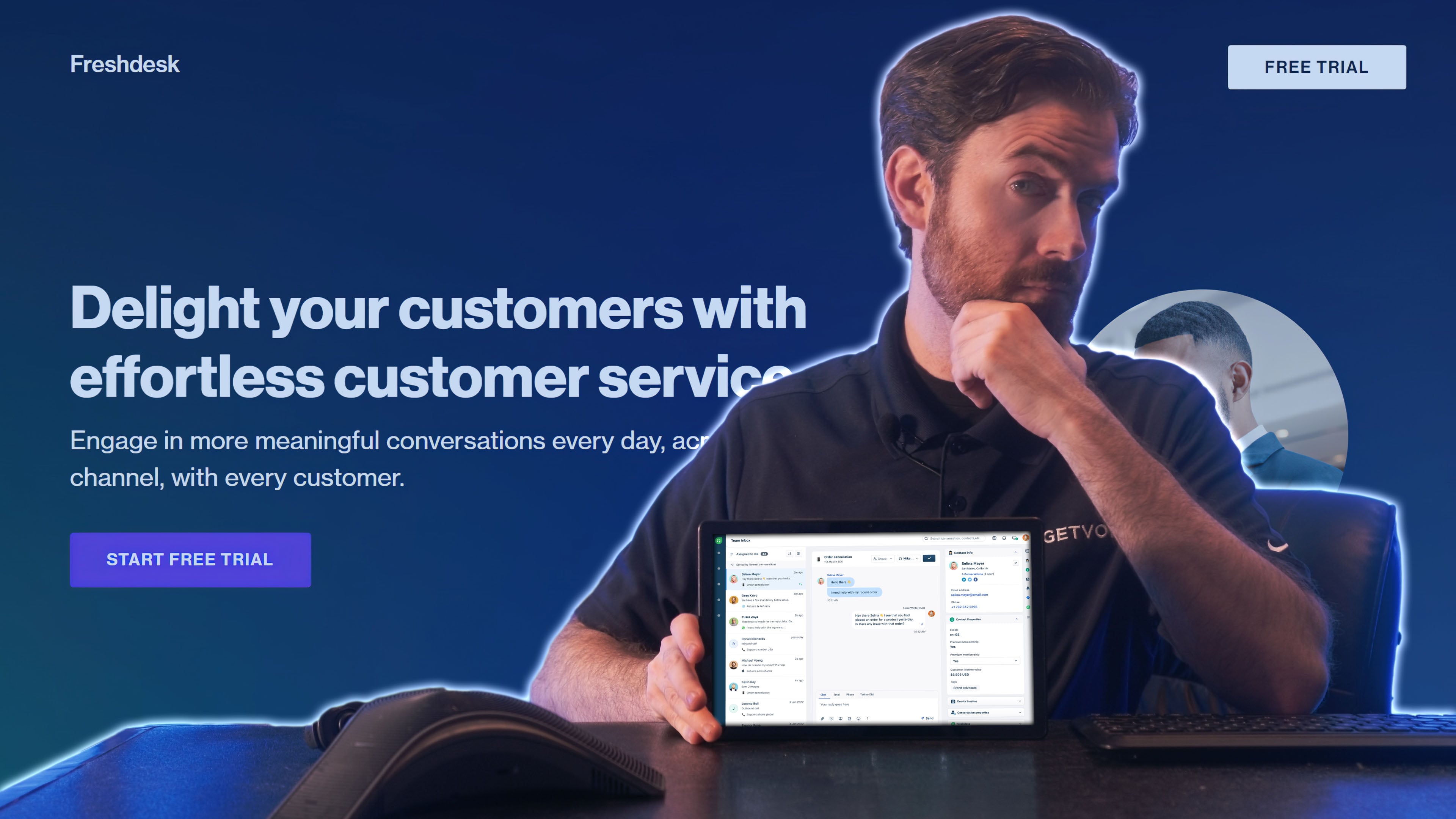
Freshdesk is a ticket-managing platform and omnichannel contact center dashboard. The platform does not include a phone system or SMS while Talkdesk does, but it integrates with virtually any VoIP phone system.
Unlike Talkdesk, Freshdesk provides integrated ticketing across digital channels such as live chat, email, social media, and more.
Freshdesk is different from Talkdesk in that it enables companies to build a customer-facing knowledge base, customize task routing orders, and create a bank of agent-support scripts. While not a contact center, Freshdesk offers powerful features for ticketing and customer service.
Freshdesk is a Good Talkdesk Alternative if You Need:
- Organized ticketing: Freshdesk can create, tag, and route tickets according to custom rules. They appear in the agent’s inbox. Once the agent handles a task, create workflows that handle what happens next based on ticket status.
- Knowledge base: Freshdesk is the only platform on our list that lets you create a customer-facing knowledge base. Write articles and organize them by category to help your customers.
- Community forum: Create and host a forum where community members can make and comment on posts. This establishes a community and creates a self-service tool where customers can troubleshoot issues without involving your agents.
- Dashboards and reports: Build custom reports that compile trends and data across all channels and integrations. Track ticketing trends, agent support statistics, customer satisfaction, and more.
- Custom omnichannel routing: Choose a custom ticket routing order, routing robin, or skills-based routing for tickets
- Intelligent AI: Freshdesk’s Freddy AI function enables intelligent chatbots via email and live chat, article suggestions for customers and agents, and canned response suggestions for agents
Pricing
Freshdesk offers three ticketing platform plans ranging from $19 to $89 monthly per user. The provider also offers a customer-service suite with plans from $29 to $119 monthly per user. Both plan types offer a 14-day free trial.
For further detail, see our Freshcaller pricing breakdown.
Pros & Cons
Pros
- Flexible dashboard and task management: Freshdesk is the only ticket-management dashboard on our list. It’s flexible and can integrate with many channels and VoIP providers, giving contact center structure to tools you already use.
- Forum and knowledge base: These two self-service tools are unique–no other provider on our list offers them
- Integrations: Freshdesk integrates with over 1000 thirst-party platforms, including VoIP systems, contact centers, analytics engines, databases, and e-commerce sites
Cons
- Steep learning curve: Since Freshdesk’s dashboard is so flexible and customizable, it can be frustrating and painstaking to set up the integrated channels, knowledge base, routing flows, and analytics
- No native phone system: Unlike all the other CCaaS providers on our list, Freshdesk does not include a native phone system. You must integrate phone service from a VoIP provider
10. RingCentral
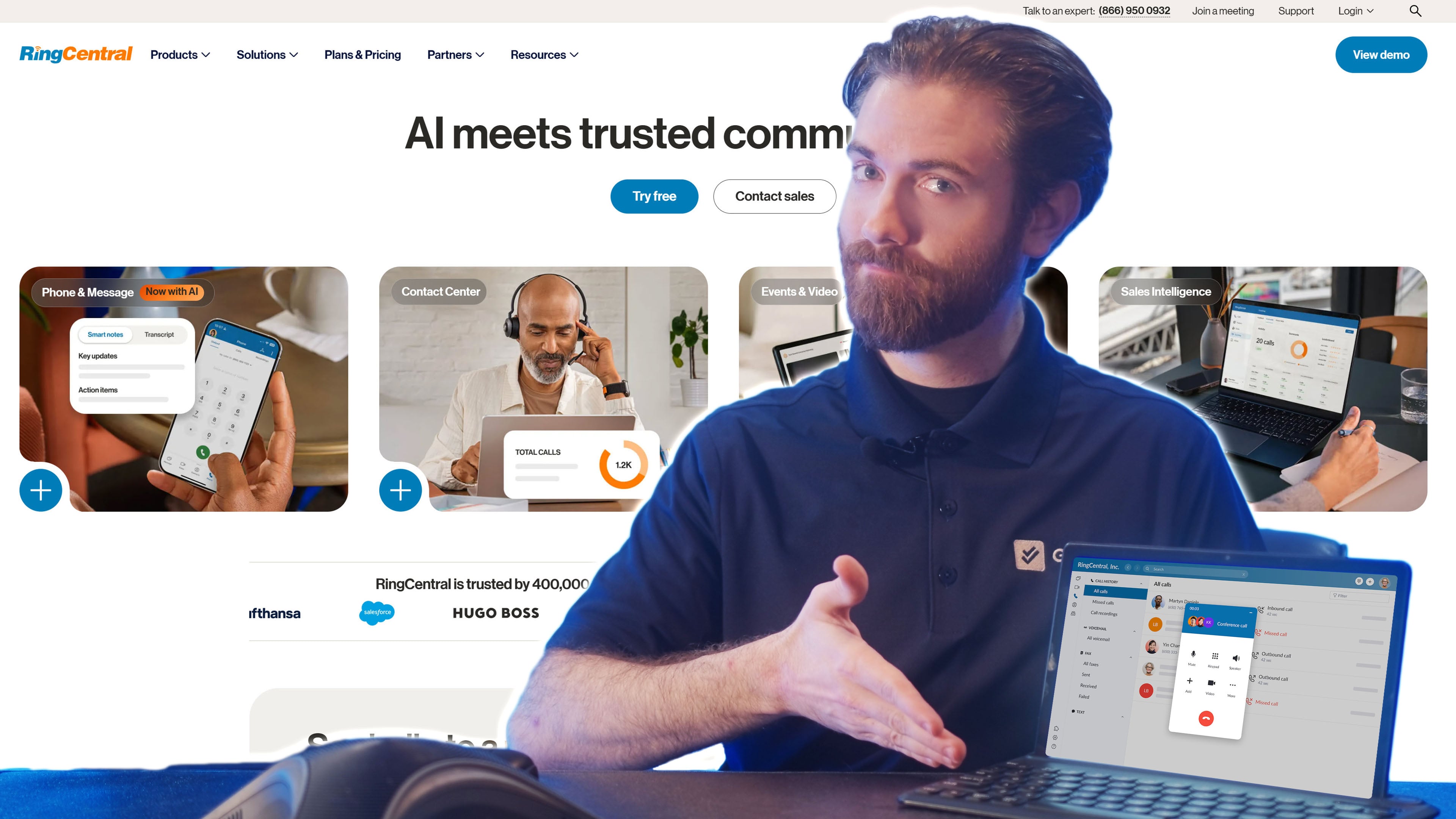
While RingCentral is best known for its UCaaS platform, RingEX, the provider also offers an AI-powered contact center. The CCaaS platform is even more affordable than Talkdesk, and includes over 20 communication channels, including voice, SMS, live webchat, video, email, and social media channels.
Like Talkdesk, RingCentral CX allows users to design virtual agents, record calls and agent screens, and customize routing with IVR and IVA systems.
RingCentral is a Good Talkdesk Alternative if You Need:
- Flexible custom surveys: RingCentral offers an add-on for customizable surveys via email, in-app, phone, or website pop-up. Choose the question types, answer options, and triggers to initiate the survey.
- Agent coaching: AI gives agents real-time transcripts, assistance, and feedback. Post-call summaries help agents organize their tasks.
- Supervisor support: Screen capture, call recording, and call monitoring with whisper and barge help supervisors observe agent performance. Speech analytics and automated call scoring help supervisors monitor large teams.
- Outbound sales: All plans include preview, predictive, and progressive dialers to save time for sales agents
- Unlimited calling: RingCentral offers a popular phone system with crystal clear audio, and the contact center supports unlimited domestic calls
Pricing
RingCentral offers three omnichannel contact center pricing plans, from $65-$145 monthly per user. The lower-tier plan offers 20+ channels, IVR, IVA, and basic features. The higher-tier plan adds AI agent support tools, workforce management, and quality management features.
To learn more, see our RingCentral pricing breakdown.
Pros & Cons
Pros
- Low-cost: Starting at just $65 monthly per user, RingCentral’s contact center is one of the cheapest on our list–about 25% cheaper than Talkdesk
- Customer data gathering: With AI-based conversation analysis, automated scorecards for each interaction, and surveys across multiple touchpoints, RingCentral enables comprehensive customer data gathering
- Strong phone system: RingCentral is well-known for their high-quality audio, intricate skills-based routing system, and IVR menu customizability
Cons
- Too many add-ons: All of RingCentral’s advanced features are add-ons–AI, advanced surveys, and real-time agent assistance. This makes it hard to calculate pricing.
- Rigid interface: RingCentral’s agent dashboard isn’t as flexible as Talkdesk’s. You can customize the Talkdesk dashboard to show customer profiles and integrated data sources, but you cannot do that with RingCentral.
Which Should You Choose?
When choosing an alternative to Talkdesk, look for a platform that fits your budget, channel requirements, and business needs. Here’s a quick breakdown of which providers meet various use cases.
- Cost-effective: Aircall and Genesys offer low-cost call centers for those with a strict budget
- Live-agent support: Five9 and Dialpad offer strong AI-based features that support agents during real-time conversations
- Workflow automations: Nextiva and Twilio Flex offers highly customizable workflow design tools that route calls, digital messages, and tasks
- Customer insights: RingCentral uses AI-based conversation analysis to deliver deep insights about customer behavior patterns, while 8x8 uses integrations to build rich customer profiles
- Omnichannel routing: NICE CXone and Freshdesk utilize intelligent skills-based routing to direct omnichannel tasks to the optimal agent or queue, for strong customer service
How to Switch from Talkdesk
Migrating a contact center is more involved than swapping a business phone line, because you're moving call routing, IVR logic, integrations, and agent workflows, not just phone numbers. Plan for several weeks of overlap between Talkdesk and your new platform so you don't drop calls during the transition. Here's the order of operations that keeps the switch clean.
Step 1: Audit your current Talkdesk setup
Before you sign with a new provider, document what you're actually running: every phone number and DID, your IVR and routing trees, active integrations (CRM, helpdesk, WFM), custom reports and dashboards, and any compliance requirements like call recording consent or PCI handling. This inventory becomes your build checklist on the new platform and surfaces features you depend on that a cheaper alternative might not include.
Step 2: Choose your provider and set up the account
Sign up with your new platform and build the account before touching Talkdesk. Most providers in this guide can be provisioned within a day or two, though enterprise platforms like NICE CXone, Genesys, and Five9 may involve a guided onboarding period. Confirm the new provider supports the channels, integrations, and compliance certifications you cataloged in Step 1.
Step 3: Rebuild routing, IVR, and integrations
Call flows, IVR menus, skills-based routing, queue logic, and business-hours rules don't transfer between providers, so you'll rebuild them in the new system. Reconnect your CRM and helpdesk integrations and test that customer data and call logs sync correctly. This is the most time-consuming phase, so budget one to three weeks depending on how complex your routing is.
Step 4: Port your phone numbers
Submit the porting request through your new provider, not through Talkdesk. You'll typically need a recent Talkdesk invoice, your account number and PIN, the authorized account holder's details, and a full list of numbers to port. Local numbers usually port in 5-10 business days and toll-free in 3-5; your numbers keep ringing through Talkdesk until the port completes, so service isn't interrupted.
Step 5: Train agents and run in parallel
Train your agents and supervisors on the new dashboard before going live, then run both systems in parallel for a short window, routing a portion of calls to the new platform while monitoring quality. Watch routing accuracy, call quality, and integration sync, and tune as you go. Keep a fallback path to Talkdesk until you're confident.
Step 6: Cancel Talkdesk only after the port completes
Do not cancel Talkdesk until every number has fully ported and the new system is handling live traffic cleanly. Canceling early can forfeit numbers mid-port. Review your contract for auto-renewal dates and any early termination fees, confirm cancellation in writing, and keep records of the final billing cycle.
Total transition timeline
For most contact centers, the full switch takes 3-6 weeks from sign-up to fully live, driven mainly by routing complexity and number porting rather than the new platform's setup. Smaller, voice-focused teams moving to a lighter provider like Aircall can sometimes complete it in under two weeks, while large omnichannel deployments with deep integrations should plan for the longer end of the range.