
Call center software provides small businesses with the channels, workflows, and features to compete with larger companies. Routing tools and self-service capabilities enhance agent efficiency and promote customer service, even if your team works remotely.
This article will outline how call center software can help your small business, plus our top picks for CCaaS products
How We Evaluated + Tested Call Center Software
Our team dove deep into the biggest call center platforms, putting each through a rigorous testing process that we felt mirrored the real challenges small businesses must overcome everyday. We made actual calls, sent messages, built routing menus, and explored every corner for flaws and pleasant surprises.
Our due diligence included closely looking into user interface design, customer self-service options, AI features, pricing transparency, and how smoothly each integrated with big box CRM systems. We also assessed queue management, analytics depth, customization flexibility, and the quality of support documentation.
Here's what we paid extra attention to:
- Pricing Structure and Value: We analyzed each provider's pricing model, giving special attention to entry costs, features coming standard versus add-ons, and whether small teams can scale affordably. We noted which platforms offered transparent pricing upfront and which required nitty-gritty sales conversations to learn true costs and overcome sticker shock
- Core Call Center Features: We tested IVR systems, call routing accuracy, queue management, and call distribution methods. We preferred those that just felt intuitive as we set up routing rules, saw whether skills-based routing actually worked as advertised, and remarked how well automated callbacks handled overflow situations
- Agent Efficiency Tools: We evaluated features that claim to make small teams more productive, that meant things like auto-dialers, screen pops, agent scripting, voicemail drop, and real-time assistance. We paid close attention to how these tools actually saved time in practice, not just in marketing terminologies
- AI and Automation Capabilities: We examined virtual agents, chatbots, workflow automations, and AI-powered coaching tools. We tested how well AI handled customer interactions, whether live-agent assistance actually helped during calls, and how intelligent the routing and customer insights really were
- Analytics and Reporting: We explored the depth and usability of each platform's analytics dashboards, looking at call volume metrics, agent performance tracking, customer satisfaction measurement, and speech analytics. We noted whether insights were actionable or utterly useless data dumps, and how easy it was to generate reports
- Omnichannel Support: We tested how well each platform handled multiple communication channels: voice, SMS, email, live chat, social media, video, all what we considered the works. We looked at whether switching between channels was seamless or a total chore to do, and how well conversation history carried across touch-points
- Setup and User Experience: We measured how long it took to get a basic call center running, how steep the learning curve was for administrators and agents, and whether the interface felt of this time. Some contenders felt like dinosaurs. We also gave weight as to which platforms actually struck the right balance of power and simplicity
- Integration Capabilities: We evaluated how well each platform meshed with popular CRM systems (Salesforce, HubSpot, Zoho), productivity tools, and other business software. We checked whether integrations were native or required third-party middleware, and how much data truly flows between systems
- Support and Reliability: We remarked on each provider's customer support quality, the depth and breadth of onboarding resources, documentation's helpfulness, and reported uptime statistics. We looked for evidence of how they handle issues and whether small businesses get the same quality of service as enterprise clients
At A Glance Overview
| Best For | Starting Price | Key Strengths | Best For | |
| Nextiva | Self-service & customer journey orchestration | $75/user/month |
|
|
| RingCentral | Cost-effectiveness | $65/user/month |
|
|
| Dialpad | Live-agent support & AI | $80/user/month |
|
|
| 8x8 | Team collaboration | Contact Sales |
|
|
| Vonage | Call routing & queueing | Contact sales |
|
|
Best Call Center Software for Small Business
We tested most popular call center software platforms, examining their UI and features to determine the best options for small businesses. While evaluating these products, we made calls, sent messages, and built routing menus. In this article, we prioritized tools that improve call center efficiency–like AI support, virtual agents, self-service, and workflow automations.
Here are our top picks for small businesses:
- Nextiva: Best for self-service and customer journey orchestration
- RingCentral: Most cost-effective option
- Dialpad: Best live-agent support and AI
- 8x8: Best for team collaboration
- Vonage: Best for call routing and queueing
Nextiva Customer Experience Suite
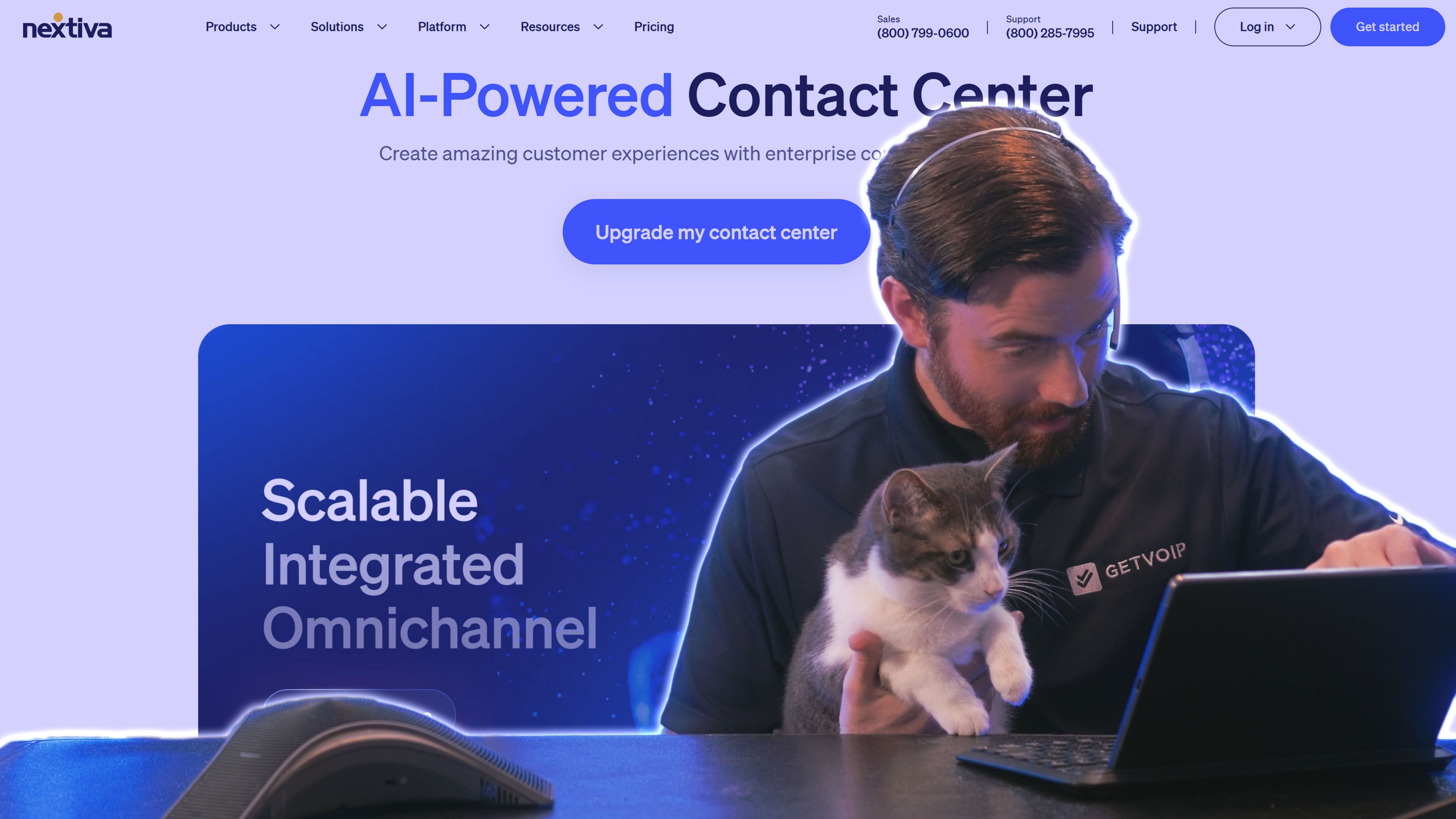
Nextiva's call center software is a comprehensive AI-first contact center platform combining intelligent automation, conversational AI bots, and built-in CRM functionality to deliver world-class support in a flash. The platform leverages artificial intelligence for all steps of the customer journey from its routing that intelligently directs calls based on customer data or agent skills, to voice bots that take on routine inquiries through NLP. Tools like predictive auto-dialers and intelligent workflow automations make agents killer efficient, while customizable routing styles and AI-driven call distribution optimize your inbound call flow based on conditions as they happen.
Each plan includes robust workflow automations and AI-enhanced agent scripting, helping small staff sizes make the most of their fragile and short time with smart prompts and next-best-action recommendations fortified by active machine learning.
Why Nextiva is a Good Fit for Small Businesses
- Workflow customization: Each plan includes custom workflows, linked with multiple routing options like round robin, skills-based, time-based, or AI-based routing. Automatically create and assign tickets based on customer information.
- Customer insights: Nextiva has a built-in CRM system that tracks customer journeys, preferences, and data. Live CX speech analytics and automated post-call surveys gather deeper insights, helping agents and supervisors understand customers better.
- Feature-rich basic plan: Nextiva’s Essential plan includes more features than most alternatives’ low-tier plans. It includes audio dialers, campaign management, live-agent scripting, and voice bots for IVR.
Where it Falls Short
- High price floor: With plans starting at $99, Nextiva can’t match the low costs that some alternatives have, such as RingCentral
- No Native CRM integrations: While Nextiva offers built-in CRM tools, it doesn’t come with any out-of-the-box CRM interactions as most competitors do
Pricing
Nextiva offers three call center plans, starting at $75 monthly per user. Choose from voice-only, digital-only, or omnichannel contact center software.
To learn more, see our Nextiva pricing guide.
Best For
- Those seeking to provide rich AI-powered services via chat: Nextiva's live chat and intelligent chatbot tools enable advanced services like automated appointment booking, secure payment processing, and conversational commerce
- Customer service teams: With customizable routing and customer journey orchestration, Nextiva provides a high degree of control over how you handle and serve customers
RingCentral Contact Center
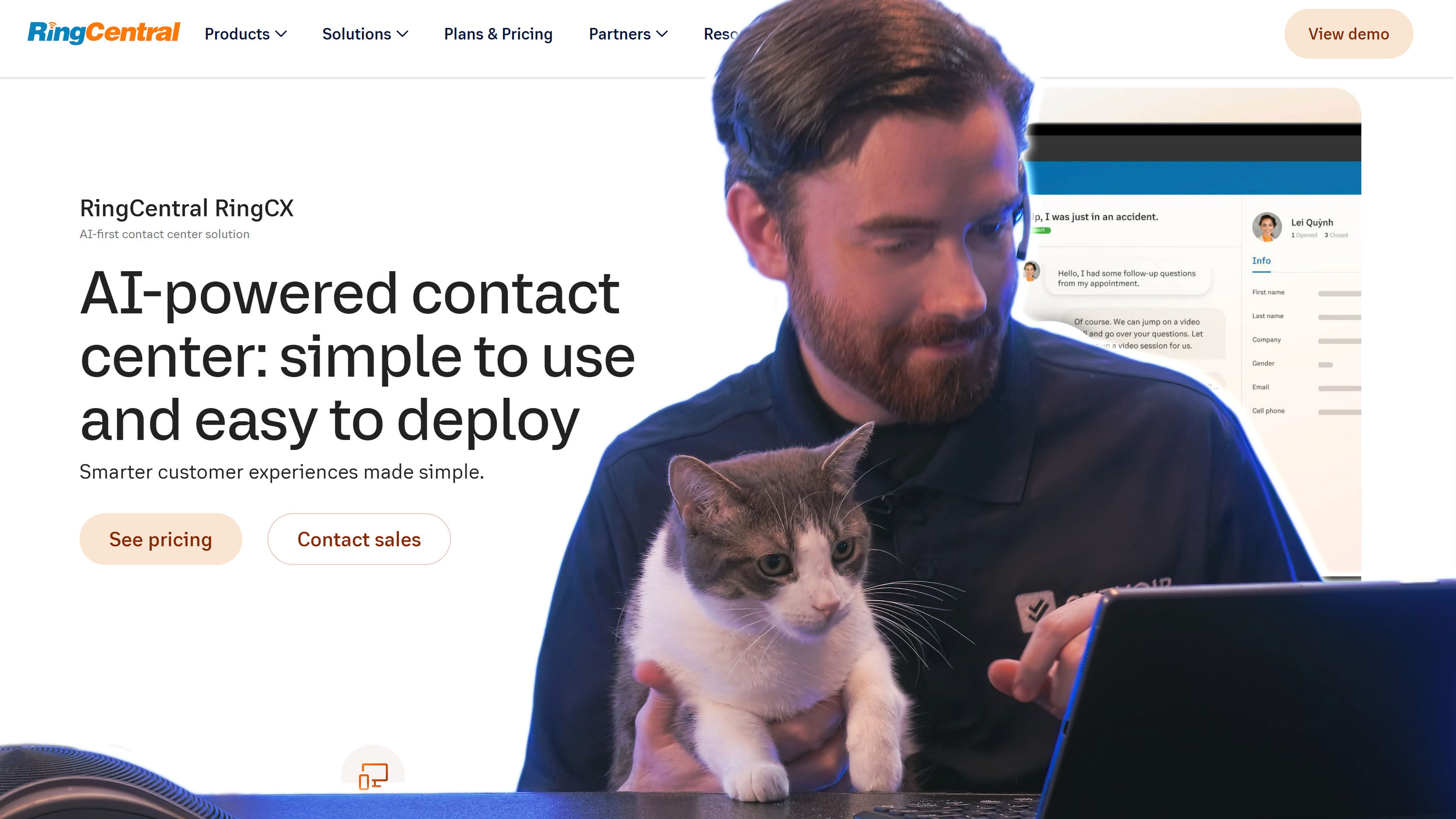
RingCentral offers a truly cost-effective, feature-packed call center software solution with over 20 communication channels, AI-based sales/service features, and top-notch analytics capabilities. All contact center plans generously boast intelligent IVR menus, an outbound auto dialer, comprehensive analytics dashboards, customer surveys, and call recordings with no additional charges. The platform integrates without a hiccup with most leading CRM systems out of the box, enabling screen pops and unified customer data across your call center.
While plans start with robust core features, it offers the choice to max out your call center with advanced AI-powered add-ons. We found automated call transcriptions using speech recognition a nice add-on as well as their AI-generated call summaries capturing key points and action items and real-time agent assistance providing live suggestions during conversations. Additional AI capabilities include advanced speech analytics that pick out trends and sentiment, interactive omnichannel surveys, and context-rich quality monitoring.
Why RingCentral is a Good Fit for Small Businesses
- Cost-effective: Starting at $65 monthly per user, RingCentral’s omnichannel software offers the most affordable basic plan of all the providers we tested
- Customizable features: You can choose which particular add-ons you want, ensuring you don’t spend money on unwanted features
- Unique ways to gain customer insights: Advanced surveys, speech analytics, and keyword detection provide deeper insights about what issues your customers face
- AI service tools for efficiency: AI-based features like call summaries, automated scoring, and keyword tracking help small companies track trends in customer experience
Where it Falls Short
- No voice-only options: Teams seeking a true call center, with voice-only, may feel overwhelmed by the fact that RingCentral’s plans all include at least 20 channels
- Best AI features are add-ons: While RingCentral’s plans start at $65 monthly, our favorite features–and the ones that promote efficiency for small teams–quickly hike the price
Pricing
RingCentral’s contact center offerings begin at $65 for a basic omnichannel plan, with add-ons for advanced features like AI and high-level surveys.
For more information, read our RingCentral pricing guide.
Best For
- Call centers prioritizing low cost: No competitors can beat RingCentral’s $65 starting price for a call center platform
- Those seeking to gain customer insights: With advanced surveys, CX analytics, and keyword detection, RingCentral offers excellent tools to uncover details and trends about your customers’ experience with your company
Dialpad AI Contact Center
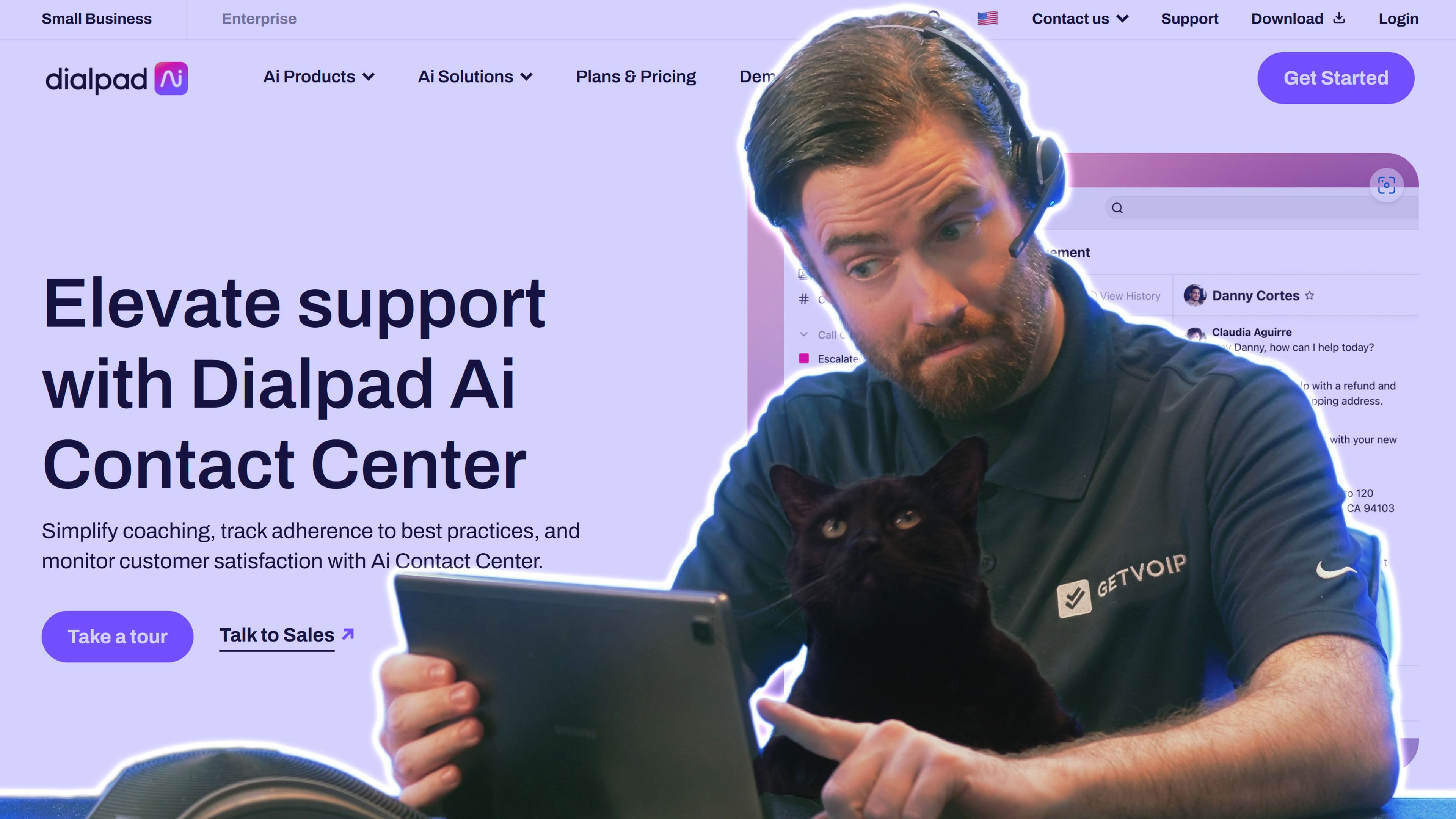
Dialpad's contact center software uniquely leverages artificial intelligence throughout the platform to support both agents and supervisors with proprietary AI technology. All call center plans offer intelligent IVR systems, automatic call distribution, integrated video meetings, call monitoring, and essential AI features like real-time call transcription and AI-powered key-moment detection that automatically highlights important parts of conversations.
Compared to other names on this list, Dialpad was amongst the most generous. Higher-tier plans add sophisticated live-agent assistance that provides real-time coaching and advanced AI features like automated scorecards and customer satisfaction score predictions.
Why Dialpad is a Good Fit For Small Businesses
- Intricate queueing: Dialpad’s IVR system is easy to set up, and automated queue callbacks help reduce wait times. If your queue gets overwhelmed, automated callbacks let customers do other things while waiting to receive a call.
- AI Supervisor support: AI scorecards and AI moments use call transcriptions to provide feedback for agents, helping agents improve even when supervisors aren’t able to listen in on calls
- Tools for efficient agents: Dialpad’s proprietary AI, DialpadGPT, informs intelligent and conversational virtual agents and IVR systems for self-service. Live-agent support makes agents more effective, helping small teams handle more queries.
Where it Falls Short
- Lacks workforce management: Dialpad’s call center software does not have WFM tools like automated forecasting and shift scheduling, which most alternatives have
- No call center analytics: While Dialpad does track customer satisfaction score and agent scorecards, the software doesn’t provide insights about call volume, agent activity, and queue metrics
Pricing
Dialpad offers three call center plans, ranging from $80 to $150 monthly per user. All plans include voice and video, with higher tiers adding omnichannel options.
To learn more, see our Dialpad pricing review.
Best For
- Small companies with high call volumes: Dialpad’s IVR and queue callbacks help small call centers manage an overflow of inbound calls
- Those who want to provide more agent feedback: Dialpad uses AI to coach agents with scorecards, sentiment detection, and real-time assistance
8x8 Contact Center
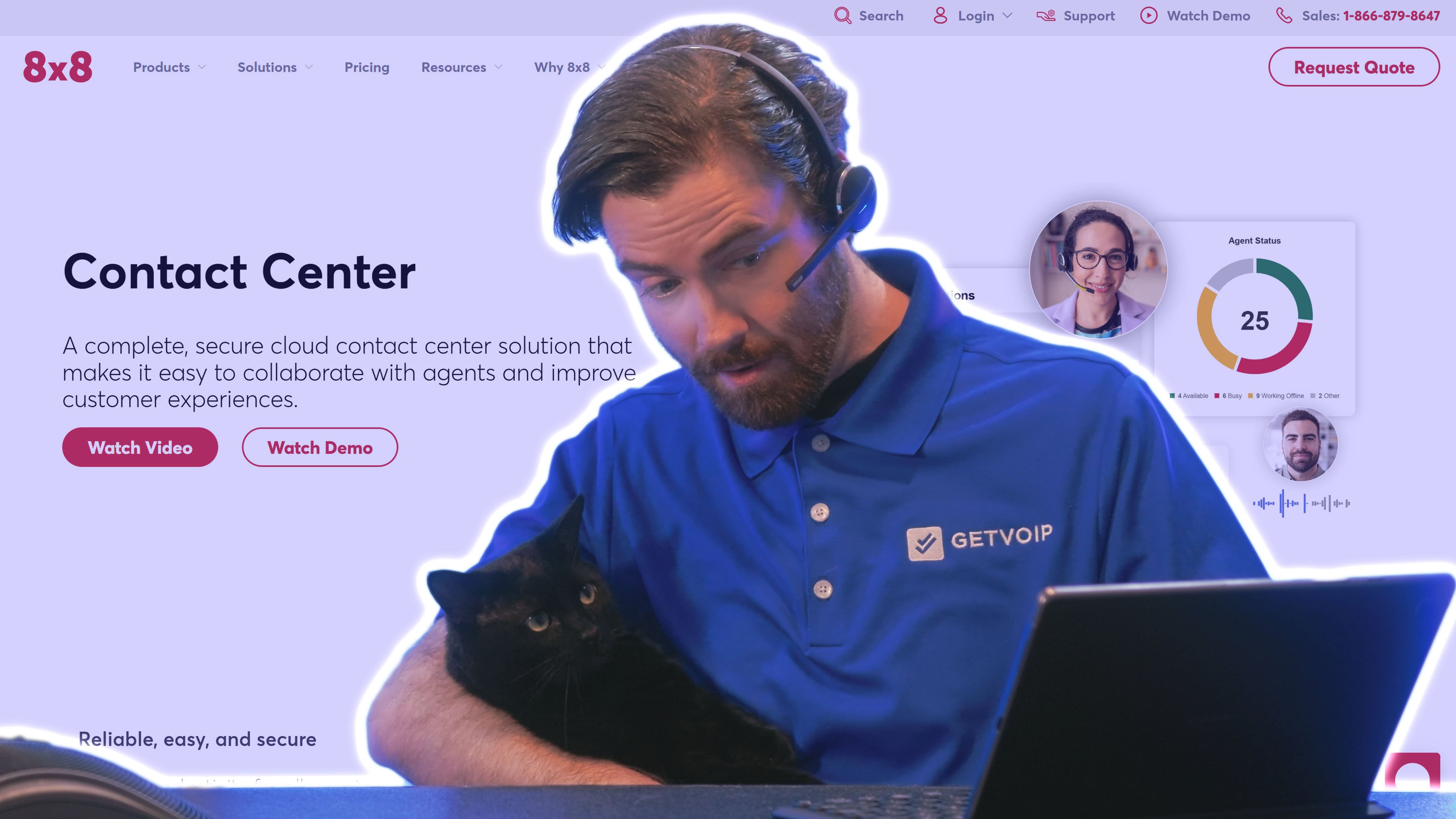
8x8’s call center software underscores team collaboration and accessibility first and foremost. Each contact center plan includes integrated video meetings and internal team chat for friction-free agent communication and fostering a solid sense of community. Their Contact Center call center solution lets agents access full CCaaS features from compatible mobile devices, most browsers, or fully built-out desktop applications, ensuring flexibility and feature parity for remote and hybrid teams. Omnichannel plans expand capabilities to include email, SMS, live chat, social media messaging, and popular messaging apps for comprehensive customer engagement.
While plans come with essential call center features like multi-level IVR systems, intelligent call queueing, and call monitoring, they also position themselves as leaders with unique collaboration-focused features. The 8x8 Frontdesk app provides an interface specifically designed for receptionists and front-office staff, and the innovative video elevation feature lets agents view the customer's screen remotely for step-by-step visual instructions. 8x8 offers add-ons for auto dialers and speech analytics for teams that need advanced call center capabilities.
What We Like About 8x8
- Email features: Utilize prebuilt or custom workflows and CRM integrations with email, or design dynamic email queues with skills-based routing, for intricate service through email
- Video sharing: Customers can share their screens with agents, on mobile or desktop, by clicking a link. This helps agents take screenshots and provide more detailed service and troubleshooting.
- Callbacks: Customers can create callback tickets from IVR queues, or your website or mobile app
Where it Falls Short
- Lack of advanced features: 8x8 does not include quality management, workforce management, or AI tools like live-agent support
- Non-user-friendly analytics: I found the analytics portal relatively overwhelming, cluttered, and non-intuitive
Pricing
8x8 does not publicize pricing information for its contact center, but the provider offers a unified communications (UCaaS) platform, a contact center solution (8x8 Contact Center), an AI-powered customer engagement platform (8x8 Engage), and APIs that can be used to build a custom system. Mix and match plans and choose from metered or unlimited calling options.
Check out our 8x8 pricing review for more information.
Best For
- Call centers that want a simple solution: 8x8 offers core CCaaS features and channels, without advanced features like AI, making a user-friendly option for those seeking something simple
- Overloaded contact centers: Small teams facing large queue volumes and large numbers of inbound messages can organize callbacks through voice and web messaging
Vonage Contact Center
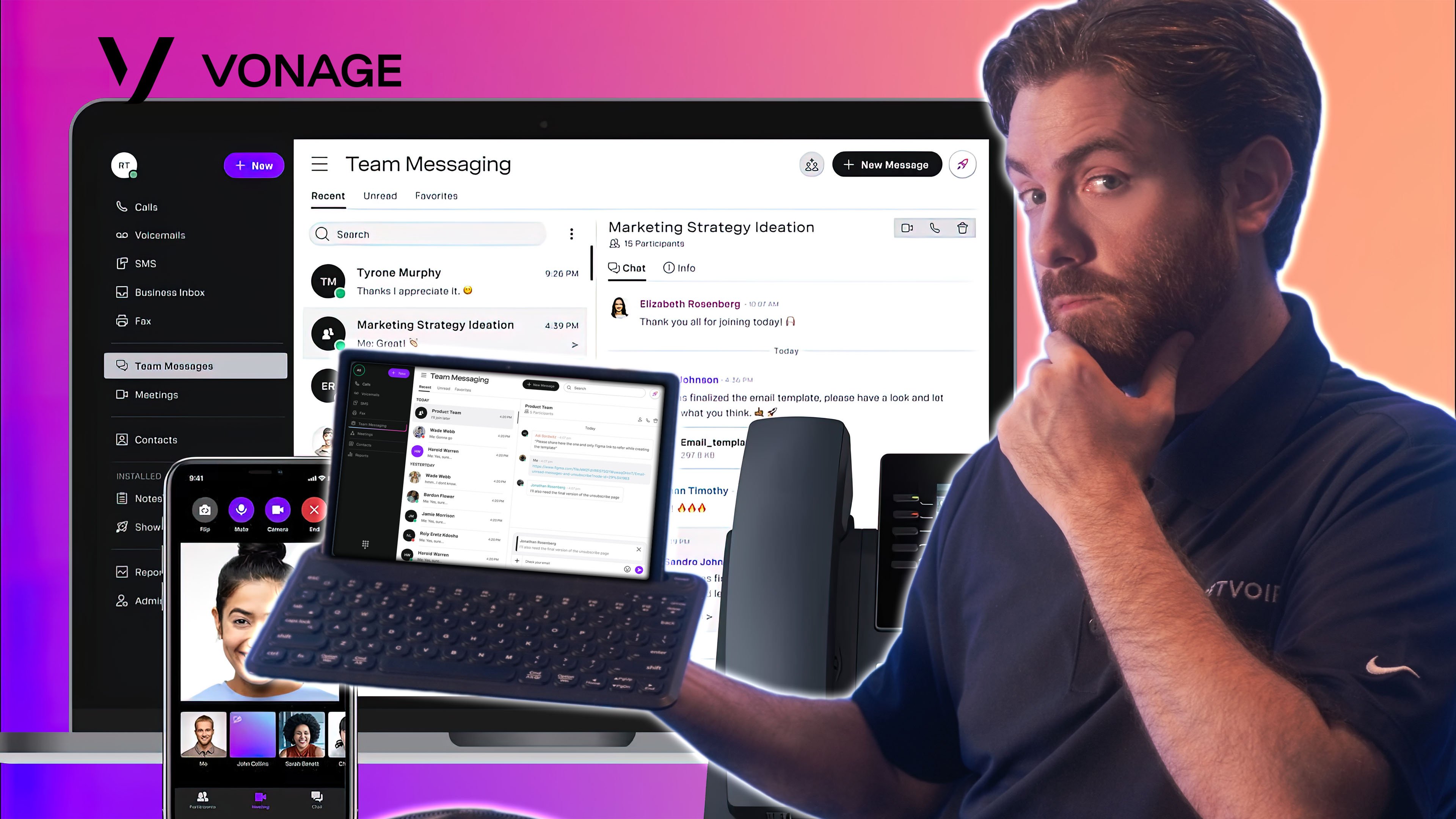
Vonage's omnichannel contact center platform bundles a well-rounded suite of features for customer self-service, intelligent call routing, and AI support capabilities. Each call center plan already comes bundled with voice, SMS, email, video calling, and social media messaging to engage customers on the turf they most prefer. Small teams can customize routing and call flows with an intuitive drag-and-drop IVR designer, intelligent call queues, and skills-based routing that matches customers with the most qualified agents.
Vonage makes an effort to enhance your call center agents making more efficient via CRM-integrated features like automated screen pops that display customer information instantly. Auto dialers with voicemail dropping help sales agents accomplish more outbound calls, and AI-powered self-service tools like virtual agents use natural language processing for intelligent conversations that resolve more customer queries without human intervention.
Why Vonage is a Good Fit For Small Businesses
- Tools to make agents efficient: All Vonage plans include an auto dialer with voicemail dropping, streamlining outbound sales efforts. Contextualized notifications and screen pops help agents jump into action.
- Intricate call handling and queueing: With skills-based routing, queueing, and automated queue callbacks, a small number of agents can wear multiple hats and serve customers across departments and purposes
- AI self-service tools: Vonage offers add-ons for AI tools like virtual agents, which relieve some of the load on agents and provide 24/7 service
Where it Falls Short
- No live chat on core plans: Most alternative contact centers offer live chat on web and mobile apps, but Vonage reserves this channel as an add-on
- UI and features feel basic: The user dashboard, analytics, and lack of AI tools make the overall user experience feel restricted, without the easy channel-switching and unified experience that I got with other platforms
Pricing
Vonage offers two omnichannel contact center plans, without publicized pricing information. Customize with add-ons like live chat, virtual assistance, speech analytics, and more.
For more details, read our review of Vonage Business pricing.
Best For
- Companies that receive calls for a wide variety of reasons: The queueing, IVR, and skills-based routing allow your company to have more control over how you handle inbound calls
- Those who want better insights about customer experience: Automated tools like post-call quality ratings, post-call surveys, and the speech analytics add-on provide new insights about what’s on your customers’ minds
What is Call Center Software?
Call center software is a flexible cloud-based platform that streamlines voice calling, scalable call management features, automation, analytics, and additional customer service and support tools into a unified interface. Call centers generally focus on voice calling but may include other communication channels like SMS texting, email, live chat, social messaging, and video conferencing.
While traditional call centers use landlines, cloud call center software is available from any internet-connected device or location. Unlike landlines, cloud call centers offer both voice and digital communication channels–plus access to advanced VoIP features. Since virtual call centers are hosted off-site in the cloud, users avoid the complex, expensive on-site installation process traditional phone systems require. The virtual dashboard (called a softphone interface) lets agents make and receive calls, manage tasks in a multichannel inbox, observe call queues, and view customer information with synced CRM data. Tools like automated outbound dialers streamline sales processes by optimizing campaigns and eliminating manual dialing.
Essential Call Center Features for Small Business
When choosing a call center software for your small business, choose a provider with the features, communication channels, and pricing flexibility you need. Focus on automation, customer self-service, third-party integrations, and call monitoring tools to optimize the agent and customer experience.
Here’s a quick rundown of key features for your small business CCaaS software:
- Communication channels: Voice calling and digital communication channels like email, live chat, SMS texting, video meetings, and social messaging. Choose from voice-only, digital-only, or omnichannel software for seamless communication across all channels and touchpoints.
- IVR menu: Interactive Voice Response (IVR) systems let admins create a customizable call menu that automatically plays to all inbound callers. Callers can direct their own calls to the best available queue or department by responding to these pre-recorded voice prompts–without requiring assistance from a live agent.
- Call queues: Queues organize callers waiting for an available agent into lists (queues), which agents can view and manage. Queue callbacks let customers schedule when to receive a follow up call from an agent, eliminating the need to wait on hold.
- Call Routing and Queuing: Smart call routing pairs customers with the right agent quickly to cut wait times and keep them satisfied.
- Call monitoring: A call monitoring dashboard gives supervisors a holistic view of call center and agent activity. Managers can view queue wait times, active calls, and join calls to coach or monitor agents.
- Basic Reporting and Analytics: Access reports and analytics to better understand call trends, agent performance, and where your business stands with customer perceptions and satisfaction.
- Auto dialers: Outbound dialers automatically call the names and numbers on uploaded campaign lists, eliminating manual dialing and only connecting agents to live prospects. . Predictive, progressive, preview, and TCPA compliant automated dialing modes speed up lead list penetration and make use of all available agents.
- Third-Party integrations: Call center software integrates with third-party applications like CRM systems, helpdesk tools, marketing platforms, and project management solutions. These integrations sync customer data and journey information across platforms, populating on-call customer profiles with context for agents.
- AI agent support: High-level CCaaS software leverages AI to offer real-time call transcription, automated agent coaching, suggested next steps or responses (Agent Assist), and customer sentiment analysis.
- Call Recording: Call recording allows you to review previous interactions for quality assurance purposes, training initiatives, and compliance purposes.
- Real-Time Monitoring Dashboard: A dashboard with real-time metrics assists managers in tracking performance against established metrics, identifying issues, and making data-driven decisions.
What to Look for in Call Center Software for Small Business
Choosing the best call center software for your small business means finding one that helps you deliver excellent customer service while optimizing workflows and available resources. The right solution is affordable, scalable, and easy-to-use. This section will explore key factors to consider when deciding which call center software solution fits your business and customer satisfaction goals.
Affordable Pricing Plans
If you’re operating on a tight budget, choose a call center software that’s considerate with its pricing. Keep an eye out for cost-effective pricing plans tailored to your specific needs as well as scalability to support future growth. Look for volume and annual pricing discounts and consider free trial lengths to try before you buy. Flexible pricing like pay-as-you-go pricing, mix-and-match pricing, or individual add-ons let users get the features they need without upgrading to a higher pricing tier.
Quick Setup
Call center software setup should be quick and straightforward. A solution that needs extensive technical knowledge leads to prolonged implementation periods that take up work time and confuse your staff.
Support for Multichannel Communication
Customers expect support through multiple channels like email, phone, SMS, live chat, and social media. Your call center software needs to enable your workers to meet customers where they want to communicate, the right solution manages all of these in one platform. Omnichannel communication with real-time synching and conversation history across channels allows staff to handle customer conversations swiftly without losing important context.
Remote Accessibility
Account for remote and hybrid workers by choosing call center software that supports remote accessibility. Cloud-based solutions are a great way to provide flexibility and unity for teams scattered across the different locations. Built-in UCaaS and team collaboration tools like virtual whiteboards, file sharing, and team chat enhance remote team productivity and internal communication.
Basic IVR System
Interactive Voice Response (IVR) is an automated system that connects callers through voice prompts and menu options to enable 24/7 customer self-service for simple tasks like order tracking or password resets. IVR-powered self-service increases FCR while cutting down on customer wait times. IVR systems automate call routing and handling to save your staff time and bolster customer satisfaction. Be sure your call center solution offers this functionality to suit your small business’ needs.
Easy-to-Use Interface
Intuitive interfaces cut down the training time and expenses needed to ensure your team leverages all aspects of your call center software to provide top-tier customer service. Consider an interface that puts core functionalities front and center while integrating advanced features in a user friendly way.
How to Choose a Call Center Software for Your Small Business
Choosing the right small business call center software means finding a solution that balances your needs, budgets, and goals. Below is a guide of different steps to assist you in making an informed decision:
Step 1: Identify Your Business Needs
Consider which communication channels (think email, chat, social media, etc.) are most crucial to your customer base. Think about the number of agents you have and anticipate your future needs, like potentially scaling your software as your business grows. Think about where your agents will work from: a remote workplace needs a cloud-based solution while in-office teams can get by with on-premises setups.
Step 2: Set Your Budget
Software needs to fit your budget while fulfilling your essential features wishlist. Avoid paying for advanced bells and whistles you don’t necessarily need at the moment, but also look ahead and see if you need software that scales as your clientele and needs evolve.
Step 3: Evaluate Features
Solutions like RingCentral include plans designed for small businesses looking for plug-and-play operations and strictly essential features. RingCentral also offers a full-fledged contact center solution with workforce management and outbound sales tools. Meanwhile, providers like Dialpad and Nextiva leverage AI-powered features like real-time assistance, self-service options, and automated workflows to take agent efficiency to a whole new level. 8x8 and Vonage offer thorough IVR workflows and call queuing capabilities to customize your inbound call systems.
Step 4: Consider Ease of Use
Be sure to choose software with interfaces built around reducing the learning curve for your team. You want something that is familiar, intuitive, and not intimidating to ensure your team can actually use your new call center software. The wrong choice leads to frustration on both your team and customers’ ends–and costs you even more time and money in the long run. Consider demoing or using a free trial to evaluate usability before committing to a solution.
Step 5: Appraise Customer Support
Whichever provider you choose must offer reliable customer support across multiple channels to assist with all your needs like setup, troubleshooting, and maintenance. 24/7 support options–self-service and agent-led–are a must if you operate out of standard business hours.
Step 6: Compare Providers and Read Reviews
One of the best ways to see if a provider is a good fit for your business is to research customer reviews to see potential pros and cons. Customer testimonials can highlight specific issues or use cases that apply to your own needs, especially those from colleagues within your industry.
Step 7: Test It Before You Commit
Once you’ve narrowed down your choices, take advantage of providers offering free trials or demos to test how well the products integrate with your team and current workflows. Simulating real world scenarios during your trial is a surefire way to evaluate reliability and potential performance.
By taking each of these steps and keeping your business’s unique requirements at the forefront, you will confidently select a call center software solution that emboldens your team and business to provide world-class customer experiences.
How Can Call Center Software Help Small Businesses?
Call center software provides small businesses with communication channels and essential features. Small companies can easily add and remove software subscriptions, scaling to meet their needs and growth. CCaaS tools make sales and service agents more efficient, helping you serve more customers with a lower staff count.
Here’s a further breakdown of the ways call center software benefits your small business:
Scalability
Since CCaaS software is charged per user per month, it easily scales up or down to meet your staffing needs. As your small business adds new employees, add new users and assign them phone numbers. They’ll be up and running almost immediately, no matter where they live.
Flexible and Remote Access
While regular call center technology uses landlines and requires your agents to visit an office, cloud-based contact center software delivers service through desktop and mobile apps. Your small company’s staff can work anywhere and access the same phone number, communication channels, and features.
More Efficient Agents
Call center software features like IVR menus, call queues, CRM integrations, and real-time AI assistance give your agents more insight into customer needs, helping them provide quicker and more effective service. This way, small staff can serve large numbers of customers.
This efficiency is expected to lead 80% of customer service organizations to use AI in some fashion by 2026.[*]
Customer Self-Service and Automations
IVR menus and chatbots handle simple customer queries around the clock, and workflow automations like surveys and welcome emails trigger proactive outreach. Outbound auto dialers place sales calls and drop pre-recorded voicemails into customer inboxes.
These automated features handle customer queries without involving agents, helping small teams resolve more issues.
Cost-Effective
Call center software providers offer multiple pricing tiers, with increasing communication channels and features. You can choose the plan with just the features your small business will use, saving money by avoiding paying for unused features. Unlimited local calling in the US (and often Canada) can also provide a cost-savings boost. VoIP eliminates long distance charges and can often cut communication costs in half.
Implementing It for Your Small Business
The landscape of call center technology continues to evolve offering more advanced features like AI-powered analytics, omnichannel support, and seamless integrations. Be sure to consider your business’s unique needs, budget, and growth potential. Whether it is affordability, scalability, or cutting-edge features you want, the right call software can take your team to the next level when it comes to delivering superior customer experiences in today’s crowded market. Don’t rush the decision–take advantage of free trials, read user reviews, and do your research.

