
Jump to ↓
We reviewed, tested, and analyzed today’s leading AI receptionist software with a simple goal to understand how they perform in real business environments. This meant looking beyond demos and marketing language to evaluate conversation quality, call handling accuracy, setup effort, pricing realities, and day-to-day manageability.
This guide is for business owners, operators, and IT leaders actively researching an AI phone receptionist and looking for a grounded, honest assessment of what each platform does well and where they falls short.
How We Evaluated These Solutions
We evaluated each platform by signing up to free trials, paid subscriptions, setting up the AI receptionist settings/prompts, and using each service, as business owners with a hypothetical law office business operating with two locations, and under 20 employees.
This included, having an implementation call with each provider, walking through admin setup, reviewing pricing mechanics, and stress-testing the voice responses for how these systems behave for real business conversations, during peak call times, after-hours calls, misdirected callers, interrupted calls, and appointment changes.
We focused our testing on:
- Conversation quality and pacing: we initiated real calls and conversations and checked whether the AI sounds calm, natural, and professional, or rushed, robotic, and confused when callers interrupt or hesitate.
- Intent recognition accuracy: we tested whether the AI correctly understands why someone is calling on the first try, especially when requests aren’t phrased perfectly or include multiple needs.
- Call routing and escalation logic: we evaluated how well the system routes callers based on time, urgency, department, or context, and whether the AI knows when to hand the call off to a live agent, instead of forcing automation.
- Setup and ongoing management effort: measured how long it takes to go live and how easy it is to update call flows, rules, and responses without vendor intervention.
- Reliability and latency: monitored and measured response speed, audio clarity, and consistency during peak call times.
- Reporting and visibility: checked whether the platform clearly shows what happened on calls — missed opportunities, booked appointments, captured leads in a way owners and employees can easily access and actually act on.
- Pricing predictability: looked beyond entry pricing to understand how usage, overages, minutes, or conversations affect monthly cost as call volume grows.
Anything that required excessive tuning, vendor support, felt brittle, or introduced friction for callers and for us as a business owner, scored lower regardless of feature count.
Who Made the Cut? Top AI Receptionist Overview
Our list includes viable options for anyone trying to add automation to their front-desk operations. Here's a quick overview:
- Nextiva AI XBert
- RingCentral AIR
- Quo Sona
- GoToConnect AI
- Handshake
- Goodcall
- Smith.ai
- ZenCall.ai
- VirtualReception.ai
- My AI Front Desk
| Provider | Pricing | Pros | Best For |
| Nextiva Xbert AI | $99/mo AI + phone plan | Tight platform integration | Multi-channel businesses |
| RingCentral AIR | $59/month add-on | Very powerful | High call volume SMBs |
| Quo Sona | $19-$47/user/mo | Fast setup | Small teams |
| GoToConnect AI | $35–$50/user/mo | Easy admin | Growing businesses |
| Handshake | $199/mo or $1,999/yr | Human-like calls | CX-focused SMBs |
| Goodcall | $79–$249/mo | Unlimited minutes | Budget SMBs |
| Smith.ai | $95-$500/mo | High reliability | Pro services |
| ZenCall.ai | $23-$119/mo | Natural speech | Compliance-sensitive SMBs |
| VirtualReception.ai | $14-$49/mo | Fast go-live | Solopreneurs |
| My AI Front Desk | $99-$149/mo | Calendar accuracy | Appointment-heavy |
Pricing reflects typical usage as of February 19th, 2026. Actual costs vary by call volume, minutes, and integrations.
The Best AI Receptionist Providers for 2026
- Nextiva AI XBert — Best for multi-channel coverage across calls, texts, web chat, and social messaging
- RingCentral AIR — Best for high-volume inbound calls with precise routing logic
- Quo Sona — Best for small teams wanting fast, affordable AI reception without a separate tool
- GoToConnect AI — Best for plug-and-play AI reception with multilingual support
- Handshake — Best for professional services where conversation quality matters most
- Goodcall — Best for SMBs with high call volumes wanting unlimited minutes
- Smith.ai — Best for law firms and B2B services needing live human backup
- ZenCall.ai — Best for CRM-integrated call handling with compliance options
- VirtualReception.ai — Best for solopreneurs wanting basic AI answering at the lowest cost
- My AI Front Desk — Best for appointment-driven businesses wanting AI reception and lead management
Nextiva AI XBert
Best for: Businesses that need multi-channel coverage across calls, texts, web chat, and social messaging from a single platform.
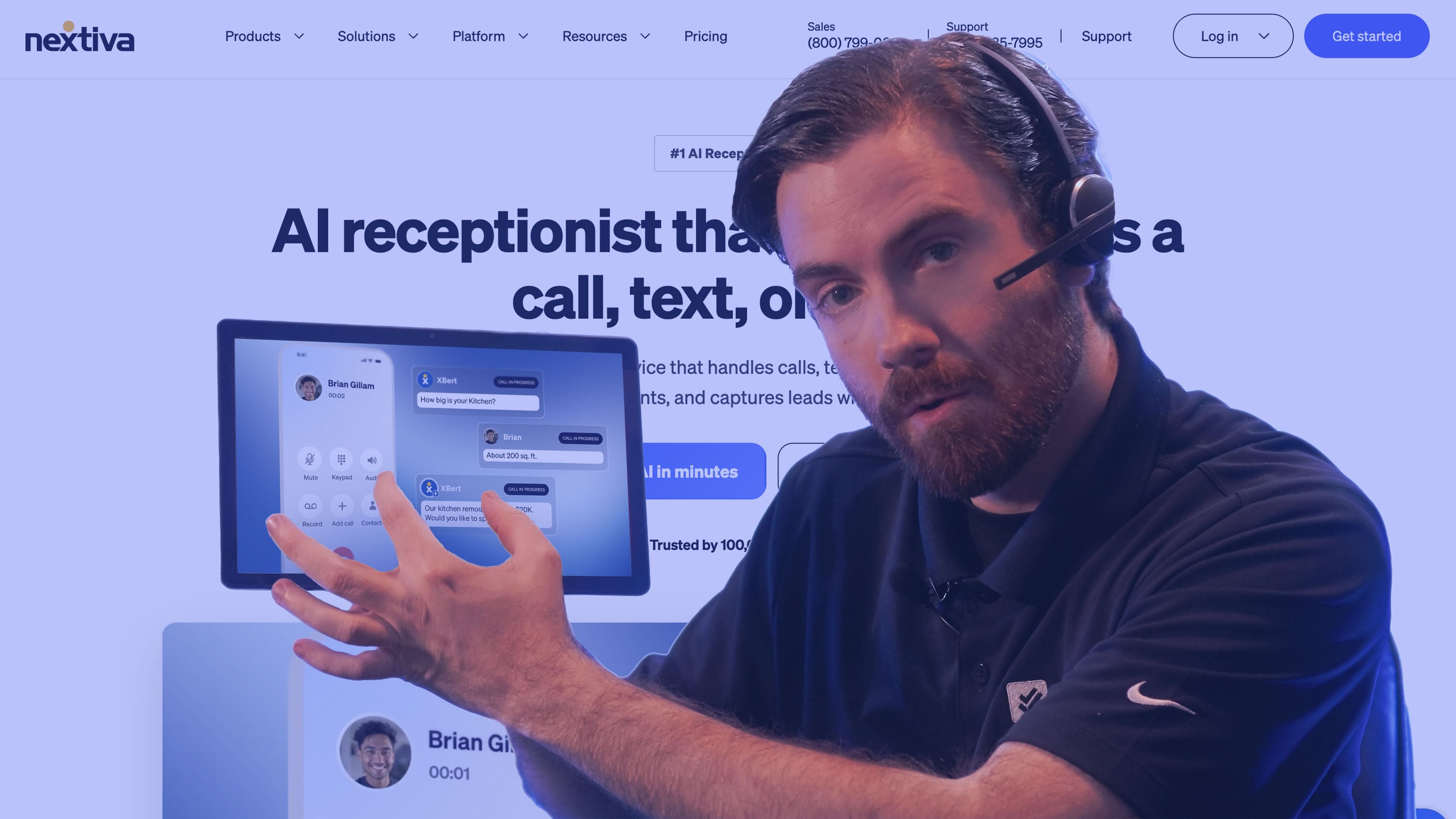
In our review of Nextiva Xbert AI, we found it to be one of the most comprehensive and easy-to-deploy AI phone receptionist solutions. Xbert answers inbound calls, text messages, web chats, with a natural, conversational voice that handles common questions, books appointments, captures leads, and routes more complex calls to the appropriate team member with full context. It does this in real time with simultaneous handling of multiple interactions. We were able to easily connect it with calendars, CRM workflows, and messaging channels, which provided us a unified view of customer interactions.
Where Xbert stands out is in its ability to cover every touchpoint of an inbound customer interaction, 24/7 without complicated configuration or a steep learning curve. We saw it manage appointment scheduling, automatic reminders, intelligent transfers, and real-time analytics all from one dashboard, which made our day-to-day usage far simpler than traditional IVRs, auto attendants or script-based systems.
What we like
- Multi-channel conversational handling: Xbert doesn’t just answer phone calls, it manages texts, our website chats, and social media messaging in one unified interface, reducing tool sprawl and centralizing interaction data.
- Smart scheduling and follow-through: Real-time calendar sync, automatic confirmations, rescheduling support, and reminders.
- Context-aware routing: When a caller needs escalation, Xbert captures full context and routes the call with details, reducing caller frustration and repeated explanations.
- Fast deployment: We opted for the free implementation that they offered, and were live in about 45 minutes, and Nextiva provides guided setup to tailor the AI to business knowledge bases and FAQs.
What we don’t like
- Usage-based cost structure: While this can be fine/highly predictable for low call volume businesses, pricing does become harder to manage/forecast if calls spikes significantly.
- Less nuance in edge cases: Though strong overall, Xbert can occasionally fall back to scripted responses when callers make highly unusual or multi-layered requests.
Pricing
Nextiva Xbert AI is priced with an interaction-based model that blends a base subscription with per-call/session charges:
- Base subscription: ~$99 per month includes up to ~100 interactions (calls, texts, web chats).
- Overages: ~$0.99 per interaction after the included threshold.
- Setup: Free professional onboarding is often included (limited-time offer), which configures greetings, calendar/CRM integrations, and voice profiles.
This pricing places Xbert in the mid-range of the AI receptionist market but with the benefit of deeper multi-channel capabilities and a full feature set aimed at handling real business conversations rather than just scripts.
RingCentral AIR
Best for: Structured, high-volume inbound call environments that need precise routing logic across departments and business hours.
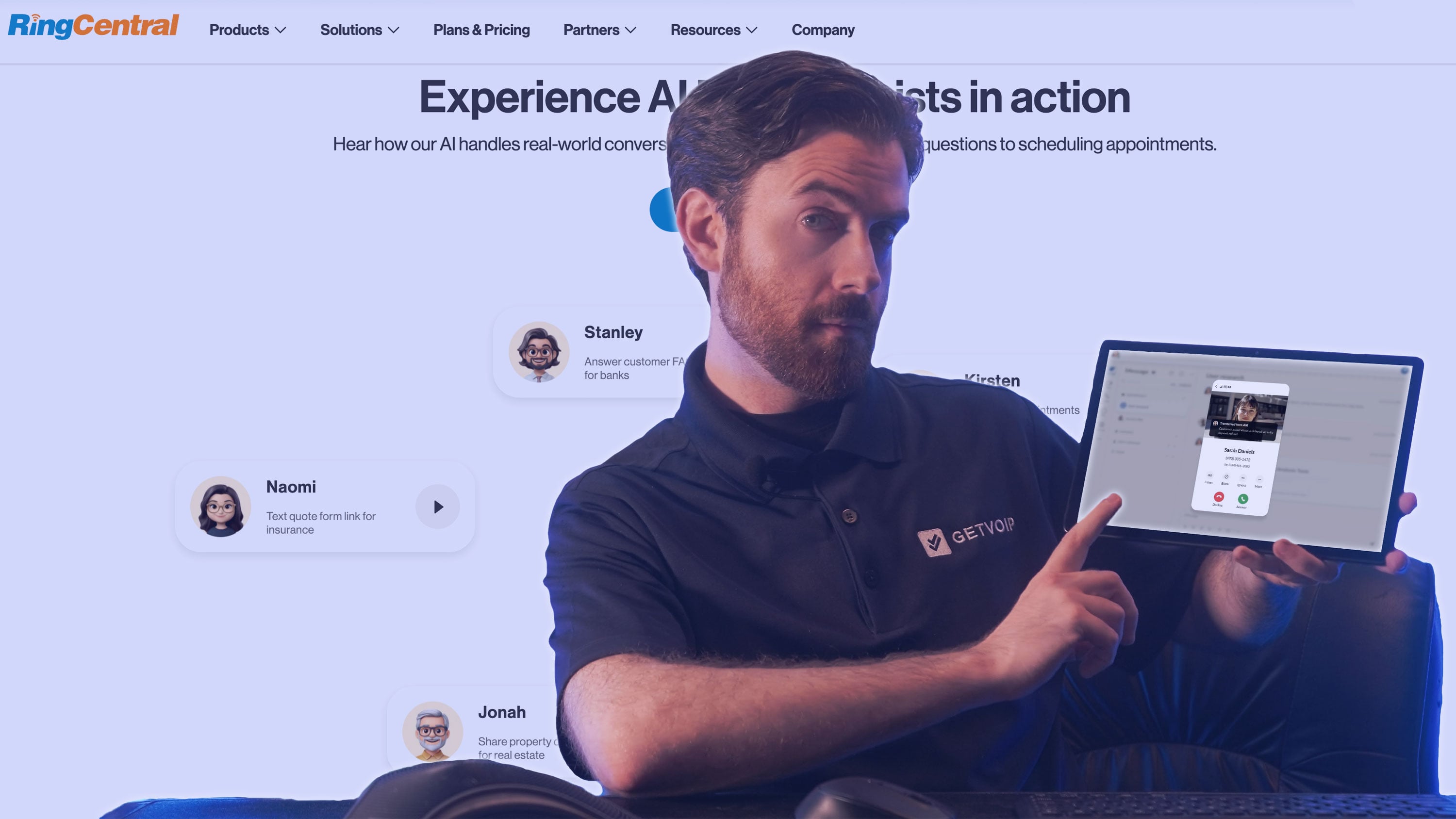
I've been impressed with RingCentral's AI receptionist.
RingCentral AIR stood out as one of the most capable and practical front desk AI receptionist solutions for handling structured, high-volume inbound call environments. It was able to easily guide our callers through natural conversations, identify intent, and apply sophisticated routing logic across departments, time windows, and call priorities.
AIR is particularly strong when call flows require precision, such as routing by issue type, caller input, or business hours. Though that power comes with a steeper configuration curve than what we setup.
What we like
- Clear and transparent pricing structure: Base cost includes a set amount of minutes for predictable budgeting.
- Natural-language interaction: Handles typical caller intents without forcing rigid menu navigation.
- Customizable greetings and routing: Businesses can tailor the AI persona, voice, and call flows to match their brand voice and operational rules.
- Seamless integration with RingCentral phone systems: Works directly within RingCentral’s voice stack, simplifying rollout and management.
What we don’t like
- Minute-based billing needs monitoring: If you consistently exceed the included minutes, costs can scale with usage.
- Conversational depth: Less sophisticated for highly nuanced dialog compared with some AI-first competitors.
- Reporting and analytics: While useful, analytics are lighter than larger contact center-focused products.
Pricing
RingCentral’s AI Receptionist typically starts around $59 per account per month and includes 100 minutes of usage. Additional usage is available in flexible 100-minute bundles, or in the phone add-on bundle starting at $69 per user per month, which allows businesses to scale up without committing to large upfront amounts of capacity.
Quo Sona
Best for: Small teams that want a fast, affordable AI receptionist built into their business phone system without managing a separate tool.
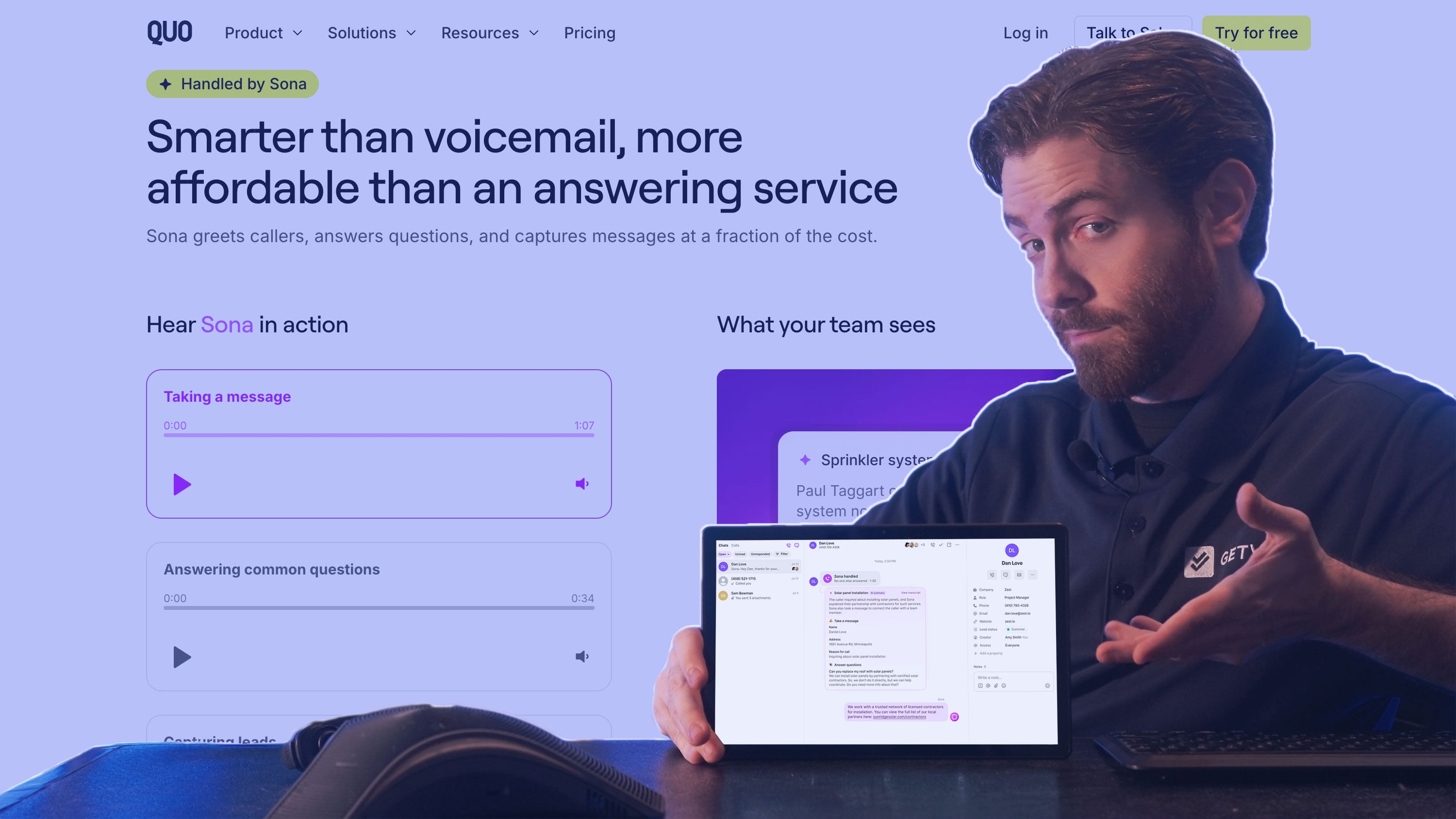
What stood out immediately about Quo Sona, was how quickly we could get it live. In our testing, we had the system answering calls within about 20 minutes of signing up, which is notably faster than most competitors that require onboarding calls or multi-step configuration processes. Sona is designed for small businesses that want conversational call handling without spending days configuring workflows or scripts.
What makes Sona particularly appealing is that it's included on every Quo plan, not sold as a separate add-on. Your AI receptionist lives inside Quo's unified inbox, so calls, texts, voicemails, and AI interactions all land in one place. Your team can collaborate on conversations, hand off follow-ups, and maintain full context without switching tools.
Sona also filters out spam calls and conversations under 15 seconds so they don't count toward your usage, which keeps costs honest. In live calls, conversations felt clean and natural for common scenarios like intake, routing, and basic questions.
What we like
- Very fast setup and onboarding: We configured basic greetings, business information, and call handling rules in under 30 minutes without requiring technical expertise or a dedicated onboarding session.
- Natural, straightforward conversational flow: Callers interacted with the AI without obvious friction on routine requests, and the voice quality was clear and professional.
- Unified inbox across channels: Calls answered by Sona are recorded with full transcripts and summaries, all visible alongside your team's texts and voicemails in one shared workspace.
- Low ongoing management overhead: Once configured, the system requires minimal attention, which suits business owners who lack time for continuous optimization.
What we don’t like
- Limited advanced routing and escalation logic: Businesses needing conditional routing based on caller input, time of day rules, or priority queuing will find the options restrictive compared to other platforms.
- Smaller integration ecosystem: Native connections are limited primarily to Google Calendar and basic CRM tools, so teams relying on industry-specific software may need workarounds.
- Less suited for complex, multi-department environments: The platform handles single-destination routing well but struggles with scenarios requiring caller qualification or departmental transfers.
Pricing
Quo offers three base phone plans ranging from $19 to $47 per user per month, and Sona is now included on every plan with 1,000 free automation credits (roughly 10 calls) per month.
Businesses that need more volume can add a Sona tier starting at $25/month for 40 calls, scaling up to $199/month for 600 calls.
Per-call overage rates decrease at higher tiers, ranging from $0.75 down to $0.45 per call. Spam calls and conversations under 15 seconds are excluded from your usage count.
GoTo Connect AI Receptionist
Best for: Growing businesses on GoTo Connect that want a plug-and-play AI receptionist with multilingual support and no-code call flow design.
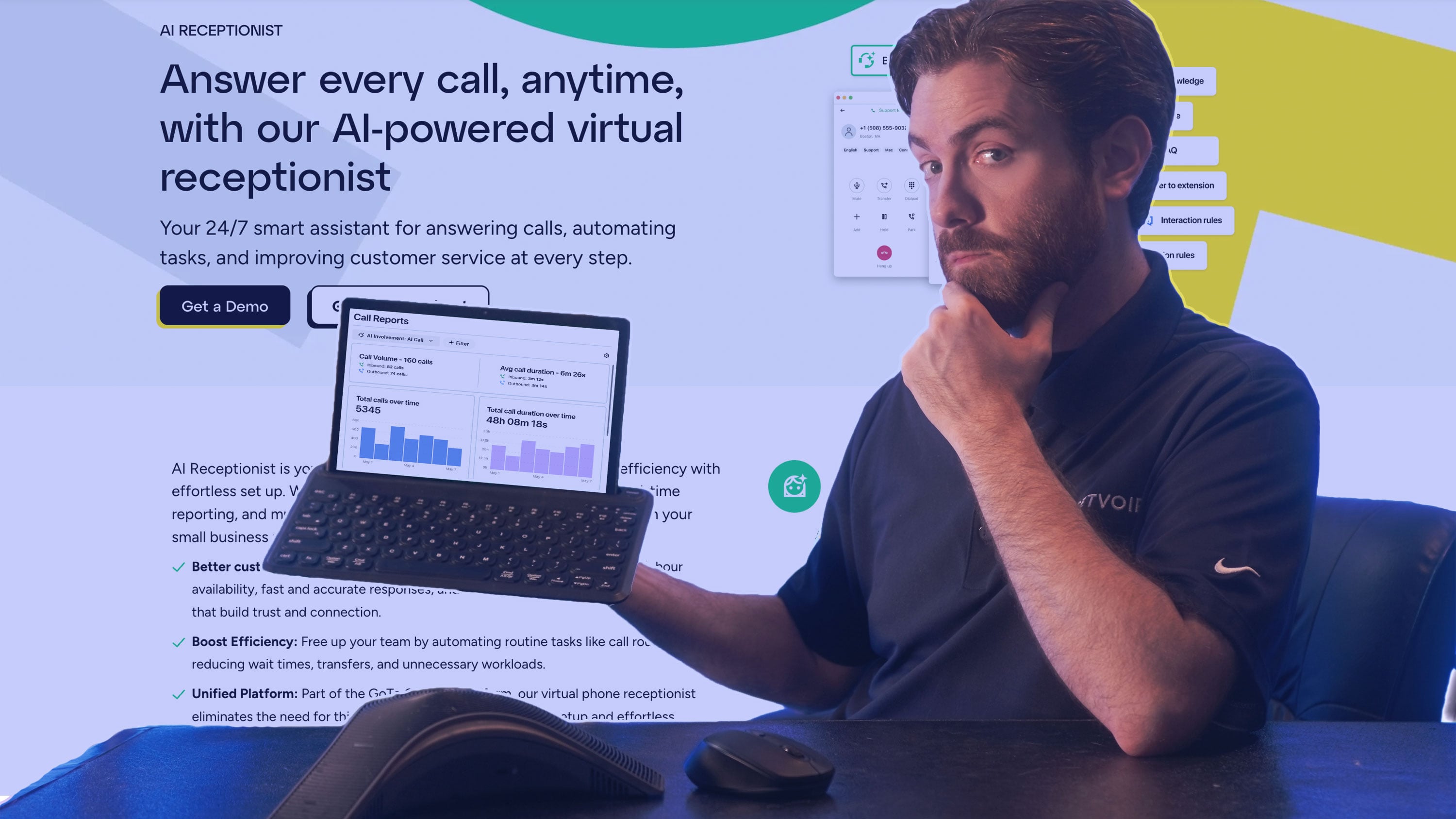
GoTo Connect provides cloud-based phone systems with integrated AI reception capabilities, focusing on simplicity and reliability for growing businesses. Their standout feature that impressed me is the intuitive mobile-first design that allows teams to manage AI reception settings and monitor performance from anywhere, making it ideal for remote and hybrid work environments.
We were particularly impressed with GoToConnect’s customization capabilities, including custom greetings, multilingual support (10+ languages), and the ability to build AI call flows from your knowledge base, allowing the AI to answer FAQs without escalation. The built-in dashboards also provide transparency into how calls are being handled and what responses the AI is generating, which helps teams refine call logic over time.
The platform is known for its plug-and-play approach allowing businesses to have their AI receptionists operational in just hours versus potential weeks needed for enterprise-level solutions. This is a particularly attractive offering for growing companies who just want reliable performance without needing complexity to get things done.
What we like
- Rapid configuration: The AI receptionist is ready to work within minutes and doesn’t require technical expertise to get started.
- Multilingual and customizable interactions: Businesses can tailor greetings, voices, and languages so callers feel welcomed and understood — a key factor in professional front-desk impression.
- Information capture and analytics: It captures meaningful call details and shows real-time analytics that help you refine responses and follow-up actions.
- Seamless directory integration: If callers want to reach a specific person, the AI can route by name or role using your synced directory.
What we don’t like
- Bundled into broader plans: The AI receptionist is part of GoToConnect’s unified platform, so standalone pricing is not clearly published; costs are tied to broader phone or contact center plans which can make cost forecasting harder.
- Less conversational nuance than some AI-native competitors: While effective for routine calls, it doesn’t yet match the flexibility of AI-first engines on highly unpredictable dialogs.
- Implementation complexity increases with scale: For more advanced workflows or deeper knowledge base training, teams may need dedicated admin effort.
Pricing
GoToConnect doesn’t list flat AI receptionist pricing on the public site, because the service is included as a capability of their UCaaS and contact center plans, and not a standalone product.
Handshake
Best for: Professional services and client-facing businesses where natural conversation quality and first impressions matter most.
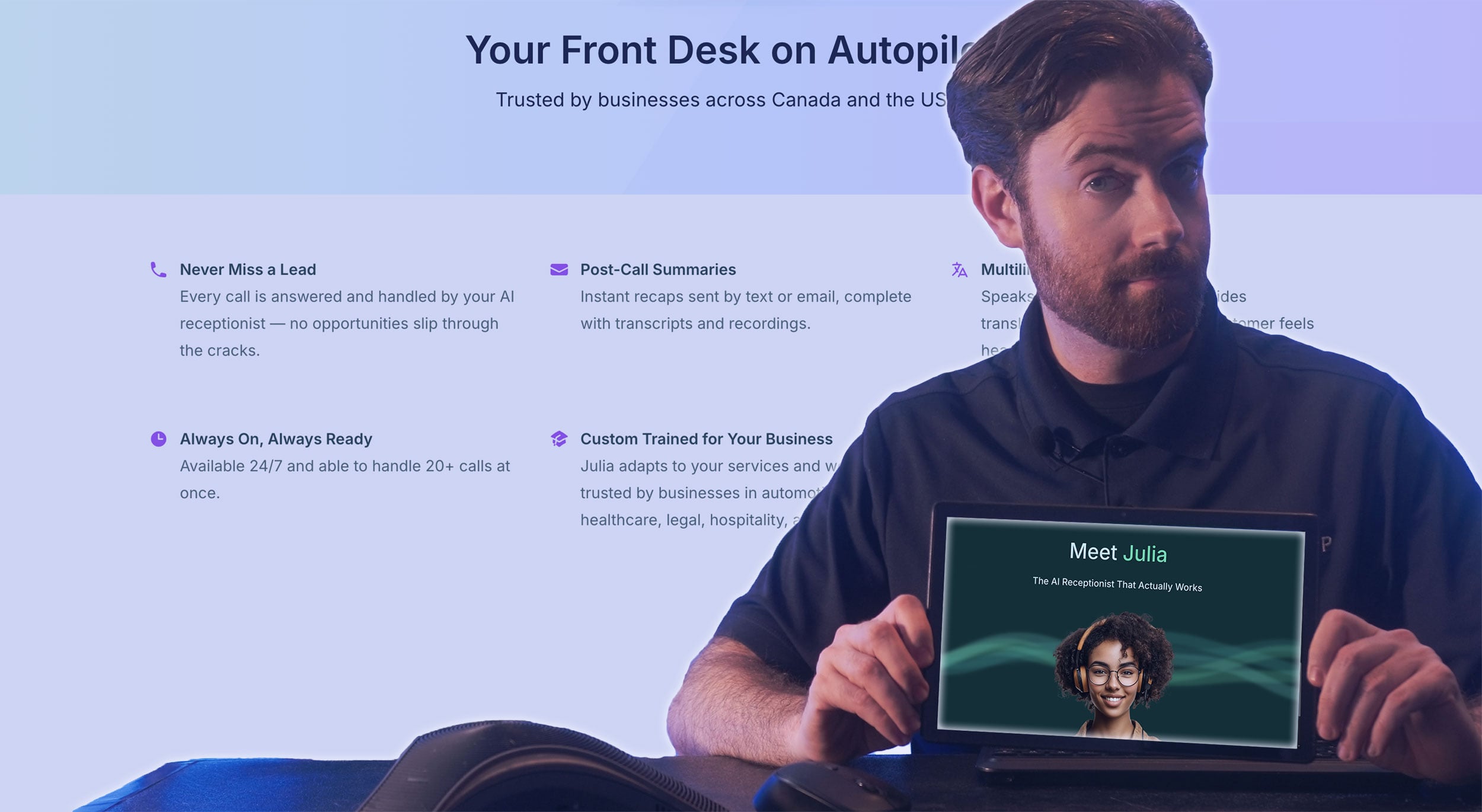
Handshake impressed us most on conversation quality. In our testing, calls felt paced, natural, and professional, which is particularly important for businesses where first impressions matter. The AI demonstrated an ability to handle conversational pauses, acknowledge caller statements appropriately, and maintain a professional tone throughout interactions.
Where Handshake distinguishes itself is in handling open-ended requests. When callers did not follow expected patterns or phrased questions ambiguously, the system adapted reasonably well, asking clarifying questions rather than defaulting immediately to a transfer. Most AI receptionists struggle when conversations go off-script, but Handshake held its composure in scenarios that tripped up other platforms.
That said, Handshake is still a growing platform, and while it excels in dialog quality, it currently offers fewer integrations, more limited setup options, and lighter analytics compared to larger vendors.
What we like
- Very natural conversational tone: The AI's pacing, word choice, and response timing felt notably human compared to competitors. This matters most for businesses where caller experience directly affects revenue.
- Strong intent recognition: Even when callers expressed needs indirectly or used non-standard phrasing, the system correctly identified what they were asking for in most scenarios.
- Good handling of open-ended caller requests: Rather than forcing callers into rigid menu structures, the AI allowed natural conversation flow and responded appropriately to varied inputs.
What we don’t like
- Smaller integration ecosystem: Native connections are limited compared to established platforms. Teams using specialized tools may need manual workarounds or Zapier connections.
- Limited reporting depth: Analytics provide basic call counts and outcomes, but detailed conversation transcripts and trend reporting are either limited or unavailable.
- Less suitable for highly structured call routing: Businesses needing complex conditional routing or multi-tier escalation will find the options insufficient.
Pricing
Handshake uses a flat monthly subscription model:
- Monthly plan: $199/month.
- Annual plan: $1,999/year (saves approximately $400 compared to monthly billing).
- Usage model: Pricing covers the service subscription rather than per-call or per-minute charges.
This positions Handshake in the mid-to-upper range of AI receptionist pricing, but the conversation quality may justify the premium for businesses where call handling directly impacts client acquisition.
Goodcall
Best for: SMBs with repeat callers and longer call durations that want unlimited minutes and predictable monthly costs.
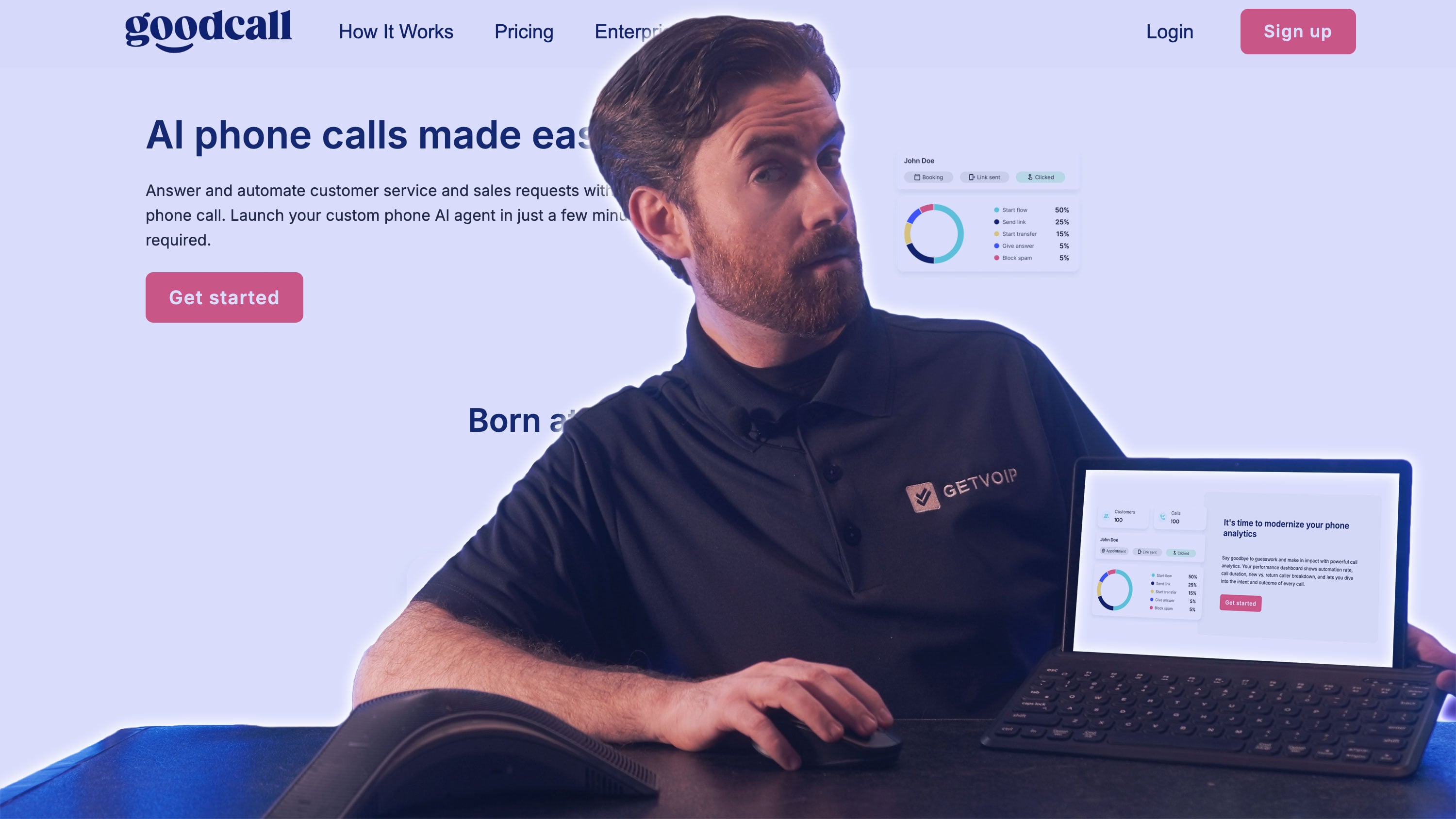
Goodcall is built for SMBs that want dependable call intake without complexity. In our testing, setup was quick, taking approximately 25 minutes to configure basic greetings and call handling rules, and the platform handled common inbound scenarios consistently.
What sets Goodcall apart from most competitors is its pricing model. Rather than billing per minute or per call, Goodcall charges based on the number of unique customers your AI agent interacts with each month. All plans include unlimited minutes and tokens, so you never have to worry about long calls eating into your budget. The AI captures caller information, provides requested details, and can route urgent calls to designated numbers. For many small teams, this simplicity and pricing predictability is exactly the appeal.
What we like
- Easy deployment: The onboarding process is straightforward, with guided setup that walks users through configuration without requiring technical knowledge.
- Unlimited minutes on every plan: Unlike most competitors that bill per minute or per call, Goodcall includes unlimited call minutes and AI tokens across all tiers. You only pay based on unique customer volume.
- Affordable and predictable pricing: The unique-customer model makes it easy to forecast monthly costs, especially for businesses with repeat callers or longer average call durations.
What we don’t like
- Limited customization options: Beyond basic greetings and business information, the platform offers fewer configuration options than competitors.
- Not ideal for complex routing or multi-step flows: Calls requiring conditional logic or departmental routing based on caller input are better served by more advanced platforms.
- Basic analytics: Reporting covers essential metrics but lacks the depth needed for detailed performance analysis.
Pricing
Goodcall uses a subscription model based on unique customers served per month rather than call minutes. All plans include unlimited minutes and AI tokens.
- Base plans: Range from $79 to $249 per agent per month, depending on the number of unique customers, forms, logic flows, and team members included.
- Overages: $0.50 per unique customer beyond your plan's monthly limit.
- Annual billing: Saves 30% across all plans.
Enterprise solutions available for large-scale operations and in-house call centers with CRM integration.
Smith.ai
Best for: Law firms, financial advisors, and high-value B2B services where live human backup on complex calls is worth the premium.
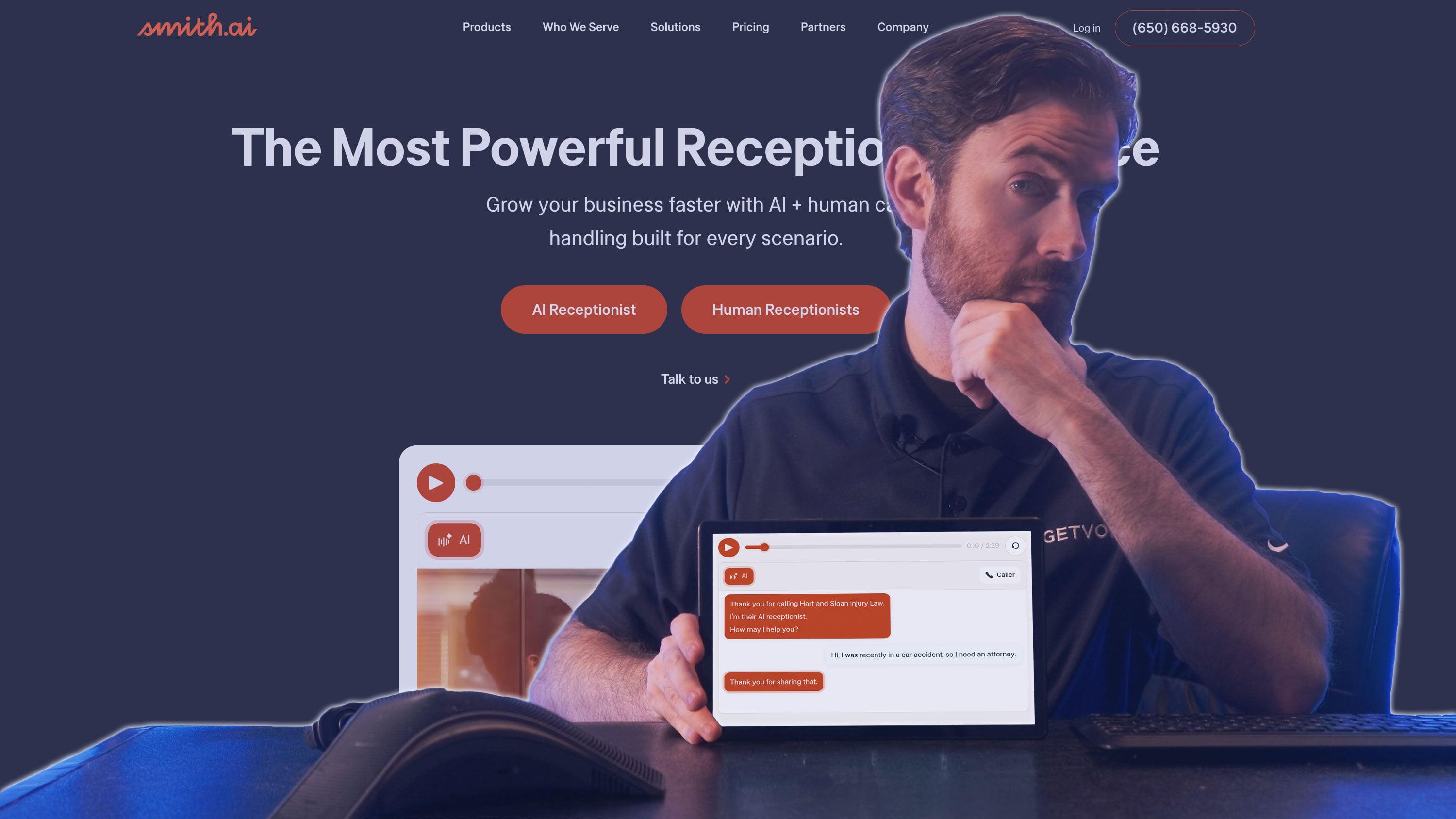
Smith.ai takes a different approach than most providers on this list by backing every AI receptionist plan with 500+ live agents. In our evaluation, this hybrid model resulted in very reliable call handling, especially for professional services and high-value inbound calls where missed opportunities carry significant cost.
The platform operates so that AI handles initial call intake and routine requests, with live North America-based receptionists available when conversations require human judgment or sensitive handling. During our testing, the handoff between AI and human agents was smooth enough that callers often did not notice the transition.
Smith.ai offers two tracks: a self-service month-to-month option for businesses with simpler call flows, and a done-for-you annual plan that includes dedicated AI experts, custom integrations, and ongoing optimization. The self-service plans are commitment-free and easy to get started with, while the annual plans deliver the deepest customization and best per-call value at higher volumes.
What we like
- Strong call quality and consistency: The combination of AI efficiency and live agent backup produced the most reliable call handling in our evaluation. Every plan includes access to 500+ live agents, not just the premium tiers.
- Excellent appointment scheduling: The platform integrates with major calendar systems and handles booking, rescheduling, and cancellations accurately across a wide range of native integrations.
- Smooth escalation when automation is not enough: When callers presented complex situations or expressed frustration, live agents stepped in without awkward delays or repeated information.
What we don’t like
- Per-call pricing adds up quickly: Self-service plans charge $1.60 to $1.90 per call with $2.40 overages, which can get expensive for businesses with high call volumes or unpredictable spikes.
- Self-service plans are limited: Month-to-month plans do not include custom integrations, dedicated support, or call flow customization. Unused calls also expire monthly with no rollover.
- Significant jump to annual plans: Done-for-you plans start at $500/month billed annually, which is a steep commitment for smaller businesses still evaluating AI reception.
Pricing
Smith.ai prices its AI Receptionist on a per-call basis across two tracks. All plans are backed by 500+ live agents.
- Self-service (month-to-month): Starts at $95/month for ~2 calls/day ($1.90/call), scaling to $800/month for ~15 calls/day ($1.60/call). Overages are $2.40/call, unused calls expire monthly, and custom integrations are not included.
- Done for you (annual): Starts at $500/month for ~10 calls/day ($1.50/call), scaling to $2,000/month for ~55 calls/day ($1.20/call). Includes a dedicated customer success manager, AI fine-tuning experts, custom integrations, no overages, and AI analysis plus human review on all calls.
- Enterprise plans available with custom pricing.
ZenCall.ai
Best for: Businesses that need CRM-integrated call handling with compliance options and don't want to overpay for minutes they won't use.
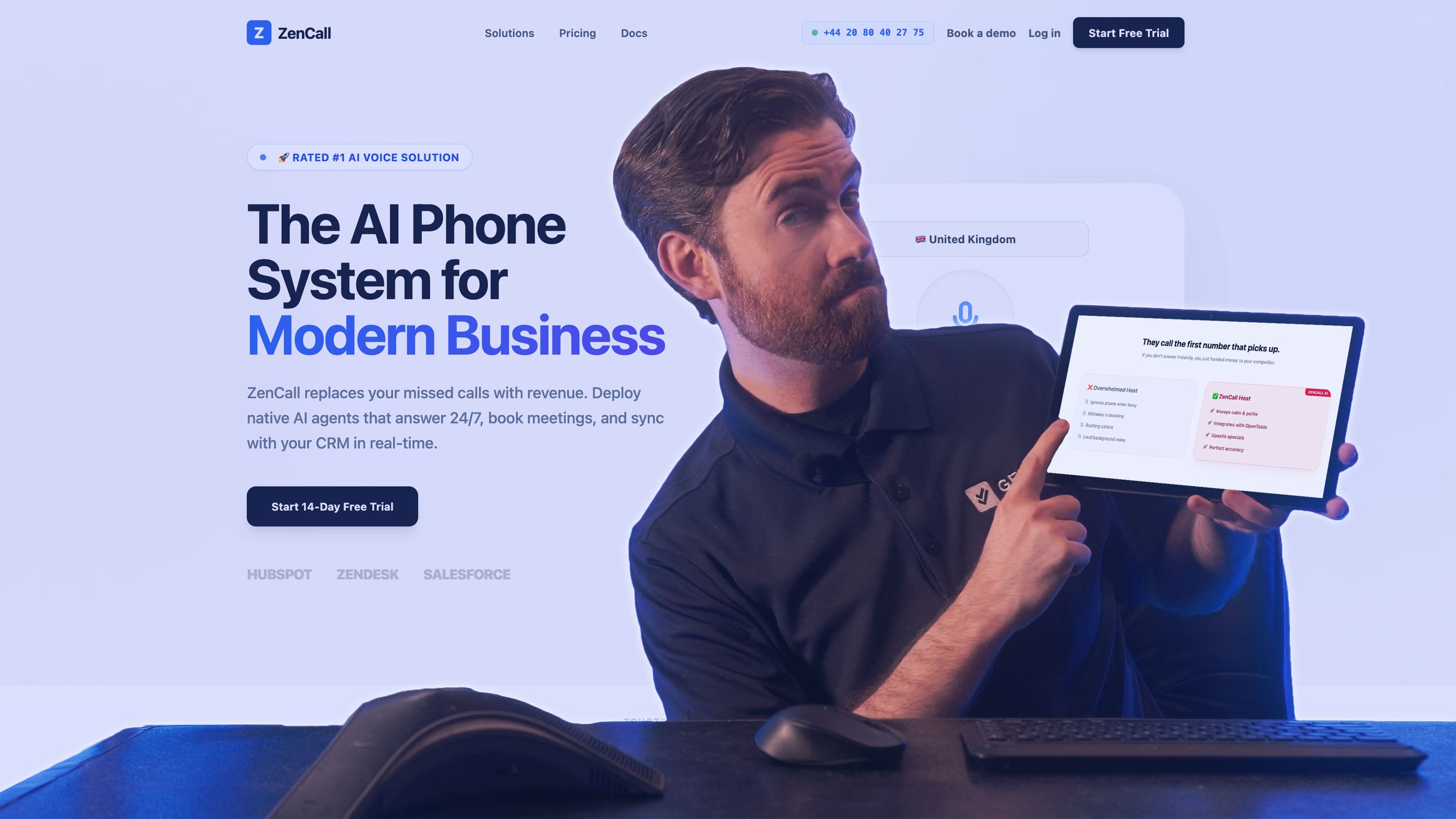
ZenCall.ai emphasizes conversational flexibility and natural language handling. In our review, calls felt fluid and adaptable, especially when callers phrased requests imperfectly or deviated from expected patterns. The AI demonstrated a notable ability to interpret intent from varied inputs, reducing caller frustration that often accompanies rigid automated systems.
The platform appears built around the premise that real-world callers do not follow scripts. During testing, we intentionally introduced ambiguous requests and indirect questions. ZenCall handled these scenarios better than several competitors, maintaining conversation flow rather than defaulting to fallback responses.
ZenCall also supports both inbound and outbound calling with CRM integrations across HubSpot, Zendesk, and Salesforce on the base plan. Higher tiers add predictive auto-dialing, bulk SMS campaigns, multi-level routing, and even HIPAA and SOC2 compliance for regulated industries.
What we like
- Natural, adaptive conversations: The AI adjusted to varied caller inputs without requiring rigid phrasing, making interactions feel more human and reducing dead-end responses.
- Flexible call flows: Rather than forcing callers through predetermined paths, the system allowed organic conversation progression with clarifying questions when intent was unclear.
- CRM integrations on every plan: Even the entry-level tier includes standard integrations with HubSpot, Zendesk, and Salesforce, plus AI call summaries and SMS support.
What we don’t like
- Limited reporting and analytics on lower tiers: Teams wanting sentiment analysis, real-time call coaching, or deeper performance metrics will need the Premium plan at $119/month.
- No compliance features below Premium: HIPAA and SOC2 compliance is only available on the $119/month tier, which limits ZenCall for healthcare and financial services businesses on a budget.
Pricing
ZenCall uses a minute-based subscription model with consistent $0.09/minute overages across all tiers. Annual billing saves 20%.
Plans range from $23 to $119/month (billed annually), scaling from 100 to 700 included minutes with additional dedicated phone numbers, advanced routing, and compliance features at higher tiers.
All plans include smart call routing, CRM integration (HubSpot, Zendesk, Salesforce), AI call summaries, and SMS support.
Free trial available on Essentials and Standard plans.
VirtualReception.ai
Best for: Solopreneurs and very small businesses that want basic AI call answering at the lowest possible monthly cost.
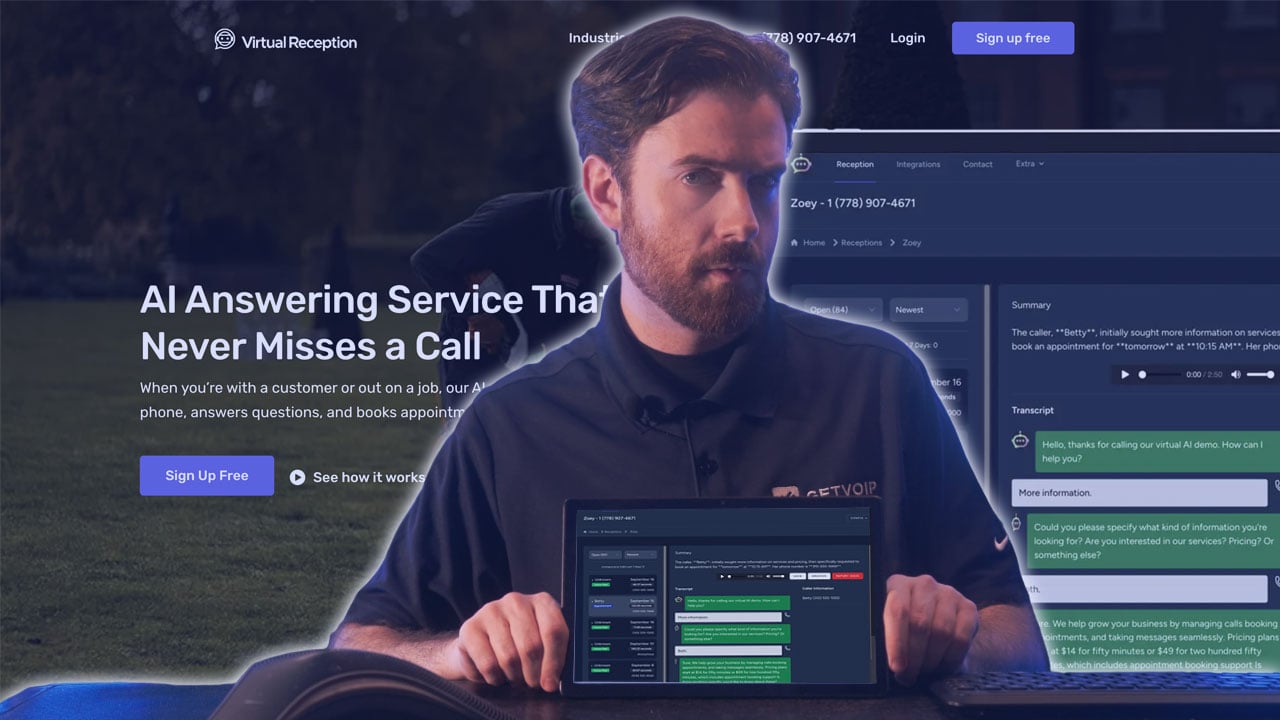
VirtualReception.ai is optimized for speed and simplicity. In our testing, we were able to deploy quickly and achieve functional call handling with minimal configuration, making it one of the fastest platforms to get operational. The entire setup process took approximately 15 minutes.
What impressed us was how little information you need to provide upfront. You can paste your Google Business Profile URL or website, and the system automatically generates an FAQ and pulls details about your products and services to get the receptionist ready.
The platform focuses on essential reception functions: answering calls, capturing caller information, providing basic business details, routing calls, and booking appointments through Google Calendar. It executes these core tasks reliably without the complexity that characterizes more feature-rich competitors.
What we like
- Very fast deployment: We achieved functional call handling faster than any other platform tested. The auto-setup from your website or Google Business Profile means minimal manual configuration.
- Lowest entry price in our review: Plans start at $14/month, making professional AI call answering accessible to very small businesses, solo operators, and those testing AI reception for the first time.
- Simple admin experience: The interface avoids unnecessary complexity, allowing non-technical users to manage settings without confusion. Updates to your knowledge base or greetings are straightforward.
What we don’t like
- Basic analytics: Reporting provides call counts and basic logs but lacks the depth needed for performance optimization or trend analysis.
- Limited features on the entry plan: The $14/month Answering Service tier covers message-taking and notifications only. Appointment booking, integrations, call transfers, and text links require the $49/month Business plan.
- Less conversational depth: The AI handles standard requests competently but struggles with unusual questions or complex caller needs compared to platforms built specifically for natural dialog.
Pricing
VirtualReception.ai uses a minute-based subscription with straightforward tiers.
- Answering Service: $14/month (50 minutes, 1 receptionist, SMS & email notifications, $0.30/minute overage).
- Business: $49/month (250 minutes, appointment booking, integrations, text links, call transfers, $0.25/minute overage).
- Enterprise: Custom pricing with outbound calls, custom CRM integrations, unlimited receptionists and users.
My AI Front Desk
Best for: Appointment-driven service businesses that want AI reception, CRM, and lead management in one platform.
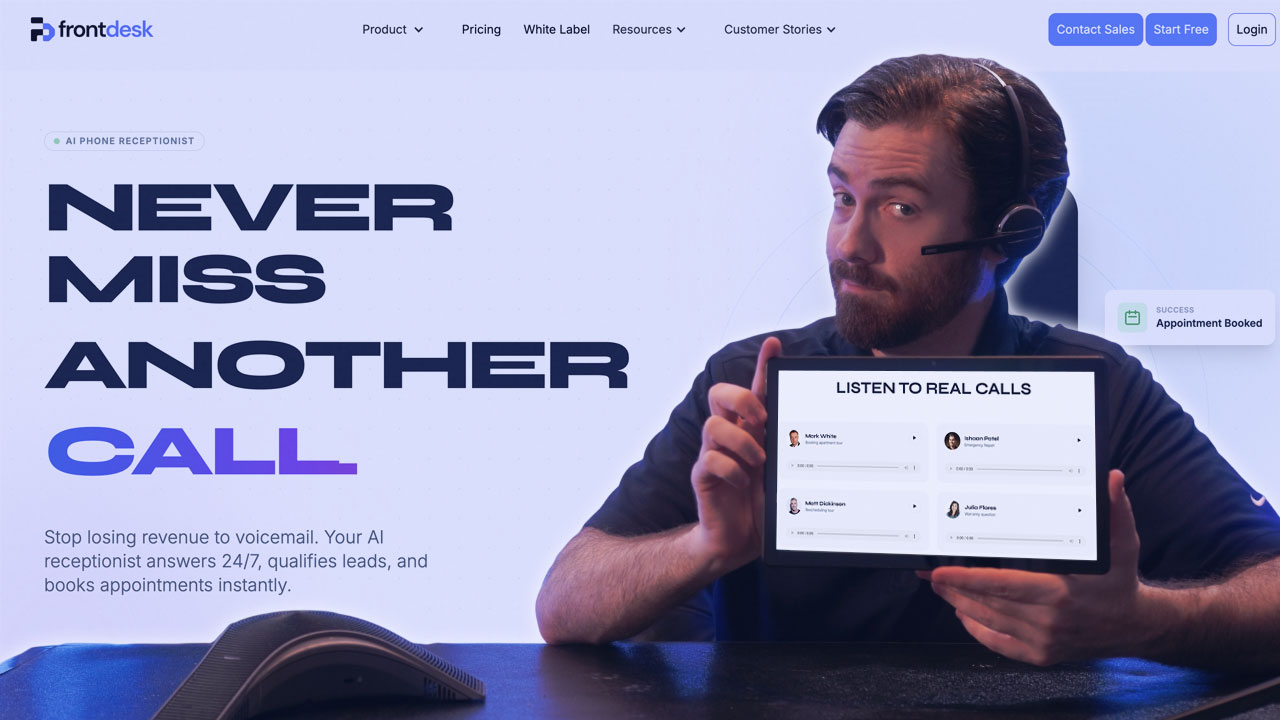
My AI Front Desk is a scheduling-first AI receptionist built for businesses handling anywhere from 10 to 10,000+ calls per day. In our evaluation, the platform performed well across appointment booking, lead capture, and general call handling, with the AI navigating caller requests accurately and consistently.
Where My AI Front Desk has evolved beyond many competitors is in positioning itself as a full lead management system rather than just a receptionist. The platform combines AI call handling with a built-in CRM, ticketing, workflows, and outbound sequences on higher tiers. It supports 100+ premium voice options so you can customize how your receptionist sounds, and integrates with scheduling tools, CRMs, and 6,000+ apps.
The AI receptionist also handles texting workflows during calls, so if a caller asks to book an appointment, the receptionist can text them your scheduling link in real time.
What we like
- Strong calendar and scheduling accuracy: The AI correctly identified available slots, avoided double-booking, and handled rescheduling requests without requiring human intervention.
- Full lead capture platform: Beyond basic reception, My AI Front Desk includes a CRM, ticketing system, and workflow automation that turn calls into trackable opportunities rather than just logged messages.
- Broad integration ecosystem: Connections with scheduling tools, CRM systems, and 6,000+ apps cover most small business workflows. The Growth plan adds advanced analytics and up to 6 custom workflows.
What we don’t like
- Higher entry price than basic competitors: At $99/month, the Starter plan costs more than simpler AI receptionists. Businesses that only need basic call answering may find it more platform than they need.
- Key features gated behind higher tiers: Unlimited workflows, 6,000+ integrations, advanced analytics, and outbound sequences all require the Growth plan ($149/month) or the Full Platform tier.
Pricing
My AI Front Desk offers three plans starting at $99/month, scaling from solopreneurs to larger teams.
The $99 Starter plan includes 200 minutes, 100+ premium voices, and a dedicated account rep for up to 10 calls per day. The $149 Growth plan adds advanced analytics, 6 workflows, and supports up to 30 calls per day.
The Full Platform plan is custom-priced for teams of 10+ handling 30+ calls daily, with outbound sequences, unlimited integrations and seats, and white-glove onboarding. Yearly billing saves 20%.
What Is an AI Phone Receptionist?
An AI phone receptionist is software that answers your business phone calls using conversational AI instead of a live person. It listens to what callers say, understands why they're calling, and responds in real time with a natural-sounding voice.
Where older phone menus force callers to "press 1 for sales, press 2 for support," an AI receptionist holds an actual conversation. Callers say what they need in their own words, and the system figures out the intent, asks clarifying questions if needed, and takes action.
What that looks like in practice:
- Hold natural, two-way conversations without rigid menu prompts
- Recognize caller intent even when requests aren't phrased perfectly
- Book appointments and sync with your calendar in real time
- Capture lead information and route it to your CRM or helpdesk
- Transfer calls to the right person with full context so callers don't repeat themselves
- Answer common questions about hours, pricing, services, and locations
To the caller, it sounds like talking to a competent front-desk person who picks up on the first ring, every time, at 2 PM or 2 AM.
What to Look for When Choosing an AI Receptionist
Before replacing a human receptionist, evaluate these factors carefully.
Conversation Quality
Does the AI sound natural, or does it feel like talking to a machine?
Pay attention to pacing, tone, and how well the system handles interruptions, pauses, and follow-up questions. Poor conversational flow frustrates callers and increases hang-ups. During our testing, the gap between the best and worst platforms on voice quality was significant. If possible, call the AI yourself before committing.
Call Handling and Routing Logic
Your AI receptionist needs to handle more than just answering. Evaluate whether you can define business hours behavior, after-hours routing, emergency escalation paths, and department-specific flows. Rigid systems that only support single-destination routing break quickly once your business has more than one person or location handling calls.
Appointment Scheduling
If booking appointments matters to your business, this is non-negotiable. The AI receptionist must integrate with your calendar (Google Calendar, Outlook, Calendly, or industry tools like Vagaro), prevent double-booking, confirm details clearly, and ideally send confirmation texts or emails automatically.
Platforms like My AI Front Desk and Nextiva Xbert handle this particularly well.
CRM and Business Tool Integrations
An AI receptionist that can't talk to your CRM, helpdesk, or scheduling tool creates extra manual work. Look for native integrations with the tools you already use (HubSpot, Salesforce, Zendesk) or at minimum, Zapier connectivity. Some platforms include integrations on every plan; others gate them behind higher tiers or charge extra.
Multilingual Support
If your callers speak multiple languages, verify what the AI actually supports today versus what's listed as "coming soon." Some platforms advertise broad language support but only fully handle English in production. ZenCall and GoTo Connect both offer multilingual capabilities, but the depth varies by tier and provider.
Live Transfer and Escalation
Even the best AI cannot handle every call. Look for platforms that offer a clean handoff to a live person, either a team member, a receptionist service, or voicemail as a last resort. The transition should pass context so callers don't repeat themselves. Smith.ai and Nextiva Xbert handle escalation particularly well.
Scalability
Think about where your call volume will be in 12 months, not just today. Per-minute and per-call pricing models can get expensive fast as volume grows. If you're scaling, look for platforms with flat-rate options, volume discounts, or pricing models that reward growth rather than penalizing it.
Pricing Transparency
Watch for per-minute fees, per-call overages, feature gating behind higher tiers, and setup charges that aren't clearly disclosed upfront. The cheapest advertised plan is rarely the full story. Calculate your expected monthly cost at your actual call volume before committing.
Is an AI Phone Receptionist Right for Your Business?
An AI receptionist is a strong fit if:
- You are missing calls today
- Your receptionist handles repetitive questions
- You want 24/7 coverage
- Call consistency matters more than personal rapport
It might not be right if:
- Every call is unique and high-touch
- Callers expect deep emotional intelligence
- Your brand depends on human interaction at all costs
For many SMBs, the answer isn’t all or nothing. It’s AI first, humans when needed.
The Bottom Line
AI phone receptionists are no longer futuristic tools reserved for large enterprises.
They are practical, affordable, and increasingly reliable especially for small and midsize businesses looking to:
- Reduce costs
- Improve call coverage
- Capture more leads
- Eliminate missed opportunities
- Improve/expand customer support
Replacing a human receptionist doesn’t mean sacrificing quality. When done right, it means never missing a call again.
FAQs
Most AI receptionist services cost between $14 and $500 per month, depending on the provider, pricing model, and features you need.
Budget options like VirtualReception.ai start at $14/month for basic call answering, while mid-range platforms like Nextiva Xbert and RingCentral AIR run $59 to $99/month with more robust capabilities.
Hybrid services like Smith.ai that combine AI with live agents start at $95/month for self-service and go up to $2,000/month for high-volume done-for-you plans.
Per-minute, per-call, and per-customer pricing models all exist, so it is important to calculate costs at your expected call volume rather than relying on advertised starting prices.
Yes. Most modern AI receptionists can integrate with calendar tools like Google Calendar, Outlook, and Calendly to check availability, book appointments, and send confirmation texts or emails.
Some platforms, like My AI Front Desk and Nextiva Xbert, handle scheduling particularly well, including rescheduling and cancellations. The accuracy varies by platform, so test the booking flow with your specific calendar setup before going live.
When AI receptionists encounter questions beyond their knowledge base, they use smart escalation protocols to transfer calls to appropriate human team members with context about the customer's inquiry.
Initial setup typically takes 1-3 days for basic configuration, with full optimization occurring over 2-4 weeks as the system learns your business patterns and you refine responses based on real customer interactions.
Yes, AI receptionists integrate with existing phone systems and numbers through call forwarding, VoIP integration, or direct system replacement depending on your current setup and provider capabilities.
Many AI reception services offer multilingual support, with popular options including Spanish, French, German, and other languages based on your customer demographics and requirements.
It depends on your priorities. For the most affordable entry point, VirtualReception.ai at $14/month handles the basics.
For the best balance of features and price, Nextiva Xbert covers calls, texts, and web chats from one dashboard at $99/month.
For businesses where conversation quality is the top priority, Handshake delivers the most natural caller experience.
And for appointment-heavy businesses like salons and clinics, My AI Front Desk's scheduling accuracy and built-in CRM make it a strong fit.