
Best Conversational AI Platforms in 2026

Conversational AI has moved from experimental to essential. Businesses of all sizes now use AI-powered voice, chat, and messaging agents to handle customer interactions, cut costs, and deliver consistent service around the clock.
Gartner predicts that by 2029, agentic AI will resolve 80% of common customer service issues without human involvement, reducing operational costs by 30%, so choosing the right platform now can position your business ahead of that curve.
Why You Can Trust GetVoIP + Our Research Methodology
We follow strict editorial guidelines and are committed to bringing you independently researched, practical information.
Unlike general software review sites, we specialize in business communications and AI-powered customer service tools. We signed up, configured, and actually used each platform on this list with real conversations and test scenarios.
We evaluated conversation quality, intent recognition, routing logic, setup time, reliability under load, analytics depth, pricing transparency, and compliance certifications. Our team tested voice, chat, and multi-channel capabilities across platforms targeting everything from solopreneurs to large contact centers.
In this guide, we compare and recommend the best conversational AI platforms for 2026, examining conversation quality, pricing models, and deployment readiness to help you select the right platform for your organization. The platforms covered span full-stack agent operating systems, voice-specialized solutions, omnichannel customer experience platforms, helpdesk-integrated tools, and developer-centric frameworks. We include options for small businesses, mid-market companies, and large organizations.
Who Made the Cut? Best Conversational AI Platforms
The following table summarizes the fourteen platforms evaluated in this guide.
| Provider | Pricing | Top Capabilities | Best For |
| Sierra | Outcome-based pricing that only charges you for tangible positive outcomes such as conversions, upsells, cross sells, etc. | Pay-per-resolution, no-code + developer tools, real-time traces of every decision and response | Large teams wanting pay-per-resolution pricing |
| Decagon | Companies choose per-conversation (discounted charge for every conversation) or per-resolution (only charges for successful outcomes) pricing | Plain-language workflow builder, built-in testing, analytics suite | Teams wanting to write AI instructions in plain English |
| Nextiva XBert | $99/month for 100 interactions then $0.99 per interaction | Smart appointment scheduling + lead qualification across channels | Professional services and e-commerce, especially those already using Nextiva |
| Fin.ai | $0.99/resolution plus $29 per month if using with Intercom helpdesk | Fast deployment, per-resolution pricing | Teams already on Intercom, Zendesk, or Salesforce |
| Regal.ai | Pay-as-you-go pricing starts at around $0.20/min | Outbound calling, A/B testing, conversation intelligence | High-volume sales and support call centers |
| Microsoft Copilot Studio | Plans start at $30/month, prepaid and pay-as-you-go pricing available | Custom copilots, Teams and Microsoft 365 deployment, API integration | Organizations standardized on Microsoft |
| Google Dialogflow CX | Consumption-based Google Cloud pricing; free trial credits | Visual flow builder, native Gemini access, contact center deployment | Developer-led builds on Google Cloud |
| Retell AI | Pay-as-you-go pricing starting at $0.07/min for voice and $0.002/msg for chat plus custom enterprise plans | Transparent per-minute pricing, no platform fee | SMB and developer-led deployments |
| Observe.AI | No public pricing, enterprise contracts only with a minimum of 100 users | Conversation analytics, performance insights, 25+ languages and dialects | Contact centers focused on performance insights |
| Gladly | $0.06216/minute for voice agents plus the cost of the call | Unified customer history, LTV-focused | Relationship-driven CX |
| Yellow.ai | Free (5K conversations included and then $0.99/resolution); Premium plans are custom | 150+ integrations, free tier, chat, voice, email, and SMS supported | Fast deployment with existing business tools |
Note: Most vendors require direct engagement for exact pricing.
The Best Conversational AI Platforms for 2026
We tested fourteen conversational AI platforms across different categories: full-stack agent systems, voice specialists, omnichannel customer experience tools, helpdesk-integrated solutions, and developer frameworks.
Below, we provide an in-depth look at each platform, covering pricing models, standout capabilities, setup requirements, and which types of businesses they're best suited for.
The top conversational AI platforms are:
Sierra
Best for: Large teams that want outcome-based pricing where you pay per resolved conversation, not per minute

Sierra operates as a full Agent OS, giving businesses the tools to build and run AI agents across voice, chat, SMS, and email from a single platform. The no-code Agent Studio works well for business users, while the Agent SDK gives developers room to build more complex implementations.
What sets Sierra apart is its outcome-based pricing. Instead of paying per minute or per interaction, you pay when conversations are fully resolved. This aligns incentives in a way most competitors don't offer. The platform also takes compliance seriously, holding SOC 2, HIPAA, GDPR, and ISO 42001 certifications.
Case studies back up the platform's capabilities. Ramp reports 90% case resolution rates using Sierra's Agent SDK.
What We Like
- Outcome-based pricing: You pay for resolved conversations, not just interactions, which reduces the risk of paying for unsuccessful calls.
- Flexible tooling: No-code and developer options let teams build at their own technical level.
- Strong compliance posture: SOC 2, HIPAA, GDPR, and ISO 42001 certifications cover most regulated industry requirements.
- Live Assist module: Provides real-time guidance for human agents during hybrid workflows.
What We Don't Like
- Resolution measurement complexity: Defining what counts as "resolved" can get tricky and may lead to disputes.
- Platform complexity: May be more than smaller teams need for straightforward automation.
- Steeper learning curve: The breadth of features takes time to master.
Pricing
Sierra uses outcome-based pricing where you pay when conversations are fully resolved. Specific rates aren't published and require direct engagement with their sales team.
Decagon
Best for: Mid-size and large organizations seeking flexible CX automation with transparent, customizable workflows
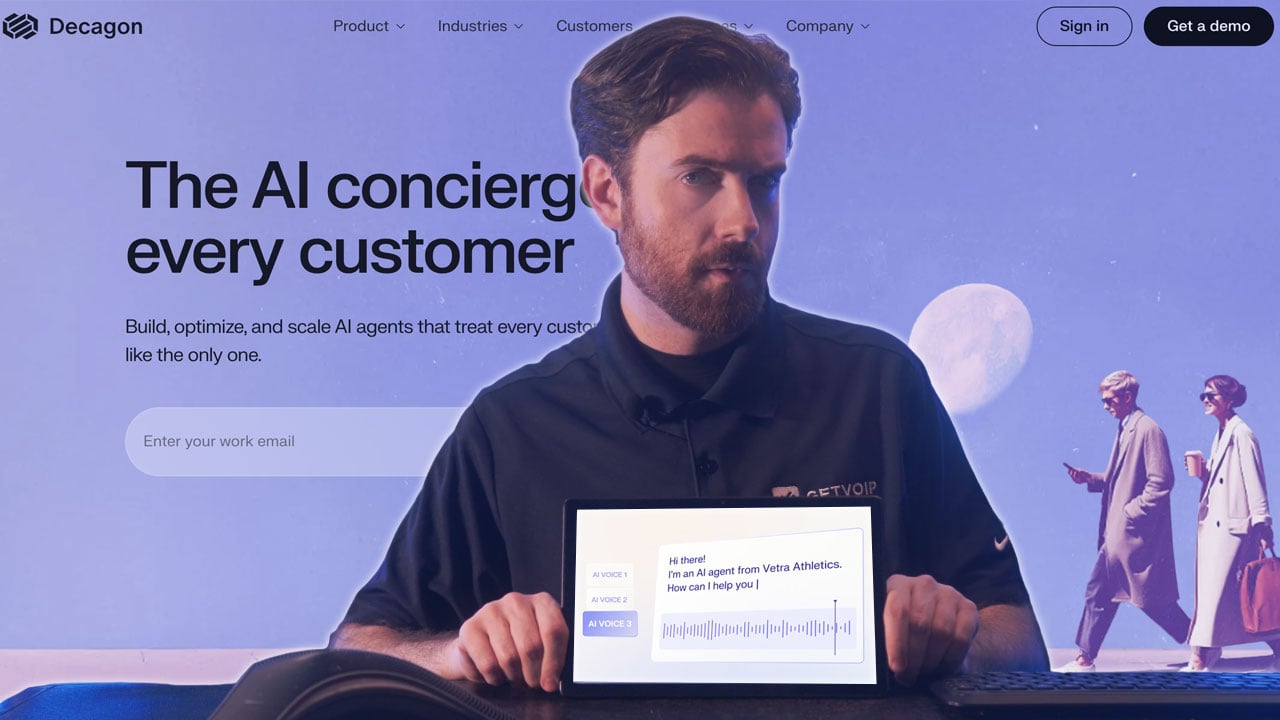
Decagon takes a modular approach to conversational AI, covering voice, chat, and email from one platform. The standout feature is Agent Operating Procedures (AOPs), which let CX teams write instructions in plain language that compile into executable workflows. No coding required, but the output is real, testable logic.
The platform includes a solid testing and QA suite with unit tests, integration checks, and simulation runs. This makes it easier to validate how your agents behave before they go live. Decagon also offers pricing flexibility with both per-conversation and per-resolution models, so you can pick whichever aligns better with how you measure success.
What We Like
- Agent Operating Procedures (AOPs): Write instructions in plain English and the platform turns them into working workflows.
- Flexible pricing: Choose between per-conversation or per-resolution billing depending on your priorities.
- Built-in testing suite: Validate agent behavior systematically before deployment.
- Omnichannel coverage: Voice, chat, and email with unified analytics.
What We Don't Like
- Resolution definitions matter: Per-resolution pricing requires clear agreement on what "resolved" means.
- Newer player: Less deployment history than established competitors.
- AOP learning curve: Teams used to traditional workflow builders may need time to adjust.
Pricing
Decagon offers per-conversation (fixed rate with volume discounts) and per-resolution (pay only for resolved conversations) models. Contact Decagon for specific rates.
Nextiva XBert
Best for: Teams already running Nextiva who want conversational AI inside their existing communications stack
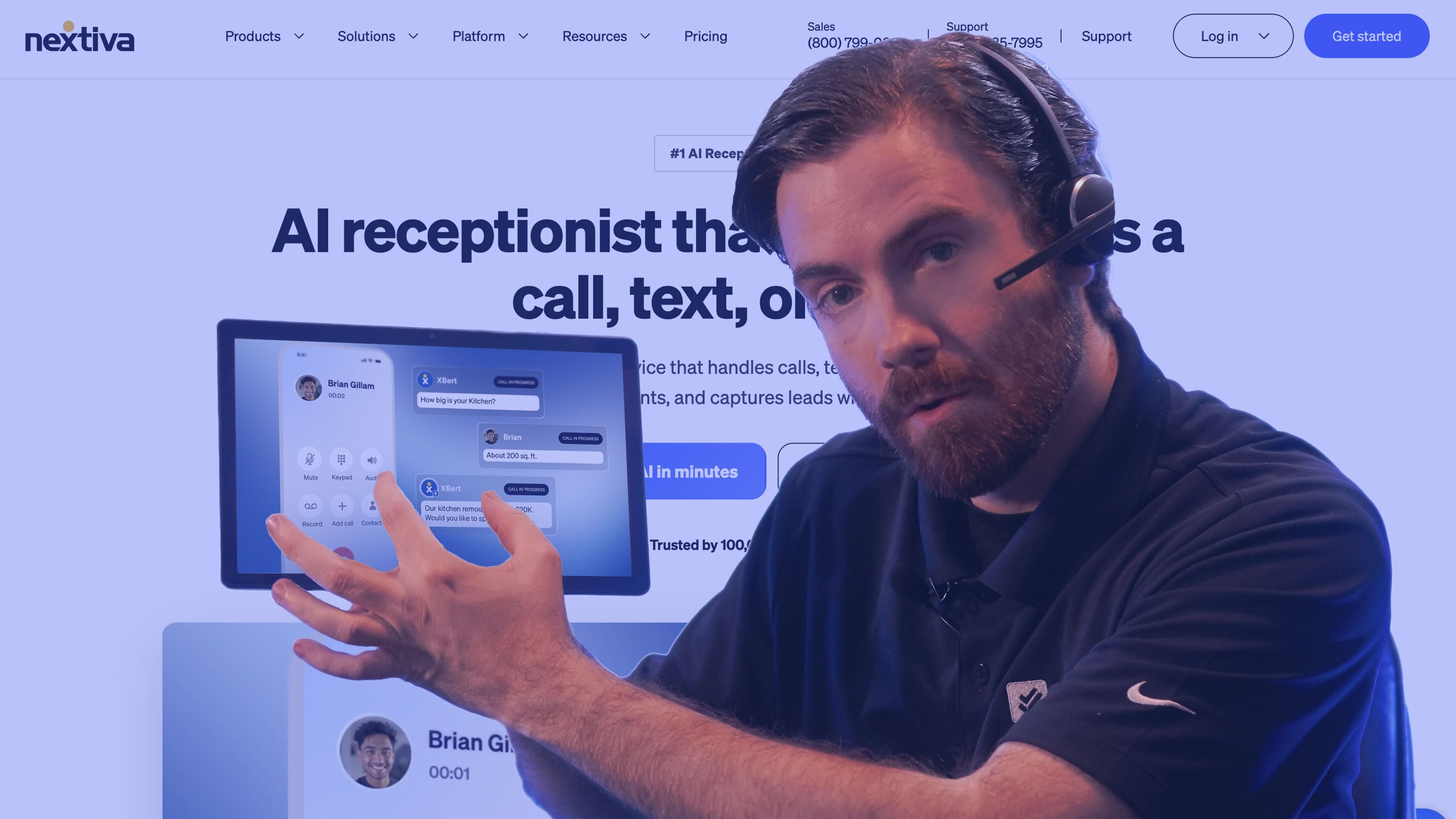
Nextiva builds the AI agent into the phone system, messaging, and customer records rather than bolting it on alongside them. For companies already running Nextiva for voice, XBert lives in the same platform, so a conversation that starts with an AI agent hands off to a live rep without anyone switching tools. Agents ship with pre-built roles for sales and service, and you can preview them against different scenarios before going live.
Standardizing on Nextiva gets you unified reporting and one vendor to call. On a different phone system, XBert loses the customer records and the live-rep handoff, which is most of what it's for. The agent itself isn't the differentiator.
What We Like
- Native platform fit: Lives alongside Nextiva voice, messaging, and customer data instead of bolting on.
- Straightforward handoff: AI-handled conversations escalate to human agents within the same system.
- Omnichannel capabilities: AI Agents interact with customers via voice, text, and live chat with full transcripts and analytics
- Business-user oriented: Aimed at operations teams rather than developers writing custom deployments.
What We Don't Like
- Ecosystem dependent: XBert cannot be purchased as a standalone product.
- Less developer control: Not built for teams that want to script custom logic end to end.
- Bundled purchasing: Capability often arrives tied to broader plan decisions rather than standalone.
Pricing
XBert can be added to any Nextiva plan for $99 per month. This includes 100 interactions each month, with $0.99/interaction charged on overage.
Nextiva plans range from $15-$75 and up monthly, per user. All Nextiva plans include inbound and outbound calling in the US and Canada, video meetings, team chat, and social media/review management. Upper-tiered plans add on contact center features such as skills-based routing, live chat, etc.
Fin.ai
Best for: Support teams using Intercom, Zendesk, or Salesforce seeking rapid AI agent deployment
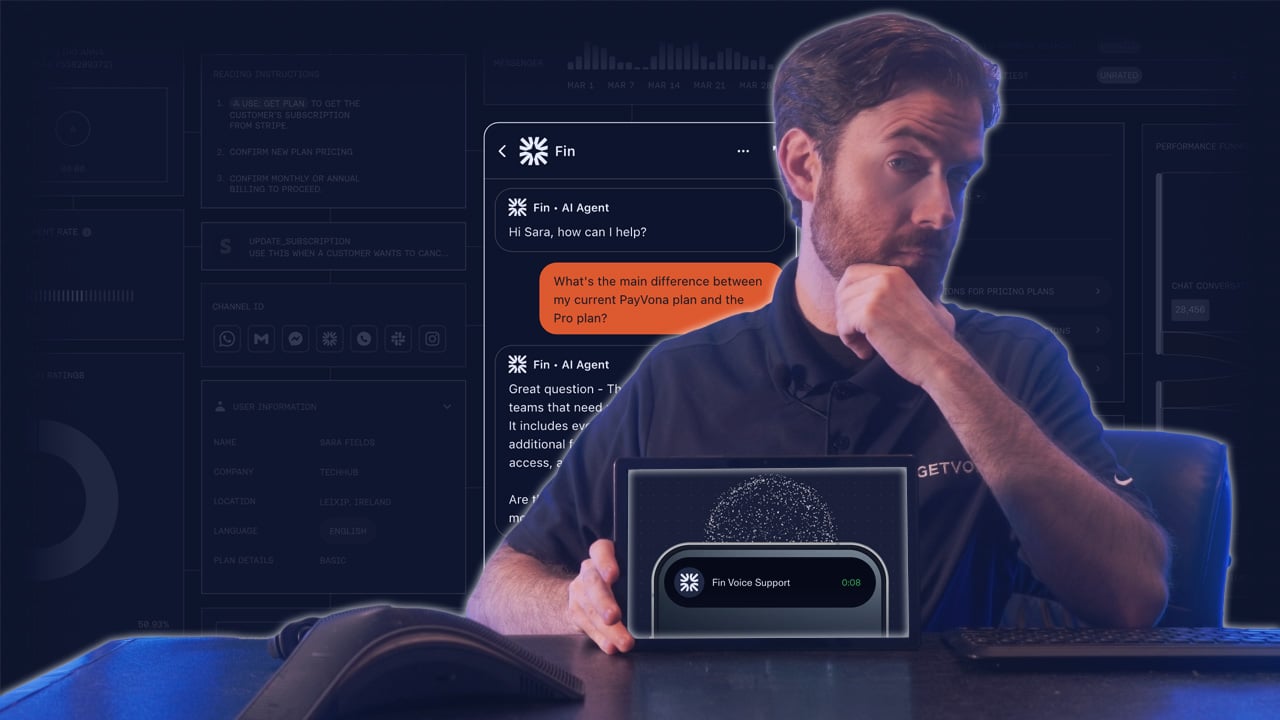
Fin is Intercom's AI agent, and it shows. If you're already on Intercom, Zendesk, or Salesforce, setup takes under an hour using your existing automations and reporting rules. The platform follows what Intercom calls the Fin Flywheel: Train (ingest your knowledge), Test (simulate conversations), Deploy (launch across channels), and Analyze (get AI-powered insights).
Fin handles voice, email, chat, and social channels. The tight integration with popular helpdesks means you're not rebuilding workflows from scratch. For teams already invested in these ecosystems, that's a significant advantage.
What We Like
- Deep helpdesk integration: Works with Intercom, Zendesk, and Salesforce for teams already using these platforms.
- Fin Flywheel methodology: Train-Test-Deploy-Analyze structure supports systematic agent improvement.
- Fast setup: Under one hour deployment reduces time-to-value for organizations with existing infrastructure.
- Cross-channel deployment: Supports voice, email, chat, and social channels from a unified platform.
What We Don't Like
- Platform dependency: Best value comes from being in the Intercom/Zendesk/Salesforce ecosystem.
- Bundled pricing: Costs are tied to Intercom plans, which adds complexity.
- Advanced setup takes effort: Cross-channel deployment beyond core use cases requires more configuration.
Pricing
Fin AI Agent is priced at $0.99 per resolution, with minimum commitments required. This applies whether using Fin with an existing helpdesk (Zendesk, Salesforce, HubSpot) or with Intercom's Helpdesk. When bundled with Intercom's Helpdesk, an additional $29 per helpdesk seat per month applies. A Copilot add-on for human agent assistance is available at $35 per user per month. A 14-day free trial is available.
Regal.ai
Best for: Sales and support teams with high call volumes requiring outbound and inbound voice automation
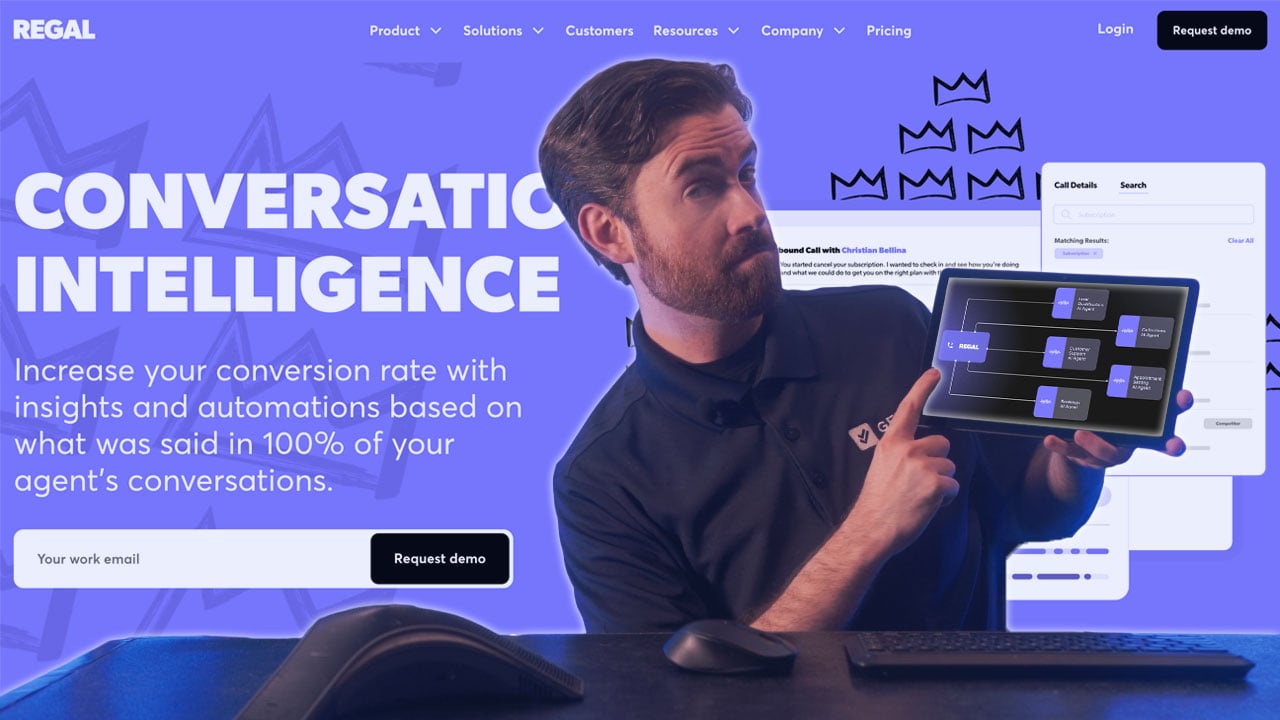
Regal.ai is built for phones. The platform handles both outbound and inbound calls with AI agents, plus SMS and chat. What impressed us most was the Conversation Intelligence module, which surfaces actionable data on call performance without requiring manual review.
The AI Voice Agent Builder lets you design, test, and deploy voice workflows without code. You also get a Unified Customer Profile that pulls context from previous interactions, so the AI isn't starting from scratch on every call. The platform targets organizations running 150,000+ calls monthly with 75+ agents, so it's built for scale.
Customer results highlight faster speed-to-lead and better lead qualification, which makes sense given Regal's focus on sales use cases.
What We Like
- Voice-first design: Purpose-built for phone interactions, including outbound sales.
- Unified Customer Profile: Context from past interactions makes conversations more relevant.
- Built-in A/B testing: Test different voice workflows to see what performs better.
- Conversation Intelligence: Get performance insights without listening to every call.
What We Don't Like
- High-volume focus: The 75+ agent and 150K+ call thresholds exclude smaller teams.
- Voice-heavy: If chat is your primary channel, you may need something else alongside it.
- Learning curve for analytics: The Conversation Intelligence tools take time to configure effectively.
Pricing
Regal.ai doesn't publish pricing. They offer discounts for higher spend and longer contracts. Contact them for quotes based on your call volume.
Microsoft Copilot Studio
Best for: Organizations already standardized on Microsoft 365 that want custom copilots inside tools employees and customers already use
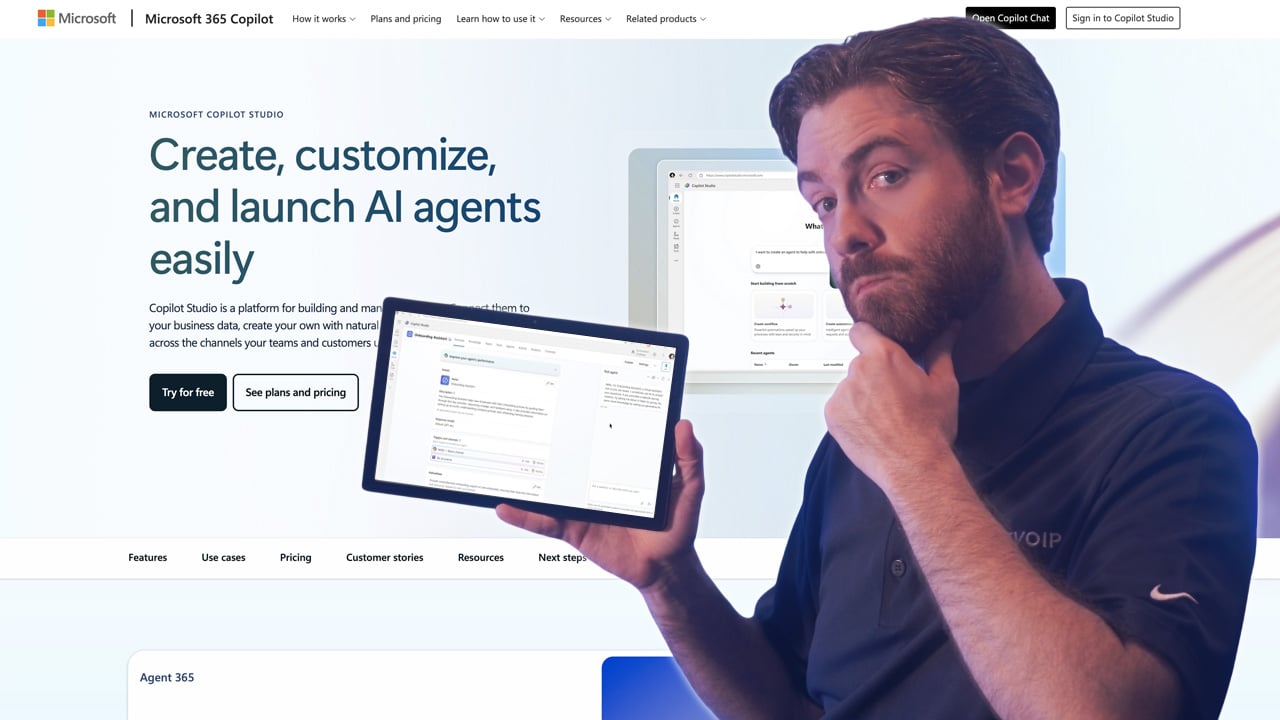
Microsoft Copilot Studio is aimed at teams who want conversational agents without standing up a framework first. You define flows, connect knowledge sources, and publish agents that answer questions or complete tasks for employees and customers.
Distribution is the reason most teams pick it. Agents publish straight into Teams, Microsoft 365, and web channels, so you're deploying onto infrastructure the organization already runs and already governs. If IT manages Entra ID and Power Platform, access control follows patterns they've already built.
Pricing runs on message consumption, which is easy to underestimate until an agent goes live and the volume is real. Outside the Microsoft stack, the integration advantage mostly disappears. You're back to building API connections like you would anywhere else.
What We Like
- Native Microsoft deployment: Publish agents to Teams, Microsoft 365, and web channels without separate distribution work.
- Custom copilot building: Define conversation flows, topics, and knowledge sources for specific business processes.
- Third-party API integration: Connect agents to systems beyond the Microsoft ecosystem.
- Performance monitoring: Built-in analytics show topic coverage, escalation points, and agent effectiveness.
What We Don’t Like
- Ecosystem dependency: Value drops considerably for organizations not standardized on Microsoft.
- Licensing complexity: Entitlements interact with existing Microsoft 365 and Power Platform agreements, which complicates cost estimation.
- Less voice depth: Weaker fit than voice-specialized platforms for high-volume telephony automation.
Pricing
Microsoft Copilot pricing starts at $30 monthly, per user, and allows users to create Agents that work inside Microsoft 365. A Microsoft 365 Business or Enterprise license is required.
Microsoft Copilot Studio credits are purchased as discounted prepaid bundles or via pay-as-you-go plans. Quote-based enterprise arrangements are common, so contact Microsoft or your reseller for rates tied to your tenant and volume.
Google Dialogflow CX
Best for: Developer-led and enterprise teams building chat and voice agents on Google Cloud with direct access to Gemini models
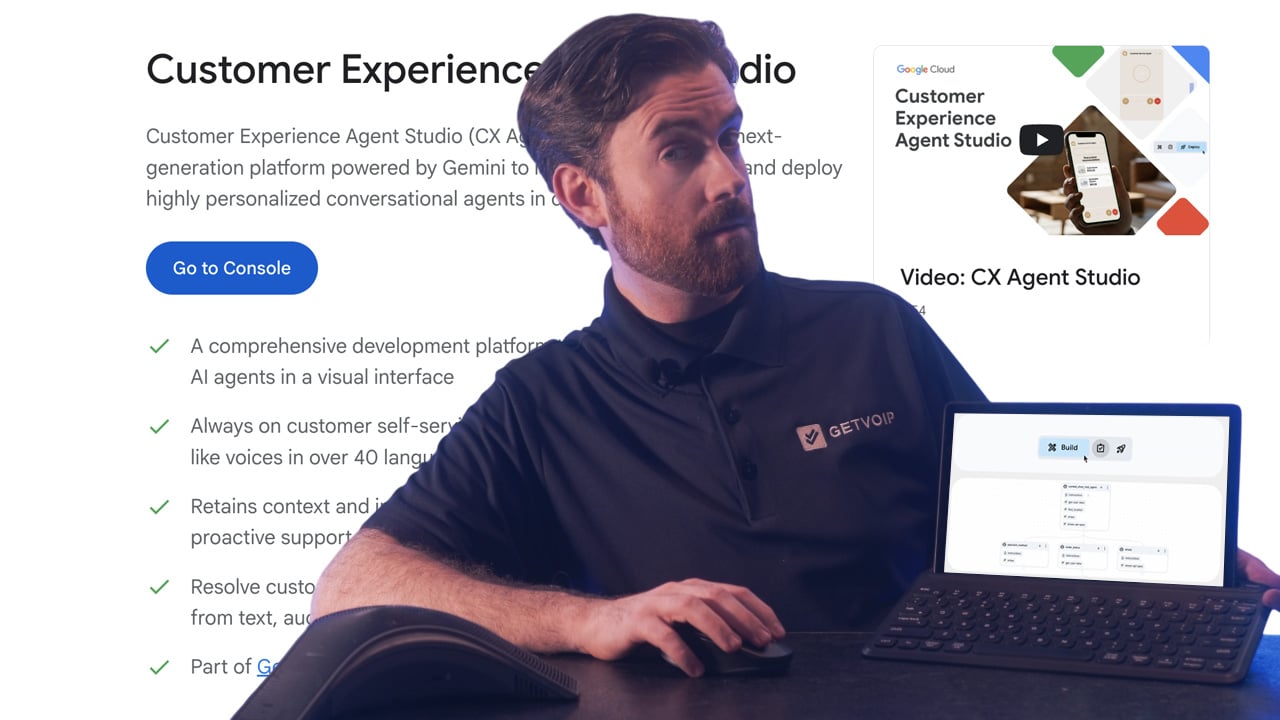
Google Dialogflow CX, now surfaced through CX Agent Studio, is built for teams who want to design conversation flows visually rather than manage lists of intents. The low-code designer maps flows, pages, and state handlers, so multi-turn logic stays legible as it grows. One agent handles both chat and voice.
Gemini access comes built in, which is what separates it from standalone builders. You can run deterministic flows where the path has to be predictable, then hand off to generative responses when a caller goes off-script. Deployment into contact center stacks depends on which telephony partner you're using.
Dialogflow CX assumes Google Cloud for identity, logging, and data services. Teams already running on GCP will find that convenient. Teams that aren't take on setup work a self-contained platform wouldn't require.
What We Like
- Visual flow design: Low-code flow and state modeling handles complex multi-turn conversations for chat and voice.
- Native Gemini access: Generative responses and deterministic flows work in the same agent.
- Contact center deployment: Integrates with contact center and telephony infrastructure for live call handling.
- Consumption pricing: Pay for what you use through Google Cloud, with free trial credits for evaluation.
What We Don’t Like
- Google Cloud dependency: Full value assumes an existing Google Cloud footprint for identity, logging, and data.
- Technical resources needed: Low-code still means a builder or developer owns the agent, not a CX generalist.
- Cost forecasting: Consumption-based billing across multiple Google Cloud services makes budgeting harder than flat per-resolution models.
Pricing
Dialogflow CX uses consumption-based Google Cloud pricing, billed by conversation and by the services an agent calls. Free trial credits are available for evaluation, and enterprise commitments are negotiated through Google Cloud.
Retell AI
Best for: Small businesses and developer teams seeking transparent, low-barrier entry to conversational AI
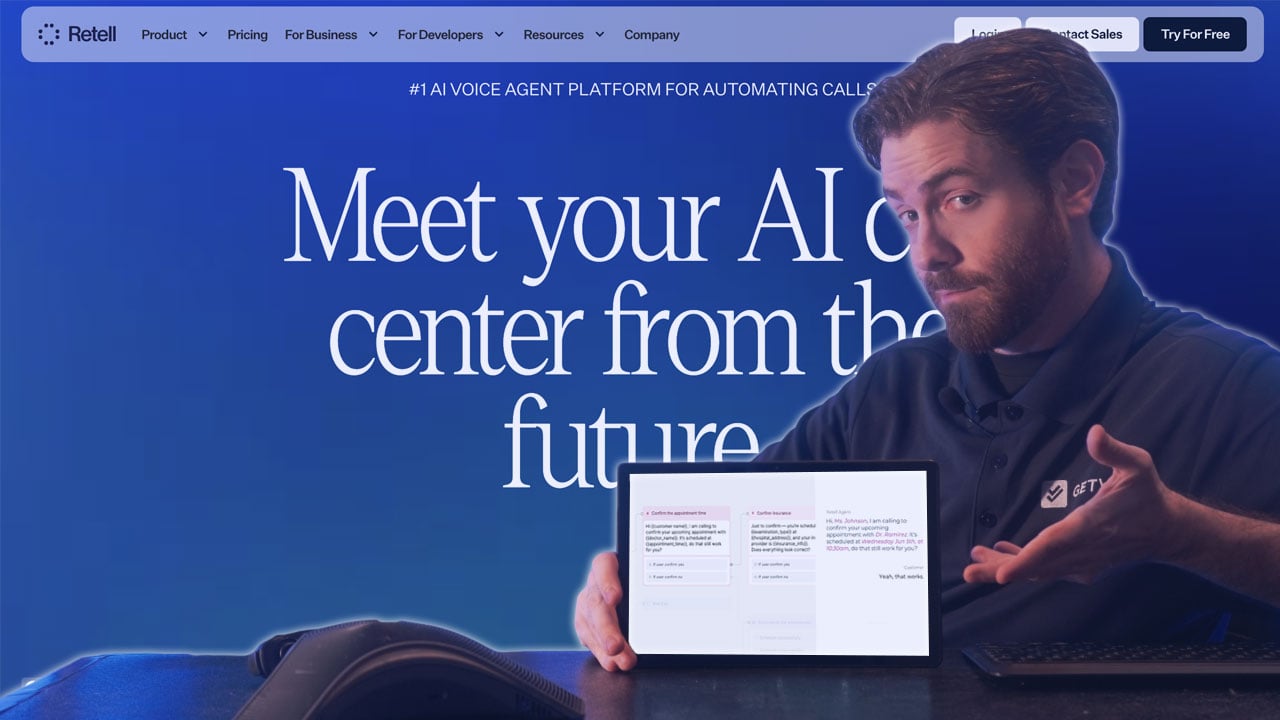
Retell AI makes it easy to get started. There's no platform fee, pricing is transparent ($0.07+ per minute for voice, $0.002+ per message for chat), and you get $10 in free credits to test things out. For small teams or developers building custom implementations, this removes most of the friction.
The platform includes pre-built functions, simulation testing, and support for multiple knowledge bases. Setup is straightforward, and you can see exactly what you'll pay before committing. Higher tiers add managed setup, custom deployment, and premium support for teams that need more hands-on help.
What We Like
- Transparent pricing: You know exactly what you'll pay. $0.07+ per minute for voice, $0.002+ per message for chat.
- No platform fee: Lower barrier for teams testing conversational AI.
- Free credits: $10 to start plus 20 concurrent calls included.
- Developer-friendly: Good fit for technical teams building custom solutions.
What We Don't Like
- Lighter documentation: Less publicly available detail compared to larger platforms.
- Advanced features cost more: Some capabilities require upgrading.
- Smaller vendor: May raise questions about long-term roadmap.
Pricing
Pay-as-you-go with no platform fee. Voice agents cost $0.07+ per minute, chat agents $0.002+ per message. Includes $10 free credits, 20 concurrent calls, and 10 knowledge bases. Higher tiers add custom deployment and premium support.
Observe.AI
Best for: Contact centers prioritizing analytics and performance intelligence alongside AI automation
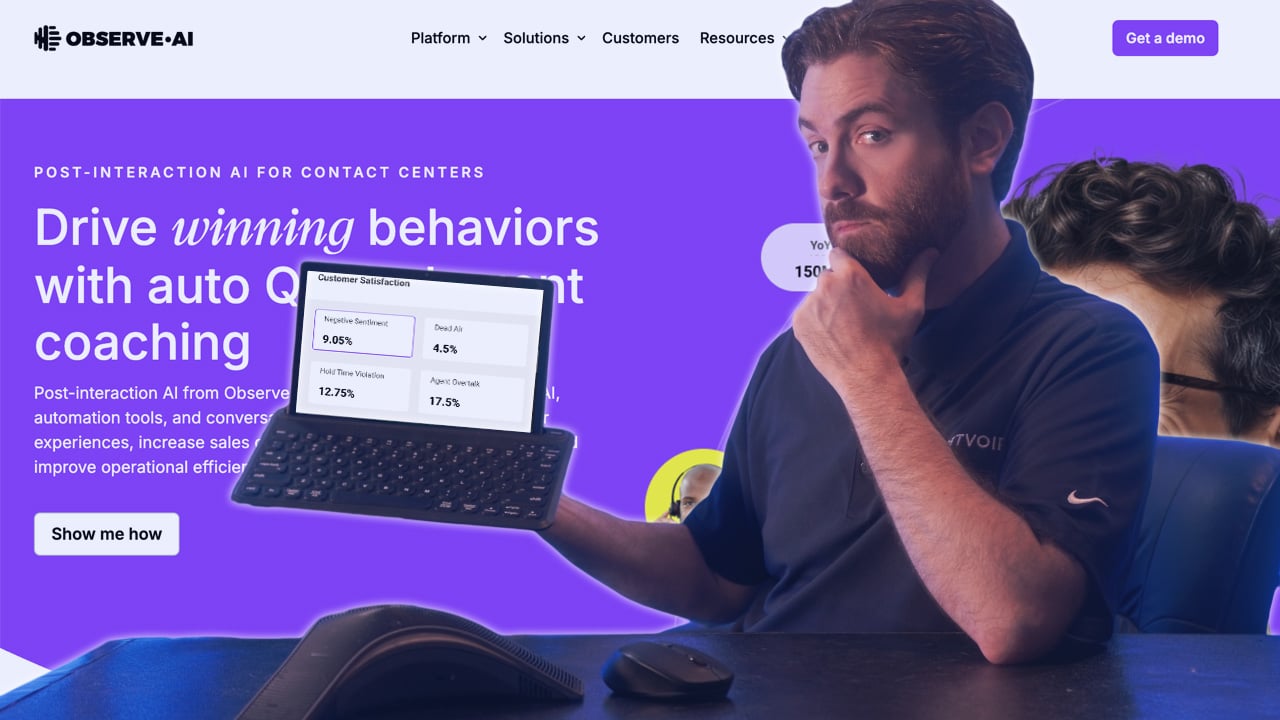
Observe.AI comes from a contact center analytics background, and that heritage shapes everything about the platform. VoiceAI Agents handle calls end-to-end with human-like conversations, routing complex issues to people when needed. ChatAI Agents cover authentication, issue resolution, and multi-channel interactions.
Where Observe.AI stands out is the analytics layer. The platform doesn't just automate calls; it helps you understand conversation patterns and agent performance at a level most competitors don't match. Customer testimonials from companies like Accolade highlight how VoiceAI handles routine questions while freeing human agents for complex work.
What We Like
- Analytics-first: Deep conversation analysis beyond what most AI platforms offer.
- Specialized agents: VoiceAI and ChatAI optimized for their respective channels.
- Human-like quality: Emphasis on preserving customer experience.
- Performance insights: Data-driven optimization for both AI and human agents.
What We Don't Like
- Contact center focus: Less applicable if you're not running a traditional contact center.
- Dual positioning: The platform spans AI agents and analytics, which can make it unclear what you're primarily buying.
- Learning curve on analytics: Getting full value from the intelligence features takes time.
Pricing
Observe.AI pricing requires direct engagement. The platform targets contact centers seeking AI agents with strong analytics and performance intelligence capabilities.
Gladly
Best for: Brands prioritizing customer relationships and lifetime value over deflection metrics
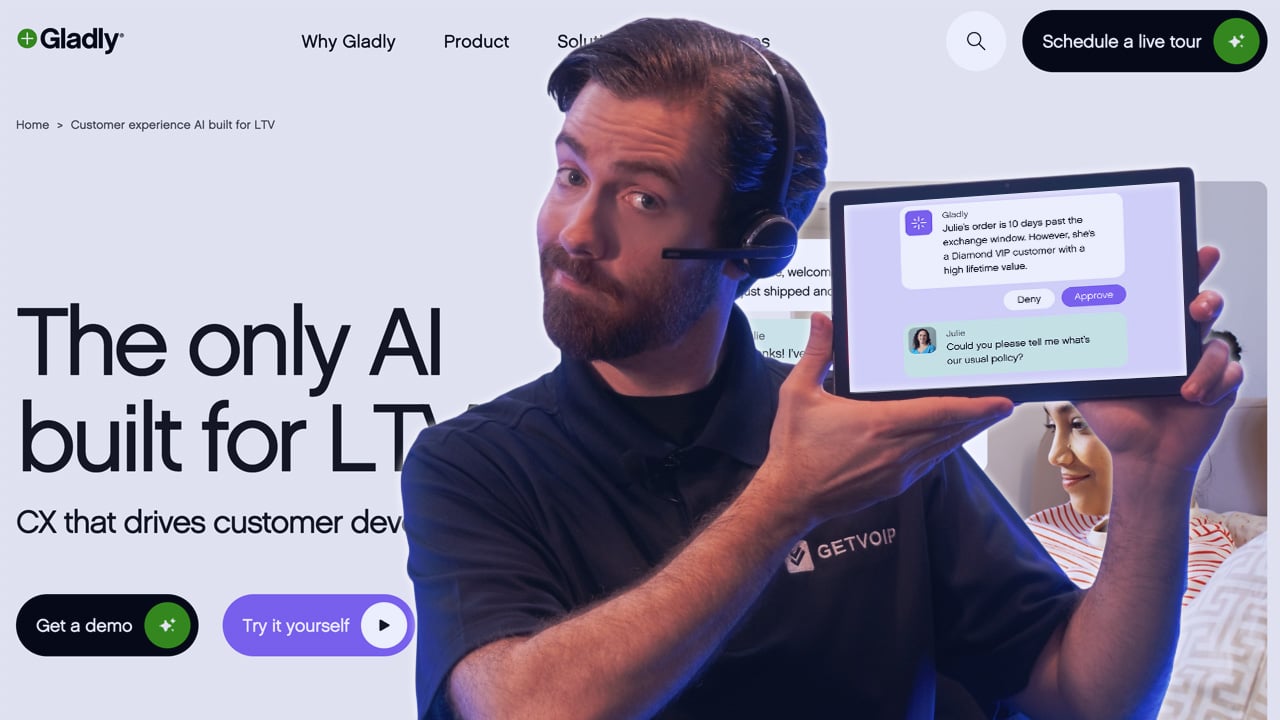
Gladly takes a different approach. Instead of measuring success by how many calls get deflected, the platform focuses on customer lifetime value. It treats customers as people rather than tickets, maintaining continuous conversation history across voice, chat, SMS, email, and social.
The Guides feature lets CX teams write instructions in plain English to teach the AI your brand voice. No coding needed. Voice AI handles real actions like booking and returns, hands off to agents with full context when needed, and can send proactive SMS follow-ups.
Gladly reports 240 million conversations powered by the platform. Brands like Nordstrom highlight the relationship-building capabilities.
What We Like
- Customer LTV focus: Differentiates from deflection-oriented automation approaches.
- No-code Guides: Enable CX teams to configure AI behavior in plain English.
- Continuous conversation history: Unified customer context across all channels.
- Human collaboration model: Preserves agent involvement with full context when needed.
What We Don't Like
- Less focus on pure automation: Not built to minimize human involvement at all costs.
- Relationship-focused positioning: May not align with organizations prioritizing automation rates.
- Organizational alignment required: Platform philosophy may require buy-in on customer-centric metrics.
Pricing
Gladly pricing requires direct sales engagement. The platform targets organizations prioritizing customer lifetime value and relationship-building over pure automation metrics.
Yellow.ai
Best for: Global businesses requiring rapid deployment with extensive pre-built integrations and multi-LLM flexibility

Yellow.ai stands out for two reasons: speed and integrations. The platform includes 150+ pre-built connections to systems like Salesforce, Zendesk, and Genesys, which cuts deployment time significantly. The freemium tier lets you test with 5,000 conversations before committing.
Under the hood, a multi-LLM architecture lets you pick optimal models for specific tasks with fallback chains and guardrails. The platform handles voice, chat, documents, images, and video while maintaining context across channels.
Yellow.ai holds HIPAA, ISO 27001, ISO 27017, and SOC 2 Type II certifications. Customer results include 70% automated interactions and 92% CSAT scores after six-week deployments.
What We Like
- Multi-LLM architecture: Enables task-specific model selection with fallback chains, avoiding vendor lock-in.
- Extensive integration ecosystem: 150+ pre-built integrations accelerate deployment.
- Freemium tier available: Allows evaluation before paid commitment.
- Dynamic analytics: Generate knowledge base articles and optimize responses in real-time.
What We Don't Like
- Freemium limitations: 5,000 monthly conversations and two channels may restrict meaningful evaluation for larger organizations.
- Module-based pricing complexity: Premium pricing structure adds complexity to cost estimation.
- Configuration complexity: Platform breadth may require significant setup for focused use cases.
Pricing
Yellow.ai offers Freemium and Premium plans. Freemium includes 5,000 monthly bot conversations, FAQ module, unlimited agent seats, 500 chat/email tickets, and two channel integrations. Premium pricing is custom with module-based charges for Monthly Reached Users (MRU) and WhatsApp usage.
What Is a Conversational AI Platform?
A conversational AI platform lets you deploy AI agents that talk to customers through voice, chat, messaging, or email. These platforms understand natural language, remember context across a conversation, and can actually do things like book appointments or process orders.
The core capabilities include:
- Natural language understanding: Figures out what people mean, not just what they say
- Multi-turn conversations: Remembers context so customers don't repeat themselves
- Action execution: Books appointments, looks up orders, processes requests
- Smart escalation: Hands off to humans with full context when needed
- Analytics: Shows you what's working and where to improve
The latest evolution is agentic AI, where platforms don't just respond to requests but autonomously complete multi-step tasks across different systems. That's what's driving adoption right now.
Capabilities Every Conversational AI Platform Should Have
Once you know what a conversational AI platform does, the next step is scoring vendors on the capabilities that separate a demo from a production deployment. Use the questions below on every demo call and record the answers side by side for each shortlisted platform.
- AI guardrails: How does the platform mitigate prompt injection, moderate unsafe content, protect PII and PHI, and reduce hallucinations? Ask to see the controls, not the marketing claim.
- Data security and privacy: Is data encrypted in transit and at rest, and can the platform redact PII before it reaches a model or a log? Ask where data is stored and how long it is retained.
- RAG and knowledge grounding: Can the agent ground answers in your help center, policy documents, and product data, and how often does that knowledge refresh? Ask what happens when two sources conflict.
- QA and observability: Can you preview changes, A/B test prompts and flows, and run regression checks before pushing an update live? Ask how the platform flags conversations that went wrong.
- Multichannel connectivity: Which channels ship natively, including messaging, web chat, telephony, and webhooks, and which require custom work? Ask whether context carries across channels.
- Tool and API integration depth: Can the agent call your CRM, helpdesk, and internal APIs to complete an action, or only read from them? Ask for the list of pre-built connectors versus custom builds.
- Optimization tooling: What reporting shows resolution rate, escalation reasons, and containment by intent, and who is expected to act on it? Ask whether tuning is self-serve or a paid service.
Score each category on a simple scale and weight the ones tied to your compliance and channel requirements. Platforms that score well on conversation quality but poorly on guardrails and observability tend to stall after the pilot.
How to Choose the Right Conversational AI Platform
There's no single best platform. The right choice depends on what you need and where you're starting from. Here's a step-by-step guide on choosing the right platform.
Step 1: Define the problem you're solving
Before looking at any platform, get clear on why you need conversational AI. Are you trying to reduce call volume? Extend support hours? Cut costs? Improve consistency? Handle a language your team doesn't speak?
Write down your top 2-3 use cases in specific terms. "Automate appointment booking for our dental practice" is useful. "Improve customer experience" is not.
Step 2: Document your current state
Gather the numbers you'll need to evaluate options and measure success later:
- Monthly conversation volume (calls, chats, emails)
- Average handle time
- Most common inquiry types (aim for top 10)
- Current cost per conversation
- Tools you use today (CRM, helpdesk, calendar, phone system)
- Languages you need to support
- Hours you need coverage
This data will drive every decision that follows.
Step 3: Set hard requirements and budget
Some requirements are non-negotiable. Identify yours upfront so you can eliminate platforms that don't qualify before wasting time on demos.
Hard filters typically include:
- Compliance certifications (HIPAA for healthcare, PCI DSS for payments, GDPR for EU data)
- Deployment model (cloud-only vs. on-premise option)
- Specific integrations that must work on day one
- Budget ceiling
If a platform fails any hard requirement, it's out. Don't let a good sales pitch change this.
Step 4: Build a shortlist of 3-5 platforms
Using your requirements, narrow the field to platforms that could realistically work. Don't evaluate more than five in detail, or you'll get decision fatigue and the differences will blur.
Match platform strengths to your priorities:
- You want to pay only for resolved conversations: Sierra, Decagon, Fin.ai
- You'd rather buy inside a stack you already run: Fin.ai for Intercom, Zendesk, or Salesforce; Microsoft Copilot Studio for Microsoft 365; Nextiva XBert for Nextiva voice
- Voice is your primary channel: Regal.ai at high volume, Retell AI for smaller teams and pay-as-you-go pricing
- Developers will own the build: Retell AI for API-first work, Google Dialogflow CX for enterprise builds on Google Cloud
- You need to connect a lot of existing systems quickly: Yellow.ai, which includes a freemium tier for evaluation
- You're optimizing for something other than deflection rate: Observe.AI for analytics depth, Gladly for relationship continuity
Step 5: Test conversation quality with real scenarios
Request trials or demos and test with your actual customer inquiries -- not the vendor's scripted examples. Pull 10-15 real questions from your support logs, including:
- Common requests (the easy stuff)
- Ambiguous phrasing (how real people talk)
- Multi-part questions
- Edge cases that trip up your team
If the AI sounds robotic, misunderstands basic requests, or can't recover from confusion, move on. Conversation quality is the hardest thing to fix later.
Step 6: Validate integrations and setup requirements
Before committing, confirm:
- Your critical integrations actually work (not just "supported" -- test them)
- What data migration or knowledge base setup is required
- Who handles configuration (you, the vendor, or paid services)
- Realistic timeline to go live
- What ongoing maintenance looks like
Ask vendors for references in your industry and actually call them. Ask what surprised them and what they'd do differently.
Step 7: Run a pilot with clear success metrics
Don't roll out company-wide on day one. Pick one use case, define success metrics upfront, and test with real customers for 2-4 weeks.
Metrics to track:
- Resolution rate (conversations handled without human escalation)
- Customer satisfaction (post-conversation survey)
- Escalation rate and reasons
- Average handle time vs. human baseline
- Cost per conversation
If the pilot fails to hit targets, you've learned something valuable without a major commitment. If it succeeds, you have data to justify broader rollout.
Step 8: Negotiate and plan implementation
Once you've selected a platform:
- Push for multi-year discounts if you're confident in the choice
- Clarify what happens to your data if you leave
- Get SLAs for uptime and support response in writing
- Plan the rollout in phases rather than all at once
- Assign an internal owner responsible for ongoing optimization
Making the Right Choice
A few final thoughts:
- Start where you are: If you're new to conversational AI, pick something simple with fast a setup. You can always switch later. If you have technical resources and specific requirements, developer-centric platforms give you more control.
- Pilot first: Don't roll out company-wide on day one. Pick a specific use case, set clear metrics, and test with real conversations. Most failures happen when teams skip this step.
- Plan for humans: Even the best AI needs escalation paths. Make sure your platform hands off cleanly and gives agents full context. Your customers will notice if it doesn't.
FAQs
Pricing varies widely. Pay-as-you-go options start around $0.07 per minute for voice or $0.002 per message for chat. Some platforms offer freemium tiers with limited usage. Enterprise deployments with custom integrations typically require direct vendor engagement for quotes.
Not always. Many platforms offer no-code builders for non-technical teams, including Sierra's Agent Studio, Gladly's Guides, and Yellow.ai's visual workflow tools.
Most platforms offer integrations with popular CRMs (Salesforce, HubSpot, Zendesk), helpdesks (Intercom, Freshdesk), and contact center systems (NiCE, Genesys, Five9). Yellow.ai offers 150+ pre-built integrations. Always confirm specific integrations for your technology stack.
All platforms include escalation mechanisms to route conversations to human agents when the AI lacks confidence or the customer requests it. Better platforms preserve full conversation context during handoff so customers don't repeat themselves.
It depends on complexity. Platforms integrating with existing helpdesks (like Fin.ai) can deploy in under an hour. Mid-range deployments typically take days to weeks. More complex platforms may take six or more weeks for full implementation.
SOC 2 Type II is the baseline for most business applications. Healthcare organizations need HIPAA compliance. Companies handling EU customer data need GDPR compliance. Financial services may require PCI DSS. Most platforms in this guide hold multiple certifications.