Old IVRs made callers press 1, press 2, then wait on hold anyway. The systems replacing them run on large language models that hold a real conversation, resolve routine requests end to end, whisper suggestions to live agents mid-call, and analyze every interaction instead of a sampled few.
Rising volume, agent burnout, and cost pressure pushed contact centers past scripted menus. The frontier now is agentic AI -- software that executes multi-step backend workflows like processing a refund or modifying an order without a human touching it.
Below is a platform-by-platform comparison, including all available pricing information, plus a decision framework for picking the right fit.
Quick Overview of Best AI Call Center Platforms
- Dialpad: Best for teams wanting built-in real-time transcription and AI coaching across channels.
- NiCE CXone: Best for large enterprises needing a full contact center suite at scale.
- Nextiva: Best for growing businesses combining voice, messaging, and CRM in one place.
- Five9: Best for outbound-heavy operations that rely on predictive dialing and automation.
- Talkdesk: Best for companies prioritizing customizable AI workflows and vertical-specific solutions.
- Aircall: Best for small sales and support teams needing quick, integration-friendly setup.
- Zoom: Best for organizations already standardized on Zoom for unified communications.
- Bright Pattern: Best for mid-market teams wanting omnichannel routing with fast deployment.
- Squaretalk: Best for budget-conscious teams needing flexible, developer-friendly call center tools.
How We Compared These Solutions
We weighed each platform on the factors that separate a usable deployment from a stalled pilot, not on marketing claims.
We ranked on five criteria, weighted toward what actually moves the needle:
- AI depth: Genuine call transcription, sentiment analysis, real-time agent assist, and automated scoring, not a chatbot bolted onto legacy telephony.
- QA coverage: Because most organizations review only 3 to 5 percent of interactions by hand, how much call volume a system scores automatically, and whether its scorecards flex to your criteria, decides how large a gap AI actually closes.
- Integrations: Native connectors to major CRMs and helpdesks, plus API access for custom workflows.
- Pricing transparency: Published per-seat rates and clear tier boundaries versus quote-only sales cycles.
- Deployment fit: Whether the platform suits SMB teams, enterprise contact centers, or regulated verticals like healthcare and finance.
- Security and compliance: SOC 2, HIPAA, PCI, and GDPR support, plus how recordings and transcripts are stored and retained.
Ratings reflect published vendor documentation and product data, not paid placement. Weigh the criteria against your own priorities, since the right pick depends on team size, call volume, and how much of the workflow you actually want automated.
The Best AI Call Center Software in 2026
The lineup runs roughly from quick-deploy tools for smaller teams to enterprise platforms built for heavy QA and compliance loads. Read it along three axes: the team size a platform serves best, how much autonomy its AI handles (agent-assist versus fully autonomous resolution), and how deep its compliance and QA capabilities go.
| Platform | Best for | Standout AI Functionality | Pricing |
| Dialpad | Smaller sales/support teams | Built-in conversational AI, predictive CSAT | From $80/user/mo |
| NiCE CXone | Enterprise QA and WFO | Full-coverage Auto-QA | From $110/agent/month, plus consumption-based AI pricing |
| Nextiva | SMBs unifying phone + contact center | AI across voice and messaging | Quote-based |
| Five9 | Compliance-heavy blended ops | Agentic AI, proven AHT gains | Quote-based |
| Talkdesk | Configurable mid-market/enterprise | Agent-assist and workflow automation | From $165/user/month |
| Aircall | Small, growing teams | Transcription and summaries | Quote-based |
| Zoom | Zoom-standardized orgs | AI Companion features | From $99/user/month |
| Bright Pattern | Omnichannel teams | AI-powered QA | Quote-based |
| Squaretalk | High-volume outbound/sales | Automation tooling | Quote-based |
Dialpad
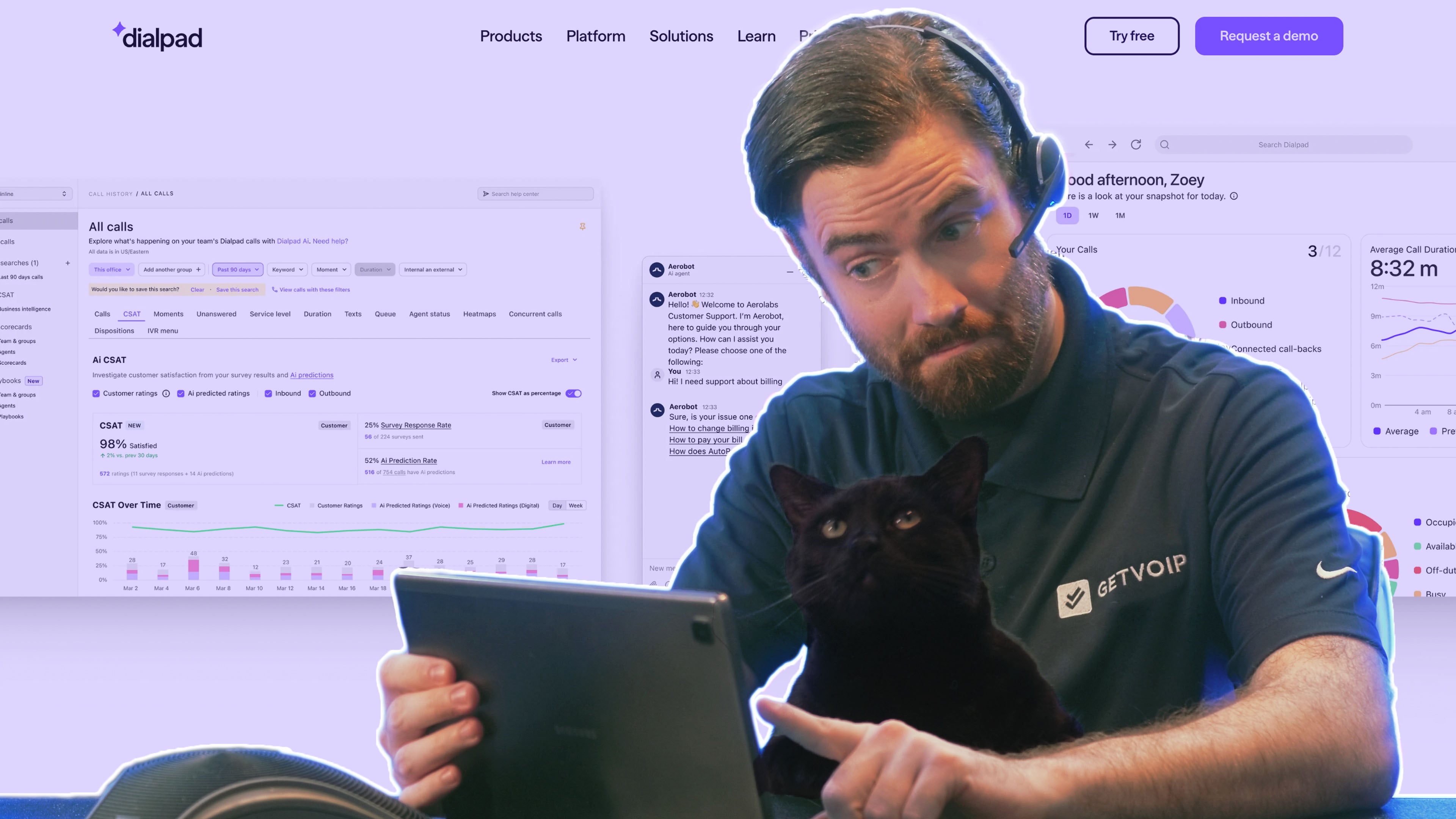
Dialpad is the platform to reach for when you want AI on the phones this quarter, not next fiscal year. It ships conversational AI, live transcription, and predictive CSAT in the box, so a support lead can stand up a working deployment without a systems integrator or a stack of custom scorecards.
That speed comes from opinionated defaults rather than deep configuration, the tradeoff to weigh against NiCE CXone or Five9. Where those platforms expect an implementation team, Dialpad expects an admin and an afternoon.
What We Like
- AI on by default: Conversational AI runs across live calls without a separate build phase or bolt-on module.
- Real-time transcription: Every call is transcribed as it happens, giving agents and supervisors a live record instead of after-the-fact notes.
- Sentiment without a rubric: Predictive CSAT scoring lets a small team read sentiment across every call before anyone builds a QA scorecard.
- Fast onboarding: Little upfront configuration means a working contact center in days, not a quarter-long rollout.
What to Know
The same opinionated defaults that speed setup limit how far you can customize routing and scoring logic later. Teams with detailed QA requirements or complex omnichannel workflows may find the configuration ceiling lower than a platform built for an implementation team.
Cost
Dialpad's contact center pricing ranges from $80 to $150 per user/month.
The $80 Essentials plan covers core contact center operations, while Advanced at $115 adds real-time agent coaching, CRM integrations, and additional channels. Premium, at $150 per user/month, adds AI-powered quality management, CSAT measurement, advanced analytics, and workforce management capabilities.
Best for: Smaller sales and support teams that want quick deployment without heavy setup.
Not ideal if: You run a compliance-heavy enterprise that needs deeply custom scorecards and granular QA controls.
NiCE CXone
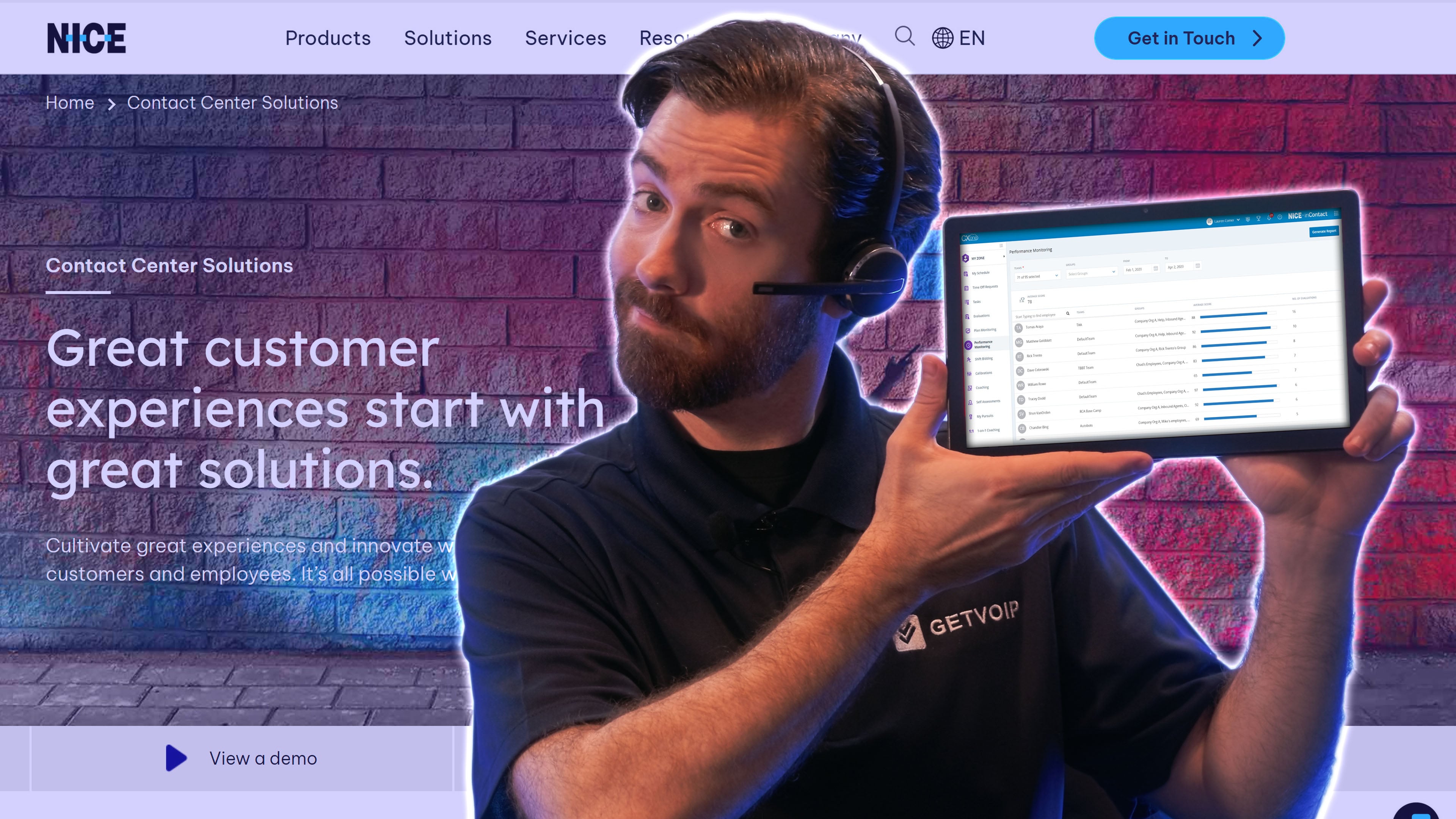
NiCE CXone sits at the opposite end from Dialpad -- an enterprise suite where quality management and workforce optimization are the main event, not add-ons. It scores call volume automatically at scale and pairs that with mature analytics and reporting, exactly what large centers need when a compliance audit or a workforce forecast is on the line.
The depth is the point and the cost. Buyers get a feature set covering most contact center scenarios, but only after an implementation effort smaller teams rarely have the appetite for.
What We Like
- Full-coverage automated QA: scoring runs across every interaction rather than a sampled slice, which is what regulated operations need when an audit lands.
- Deep analytics and reporting: mature dashboards built for the reporting demands of large centers.
- Workforce optimization and forecasting: staffing and demand planning are core modules, not bolt-ons.
- Broad enterprise coverage: the feature set spans most contact center scenarios out of the box.
What to Know
The depth comes with a heavier lift. Implementation demands time and internal resources that smaller teams often lack, and the platform makes more sense once you actually need the QA and workforce tooling.
Cost
NICE CXone pricing ranges from $110 to $249 per agent/month, with the Ultimate plan also charging $0.25 per session.
All plans include voice and digital channels, omnichannel routing, proactive web engagement, and recording and compliance.
Higher tiers add broader platform capabilities, while AI routing is included only with Ultimate and is an add-on on lower plans.
Best for: Large or compliance-heavy contact centers that need serious QA and reporting.
Not ideal if: You're a small team that would leave most of the platform unused after a lengthy rollout.
Nextiva
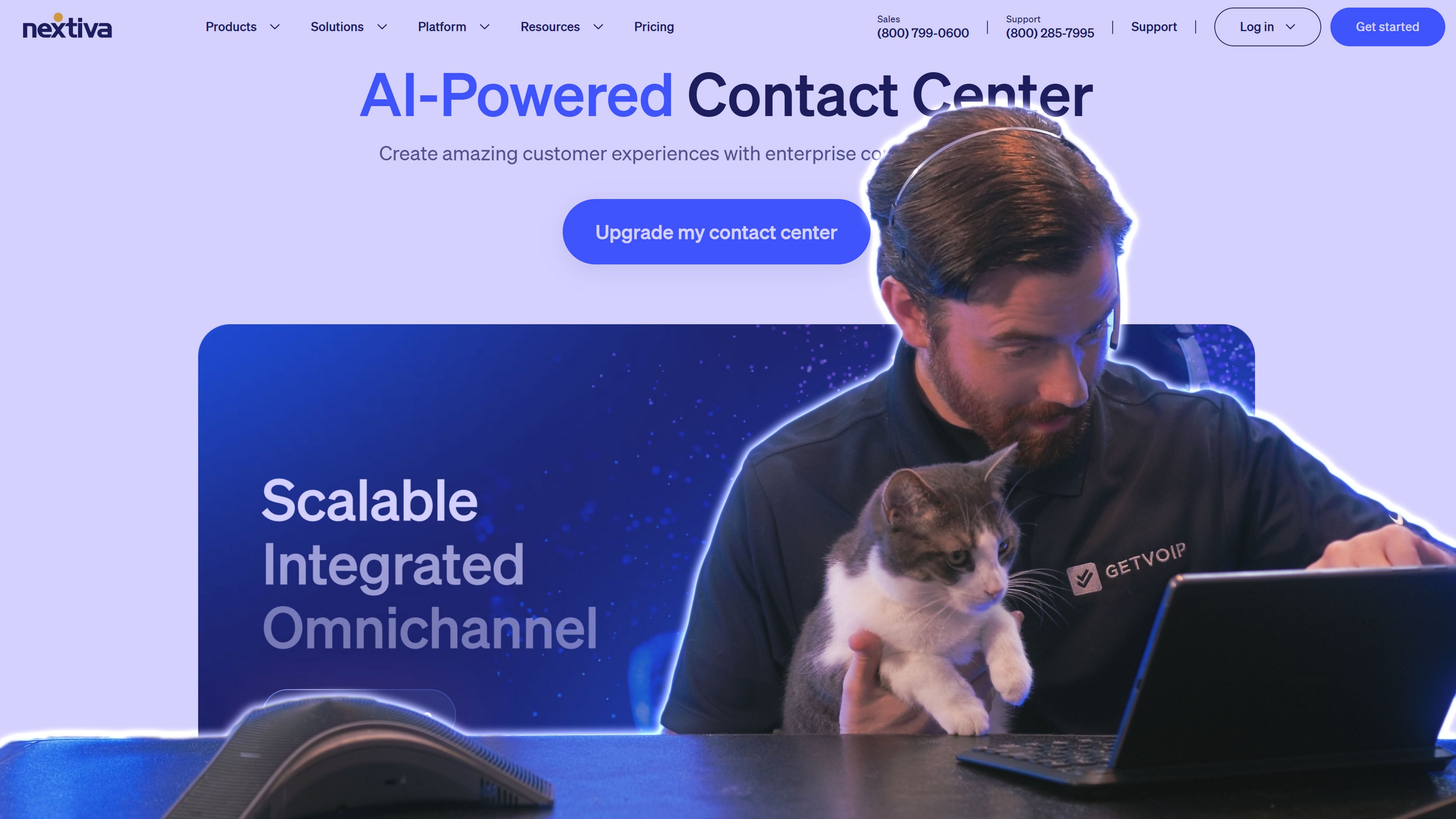
Nextiva comes at the contact center from the business-phone side. Teams that already want a unified communications system, with VoIP lines, messaging, and video, can add contact center capabilities with AI layered across voice and messaging, keeping one vendor instead of stitching a phone system to a separate CCaaS tool.
That consolidation is the draw for SMBs and multi-location businesses that would rather manage one bill and one support contract. The tradeoff is that its contact center AI is younger than what a QA-first platform like NiCE or an agentic specialist like Five9 has spent years refining.
What We Like
- Unified business communications across voice, messaging, and video in one platform
- AI features spanning both voice and messaging channels
- Single-vendor footprint that covers phone service plus customer support
- Contact center capabilities layered onto existing UCaaS lines, so there's no second system to integrate
What to Know
The contact center side is newer than dedicated CCaaS competitors, so the AI depth trails specialists that have focused on the contact center alone for years.
Cost
Nextiva Contact Center pricing ranges from $25 to $75 per user/month. Engage plan includes inbound call center tools, live chat and chatbots, customer-to-team SMS, and advanced reporting.
Scale adds a broader CX platform with voice and web chat, AI transcription and summaries, skills-based routing, and journey orchestration.
Best for: Small and mid-sized businesses consolidating their phone system and contact center in one place.
Not ideal if: You need best-in-class autonomous resolution and deep QA, where the specialists still lead.
Five9
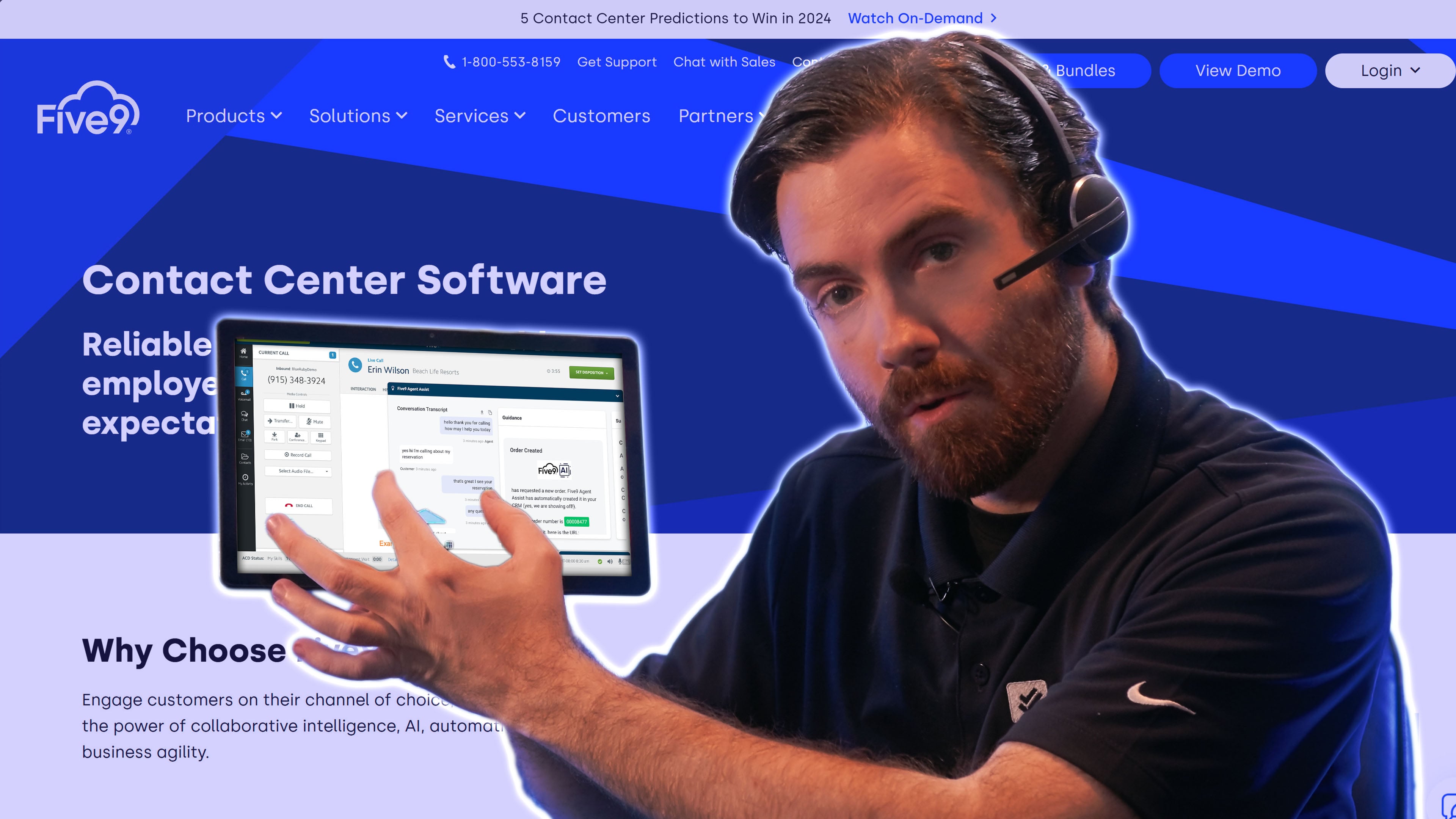
Five9 is the pick when compliance and measurable outcomes carry equal weight. It runs blended inbound and outbound operations backed by agentic AI built to resolve requests autonomously rather than just route them, which matters for regulated teams that need both throughput and a defensible audit trail.
Its Intelligent Virtual Agent handles routine calls end to end, while real-time transcription and agent assist surface next-best-action prompts mid-conversation. Post-call summaries and sentiment scoring feed quality management automatically, so supervisors spend less time reviewing recordings and more time coaching.
For teams handling payment data, Five9 maintains Level 1 PCI DSS compliance with annual assessment across all 12 requirements, clearing a bar that outbound collections and inbound support operations both care about.
What We Like
- Agentic AI that resolves, not just routes: the AI aims to close out requests on its own, reducing the volume that reaches live agents.
- Compliance built for regulated work: Level 1 PCI DSS status with annual assessment across all 12 requirements suits payment-heavy and audited environments.
- Blended inbound and outbound: one platform for service queues and outbound campaigns.
- Documented results: Five9's AI agents can autonomously resolve routine customer inquiries end to end, deflecting calls from live agents so a mid-to-large operation can model the labor savings against its own volume.
What to Know
The platform's depth carries setup and administration overhead that small teams rarely recoup. Also, getting full value from the agentic AI depends on clean routing logic and well-defined workflows, which take time to configure.
Cost
Five9 offers two published plans: Digital at $119 per seat/month for digital channels only, and Core at $159 per seat/month for voice and digital channels with essential AI tools, including summaries, live transcription, and AI insights.
Higher tiers, Plus, Pro, and Enterprise, require a custom quote and add advanced AI and workforce engagement management capabilities.
Quotes depend on seat count, feature tier, and AI usage, so expect a sales conversation before you can size the investment.
Best for: Compliance-sensitive centers running high inbound and outbound volume that want auditable security and hard ROI.
Not ideal if: You run a five-seat team that can't justify the platform and process overhead.
Talkdesk
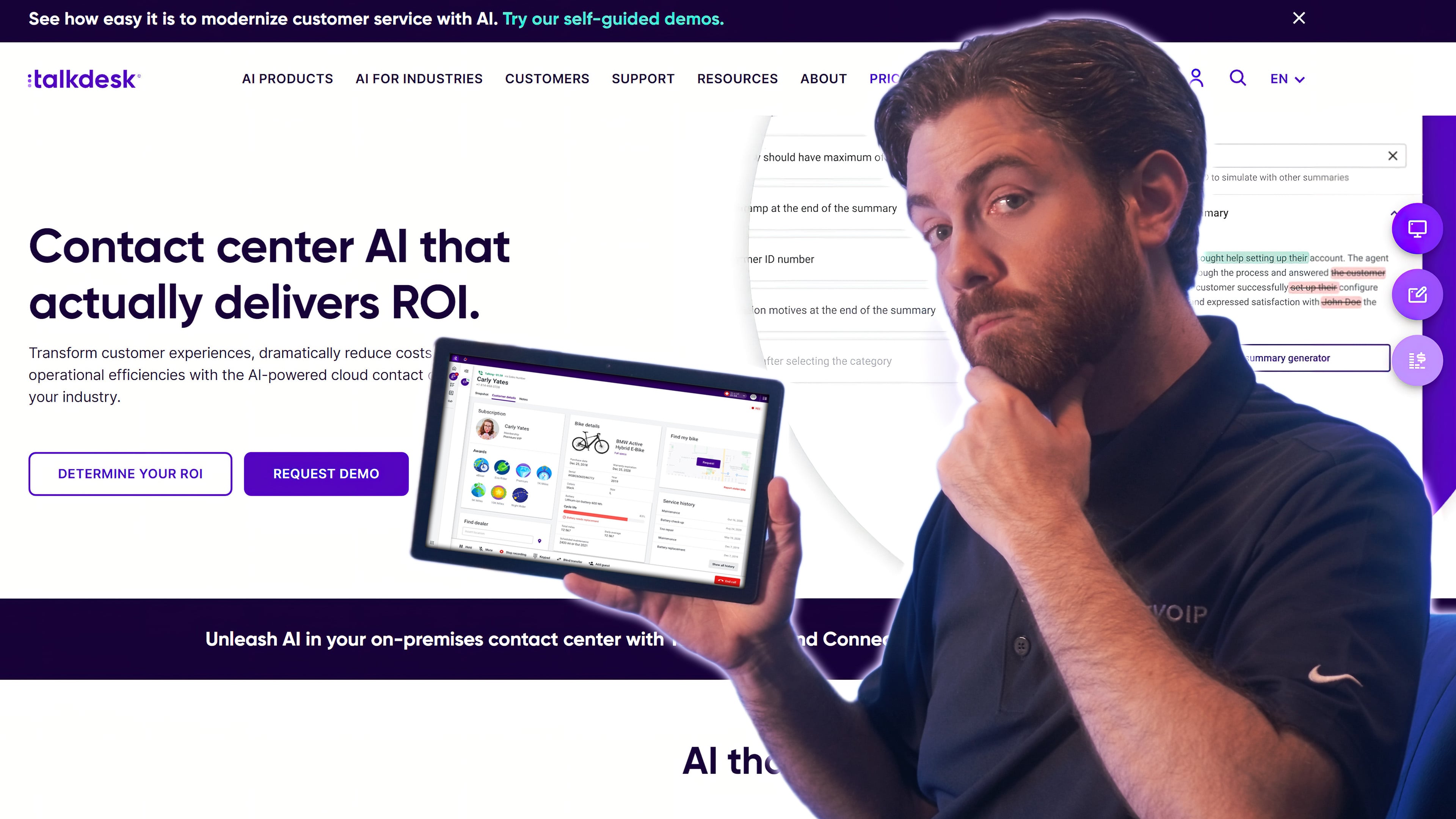
Talkdesk earns its spot for teams that want to shape the platform around their process rather than adapt to a fixed one. Its AI and automation suite spans the entire customer interaction, from agent-assist during live calls to automation that fires across pre- and post-contact steps, and it connects to a wide range of systems.
That flexibility is genuinely useful and genuinely demanding. The same breadth that lets a mid-market or enterprise team build exactly the workflow they want also means more decisions and a longer ramp before the platform earns its keep.
What We Like
- Configurable workflows: Talkdesk favors building blocks over fixed templates, so teams design routing and automation around their own process.
- Live agent-assist: Real-time prompts support agents mid-call rather than only before or after contact.
- End-to-end automation: Automation fires across pre- and post-contact steps, not just during the conversation.
- Broad integrations: Connects to a wide range of systems, which suits teams with an existing stack to plug into.
What to Know
The breadth that makes Talkdesk adaptable also raises the setup cost. Expect more configuration decisions and a longer ramp before the platform pays off, which makes it a better fit for mid-market and enterprise teams than for small ones wanting to launch fast.
Cost
Talkdesk pricing ranges from $85 to $225 per user/month, but the entry-level $85 Digital Essentials plan is for digital customer service only, including email, chat, SMS, and social messaging.
The call center offering starts with Voice Essentials at $105 per user/month, which adds voice engagement, routing, speech recognition, and voicemail transcription. Elite ($165) adds workforce and performance management, while Industry Experience Clouds ($225) includes Elite features with industry-specific functionality.
Best for: Mid-market and enterprise teams that want a configurable cloud platform they can tailor.
Not ideal if: You want to be live in days, since the same breadth creates a steeper setup curve.
Aircall
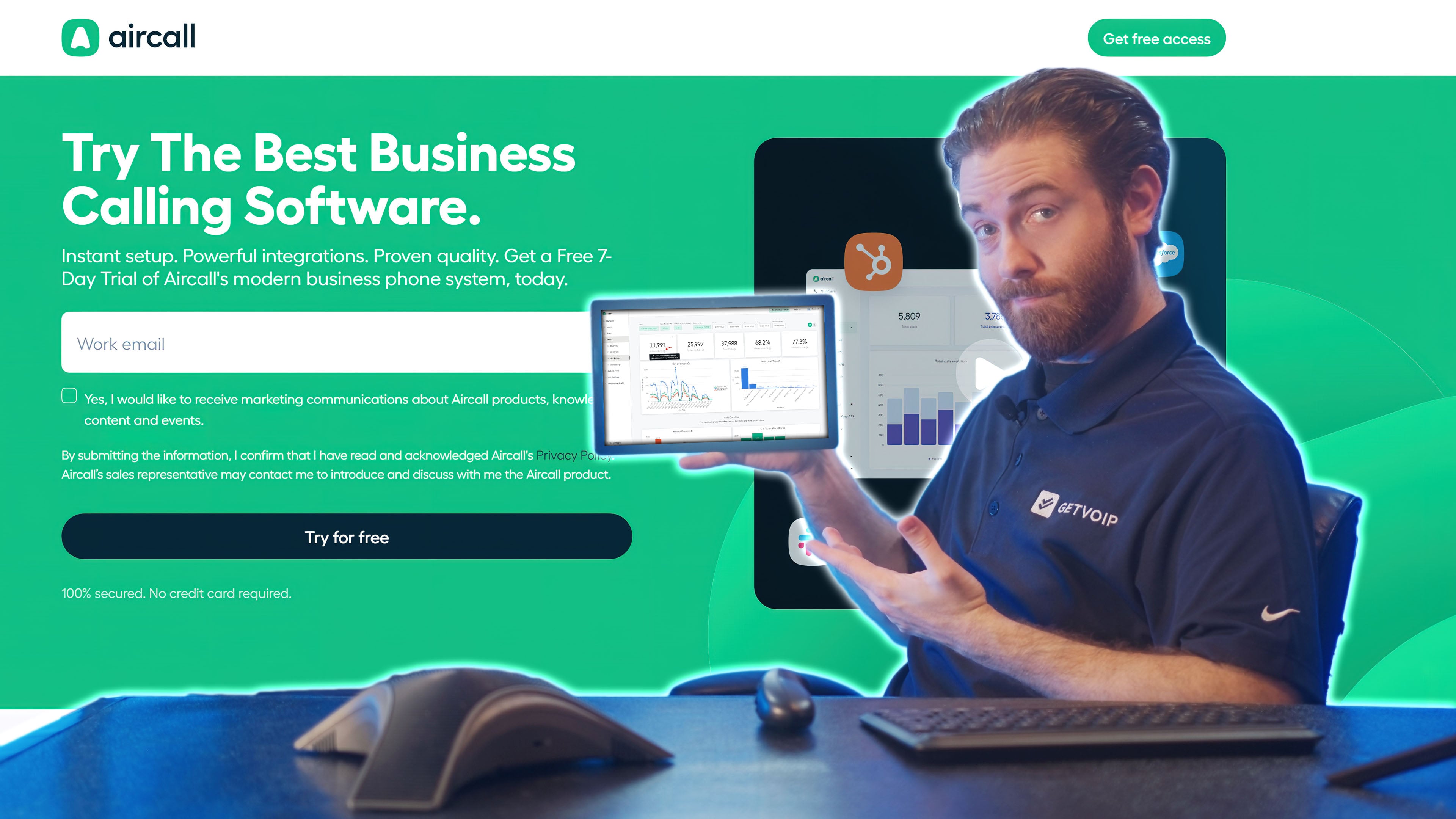
Aircall keeps the scope deliberately narrow -- a cloud phone system small teams can turn on quickly, with AI features layered on top rather than baked into a heavy contact center suite. Its CRM integrations are a real strength, dropping call transcription and automated summaries straight into the tools a growing sales or support team already uses.
Think of it as the counterweight to Talkdesk. Where Talkdesk hands you a canvas, Aircall hands you a phone that works out of the box and gets smarter without a project plan.
What We Like
- Fast to launch: Setup takes minimal configuration, so a small team can be live in a day rather than weeks.
- Strong native CRM integrations: Call transcription and automated summaries flow directly into the CRM your reps already work in.
- AI without the overhead: New capabilities arrive as add-ons instead of a full-suite migration.
What to Know
The narrow scope is also the limit. Aircall suits teams that mainly need voice with smart follow-up, not large operations that want deep omnichannel routing or a workflow-heavy contact center in one platform.
Cost
Aircall’s pricing ranges from $30 to $50 per license/month when billed annually, with a three-license minimum.
Its call center and voice capabilities start with the $30 Essentials plan, which includes unlimited U.S. and Canada calling, IVR, call recording, SMS/MMS, and desktop and mobile softphones.
The $50 Professional plan adds Salesforce CTI, advanced analytics and live monitoring, smart routing and queue callbacks, and power-dialing tools. Custom pricing is available for teams of 25 or more licenses.
Best for: Small and growing teams wanting straightforward voice with practical AI extras.
Not ideal if: You need advanced autonomous or QA capabilities that the enterprise platforms here provide.
Zoom
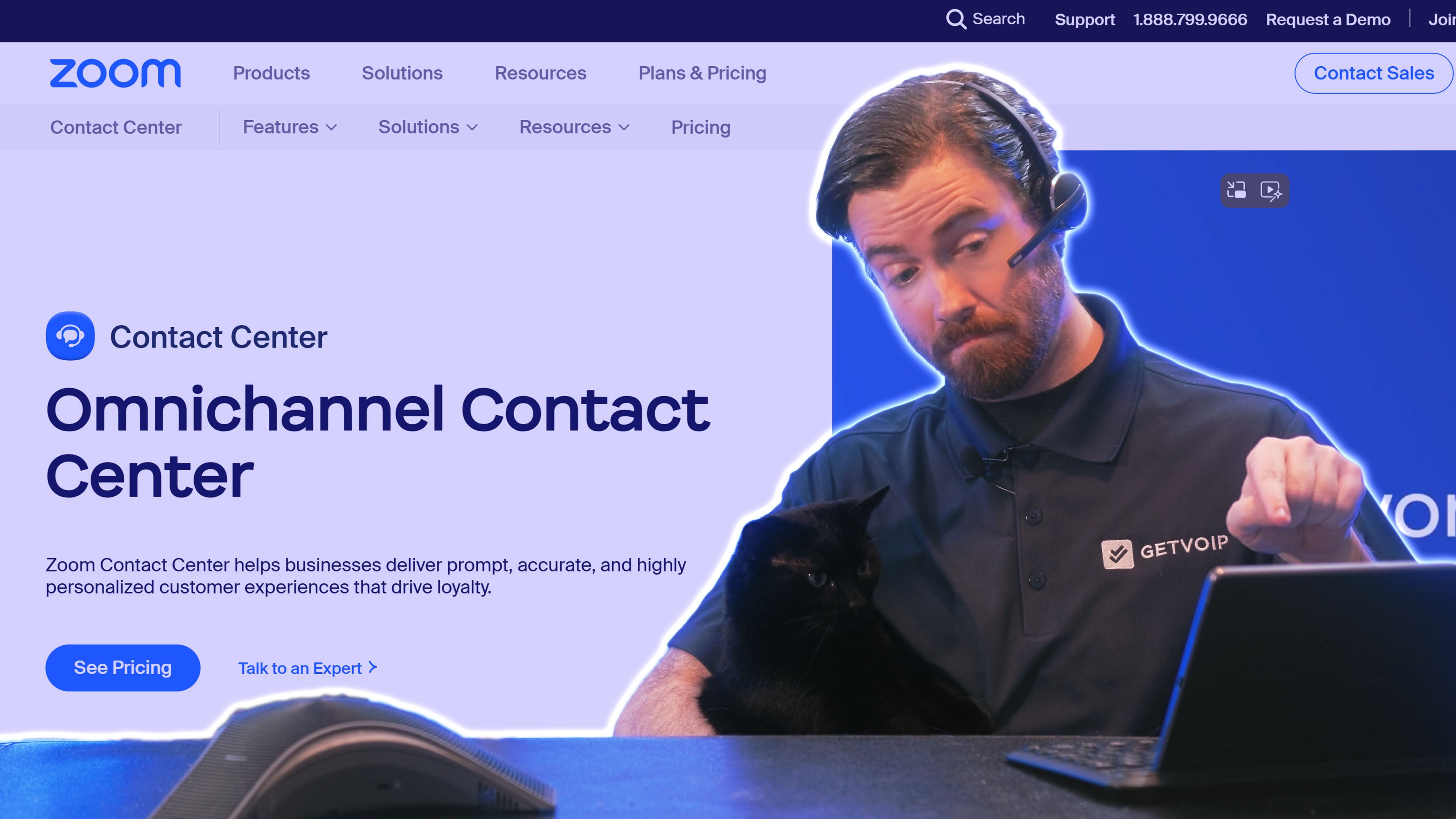
Zoom's contact center runs on the same platform teams already use for meetings, layering AI Companion features onto an interface staff recognize on day one. For an organization standardized on Zoom, the pull is simple: no new vendor, no new login, no new mental model for agents to learn.
That familiarity is also the ceiling. As a dedicated contact center platform, Zoom trails specialists on advanced agentic AI, so it fits best where "already on Zoom" outweighs "deepest capabilities."
What We Like
- Unified communications: Meetings, phone, and contact center live under one platform, so voice interactions and internal collaboration share a single system.
- AI Companion built in: AI features carry over from the tools teams already use, cutting the training curve for agents.
- Familiar interface: Staff who use Zoom for meetings need little onboarding to work the contact center console.
- Single-vendor consolidation: Zoom shops keep billing, support, and admin under one relationship instead of adding a separate CCaaS provider.
What to Know
Zoom's contact center is a newer entrant compared to established players, and its specialized AI depth doesn't yet match the dedicated vendors on this list. If your priority is the most sophisticated agentic automation rather than platform consolidation, look elsewhere.
Cost
Zoom Contact Center pricing ranges from $69 to $149 per user/month when billed annually.
Contact center capabilities are included from the $69 Essentials plan, which supports inbound voice, video, chat, and SMS, along with IVR, CRM integrations, surveys, and core AI features.
Premium, priced at $99, adds outbound dialing, email and social channels, work items, and Cobrowse. Elite ($149) adds AI Expert Assist, advanced quality management, workforce management, and live AI interpretation.
Best for: Organizations already committed to Zoom that want an integrated contact center.
Not ideal if: You need CCaaS-native tooling like automated scoring and agentic resolution that Zoom is still catching up to.
Bright Pattern
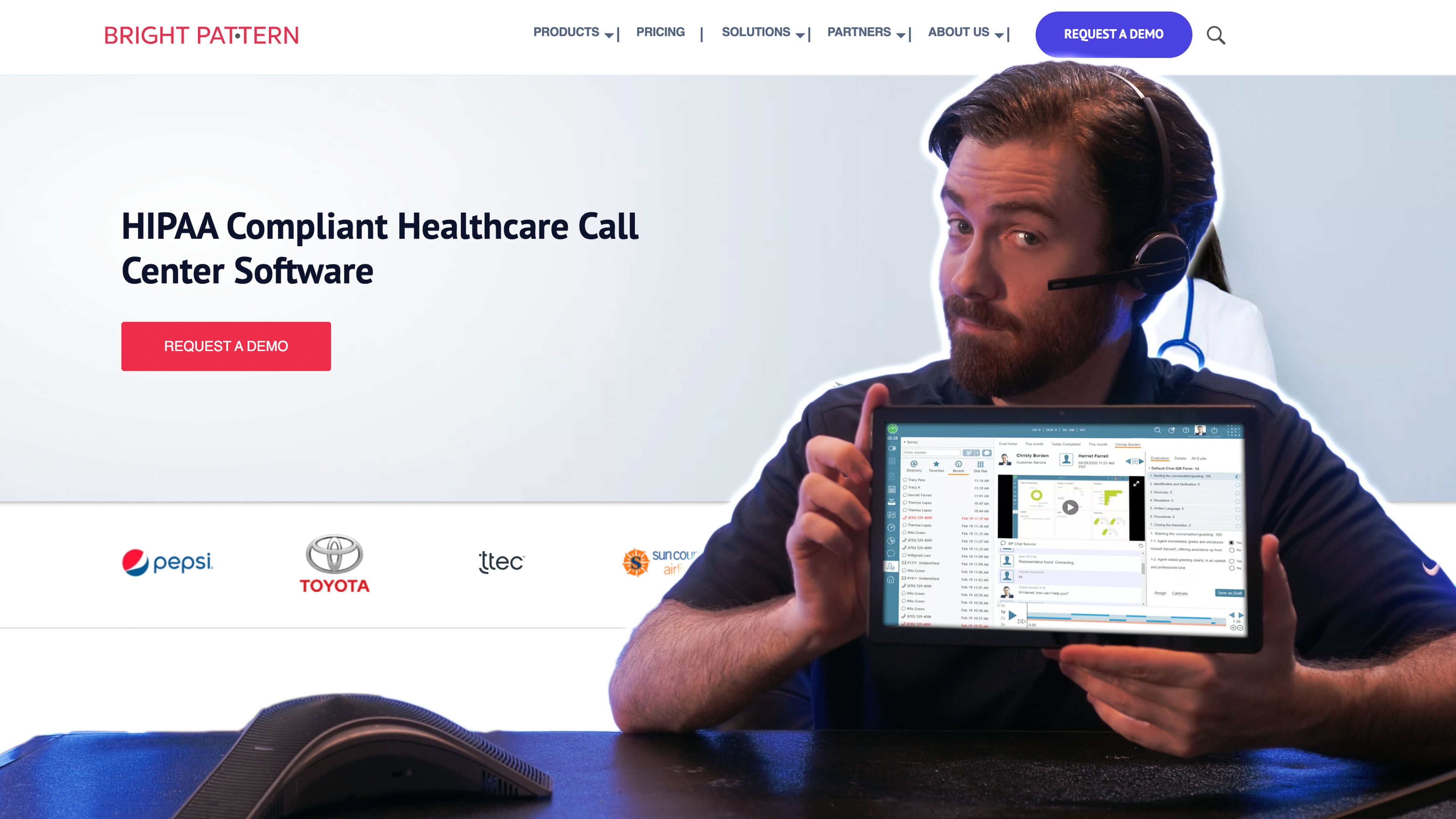
Bright Pattern's angle is omnichannel routing with quality management built in, so voice, chat, email, and messaging flow through one system that scores interactions with AI as they happen. Teams supporting customers across several channels get consistent routing and QA without bolting separate tools together.
It competes credibly with the larger suites on capability while carrying less name recognition. That cuts both ways: fewer people in the room will have used it, but the feature-to-effort ratio can be favorable for teams that evaluate on merit.
What We Like
- Unified omnichannel routing: Voice, chat, email, and messaging move through a single system, so customers get consistent handling no matter where a conversation starts.
- Real-time AI QA: Interactions are scored as they happen, giving supervisors quality signals during the call rather than after a sample review days later.
- No tool stitching: Routing and quality management live in one platform, sparing teams the work of integrating separate QA and distribution products.
- Quick deployment: Setup tends to be faster than the heavier enterprise suites, useful for teams that want capability without a long implementation.
What to Know
Bright Pattern carries less name recognition than the larger platforms, so fewer buyers arrive with hands-on familiarity. Pricing is quote-only, which makes early budget comparisons harder than with vendors that publish tiers.
Cost
Bright Pattern doesn’t share its pricing publicly. Quotes are based on channels, seats, and features, so request a scoped estimate before committing.
Best for: Teams needing omnichannel coverage with integrated quality management.
Not ideal if: Internal buy-in depends on brand recognition, where the larger incumbents have the edge.
Squaretalk
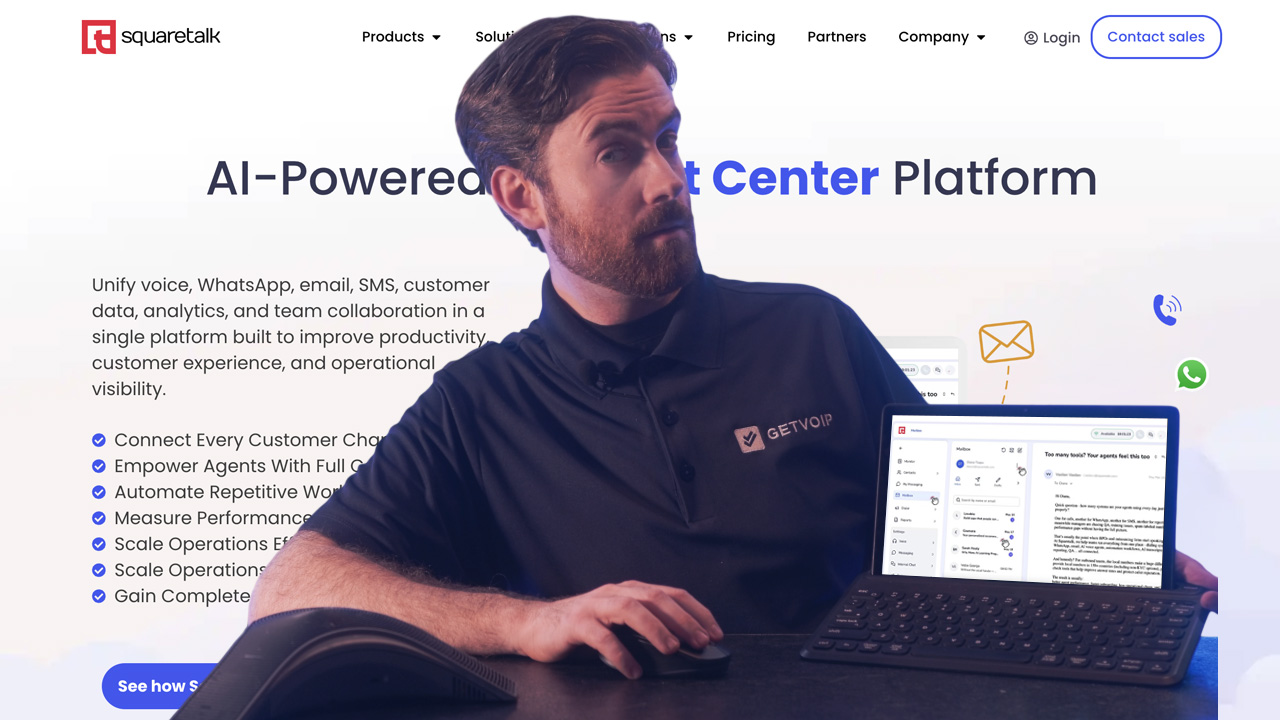
Squaretalk is built for outbound volume and sales operations that treat the dialer as a revenue engine. Automation tooling and flexible integrations let teams wire calling into their sales stack and script the repetitive steps, and its plans run cost-conscious next to enterprise CCaaS suites.
That outbound focus is both its edge and its boundary. For fully autonomous, LLM-first self-service, an agentic specialist will go further. Squaretalk is stronger at making human-driven, high-volume calling efficient.
What We Like
- Flexible integrations: Squaretalk connects into common sales stacks, so calling data flows to and from your CRM and outreach tools.
- Automation for repetitive work: Built-in tooling handles the routine steps in an outbound workflow, freeing agents for live conversations.
- Configurable outbound workflows: Calling campaigns and dialing logic can be shaped around how your team actually sells.
- Cost-conscious plans: Pricing leans toward value compared with enterprise CCaaS platforms.
What to Know
Squaretalk is narrower than the omnichannel suites here. Teams that need advanced, LLM-driven self-service or deep customer-service tooling will find dedicated platforms go further. Its strength is human-led, high-volume outbound, not autonomous resolution.
Cost
Squaretalk’s cloud contact center starts at $15 per user/month on an annual contract, with a three-user minimum.
Core includes a local number, webphone, IVR, automated call distribution, unlimited inbound channels, reporting, and CRM integrations.
Connect costs $25 per user/month with a five-user minimum and adds power dialing, WhatsApp Business, AI analytics and call summaries, automation, and advanced reporting.
Scale is a custom plan for teams of 10 or more, with expanded messaging, AI, and support features.
Best for: High-volume outbound and sales teams wanting configurable calling workflows.
Not ideal if: You want LLM-first autonomous self-service, where dedicated agentic platforms go further.
What AI Call Center Software Costs
Nearly every vendor here sells the same way: a per-seat monthly subscription with tiered feature sets, where each higher tier unlocks more AI.
Entry tiers run from about $30 per user per month for lightweight, quick-deploy tools up to $110 or more for enterprise suites, with the top plans reaching more than $200 per user per month.
Several variables move the final number, and they compound:
- Seat count: More agents mean more per-user licenses, though volume can earn discounts.
- AI feature tier: Basic transcription and summaries come cheaper than tiers with real-time agent-assist, and autonomous agents that resolve without a human cost more again.
- Consumption: Some functions bill by usage, so heavy call volume raises the bill beyond the per-seat base.
- Integrations: Native CRM and helpdesk connectors may be included; custom API work often is not.
- Onboarding: Enterprise deployments carry setup, configuration, and training fees that a quick-deploy tool avoids entirely.
Enterprise platforms quote custom pricing precisely because these variables differ so much between a 20-seat support team and a 2,000-seat blended center. Expect to sit through a scoping call before you see a number, and expect that number to be a starting point.
Key Capabilities of Modern AI Call Center Systems
These capabilities separate an LLM-driven platform from a dressed-up IVR. Not every vendor implements all of them at the same depth, so treat this as the checklist to test each demo against.
- Intelligent Virtual Agents (IVAs): Autonomous bots that converse via NLP and handle routine tasks end to end, checking order status or processing a return, instead of walking a caller through a decision tree.
- Real-Time Agent Assist: The AI listens to the live call and surfaces smart cards with scripts, knowledge base articles, and competitor intelligence the moment they’re relevant. This is already mainstream: 94% of business leaders use AI to assist agents live during interactions.
- Automated Call Summaries: The system transcribes the conversation, generates a bulleted summary, and pushes structured fields into the CRM, cutting the after-call work agents used to type by hand. At Chime, AI-generated call summaries have saved agents 250,000 hours annually, cutting per-call handling time by 18 seconds.
- Multilingual support: Real-time handling of multiple languages so a global team routes and serves customers without staffing every language separately. Research shows that 74% of consumers are more likely to repurchase from a brand if after-sales support is offered in their native language.
- Sentiment-based routing deserves its own note, because the escalation logic is where competitors go vague. The system reads sentiment on the live call and fires a handoff when it detects specific triggers:
- repeated misunderstandings between bot and caller
- rising frustration or sustained negative sentiment
- requests that fall outside the bot’s scope
- an explicit ask for a human
When a trigger fires, the call routes to a live agent with the transcript and context attached, so the customer doesn’t repeat themselves and the agent starts informed.
Compliance, Security, and Data Handling
Compliance here is regulation-specific, so map each rule to what you actually verify with the vendor rather than accepting a generic "enterprise-grade security" line.
For payment data, PCI DSS is the test. If agents or bots handle card numbers, confirm the vendor’s standing: the credible benchmark is a Level 1 PCI DSS Service Provider, assessed annually against all 12 PCI DSS requirements, which is exactly what Five9 documents. Ask any vendor for its current level and assessment date.
In healthcare, the question is narrower: whether the vendor signs a Business Associate Agreement (BAA). No BAA, no protected health information on the platform, full stop. For EU customer data under GDPR, verify the data-processing terms and whether you can pin storage and processing to a specific region.
Beyond the certifications, put these questions to every shortlisted vendor:
- Is call recording and transcript data encrypted at rest and in transit?
- Is redaction of sensitive fields (card numbers, health details) automated, or manual?
- Where is conversation data stored and processed, and can that region be specified?
- Which certifications are current, with dates, not just "we’re compliant"?
Where a transcript physically lives determines which laws govern it, so a platform that processes everything in one region may quietly put a European customer’s data offside. Treat unverified certification claims as questions to confirm in writing, not facts to assume.
How to Choose the Right AI Call Center Software
Start with your situation, then match it to a platform profile rather than a logo. Five questions settle most decisions: team size, primary use case, autonomy need, compliance burden, and existing tech stack.
Work the branches in order:
- Small support or sales team, want fast setup? Prioritize a quick-deploy, per-seat platform with built-in transcription and summaries and minimal configuration. You want value in weeks, not a rollout project, so weight setup speed and price.
- Compliance-heavy enterprise? Prioritize full-coverage Auto-QA, documented and current certifications, and configurable scorecards. Depth and auditability outrank speed here.
- High-volume sales operation? Prioritize real-time agent-assist, coaching, dialer efficiency, and CRM automation over autonomous self-service. Your edge is making human reps faster and more consistent, not removing them.
Then answer the question that reshapes the whole shortlist: do you need agent-assist, where AI helps humans handle the call, or fully autonomous agents, where AI resolves the request with no human involved? Assist is the safer default for complex, high-stakes, or regulated conversations; autonomy pays off on high-volume, well-scoped, repetitive requests.
Confirm the finalist connects natively to your existing CRM and helpdesk, since an API-only integration adds engineering time your rollout estimate probably ignored.
FAQs
It resolves routine requests, order status, returns, simple account changes, without queuing for a human, so live agents handle only the calls that need them. Automated summaries also cut after-call work, freeing agents to take the next call sooner. Fewer calls in the queue means shorter waits for everyone.
Yes. Platforms with multilingual support transcribe, route, and respond across several languages in parallel, letting one team cover customers who’d otherwise need language-specific staffing. Confirm which specific languages a vendor supports and whether real-time translation extends to live agent-assist, not just the self-service bot.
Anywhere from an afternoon to several months. A quick-deploy tool like Dialpad can go live for a small team almost immediately, while an enterprise suite with custom scorecards, integrations, and compliance configuration runs a multi-week to multi-month implementation. Integration depth with your existing stack is usually the biggest variable.
It blends signals: caller intent from what they say, real-time sentiment, agent skills and availability, and sometimes predicted outcomes. The edge case worth knowing: a call already in a bot can be re-routed mid-conversation when a trigger like sustained frustration fires, handing off to a live agent with full context rather than restarting the interaction.