
Providing timely and accurate support to patients, providers, and other stakeholders is paramount in the healthcare industry. One way to achieve this is through call center software designed specifically for healthcare organizations.
Healthcare call center software improves the patient experience by enabling quick access to information, efficient communication between healthcare professionals, and effective management of confidential health data.
In this article, we explain what healthcare call center software is, outline key features to look for in a solution, and review the top healthcare call center providers providers.
What Is Healthcare Call Center Software?
Healthcare call center software is a contact center platform configured for patient communication. It routes and resolves inbound patient calls, unifies voice and digital channels such as SMS, web chat, email, and video visits in one agent workspace, and surfaces patient records so agents are not searching a second system mid-call.
Most platforms in this category combine an IVR or virtual agent for self-service, skills-based routing to the right clinician or department, appointment reminders and callbacks, call recording with transcription, and reporting on metrics like average handle time, abandoned calls, and no-show rates. Larger organizations layer on workforce management and quality monitoring across scheduling, billing, pharmacy, and nurse triage queues.
How it Differs From Generic Call Center Software
The functional overlap is large, but the compliance requirements are not. A healthcare platform has to sign a Business Associate Agreement and handle protected health information (PHI) under HIPAA, which affects how call audio, transcripts, chat logs, and screen recordings are encrypted, stored, and deleted.
It also has to integrate with EHR and EMR systems rather than a CRM alone, so patient history and appointment data reach the agent desktop. And it needs routing logic built for clinical urgency, including nurse triage escalation paths and after-hours on-call routing, where a misdirected call carries more risk than a lost sale.
How We Compared Healthcare Call Center Software Providers
- Security: In addition to ensuring HIPAA/HITECH compliance, we compared security features such as single sign on availability, data encryption, authentication, etc.
- Reliability: We determined the reliability of providers by checking if there were any recent outages and looking for uptime SLAs, multiple global points of presence, redundancy, etc.
- Customer Support: We compared the customer support options of each provider including paid support packages, support hours, and channels
- Pricing and Value: We looked at what was included in each pricing plan, how many pricing options were available, what features available as add-ons, if there were any hidden fees, etc.
- Ease of Use: We tested the user interfaces of each provider looking for how intuitive it was to operate advanced features, build workflows, create IVR meues, etc. We also tried out the mobile apps
- Scalability: We determined whether the providers could accommodate large numbers of employees, high call volumes, and high participant video calls while maintaining call quality and security
- Advanced Features: We looked at what advanced features were offered such as AI-powered call summaries, sentiment tracking, Agent Assist, Virtual Agents, etc.
Best Healthcare Call Center Software
The systems listed below are all HIPAA compliant, offer many useful features for healthcare organizations and have received excellent customer reviews.
| Provider | Pricing | Top Healthcare Features | Best For |
| Five9 | 5 plans starting at $119 per concurrent user/month |
|
Large healthcare orgs with omnichannel contact centers |
| Talkdesk | Multiple plans ranging from $85-$225 per agent/month |
|
Hospitals looking to automate and streamline operations |
| NICE CXone | 5 core pricing packages from $110-$249 per agent/month |
|
Small to medium sized healthcare offices that need routing or self-service capabilities |
| Genesys | 4 bundled plans from $75-$240 per agent/month | Predictive routing
Speech-enabled IVR Virtual Agents |
Medium sized healthcare orgs that need workforce management tools |
| Bright Pattern | 4 bundled plans with quote-based pricing | Web chat and video chat
CRM integrations IVR |
Small healthcare offices that want a minimalist and straightforward solution |
| Dialpad | 3 contact center support plans from $95-$170 per user/month | Specified moments are logged in CRMs
Transcription and recording workforce management add-on |
Healthcare offices that need to increase productivity and improve agent training |
1. Five9
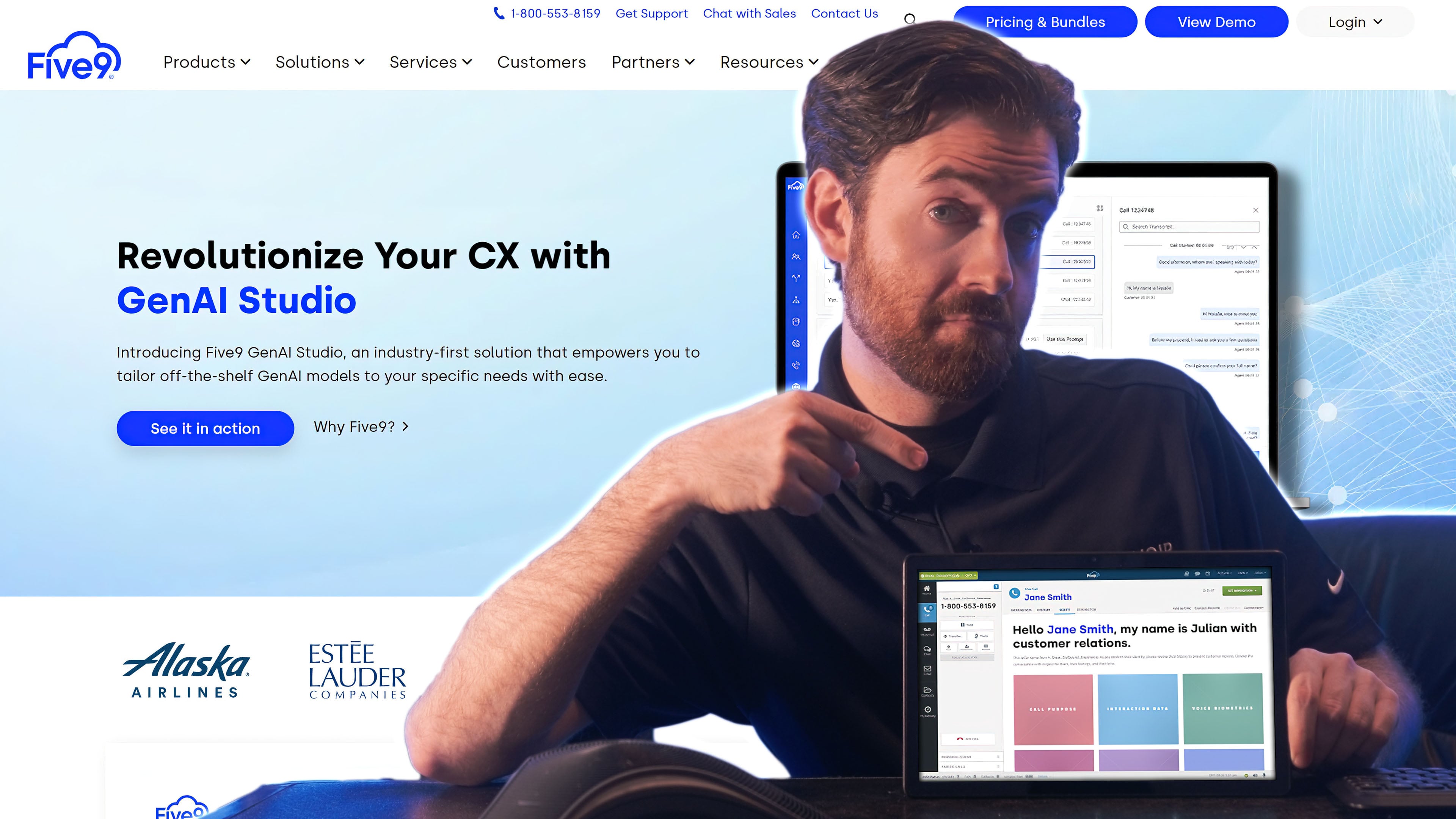
Five9's healthcare contact center system is a cloud-based solution that facilitates in-office and telehealth appointments via HIPAA-compliant video, voice, SMS, chat, messaging apps, and email. Five9 is a reliable platform with a 99.999% uptime and 24/7 live customer support on all plans.
Standout Features
- Intelligent Virtual Agent (IVA): Automates tasks like caller authentication and verification, routing calls to the appropriate clinician, scheduling appointments, processing prescription refills, and answering common patient questions
- Proactive notifications: Send appointment reminders via voice or SMS, offer automatic callbacks so patients don’t have to wait on hold
- Omnichannel capabilities: (For Core plan users and up) Access a wide variety of communication channels like voice, email, SMS, web chat, video, and social messaging–alongside complete patient conversation history and notes across channels
- HIPAA-compliant video conferencing: Connects patients to healthcare professionals via an Apple or Android mobile video call. Video features include screen sharing, screen annotation, in-call photo and file sharing, and barcode and ID scanning
- Interaction analytics: AI-powered speech and text analysis with automatic topic identification and quality management
Pricing
Five9 offers five different pricing plans starting at $119 monthly per concurrent user. The $119/month/user plan is a digital only platform. All other platforms combine voice and digital channels. Add ons include intelligent virtual agents, social automations, and Agent Assist.
For more information, see our Five9 pricing guide.
Pros and Cons
Pros
- Customize the user experience by assigning roles to employees
- Speech-enabled IVR enables patient self-service for routine processes like bill payment and appointment management
- Agent Assist tool displays relevant information (patient history, call scripts, canned responses, etc.) in real-time
Cons
- The installation process can be lengthy and complicated
- Expensive compared to competitors, with plans starting at $119 per month, per concurrent user
- User interface can get cluttered with many features requiring users to open a separate tab
EHR & EMR Integrations
Five9 connects to EHR and EMR systems including Epic and Oracle Health (Cerner) through prebuilt connectors, its CRM adapters, and open REST APIs, and its healthcare partners also support athenahealth deployments. Inbound calls trigger a screen pop that surfaces the matched patient record and recent interaction history in the agent desktop before the agent answers.
Five9 is Best For
- Smaller practices: Small offices benefit from basic features like omnichannel communication
- Large hospital call centers: Enterprises leverage AI capabilities to streamline workflows and dive deep into call quality data
2. Talkdesk
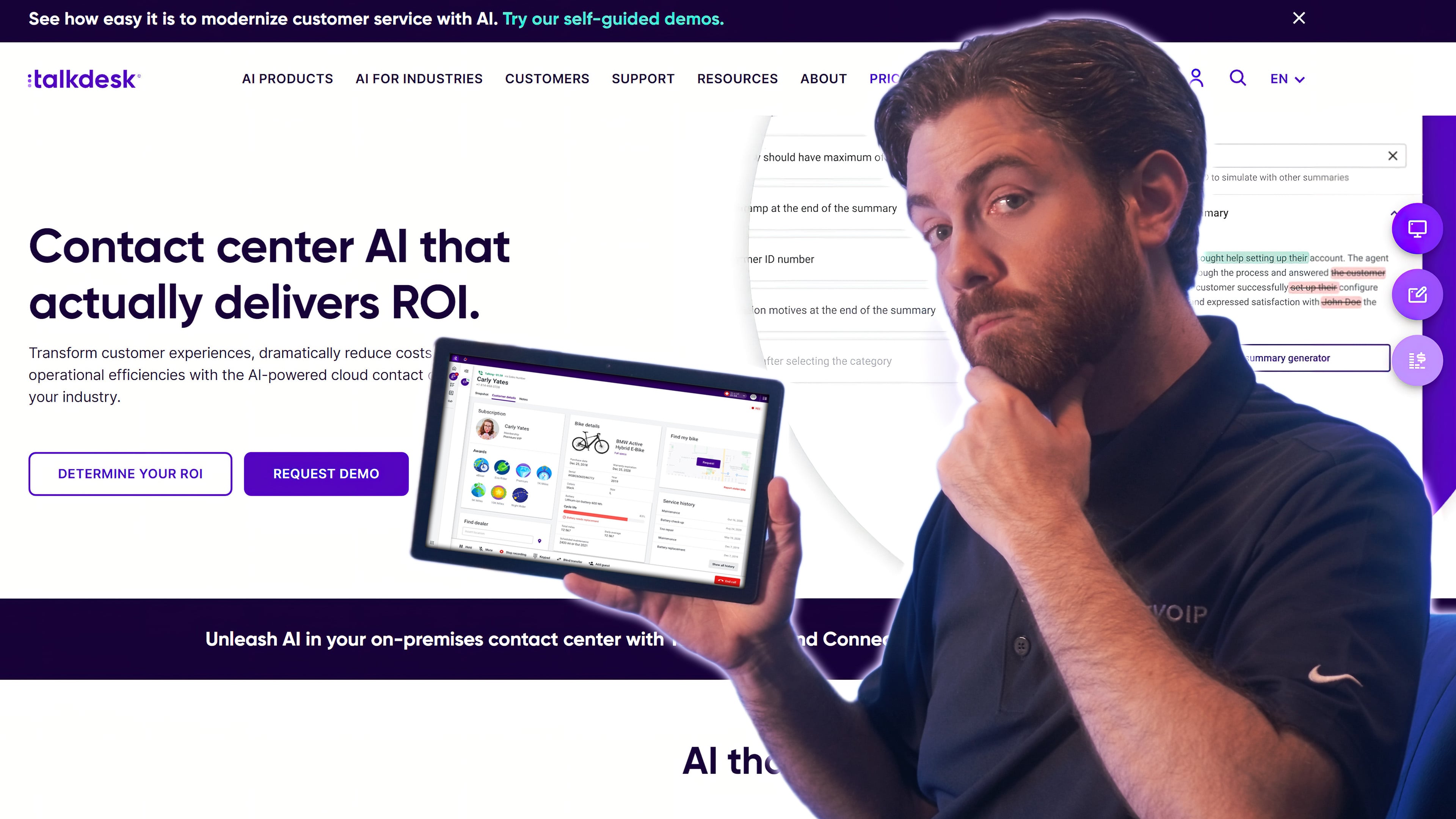
Talkdesk's Healthcare Experience Cloud is a call center solution that caters to the healthcare industry. It comes with EHR systems already integrated into the platform, pre-built provider-patient workflows, and AI tools trained specifically with healthcare expertise. Talkdesk’s HIPAA-compliant software helps organizations securely connect with patients via voice, email, SMS, and self-service chatbots.
Standout Features
- AI-powered self-service tools: Leverages speech-to-text and natural language processing (NLP) to enable healthcare organizations to build self-service conversational chatbots that make knowledge base content recommendations
- EHR integrations: Integrates with leading EHR systems based on the HL7 FHIR standard (alongside specific EHR vendor APIs) to display patient data, flags, and appointment information in the Talkdesk Workspace
- Reporting and analytics: Real-time dashboards, alerts, and custom reporting capabilities track and analyze key performance indicators (KPIs). Agent interaction recordings, transcriptions, and medical-grade speech-to-text understand medical/pharmaceutical terms and make relevant recommendations
- Omnichannel capabilities: Enables live healthcare provider: patient communication across several digital channels (email, chat, SMS), while Studio and routing tools let admins build and optimize voice and digital communication flows
Pricing
Talkdesk offers three feature-bundled plans that range in price from $85-$165 per user/month. Its Industry Experience Clouds plan is $225 per user per month and includes pre-built workflows to streamline patient access and manage appointments, billing, and payments, while Talkdesk Autopilot for Healthcare is available as an add-on for patient interaction.
For more information, see our Talkdesk pricing guide.
EHR & EMR Integrations
Talkdesk integrates through the HL7 FHIR standard rather than relying on one vendor connector, which covers FHIR-enabled systems such as Epic, Oracle Health (Cerner), and athenahealth, and it also uses vendor-specific APIs where FHIR coverage is incomplete. Patient data, care flags, and upcoming appointments appear automatically in Talkdesk Workspace when a recognized patient calls in.
Pros and Cons
Pros
- Affordable compared to other CCaaS solutions
- Large third-party app marketplace with over 70 pre-built integrations
- Voice and digital channels, including social media, included for all users
Cons
- Workforce management and CX analytics are only offered in the CX Cloud Elite plan
- Mobile app can be glitchy and frequently freezes or drops calls
- Lacks native video conferencing tool
Talkdesk is Best For
- Large healthcare organizations: The 100% uptime guarantee is ideal for call centers that need reliability
- High call volume centers: Talkdesk has many features to manage wait times such as IVR, workflow automations, etc.
- Increasing patient engagement: Omnichannel and self-service capabilities are helpful for healthcare providers needing to increase patient engagement and relieve pressure on agents
3. NICE CXone
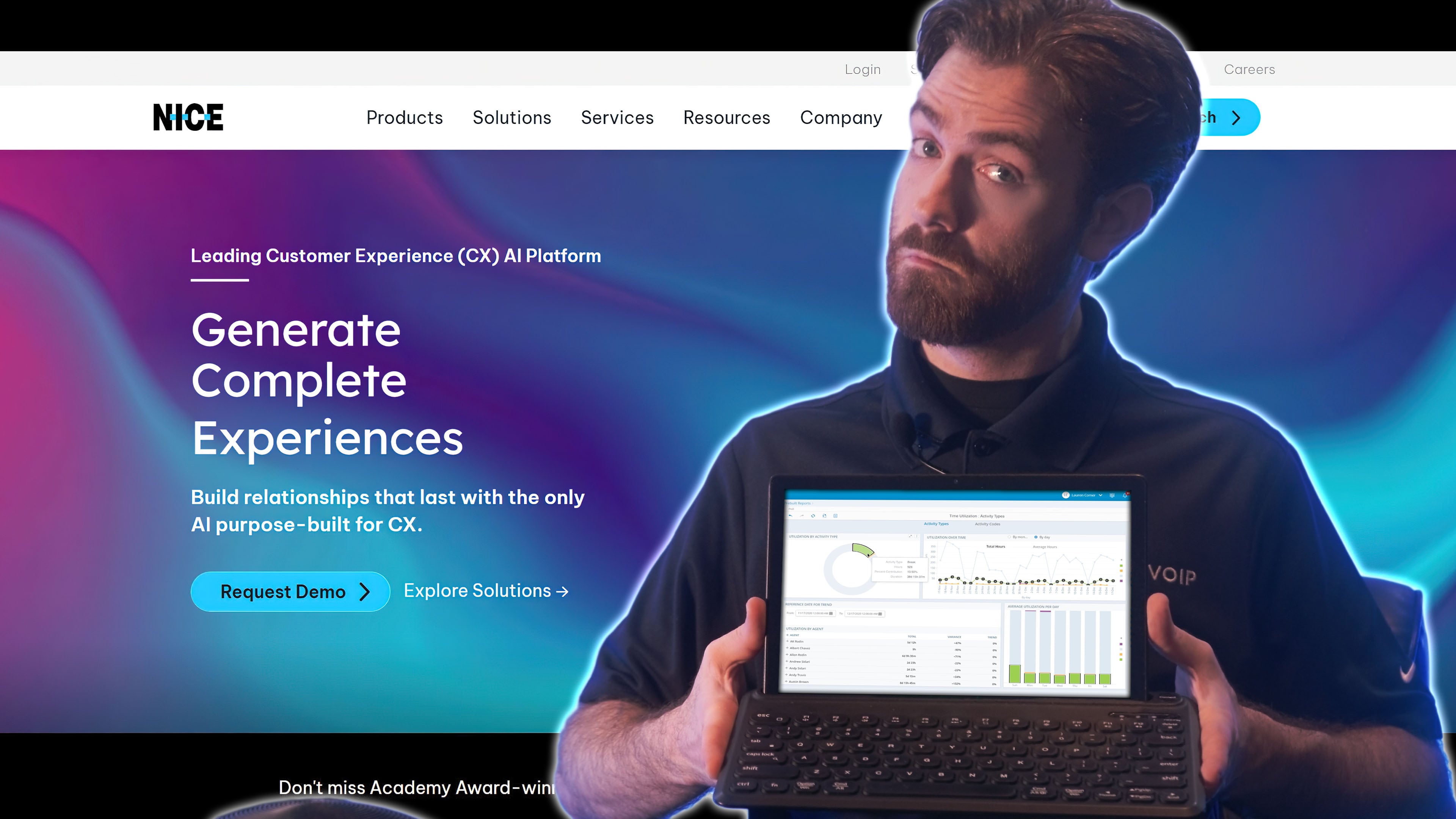
NICE CXone is a cloud-based omnichannel customer experience platform that manages and improves customer interactions across voice, email, chat, social media, and more.
NICE CXone's flexible and HIPAA-compliant platform enables healthcare organizations to route patient calls more efficiently, provides workforce management tools to ensure agents are available to handle patient requests, and uses CXone’s monitoring and analytics features to identify areas for improvement.
Standout Features
- AI routing: Instantly connects patients to the agent with the best-predicted performance based on all available data sources including built-in A/B testing and pre-trained models built on an expansive set of holistic CX data
- Screen pops: Displays CRM-integrated or other patient information on an agent's computer screen during live customer conversations
- Self-service tools: Buildable conversational AI bots provide first-touch customer resolutions along with smart knowledge management to make self-service answers easier for patients to find
- Workforce management: Enables agent-initiated scheduling changes, peer trade requests, and real-time notifications alongside AI-based forecasting and suggested schedules by channel and other criteria
Pricing
Nice CXone offers 5 pricing packages that range from $110 to $249 monthly per agent. Omnichannel Suite, Essential Suite, Core Suite, Complete Suite, and Ultimate Suite plans are available.
For more information, see our NICE CXone pricing guide.
Pros and Cons
Pros
- Automations enable healthcare professionals to automatically collect patient billing information and send appointment reminders
- Self-service scheduling and coaching KPIs help agents manage their own performance
- Includes 40+ voice and digital channels
Cons
- Pricing is high and many features require advanced licenses
- Lacks native team chat and video conferencing
- AI-powered self-service and real-time agent suggestion tools are only offered as add-ons
EHR & EMR Integrations
NICE CXone reaches EHR systems mainly through partner-built connectors and its open APIs rather than a first-party Epic or Cerner integration, so confirm the connector path for your specific system during the demo. Once connected, CXone screen pops the patient record from the integrated EHR or CRM as the call is answered.
NICE CXone is Best For
- Streamlining the patient journey: Allows for full orchestration of human and AI agents with brand specific guardrails and access
- Building a holistic patient experience: Automate workflows for scheduling, billing, referrals, nurse triage, pharmacy, registration, etc.
4. Genesys
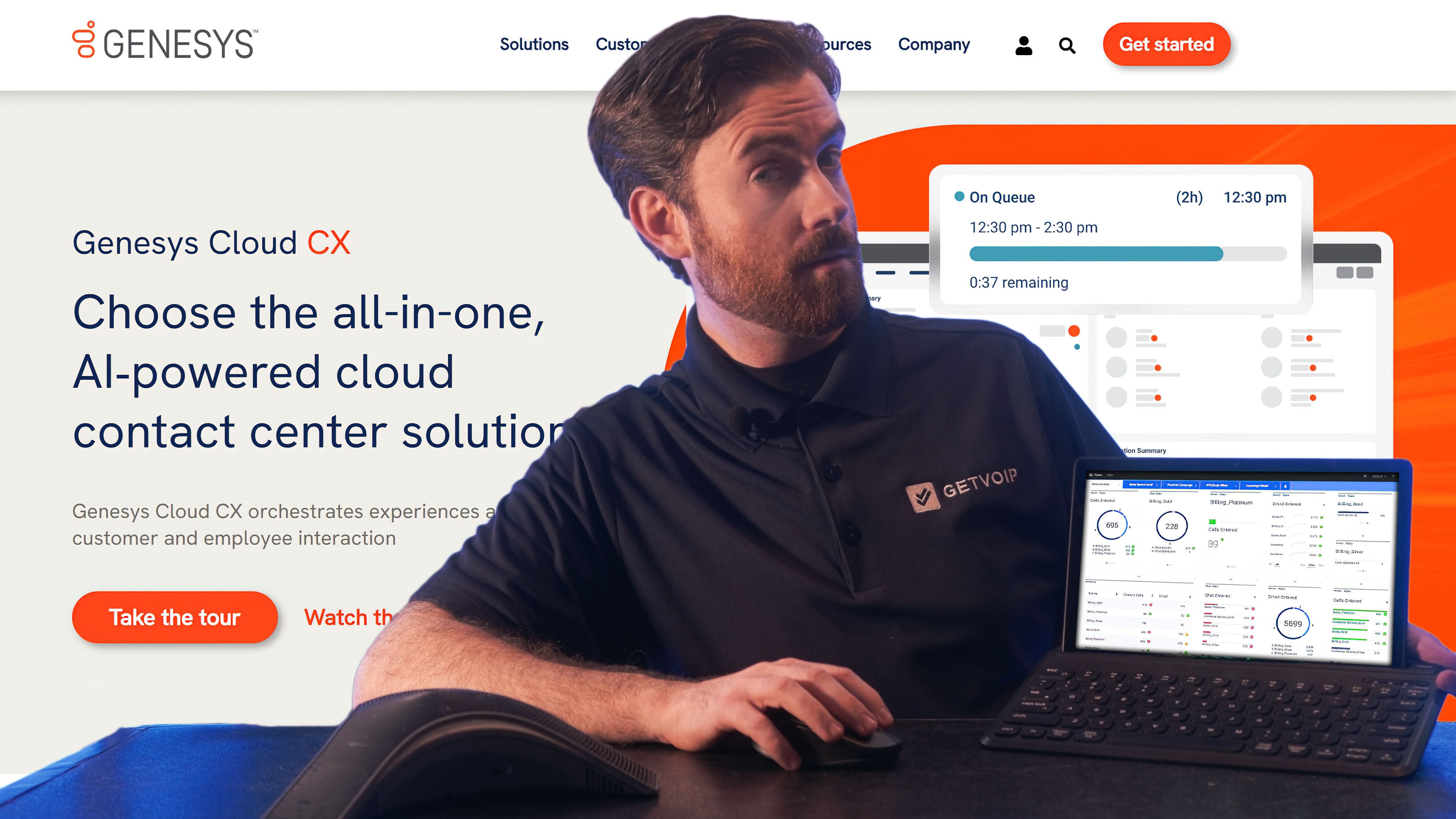
Genesys is a cloud-based call center services provider that offers omnichannel customer engagement solutions for healthcare organizations of all sizes. Users can manage customer interactions across various channels including voice, chat, email, social media, and SMS.
Genesys helps healthcare providers manage high call volumes, reduce wait times, and improve patient satisfaction via intelligent routing, self-service options, and real-time reporting. It also helps healthcare organizations comply with regulations (including HIPAA laws) thanks to secure messaging and data access control management.
Standout Features
- Health information technology (HIT) integrations: Genesys integrates with a number of healthcare applications including EHRConnect, Abridge, and Thrive
- Agent assist: Reduces the time agents spend searching for answers by proactively providing agents with personalized recommendations and guidance during live interactions
- IVR: Lets users build multi-level interaction flows via a drag-and-drop interface, use predefined flows, enable speech recognition for menus, create touchscreen experiences with visual IVR, and develop omnichannel self-service bots.
Pricing
Genesys offers four versions of its cloud contact center platform: CX1, CX2, CX3, and CX4. Pricing ranges from $75-$240 per user, per month. AI experience tokens are required for certain features such as virtual agents and predictive routing. 250 named/350 concurrent tokens are included per organization, per month; CX4 also includes an additional 30 named/39 concurrent tokens per agent, per month.
For more information, see our Genesys pricing guide.
EHR & EMR Integrations
Genesys works with named health IT applications in its AppFoundry marketplace, including EHRConnect, which bridges Genesys Cloud to Epic and Oracle Health (Cerner), plus Abridge and Thrive. Screen pop is configurable in the routing flow, so agents see the patient chart and prior contact history at the moment of connection.
Pros and Cons
Pros
- Affordable CCaaS solutions starting under $100 per month, per user
- Employee support tools such as interaction context, automatic scheduling, and shift trading
- Self-service tools included with all plans
Cons
- Speech recognition and transcription are not as accurate as competitors
- Limited hours for live customer support
- Email service and real-time reporting dashboards are limited in functionality
Genesys is Best For
- Small healthcare organizations and contact centers: Genesys has some of the most affordable prices in the CCaaS space
- Improving customer experience: Genesys offers omnichannel service, IVR, and self-service options on a HIPAA-compliant platform
5. Bright Pattern
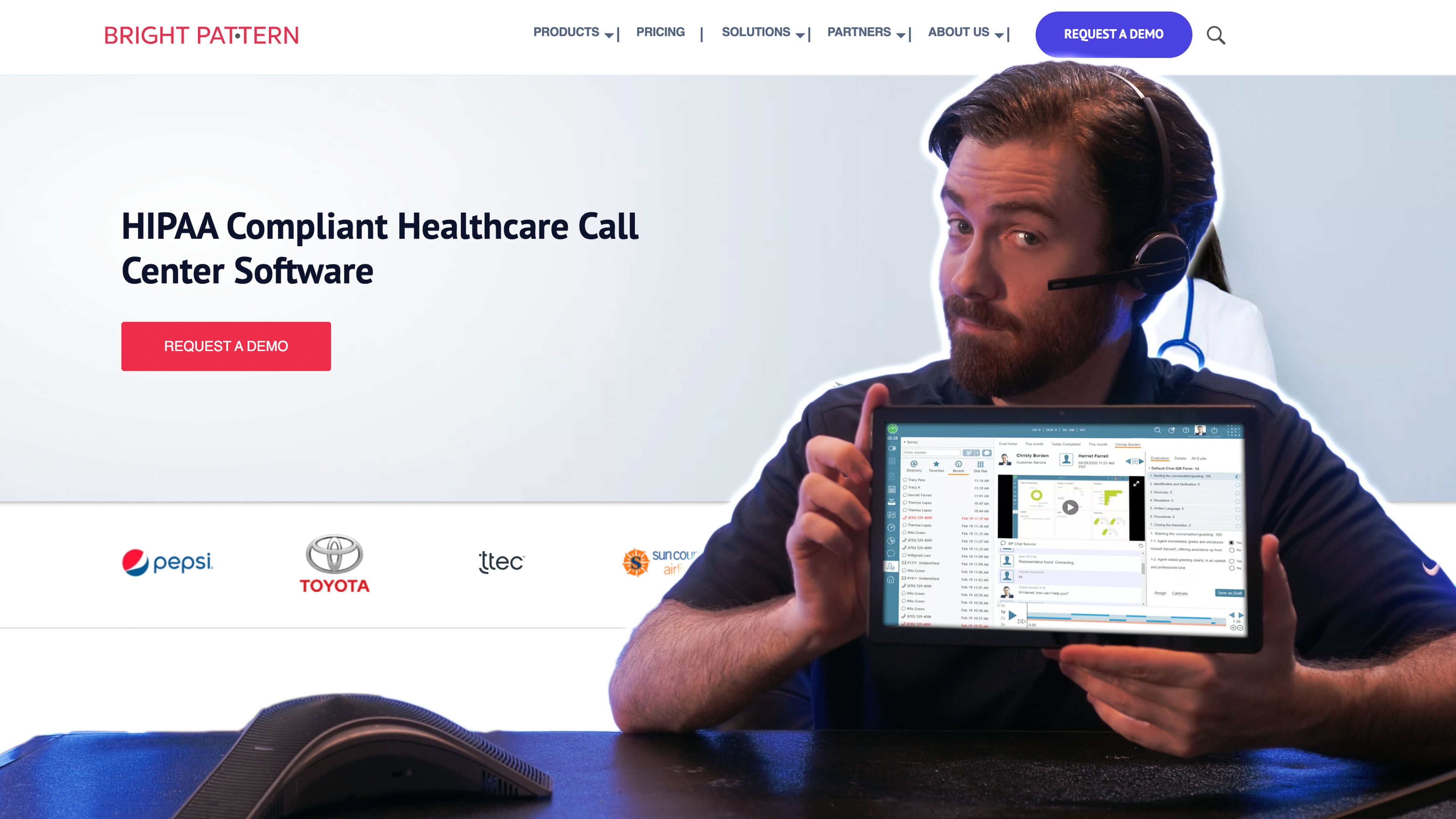
Bright Pattern's cloud-based HIPAA-compliant contact center software provides a comprehensive solution for healthcare organizations looking to manage patient interactions across multiple channels and deliver exceptional patient experiences.
The platform's automatic call distribution and predictive dialer features route calls and handle patient inquiries more efficiently, while omnichannel routing tools ensure patient requests are handled promptly across all channels.
Standout Features
- Built-in quality management: Supports review of available call and screen recordings, chat transcripts, and email messages; chat transcripts are recorded automatically, while call recording depends on configuration, and interactions can be searched using criteria such as agent username and time frame
- Drag and drop scenario builder: Intuitive, no-code interface lets admins define agent steps to follow during customer interactions, add prompts, receive pop-ups with case or contact information, and automatically reply to emails
- Click-to-call and click-to-chat: Lets businesses add a clickable button on their website or app that initiates a live phone call or web chat with the healthcare organization's customer service team or contact center
Pricing
Like many other contact center software providers, Bright Pattern pricing is quote-based. It offers 4 different plans including a voice-only platform with inbound and outbound calling including IVR, a digital-only platform with SMS/MMS, web chat, video chat, email, and social media messaging, an omnichannel package that combines voice and digital channels, and a mobile version including voice, SMS/MMS, web chat, and social media messaging.
Pros and Cons
Pros
- Video chat tool included in all digital plans
- Integrates with any CRM, WFM, or EHR application
- Fast and easy setup
Cons
- Email and chat transcripts are not included in historical reporting API
- Call routing is limited in options (for example, round robin is not available)
- Does not include advanced security features like SSO and MFA
EHR & EMR Integrations
Bright Pattern integrates by API rather than through a catalog of named EHR connectors, and states it can connect to any CRM, WFM, or EHR application. That flexibility means more configuration work up front, but the scenario builder can trigger a pop-up with the matched patient or case record when the call arrives.
Bright Pattern is Best For
Bright Pattern targets larger health insurance companies,
- Small and medium-sized healthcare providers: Bight Pattern's HIPAA certification and easy-to-use platform make it a good fit for SMBs
- Healthcare insurance companies: Features like web chat, video chat, and CRM integrations make Bright Pattern a great platform for keeping insurance claim communication organized
6. Dialpad
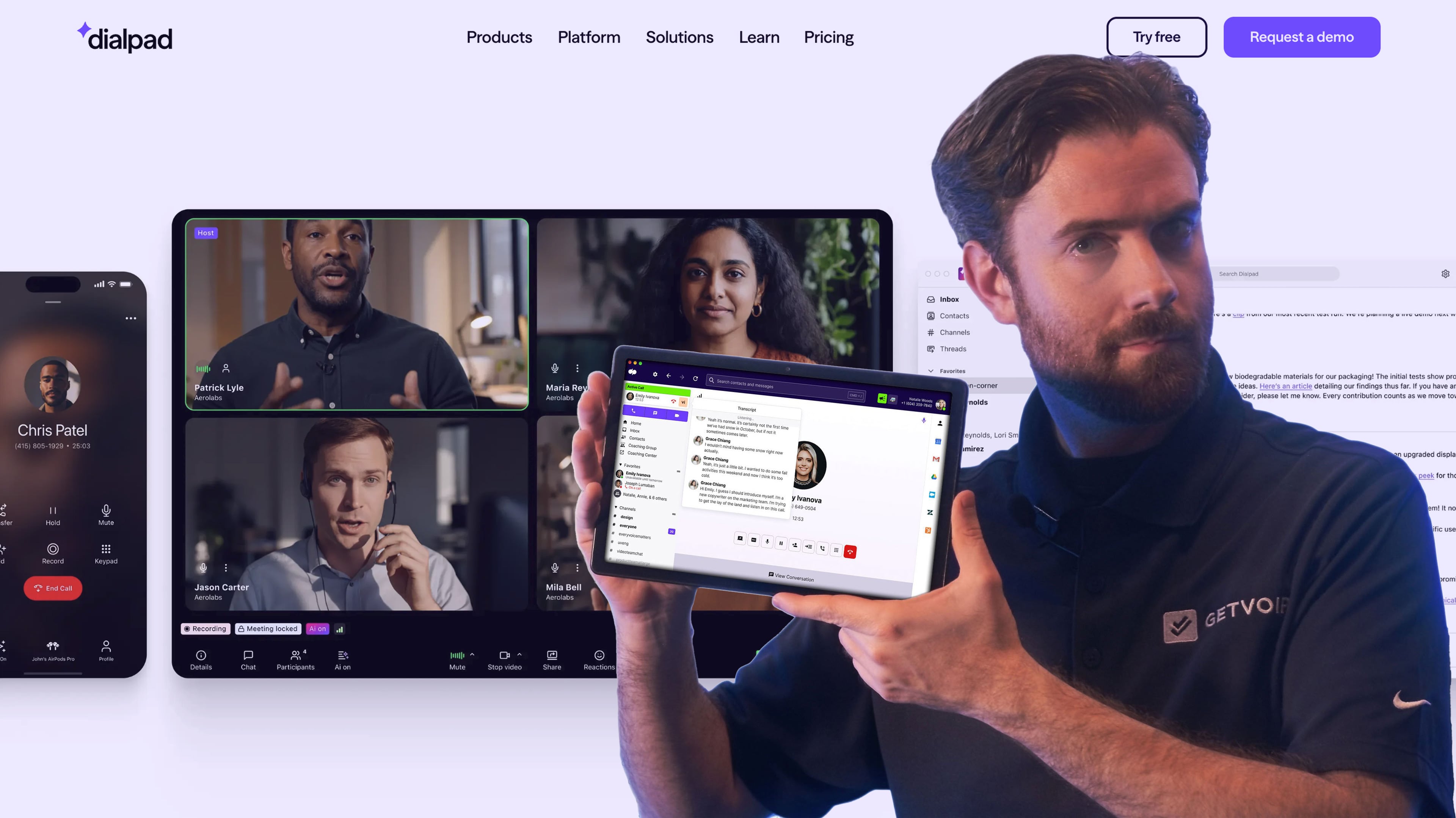
Dialpad is a cloud-based communication platform that is a great choice for healthcare organizations due to its compliance with HIPAA, enterprise-grade security (including SSO), and integrations with numerous healthcare-related applications including EHRs. Dialpad offers advanced features such as video meetings, built-in call analytics, automated SMS appointment reminders, follow-ups, and voicemail drops.
Standout Features
- Call summary: Provides admins with a concise overview of a conference call or video meeting including a searchable transcript, action items, and notes
- Live speech coaching: Uses AI to provide agents with real-time recommendations, action item tracking, and sentiment analysis to improve the patient experience.
- Flexible call routing: Using DTMF keys or voice prompts, users can direct patients to the right agents based on skill level, availability, or longest idle time. Patients can also opt for an automated callback to avoid long hold times.
Pricing
Dialpad offers three AI contact center plans ranging from $80 for an omnichannel voice and digital contact center with routing, outbound dialing, and AI transcripts, recaps, and sentiment to $170 monthly per user for Premium with built-in workforce management, analytics insights, and automated quality management.
For more information, please see our Dialpad pricing guide.
Pros and Cons
Pros
- Affordable pricing starts at $80 monthly per user
- AI-powered real-time call transcripts are accurate and helpful
- Video meetings included in all plans
Cons
- Agent activity analytics are not very detailed
- Omnichannel capabilities are only included in the Premium plan
- Users are unable to assign admin roles with permissions
EHR & EMR Integrations
Dialpad connects to healthcare applications and EHR systems through its open APIs, webhooks, and middleware such as Zapier, including a named Epic Smart CTI Connector, rather than a named Cerner connector out of the box. Contact matching pulls the linked record into the agent view on inbound calls, so verify during a trial that your EHR exposes the fields you need.
Dialpad is Best For
- Small health contact centers: Small companies benefit from Dialpad’s Essentials plan, which includes many key features but does not guarantee omnichannel support
- Large health contact centers: Enterprises benefit from Dialpad’s Premium plan, which includes built-in workforce management, actionable analytics insights, and automated quality management
Essential Healthcare Call Center Features
To comply with the various regulations and restrictions of patient communications and record-keeping, there are a few important features to look for in a healthcare call center solution.
HIPAA Compliance
The Health Insurance Portability and Accountability Act of 1996 (HIPAA) establishes security standards for the protection of patients' electronically stored information.
This could refer to both call records and notes, as well as any information shared between your contact center solution and your electronic medical electronic health record (EHR) or emergency medical services (EMS) software.
Omnichannel Communication
Omnichannel communication is a contact center software communication strategy with a singular, asynchronous interface combining all available voice and digital channels, including email, phone, website chat, video conferencing, and in-person interactions.
Omnichannel communication enables patients and healthcare professionals to interact with an organization via the channel of their choice, while ensuring that the communication is secure, consistent, and unified across all channels.
Integration with Medical Record Systems
A medical records integration allows healthcare providers to synchronize their contact center software with their electronic medical records (EMR) system. This integration enables contact center agents to access patient records and information in real time, providing convenience, reducing human error, and ensuring key files are always on hand for appointments.
Call Routing
Call routing is the process of directing incoming phone calls to the most appropriate agent or department within an organization. This is typically done using an automated system, such as an Automatic Call Distributor (ACD) or Interactive Voice Response (IVR).
ACD automatically routes calls to the most appropriate professional based on various criteria, including language spoken, agent skills, caller location, existing customer relationships, or even the time of day.
AI-Powered Automation
AI-powered automation uses artificial intelligence (AI) and machine learning algorithms along with preset rules to automate repetitive tasks and processes, analyze data, identify patterns and trends, and make data-driven decisions.
In healthcare, AI-powered automation can be used for a variety of tasks, from medical diagnosis to administrative tasks such as appointment scheduling and medical record keeping.
Appointment Scheduling and Reminders
Some CCaaS platforms include no or low-code workflow builders that enable healthcare providers to create self-service tools for patients to schedule or cancel appointments.
These workflow builders send reminder texts, emails, or voicemails to patients automatically at a specified time before their appointment.
IVR System
IVR (Interactive Voice Response) is an automated phone system that typically uses pre-recorded voice prompts to guide callers through a series of call menu options.
IVR lets healthcare organizations streamline patient interactions by providing self-service prompts for processes like appointment scheduling, medication refills, and billing inquiries. This reduces call volume, ensures bills are paid on time and in the correct amount, and improves patient outcomes.
Callbacks
Callbacks are part of an IVR or IVA system and give patients the option to request an automatic callback when an agent is available to take their call as opposed to waiting on hold.
Reporting and Analytics
Real-time and historical reporting and analytics keep contact centers operating efficiently. Key metrics such as average handle time, dropped calls, and missed appointments are monitored and displayed in customizable reports.
Call recordings, transcripts, sentiment analysis, and video recordings are also a part of reporting and analytics.
How AI Automation Is Used in Healthcare Call Centers
AI is the fastest-moving part of this category, and most of the value shows up in five places rather than in one headline feature.
Intent-Based Routing
Instead of forcing patients through a keypad menu, natural language models route on what the caller actually says, so “I need to move my Thursday appointment” reaches scheduling without three menu layers. Five9’s Intelligent Virtual Agent and Genesys predictive routing both work this way, and NICE CXone adds a predicted-performance layer that matches the caller to the agent most likely to resolve the issue.
End-to-End Resolution of Routine Requests
The larger saving comes from calls the bot finishes on its own: booking and rescheduling, prescription refill requests, billing status checks, and address or insurance updates. Talkdesk ships prebuilt workflows for these flows in its Industry Experience Clouds plan, while Talkdesk Autopilot for Healthcare is available as an add-on, and Five9’s IVA handles authentication, refills, and appointment changes before a human is involved.
Call-to-Text Deflection
When queues spike, AI can offer a text thread or a callback rather than hold music. Five9 sends proactive voice and SMS notifications with automatic callbacks, and Dialpad supports automated SMS reminders and follow-ups, which pulls low-complexity traffic out of the voice queue entirely.
Real-Time Transcription and After-Call Summaries
Documentation time is where agents lose the most minutes per call. Dialpad transcribes live and generates call summaries with action items, Five9’s Agent Assist surfaces patient history and canned responses mid-call, and Talkdesk’s medical-grade speech-to-text is tuned to recognize clinical and pharmaceutical terms so summaries need less cleanup.
Sentiment and Speech Analytics for QA
Analyzing every interaction rather than a sampled handful changes quality management. Five9’s interaction analytics flag topics automatically, Bright Pattern stores all chat transcripts for searching, while the availability of call and screen recordings depends on recording configuration, and Dialpad’s live coaching scores sentiment as the call happens so supervisors can intervene before escalation.
One caution: any AI feature that processes call audio or transcripts touches PHI, so confirm the vendor’s retention and model-training terms before turning it on.
Where Healthcare Call Center Software Pays Off
Features only matter when they resolve a real patient conversation. These five call drivers account for most inbound volume in provider organizations.
Appointment Scheduling and Rescheduling
Scheduling and cancellation calls are high volume and low complexity, which makes them the best automation candidate on the list. Talkdesk’s prebuilt patient access workflows and Five9’s IVA both complete booking changes without an agent, and NICE CXone can automate the same flow alongside referrals and registration.
Pre-Visit Intake and Preparation
Confirming insurance, collecting forms, and delivering prep instructions before a visit reduces day-of delays. Outbound SMS and email sequences handle most of it, and Five9’s proactive notifications plus Dialpad’s automated SMS reminders are the simplest way to run these campaigns.
Telehealth Session Support
Virtual visits fail on connection problems more than on clinical issues, so the call center often becomes technical support. Five9 offers HIPAA-compliant video with screen sharing and in-call file and ID scanning, and Dialpad includes video meetings on every plan, making both the stronger picks for telehealth-heavy practices.
Post-Visit Follow-Up and No-Show Reduction
Reminder cadences, callback offers, and waitlist outreach directly lower no-show rates. Five9’s automatic callbacks and Talkdesk’s outbound workflows cover the reminder side, while reporting on missed appointments tells you which reminder timing actually works.
Billing, Insurance, and Benefits Verification
Billing questions are long calls that patients rarely enjoy. Speech-enabled IVR lets patients pay or check a balance without queuing, which Five9 and NICE CXone both support through self-service payment and billing automations. For payers and insurers specifically, Bright Pattern’s web chat, video chat, and CRM integrations keep claim conversations documented in one thread.
How to Choose HIPAA-Compliant Call Center Software
Selecting the right provider for your organization is an important decision and it requires careful research. There are many providers out there- much more than we've listed here- and they all have their own set of strengths and weaknesses. Here's a mini step by step guide to get you started.
Step 1: Research Security and Compliance
Healthcare organizations handle sensitive information and need to ensure that patient records are protected and private. Security and compliance is therefore a top consideration. There are a few things you will want to look for in call center provider aside from HIPAA compliance certification:
- Data Encryption: Data should be encrypted at least during transit and at rest. Ideally, a provider will offer end-to-end encryption (E2EE) for voice and video communication
-
Role-Based Access Control (RBAC): Patient records cannot be seen by most employees so it's important to find a provider that enables the organization to assign roles and access permission
-
Business Associate Agreement (BAA): For organizations that often deal with business associates, a provider that helps draft and update BAAs is a huge plus
- Authentication: Two-factor and multi-factor authentication helps ensure that employee devices aren't being hacked
- Uptime SLA: An uptime SLA not only ensures reliable service but also means that data is more secure as outages can often lead to data breaches
- Independent Audit Certifications: Ask for the vendor’s SOC 2 Type II report and HITRUST CSF certification, covering both the platform itself and the hosting infrastructure it runs on. A HIPAA self-attestation is not an audit, and it tells you nothing about how controls performed over time
- Data Handling for AI Features: Confirm whether call audio, transcripts, and chat logs are retained, and whether any of that data is used to train the vendor’s models. Get retention windows, deletion timelines, and subprocessor lists in writing before enabling AI features
Step 2: Look Into Integrations
Once you've narrowed your search to secure providers, you will want to ensure that the apps your company is already using can integrate with your communications provider. This way employees will not have to switch between different platforms or applications when performing tasks and duties. Some of the apps you may want to integrate include CRMs such as Salesforce and Hubspot, EHR and EMR integrations, and productivity integrations such as with Asana and Slack.
Step 3: Decide What Features You Need and Want
There are hundreds of features that are offered by various call center software providers, so it's important to decide ahead of time what features you need in your platform, and which ones you would like to have if it works out for your budget. We've listed the most essential healthcare features above, but some other features you may want to look for include:
- Automated call summaries
- Video conferencing or video chat
- Self service tools such as patient portal creation, chatbots and voice bots
- CSAT scoring
- Agent Assist and coaching cards
- Call recording and transcription
Step 4: Sign Up For Demos and Free Trials
If you've narrowed your search down to a few providers and still can't decide, it may be worth it to reach out to those providers. Most CCaaS providers will offer a 14 or 30 day free trial, or at least will provide a demo. After you've made your choice, make sure that you get the terms of your agreement in writing and ask about onboarding assistance to help implementation go smoothly and painlessly.
Which Provider Should You Choose?
- Patient insights: Talkdesk and NICE CXone offer customizable reporting dashboards with real-time alerts
- Low-cost options: Bright Pattern is an affordable solution without a lot of extras
- Large hospitals: Genesys and Five9 offer the most options when it comes to EHR and CRM integrations
- Video appointments and telehealth services: Dialpad and Five9 both offer secure web conferencing
FAQs
If the platform creates, receives, stores, or transmits PHI on your behalf, yes. The vendor acts as a business associate and must sign a Business Associate Agreement with your organization before go-live. All six providers reviewed above offer HIPAA-compliant configurations, but compliance is usually tied to a specific plan tier and a signed BAA, not to the product by default. Confirm both in writing.
Expect roughly $70 to $250 per agent per month for cloud contact center platforms. Healthcare-specific bundles may cost more. Budget separately for AI add-ons, implementation, and integration work.
Integration happens three ways: a named connector, an interoperability standard, or a custom API build. Talkdesk uses the HL7 FHIR standard plus vendor APIs, Genesys reaches Epic and Oracle Health through EHRConnect, and Bright Pattern integrates by API with any EHR. The practical test is whether the patient record screen pops automatically on an inbound call.
AI handles intent-based routing, resolves routine scheduling and refill requests end to end, transcribes calls in real time, and generates after-call summaries that cut documentation time. It also powers sentiment and speech analytics for quality review across every interaction rather than a sample. Any AI feature touching call audio raises PHI retention questions, so review the vendor’s data terms first.