A missed call from a new customer at 7 PM on a Tuesday is usually a lost job. For service businesses, the math is brutal: most callers who hit voicemail don’t leave a message, and most of those who don’t leave a message call your competitor next.
AI receptionists fix this by answering every call, taking messages, booking appointments, and texting you a summary, all without a human on payroll. The question is whether the free options actually work, or whether “free” is a trial wrapper around a $30 monthly bill you didn’t see coming.
The short answer: free works if your call volume is low and your needs are simple. Above 30 calls a month, or once you need calendar booking, CRM integration, or compliance controls, the math shifts toward a paid plan. This guide breaks down eight tools with free tiers or trials, a DIY stack you can build for almost nothing, and the volume thresholds where free stops paying off.
Quick Picks: Best Free AI Receptionists in 2026
- Lucy by Curious Thing: Best free voicemail replacement for solo operators
- Frontdesk: Best for appointment booking and follow-up automation
- VirtualReception.ai: Best free trial with auto-training from your website
- NextPhone: Best for non-technical small business owners who want fast setup
- RingCentral AIR: Best for businesses replacing a full phone system
- Callin.io: Best for technical users who want prompt-level control
- Whippy.ai: Best for teams handling leads across both voice and SMS
- GoTo Connect AI Receptionist: Best all-in-one VoIP with built-in AI routing
What a Free AI Receptionist Actually Does
An AI receptionist is software that answers phone calls using natural language AI. On a typical call, it:
- Greets the caller with your custom script
- Answers questions from a knowledge base you provide, usually scraped from your website or pasted in
- Takes a message and captures caller details
- Books appointments on your Google or Outlook calendar
- Sends you a transcript by text or email after the call
Setup runs 10 to 15 minutes. You connect a phone number (either a new one the platform provides or your existing line via call forwarding), paste in your website URL or FAQ, set your business hours, and pick a voice. The AI starts answering on the next call.
"Free" comes in three flavors:
- Freemium plan: a permanent free tier with a monthly call cap, usually 20 to 50 calls
- Free trial: full access for 7 to 30 days before billing starts
- DIY build: free developer credits from providers like Twilio, OpenAI, and Zapier, stitched into a minimal stack that runs at roughly $0 until volume picks up
None of these are unlimited. Anyone selling you "unlimited free AI receptionist" is selling you a trial with a credit card requirement.
8 Free AI Receptionists Worth Trying
The lineup below covers freemium plans, free trials, and limited-time free offers. Each entry notes what’s actually free, where the free tier breaks down, and the type of business it fits.
Lucy by Curious Thing AI
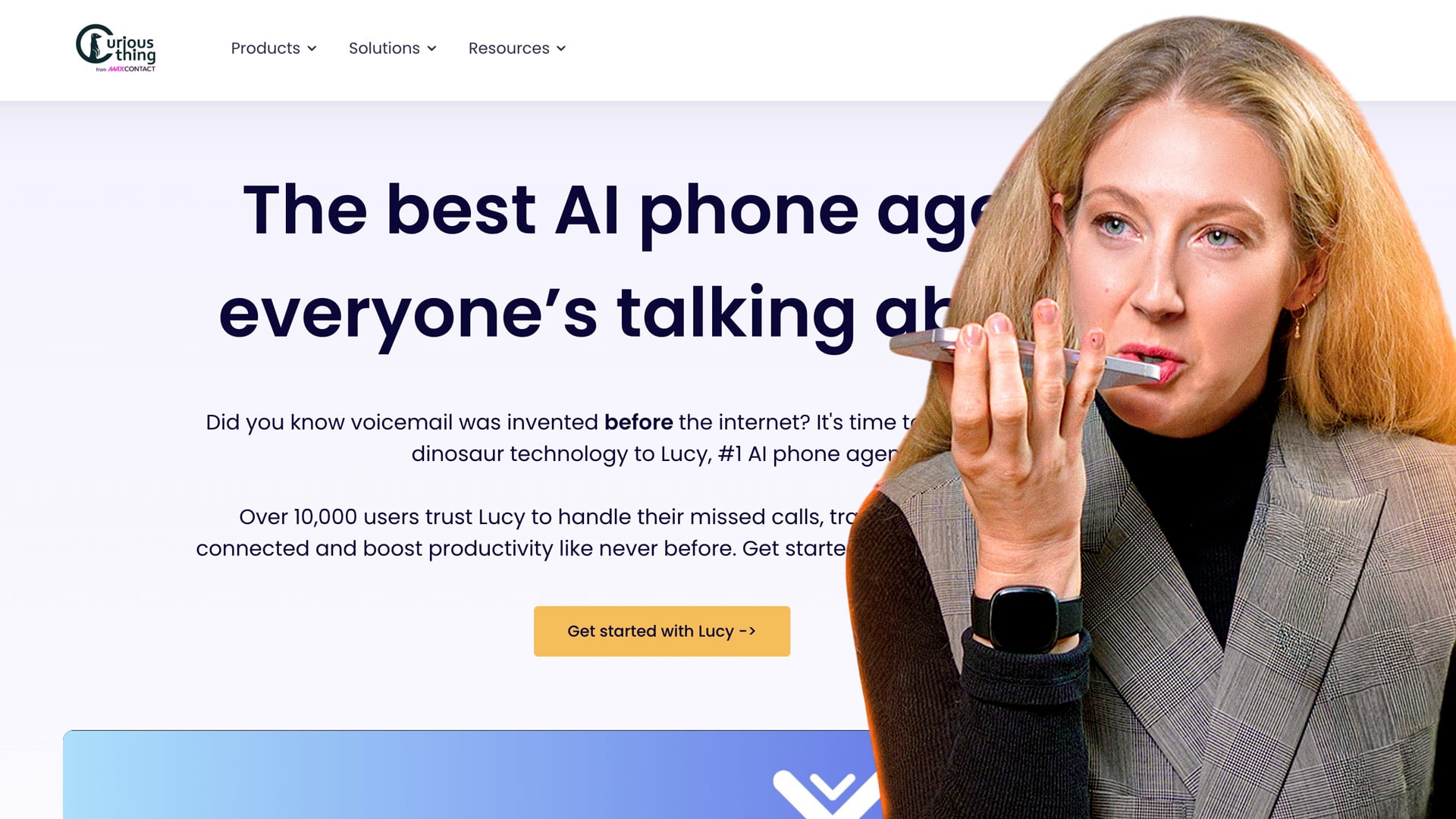
Lucy is a smart voicemail replacement, not a full virtual receptionist. It answers missed calls, has a short conversation to capture who's calling and why, then texts and emails you the summary. The target buyer is the solo operator missing calls from a job site or a meeting.
What sets Lucy apart is the voice -- natural pauses and filler words ("um," "let me see") soften the bot-detection reflex, so callers stay on the line and actually answer the questions. The free tier also doesn't gate the core feature behind a trial clock; you get ongoing missed-call handling at zero cost, capped by monthly volume.
The flip side is that Lucy isn't trying to book appointments, route calls to staff, or integrate with your CRM. No live transfer, no calendar sync, no workflow automation past the summary email. If your business depends on capturing a booking on the call itself, like a salon or a dental practice, look elsewhere. Lucy also doesn't replace your phone system; it sits behind it via call forwarding.
Pricing & Plans
The free plan covers missed-call answering with a monthly call cap (Curious Thing doesn't publish the exact ceiling, and it has shifted over time). It also sends you up to 20 text or email voicemail summaries each month and includes Lucy Bilingual.
Paid tiers raise the cap and unlock features like additional custom questions and longer call retention, but pricing is quote-based through the Curious Thing sales team rather than self-serve. There's no annual discount publicly listed, and no setup fee on the free tier.
What We Like
- Voice quality that doesn't tip callers off: The filler words and pacing are noticeably better than the flat TTS most free tools ship with.
- Genuinely free, not a trial: The free plan keeps working past 14 or 30 days, which is rare in this category.
- Fast setup via call forwarding: You keep your existing business number and forward unanswered calls to Lucy in a few minutes.
- Useful summaries, not raw transcripts: The text and email recap actually tells you what the caller needed, not just a wall of words.
Where Lucy Needs Improvement
- No appointment booking: Lucy captures intent but won't put anything on your calendar, which rules out service businesses that book on the phone.
- No live transfer: If a caller wants a human right now, Lucy can't hand off mid-call.
- Opaque paid pricing: Quote-based plans make it hard to budget or compare against competitors with public price sheets.
- Limited integrations: Summaries land in email and SMS; pushing data into a CRM or helpdesk takes manual work or Zapier glue.
Who Should Use Lucy?
- Solo tradespeople (electricians, plumbers, landscapers) who lose jobs to voicemail while on site.
- One-person consultancies and freelancers who want a more professional front door than a generic voicemail greeting.
- Micro-businesses under five employees that need missed-call coverage but aren't ready to commit to a monthly subscription.
- Operators testing whether an AI front-end will actually convert callers before paying for something like My AI Front Desk or RingCentral.
Frontdesk
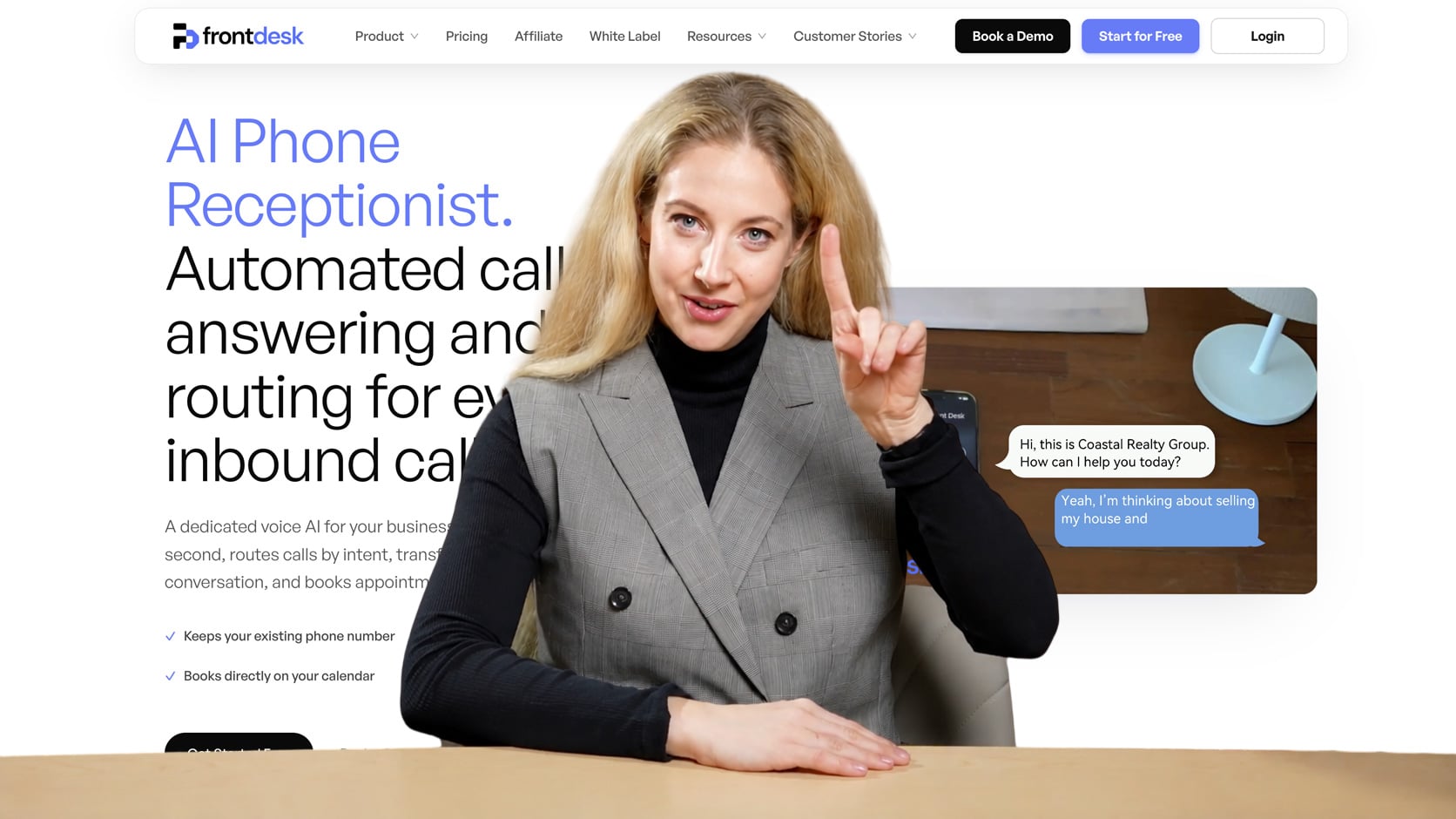
Frontdesk (formerly My AI Front Desk) sits closer to a full virtual receptionist than most of the free options on this list. The platform books appointments, fields custom Q&A from a trained knowledge base, and sends SMS follow-ups after calls end. The "free" tier is really a trial rather than a permanent plan, so most businesses end up paying within the first month.
Every plan, including the trial, includes unlimited Sequence Automation Workflows -- automated follow-ups that can text a new lead and then email them the next day if they don't respond. Agent Actions let the AI transfer a call, send a text, look something up, or push data to another app, and the platform now includes an AI-native CRM that updates automatically from every call, chat, and text with no manual entry.
Transparency is Frontdesk's main weak spot. The pricing tiers on the site are vague about exactly how many minutes or calls each level includes, which makes it hard to budget before you commit, and businesses with unpredictable call volume may find themselves bumping against limits. If you don't need calendar booking and just want message-taking, you're paying for features you won't use.
Pricing & Plans
The free plan genuinely exists with no credit card required: $0/month for 20 voice minutes, 10 chatbot conversations, 40 SMS & 50 email drafts, 1 editor seat with unlimited viewers, and full access to the AI workforce including unlimited Sequence Automation Workflows.
Business-in-a-Box costs $99/month ($79/month billed annually) and includes 200 voice minutes, 100 chatbot conversations, 400 SMS, 1,000 monthly overage credits with auto-reload, Zapier integration, verified outbound number, and 3 notification recipients. Partner/Enterprise plans offer custom pricing with volume discounts, API access, custom integrations, dedicated account manager, white-glove onboarding, and custom data retention.
What We Like
- Agent Actions unlock meaningful automation: your AI can transfer calls, send texts, create tickets, and update your CRM without human intervention.
- Knowledge base built from your own content: You can paste a script or submit your website URL, and the AI trains from it rather than relying on a generic template.
- SMS follow-up after every call: Callers get a text recap automatically, which reduces missed callbacks without any manual work.
Where Frontdesk Needs Improvement
- Free tier volume caps at 20 voice minutes: For a business with even moderate call volume, that's 6-7 calls before you hit the limit.
- Calendar booking requires upgrading: The free tier captures intent but won't put appointments on your calendar.
- Overage costs on Business plan: Once you exceed included usage, credits draw from your pool at 25 credits per voice minute ($0.25/minute), which adds up on longer calls.
Who Should Use Frontdesk?
- Single-location service businesses (cleaning companies, HVAC, salons, clinics) that need 24/7 booking and don't have front desk staff.
- Owners who've already tried basic voicemail tools and are ready to pay a modest monthly fee for real appointment capture.
- Businesses with a clearly defined FAQ set they can paste into a knowledge base on day one.
VirtualReception.ai
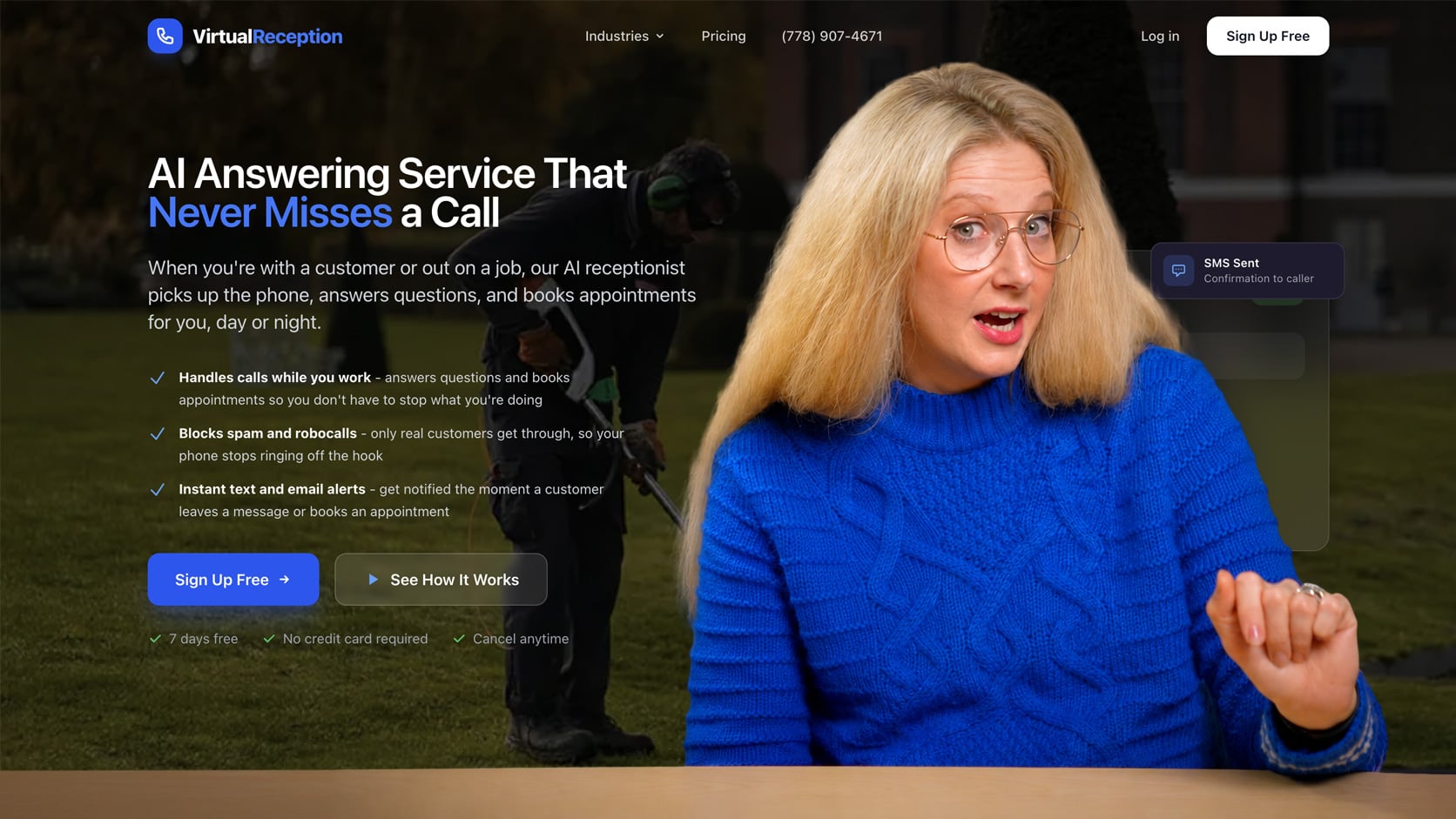
VirtualReception.ai is a 24/7 AI answering service aimed at small businesses that want a working receptionist live the same day, without script-writing or technical setup. It answers calls around the clock, takes messages, books appointments, and routes callers using a dedicated business number, with call recordings and transcripts on every plan.
VirtualReception.ai offers a credible 7-day free trial with full feature access and no credit card required. Setup runs under 15 minutes because the platform scrapes your website to train the AI automatically. That auto-training is the real differentiator: you don't need to write scripts or configure prompts before the agent sounds reasonably competent.
The Business plan adds appointment booking with Google Calendar integration, call transfers, and the ability to text custom links to callers: features most service businesses need. The platform has matured significantly in 2026 with improved call recording, full transcripts, and better spam call detection across all tiers.
Pricing & Plans
The free trial runs 7 days with full feature access and no credit card required. After that, paid plans range from $41/month to $249/month (billed annually), scaling mainly on included minutes and capabilities.
The entry tier covers basic answering with up to 250 minutes, SMS and email notifications, recordings, transcripts, and spam detection. Mid-tier plans add appointment booking, Google Calendar integration, call transfers, and outbound calling, with minute allowances climbing to 1,000 and then 2,000. Enterprise pricing is custom and adds CRM integrations, unlimited receptionists and users, and dedicated support.
Every plan includes 24/7 answering, a dedicated phone number, recordings, and transcripts.
What We Like
- Auto-training from your website: The AI scrapes your site and builds a functional knowledge base before you configure anything manually.
- True 7-day free trial with no credit card required and full feature access: Not a stripped-down demo, but actual working functionality.
- No-friction start: No credit card, fast setup, and a working agent in under 15 minutes makes testing risk-free.
Where VirtualReception.ai Needs Improvement
- No permanent free tier: The 7-day trial is generous, but after that you're paying or losing access.
- Appointment booking requires the Business plan at $124/month: Message-taking-only at $41/month limits the platform's value for appointment-driven businesses.
- Limited integrations: Email notifications cover the basics, but CRM or calendar sync is minimal compared to My AI Front Desk or Whippy.
Who Should Use VirtualReception.ai?
- Consultants and service providers who want to test AI receptionist functionality with a real 7-day trial before committing to monthly spend.
- Low to moderate-volume operations (under 250 minutes per month) that need reliable missed-call handling and can afford the $41/month Answering Service tier.
- Appointment-based businesses (salons, clinics, solo practices) willing to pay $124/month for calendar booking and call transfers.
NextPhone
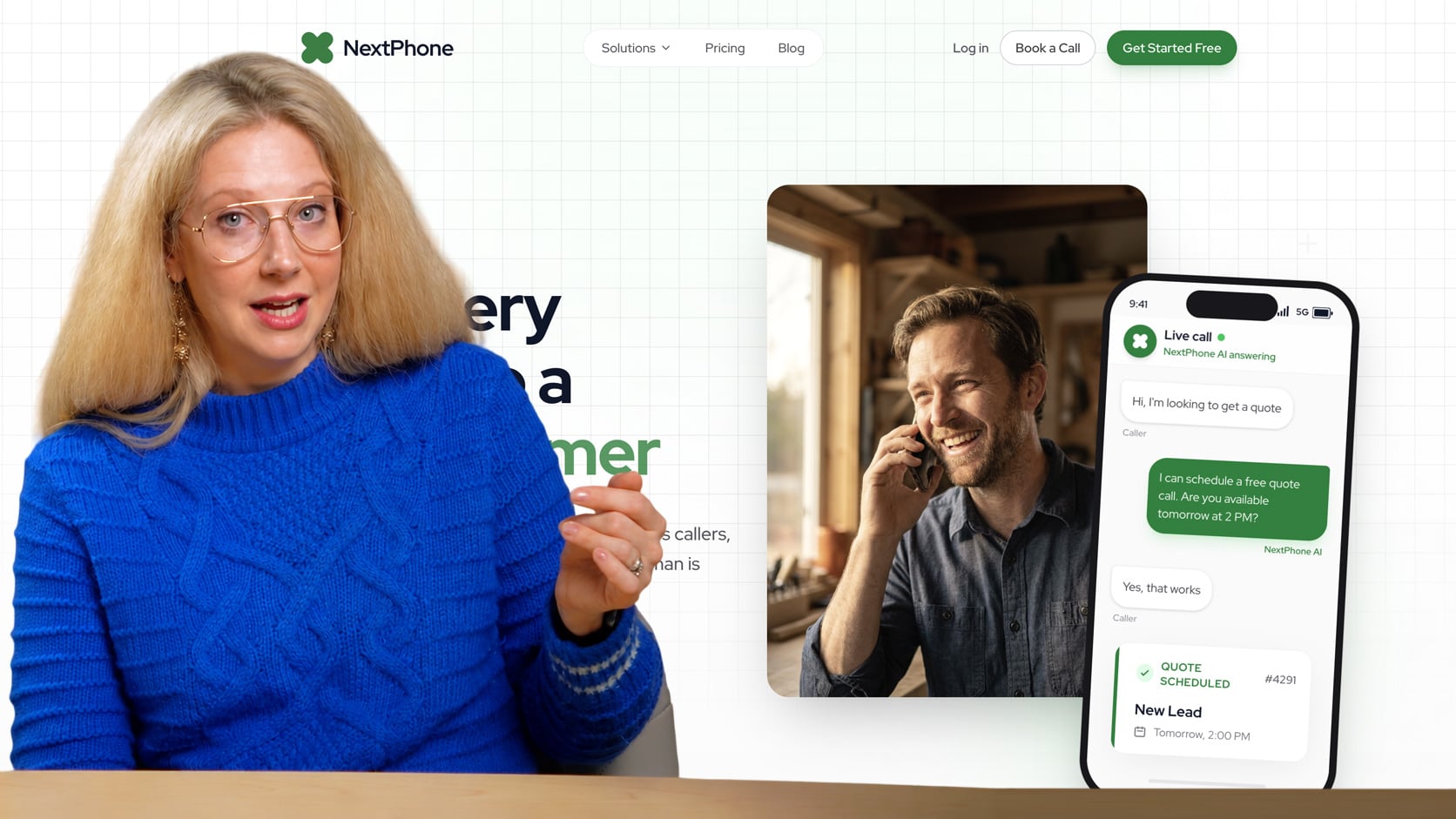
NextPhone is purpose-built for small business call patterns: short calls, appointment requests, pricing questions, hours inquiries. It doesn't try to serve enterprise workflows, which means the setup is faster and the defaults are better calibrated for an owner who wants it working in under 30 minutes. The focus on non-technical users is evident in how the configuration interface is structured: business script setup uses plain language rather than prompt engineering.
That simplicity comes at the cost of depth. Businesses that need custom routing logic, multi-language support, or developer-level API access won't find it here. NextPhone prioritizes speed-to-value over flexibility, so if your use case is straightforward it fits well. If you need to do anything unusual with call flows, you'll hit a wall.
Pricing & Plans
7-day free trial with full access, unlimited calls, and the ability to cancel anytime. No credit card required to start the trial.
The Pro plan includes unlimited calls 24/7, appointment booking & lead qualification, warm & cold transfers, SMS & in-call texting, call recording with transcripts & analytics, 26+ AI voices & 10+ languages, custom intake questions, contact management & auto-import, 5-minute setup, and 100+ integrations. Specific monthly pricing for the Pro plan is not listed on the site, so contact sales for quotes.
The Growth plan adds everything in Pro plus directory transfer (caller asks by name), advanced contact fields & custom CRM, team access & shared phone lines, Zapier/webhooks & API access, multi-location support, and priority support with dedicated onboarding.
Annual billing saves up to 17%. Pricing appears to be usage-based or tiered but requires contacting sales to confirm.
What We Like
- SMB-first design: Configuration is written for business owners, not developers. Script setup uses plain language templates rather than raw prompt editing.
- Fast deployment: Working AI answering in under 30 minutes is a realistic claim for a business with a basic FAQ set.
- Call summaries by text and email: Structured caller info delivered after each call keeps owners informed without requiring a dashboard login.
Where NextPhone Needs Improvement
- Limited customization ceiling: Owners who need complex call routing or conditional logic will outgrow the platform quickly.
- Pricing transparency: No public pricing on the site means you have to contact sales to get quotes, which makes budgeting difficult before you commit.
- Limited detail on call volume caps: The site mentions "unlimited calls" but doesn't specify whether there's a fair use policy or soft caps.
Who Should Use NextPhone?
- Solo operators and micro-businesses in retail, food service, or home services that just need calls answered and messages captured reliably.
- Non-technical owners who want a working solution without reading documentation or configuring a single prompt.
- Businesses with predictable, simple inbound calls (hours, pricing, appointment requests) where a structured script covers 90% of scenarios.
RingCentral AI Receptionist
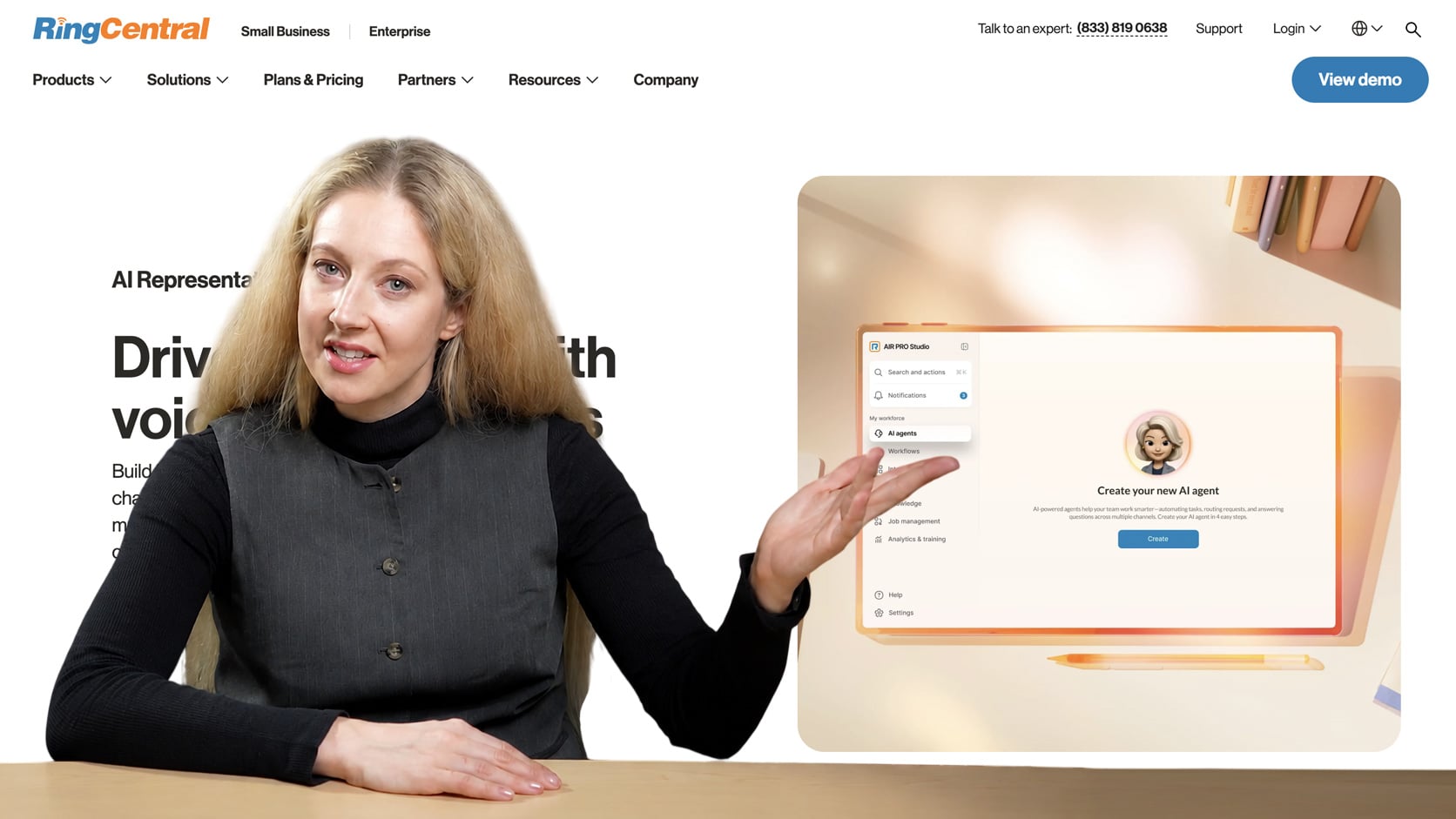
RingCentral is one of the few full business phone system on this list. Its AI receptionist isn't a standalone product but a layer on top of mature VoIP infrastructure that's been running at scale for years. The free angle is a limited-time promotion, with qualifying small businesses getting up to 12 months free on certain plans, which makes it worth evaluating seriously even if the pricing resets afterward. You get more than an AI answering layer, including extensions, transfers, team messaging, call recording, and CRM integrations, all under one contract.
RingCentral AIR supports SMS (responding to inbound texts 24/7, answering questions, and booking appointments), call queue overflow handling, integrations with Shopify, Calendly, and WhatsApp, and auto-language switching across 10+ languages, detecting a caller's language from their first word and switching mid-call.
The main limitation is that RingCentral is priced and structured for businesses that need the full phone system. If you only want an AI receptionist and your current phone setup is working fine, paying $20 to $30 per user per month for RingEX (the base phone system) plus $39-49/month for AIR is a significant step up from standalone AI receptionist tools. The AI receptionist feature itself also isn't the most configurable in the category. You're buying the platform's reliability and breadth, not its prompt flexibility.
Pricing & Plans
RingCentral AI Receptionist costs $49/month as a standalone tool or $39/month as an add-on to an existing RingEX plan. Both include 100 minutes, with overages at $0.50 per minute. If you don't already have RingCentral phone service, you'll also need a RingEX plan, which ranges from roughly $20 to $35 per user per month on annual billing depending on the tier.
RingCentral offers a 14-day free trial for new subscribers (up to 20 phone lines) with full access to RingEX features including voice, auto attendant, online meetings, team messaging, fax, and conferencing. SMS is not available during the trial, and any trial hardware must be returned within 21 days of cancellation to avoid charges.
What We Like
- Enterprise-grade uptime on an SMB budget: RingCentral's infrastructure reliability is meaningfully better than newer AI-only tools still stabilizing their platforms.
- Full phone system included: Extensions, voicemail transcription, SMS, and team messaging come with the AI receptionist rather than requiring separate vendors.
- 14-day free trial: For qualifying new subscribers, this provides a reasonable evaluation window for both the phone system and AIR.
Where RingCentral Needs Improvement
- Not a standalone AI receptionist: You're buying a full phone system; businesses that only need an answering layer will pay for features they don't use.
- Per-user pricing adds up: At $20 to $30 per user per month, a 10-person team hits $200 to $300 monthly after the promo ends. $0.50/minute overage costs are steep. At 100 minutes included, a busy week can blow through the allocation. A 200-minute month costs an extra $50.
- AI configuration is limited: Prompt-level control over how the AI receptionist behaves is less granular than Callin.io or even Frontdesk.
Who Should Use RingCentral?
- Small businesses replacing a legacy phone system who want the AI receptionist included rather than added on top of something existing.
- Teams of 5 to 20 that need shared extensions, call routing, and team messaging alongside AI answering.
- Businesses willing to commit to a full VoIP migration and want to lock in 12 months free while they make the transition.
Callin.io
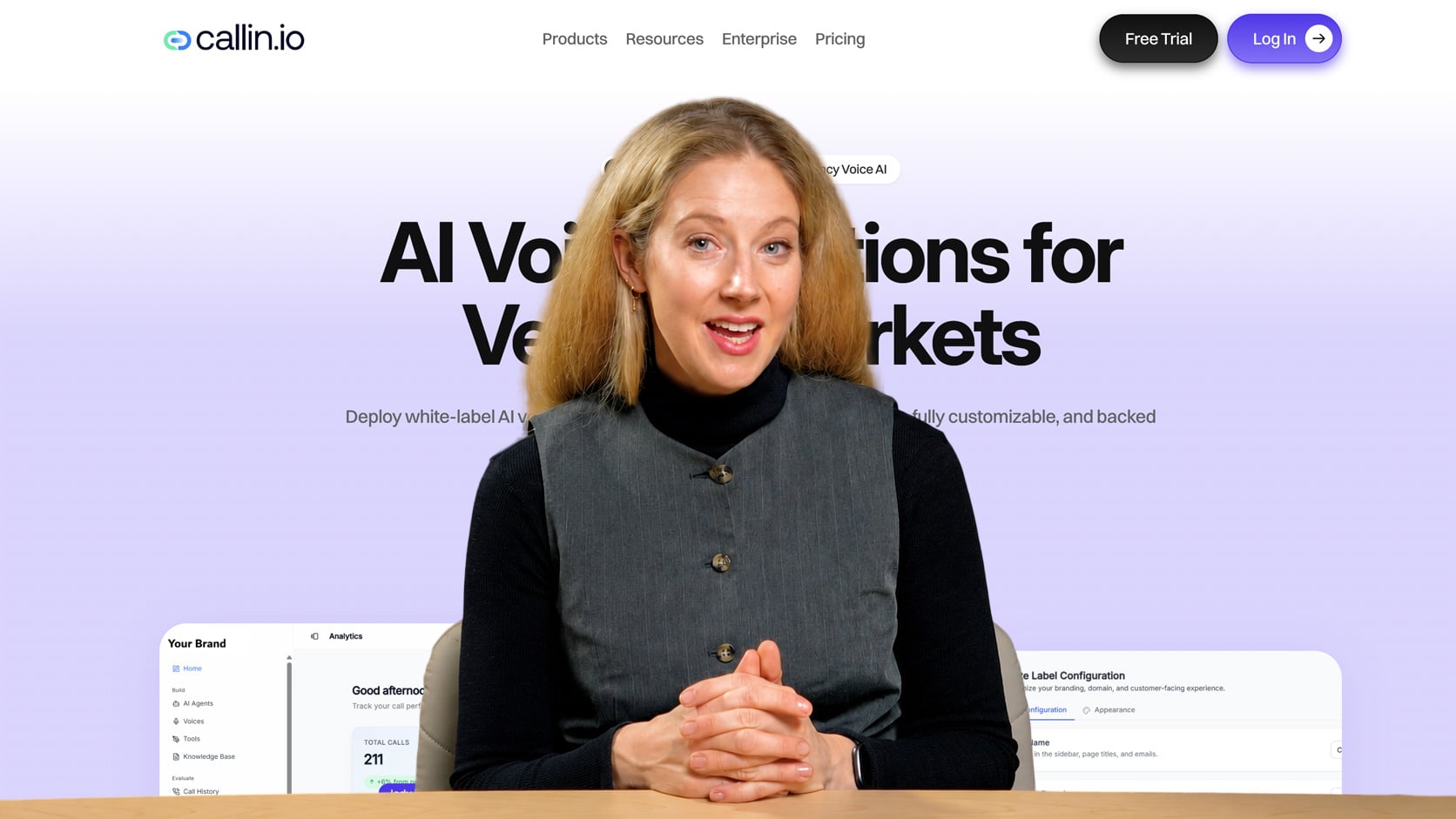
Callin.io is a configurable AI phone agent platform built for owners who want to control exactly how their agent sounds and behaves. Rather than steering you toward preset defaults, it lets you configure the prompt, set the routing logic, and define how the agent handles edge cases. Inbound and outbound call handling are both supported, which opens up use cases like appointment reminders and lead follow-up that pure inbound tools can't touch. API access is available for developers who need deeper integrations.
Callin.io offers up to 10 active clients, 5 concurrent calls, Neuron 1.0 (their proprietary low-latency voice AI) plus 10 additional AI models to choose from, integrations with Zapier and n8n for workflow automation, and 7+ language support.
The platform rewards users who are comfortable writing prompts and thinking through call flows, and frustrates anyone who wants something working in 15 minutes without configuration. The 10-minute free trial exists but is too short to properly evaluate voice quality and accuracy for most use cases.
Pricing & Plans
The free trial runs 10 minutes. Paid plans start at $30/month for the Basic tier (215 minutes), which includes multilingual support, Google Calendar integration, up to 10 active clients, 5 concurrent calls, Neuron 1.0 plus 10 more AI models, Zapier and n8n integrations, and 7+ languages. The Premium plan at $119/month (around 992 minutes) adds white-labeling, advanced analytics, and client onboarding.
Higher tiers scale mainly on included minutes, ranging from $299/month (2,990 minutes) up to $1,500/month (15,000 minutes).Higher tiers scale mainly on included minutes, ranging from $299/month (2,990 minutes) up to $1,500/month (15,000 minutes). Moving up adds team access, unlimited clients, priority support, and at the top end a dedicated account manager with fully outsourced setup. Overages run from $0.08 to $0.14 per minute depending on tier.
What We Like
- Prompt-level configuration: You control how the agent handles objections, edge cases, and handoffs rather than accepting a fixed script template.
- Outbound call support: Appointment reminders and outbound lead follow-up are viable, making this a more versatile tool than inbound-only platforms.
- API access: Developers can wire Callin.io into existing systems, which is not available on most SMB-focused tools here.
Where Callin.io Needs Improvement
- High setup friction for non-technical users: Getting useful results requires meaningful prompt configuration upfront; there's no fast-start template that covers most businesses.
- Usage-based pricing is hard to forecast: Minutes-based billing means a busy month can produce an unexpectedly large invoice.
- Multi-language and advanced routing are paywalled: Features that seem standard elsewhere require upgrading.
Who Should Use Callin.io?
- Tech-comfortable business owners who have experience with AI tools and want to tune their agent beyond what canned templates allow.
- Small agencies building AI phone agents for multiple clients who need API access and configurability at scale.
- Businesses with outbound use cases (appointment reminders, lead callbacks) where inbound-only tools aren't enough.
Whippy.ai
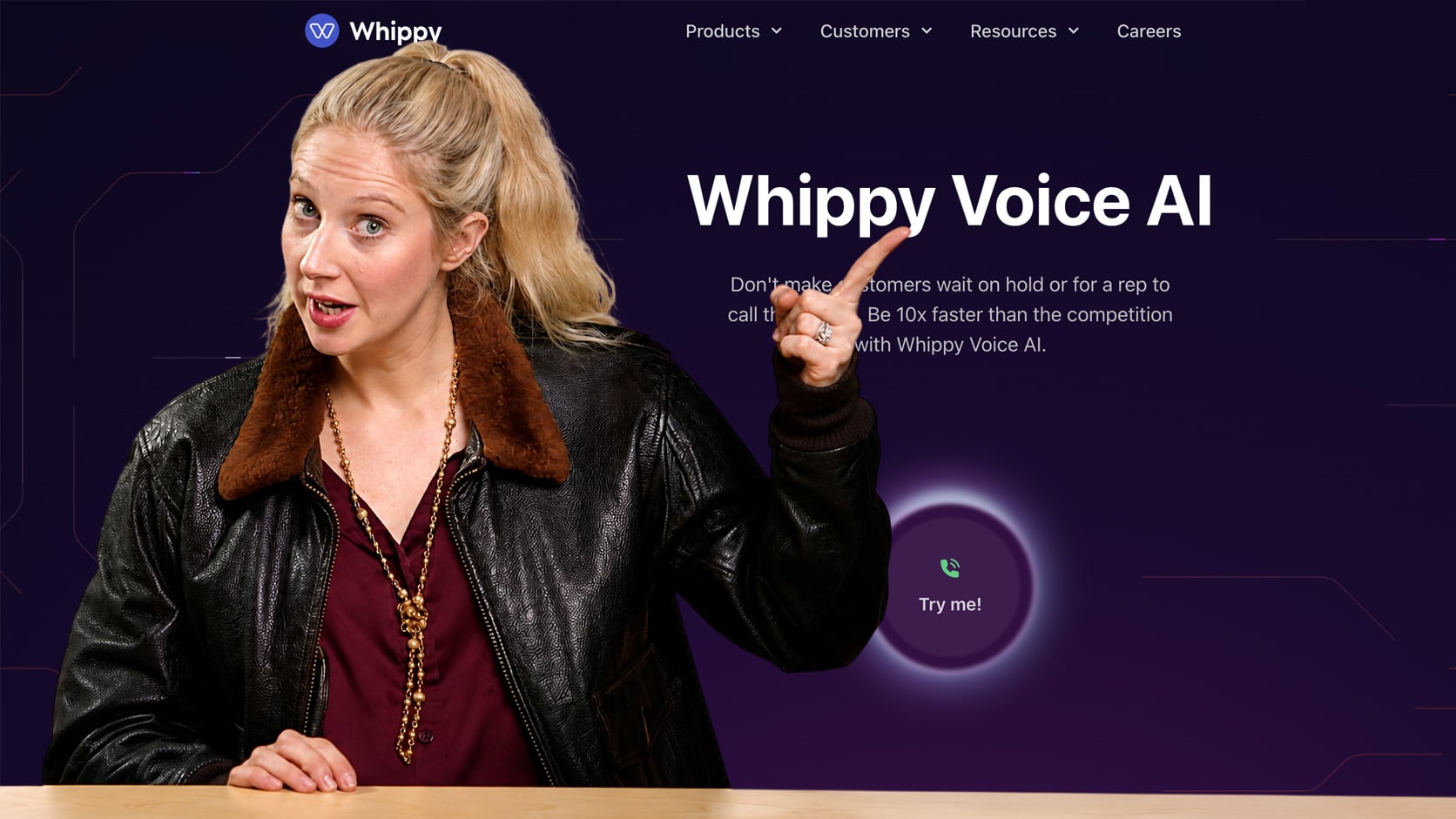
Whippy combines AI voice answering with SMS automation and a shared team inbox in one platform. The free trial covers both channels, which distinguishes it from tools that treat phone and text as separate products. For businesses where leads come in by text as often as by phone, having a single agent handle both without stitching together two subscriptions is a real operational simplification. The shared inbox means the team can see and respond to conversations alongside the AI rather than managing a separate handoff process.
If you only need inbound call answering, you're paying for SMS automation infrastructure you may not use. Pricing uses monthly minimums on usage-based plans, which can sting for businesses with variable volume. Businesses looking for deep calendar booking or a knowledge base trained on custom content will find Whippy's AI answering layer less sophisticated than My AI Front Desk.
Pricing & Plans
A free trial is available.A free trial is available. Paid plans range from $200/month for the Lite tier (2,000 credits) up to $3,000/month for the Professional tier (100,000 credits), scaling mainly on monthly credits and features.
Moving up the tiers adds link tracking, batch sending, automated workflows, marketing integrations, advanced analytics and reporting, translations, an AI chatbot, API and webhook access, and at the top end unlimited workflows and chatbots, job board integration, and dedicated support.
What We Like
- Unified voice and SMS in one platform: A single agent handles calls and texts with shared conversation history, avoiding the context-switching of managing two separate tools.
- Shared team inbox: The team sees all AI-handled conversations and can jump in without a separate handoff workflow.
- Outbound and inbound message flows: Automation builder supports both directions, useful for lead nurturing sequences alongside inbound reception.
Where Whippy Needs Improvement
- Credit-based pricing creates unpredictability: Low-volume months still carry the full plan cost, and it's unclear how credits map to actual usage (voice minutes, SMS messages, etc.).
- AI receptionist depth is secondary to the messaging platform: Knowledge base customization and calendar booking are less developed than tools built specifically for AI answering.
- Not suited for voice-only operations: If SMS isn't part of your lead flow, you're paying for platform breadth you don't need.
Who Should Use Whippy?
- Sales-driven small businesses where leads arrive by both text and phone and a single agent handling both channels would reduce manual coordination.
- Teams with 3 to 10 people that need a shared inbox so multiple staff can monitor AI conversations without separate logins or forwarding rules.
- Businesses already running SMS outreach who want to consolidate their AI answering and messaging automation under one vendor.
GoTo Connect AI Virtual Receptionist
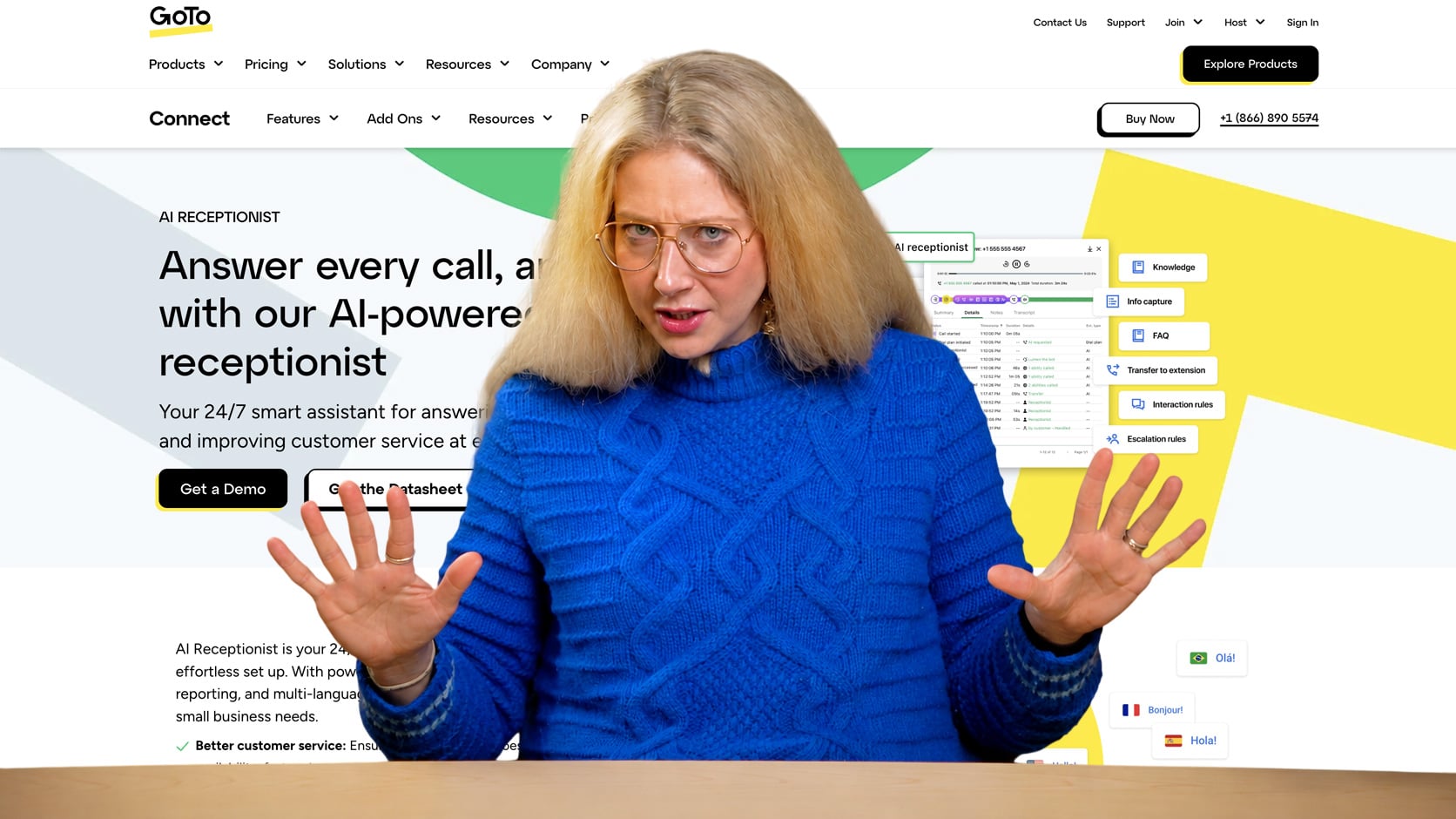
GoTo Connect is a full VoIP phone system with an AI receptionist built in, similar in structure to RingCentral but positioned as an add-on rather than a standalone offering. The AI virtual receptionist handles routing, auto-attendant logic, and voicemail transcription as part of a platform that also includes video meetings, mobile apps, and call analytics. For a business that needs to replace a legacy phone setup entirely, getting all of this from one vendor is operationally simpler than stitching together multiple subscriptions.
GoTo Connect AI Receptionist now includes 10+ language support with custom greetings, transfer by name, advanced knowledge base, FAQ setup, call reason identification, information capture via email, and real-time AI observability for monitoring performance. The platform integrates with the GoTo Connect phone system, which includes unlimited auto attendants and call queues, customizable dial plans, video meetings with up to 250 participants, mobile and desktop applications, and 24/7 support with 99.999% reliability.
The limitation mirrors RingCentral's: GoTo Connect is a phone system, not a dedicated AI receptionist. Businesses that already have a working phone setup and only want an AI answering layer are buying infrastructure they don't need. The AI receptionist functionality is also more rules-based than conversational compared to standalone AI tools; it handles routing logic well but doesn't match the natural language handling of something like Frontdesk or Callin.io.
Pricing & Plans
A free trial is available. GoTo Connect AI Receptionist is available as an add-on to the GoTo Connect phone system, but no public pricing is listed.
The underlying phone system offers three quote-based tiers, and all plans include free calls to 50 countries, unlimited auto attendants and call queues, customizable dial plans, video meetings with up to 250 participants, mobile and desktop applications, 24/7 support with 99.999% reliability, 1,000 free toll-free minutes shared across account, and call recording.
What We Like
- All-in-one VoIP at a competitive SMB price. Video, mobile apps, voicemail transcription, and call routing included at $27 per user is a reasonable stack for a small team replacing desk phones.
- Auto-attendant and routing logic built in. Routing callers to the right person or department is handled natively without third-party add-ons.
- Established platform with a track record. GoTo has been in the business communications space long enough that reliability and support infrastructure are not a concern.
Where GoTo Connect Needs Improvement
- AI receptionist is rules-based, not conversational. It routes calls effectively but doesn't handle open-ended Q&A or natural conversation the way purpose-built AI tools do.
- No public pricing for AI Receptionist. Everything requires contacting sales, which makes budgeting difficult before committing.
- No standalone AI receptionist tier. You can't get just the AI answering feature; the full phone system is the minimum buy.
Who Should Use GoTo Connect?
- Small businesses of 5 to 25 employees replacing a legacy PBX or desk phone system who want the AI receptionist included rather than layered on top.
- Teams that run video meetings frequently and want a single vendor for calls, video, and SMS rather than separate subscriptions.
- Businesses where structured call routing (press 1 for sales, press 2 for support) is the primary need and conversational AI is secondary.
Where Free AI Receptionists Break Down
Free tiers fail in predictable ways. Knowing the failure modes before you sign up saves you the migration headache later.
- Call volume cliffs. Free plans cap somewhere between 20 and 50 calls per month. Once you hit the cap, you either pay per-minute overage rates (often $0.30 to $0.80 per minute, which adds up fast on a 4-minute call) or the AI stops answering and calls go to voicemail. Track your missed-call volume for a month before you assume free is enough.
- Feature paywalls. Calendar integration, CRM connectors, premium voices, multi-language support, and advanced routing logic are usually locked behind paid tiers. If you need any of these, the free plan is a demo, not a destination.
- Hallucination on the knowledge base. AI agents trained on a scraped website will confidently quote prices that are wrong, hours that changed last month, or services you stopped offering. Free tiers rarely give you the tuning controls to fix this. Test with 20 sample calls before you trust the agent in production.
- Hidden costs. SMS fees on call summaries, per-minute charges on transcription, forced annual billing if you upgrade, and credit card requirements on supposedly free trials are all common. Read the pricing page, not just the homepage.
- Compliance gaps. HIPAA, call recording consent management, PCI handling, and data residency controls are almost never available on free plans. Medical practices, law firms, and financial services should skip free tiers entirely.
- Who should skip free: medical and legal practices with compliance needs, any business consistently over 100 calls a month, and anyone whose average lead is worth more than $200. At that point, a $25 monthly plan is a rounding error compared to one missed job.
How AI Receptionists Compare to Voicemail and IVR
Most small businesses still rely on voicemail or a basic IVR menu to handle calls they miss. Both technologies were designed for a different era, when callers expected to leave a message and wait for a callback. AI receptionists work differently because they hold an actual conversation, and the gap between the three approaches shows up clearly when you line them up side by side.
| Capability | Voicemail | IVR Menu | AI Receptionist |
| Answers caller questions | No | No | Yes |
| Books appointments | No | No | Yes |
| Two-way conversation | No | No (menu only) | Yes |
| Captures caller intent | Only if they leave a message | Routes by caller input/menu choice | Yes, in detail |
| Sends call summary to owner | No | No | Yes |
| Works 24/7 without a human | Yes (passive) | Yes (passive) | Yes (active) |
| Setup complexity | Minimal | Moderate | Low to moderate |
| Typical cost | Free with phone line | $10 to $50 per month | Free tier to $100+ per month |
Voicemail catches a message only if the caller decides to leave one, and industry call-tracking data consistently shows that more than 70% of callers hang up without doing so. Voicemail provides limited context about what customers want until you call them back, which usually means several days of phone tag and potential miscommunications on a job that could have been booked in less than a minute.
IVR menus force callers through a phone tree ("press 1 for sales, press 2 for service") before routing them somewhere, usually to voicemail when nobody picks up. They work for large call centers with dedicated departments, but for a five-person plumbing company or a solo law practice, they add friction without solving the missed-call problem.
AI receptionists instantly answer the phone, ask the caller what they need, and respond conversationally. One can tell a caller your weekend hours, confirm you service their zip code, book a 9 AM Thursday slot directly into your calendar, and email you a summary before the call ends. For a small business losing two or three jobs a week to missed calls, AI receptionists make a huge difference.
Build Your Own $0 AI Receptionist: The DIY Stack
If you’re technically comfortable and have a few hours a week, you can assemble a working AI receptionist using free developer credits. The stack:
- Twilio or Vapi for the phone number and voice routing (both offer free starter credit)
- OpenAI API for the conversational brain (pay-per-use, typically pennies per call)
- Make.com or Zapier for calendar booking, transcript delivery, and CRM logging (free tiers cover modest volume)
Here’s a realistic four-week build plan:
- Week 1: Provision the phone layer. Sign up for Twilio or Vapi, claim a number using free starter credit, and set up call forwarding from your existing business line. Vapi is faster for voice AI specifically; Twilio is more flexible if you need SMS too.
- Week 2: Build the brain. Write a system prompt describing your business, hours, services, and pricing. Build a short FAQ. Connect OpenAI to your phone layer (Vapi makes this nearly automatic; Twilio requires a middleware layer like a serverless function). Test with 10 sample calls from your own phone.
- Week 3: Wire the automations. Use Make.com or Zapier to push call transcripts to your email, create Google Calendar events when the AI books an appointment, and log calls to a free CRM like HubSpot. This is where most DIY builds stall, so budget extra time.
- Week 4: Stress test and tune. Have friends call with realistic and edge-case requests. Note where the AI hallucinates, gets confused, or misroutes. Tighten the prompt. Add a fallback that forwards to voicemail or your cell if the AI can’t handle a request.
Realistic costs: free credits typically cover the first month or two. After that, expect $5 to $20 per month at modest volume, mostly OpenAI usage and Twilio per-minute fees. At 200+ calls a month, the DIY stack starts costing more than a turnkey paid plan, and you’re still maintaining it yourself.
DIY is worth it if you want full control, enjoy tinkering, and have 2 to 3 hours a week for upkeep. It isn’t worth it if you need something working tomorrow or your time is worth more than $50 an hour.
What Free Actually Costs at 50, 100, and 200 Calls a Month
The promotional case for free assumes your call volume stays low. The honest case looks at what happens when it doesn’t.
| Monthly call volume | Free tier outcome | Paid plan equivalent |
| 50 calls | Most free tiers handle it; some trigger overage at 30 | $40 to $80/month flat |
| 100 calls | Free tiers cap out; overages add $20 to $60/month | $80 to $125/month flat |
| 200 calls | Not viable on free tiers; overages exceed paid plans | $125-250/month flat |
The lead-leakage math matters more than the subscription math. If your average new customer is worth $200 and a fumbled or missed call costs you one lead a month, you’ve lost more than any paid plan would cost. Two lost leads a month covers a year of premium service.
The rule of thumb: under 30 calls a month with low-value leads, free works. Above that, or with leads worth more than $200, pays for itself in the first month.
How to Pick the Right Tool
Match the tool to your call volume, industry, and feature requirements rather than chasing the most generous free tier.
- By call volume: Under 20 calls a month with no booking needs, Frontdesk's free tier. 20-100 calls with booking, VirtualReception.ai Business ($124/month) or NextPhone. Over 100 calls, plan to pay for NextPhone, Frontdesk Business, or build the DIY stack with realistic ongoing costs.
- By industry: HVAC, and home services need dispatch-style message taking and after-hours coverage; NextPhone and Frontdesk fit. Salons, clinics, and other appointment-based businesses need calendar integration; Frontdesk Business or VirtualReception.ai Business are the strongest options. Law firms need intake scripts and compliance, which means skipping free and going paid with a platform that handles call recording consent. Restaurants need short-call handling and reservation booking; Frontdesk or a DIY stack work.
- By setup effort: Turnkey options (Lucy, NextPhone, Frontdesk) get you running in under an hour. DIY (Twilio plus OpenAI plus Zapier) takes a month to build properly. RingCentral and GoTo Connect take a day if you’re also switching phone systems.
- Red flags to watch for: a credit card required for a “free” plan, no published call cap, vague pricing once you exceed the cap, and no obvious cancellation path inside the account settings. Any of these means the free tier is a sales funnel, not a product.
FAQs
Free tiers exist but cap at 20 calls per month (frontdesk) or 7-day trials (NextPhone, VirtualReception.ai). Paid plans typically run $40 to $125 per month depending on call volume and features. Full phone systems with AI receptionists included (RingCentral, GoTo Connect) require custom quotes but likely start around $100-150/month for small teams.
For genuine permanent free tier with basic functionality, frontdesk offers 20 voice minutes per month with no credit card required. For testing before you buy, NextPhone's 7-day trial with unlimited calls provides the most generous evaluation period. VirtualReception.ai's 7-day trial offers full feature access including appointment booking.
Most free tiers don't include calendar booking. Frontdesk's free plan captures intent but doesn't book. VirtualReception.ai includes booking in the 7-day trial and on paid tiers starting at $124/month. NextPhone includes booking on all paid plans. Callin.io includes Google Calendar integration even at the $30/month Basic tier.
Most free tiers cap at 20 to 50 calls per month. VirtualReception.ai is around 20 to 30. Above the cap, you either pay per-minute overage or calls fall through to voicemail. Track your missed-call volume for a month before committing.
It varies. Frontdesk doesn't require a credit card for the free plan. VirtualReception.ai and NextPhone don't require cards for their 7-day trials. RingCentral's 14-day trial doesn't mention card requirements but may vary. Always check the signup flow before committing.
Turnkey platforms (Lucy, NextPhone, frontdesk VirtualReception.ai) take 10 to 30 minutes if you have your business info ready. Full phone-system options like RingCentral take a few hours. A DIY Twilio plus OpenAI build takes 10 to 20 hours spread over a few weeks.
Upgrade when you consistently hit the free-tier call cap, when you need a feature that’s locked behind paid (calendar booking, CRM integration, multi-language), or when a single missed lead is worth more than the paid plan. For most service businesses with leads over $200, that threshold arrives quickly.