
Sales reps lose more time to work around selling than most managers realize. Notes to write up, CRMs to update, prospects to research, emails to draft, meetings to follow up on. AI sales assistants take that work off the rep's plate so the selling time gets spent selling.
The category covers a lot of ground. Some assistants live inside your inbox and coach email quality in real time. Others join calls, transcribe them, and push structured notes back to CRM records. Some embed directly into Salesforce or HubSpot and surface deal intelligence where reps already work.
This guide compares the best AI sales assistants across the categories that actually matter, with each tool reviewed using the same structure so you can compare them cleanly.
At a Glance: Top AI Sales Assistants
| Tool | Category | Starting Price | Best For |
| Gong | Conversation intelligence | Quote-based | Enterprise revenue teams focused on coaching and forecast accuracy |
| Chorus by ZoomInfo | Conversation intelligence | ~$8,000/year for 3 seats | Teams already using ZoomInfo who want coaching tied to contact data |
| Clari Copilot | Revenue intelligence | Quote-based, ~$60-110/user/month | Enterprise teams wanting conversation intelligence inside a forecasting platform |
| Dialpad | AI-powered calling | From $15/user/month | Growing teams wanting voice AI without enterprise pricing |
| Avoma | Meeting intelligence | From $19/user/month | Mid-size teams needing affordable call recording and CRM sync |
| Fireflies.ai | Meeting notes | Free; paid from $10/user/month (annual) | Teams wanting widely-adopted AI meeting notes with strong integrations |
| Fathom | Meeting notes | Free; paid from $15/user/month (annual) | Individuals wanting the most generous free tier in the category |
| Sybill | Post-call intelligence | Free; paid from $49/user/month | Reps wanting deeper insight into prospect engagement behavior |
| Granola | AI notepad | Free; paid from $14/user/month | Individual contributors wanting lightweight notes without a full platform |
| Lavender | Email coaching | From $27/user/month | Reps wanting live guidance on email quality and reply rates |
| Apollo.io | Prospecting + sequencing | Free; paid from $49/user/month | Outbound teams wanting data and sequencing in one platform |
| Salesforce Einstein | CRM-embedded AI | Included with Salesforce plans | Salesforce customers wanting AI inside their existing CRM |
| HubSpot Breeze | CRM-embedded AI | Included with HubSpot plans | HubSpot customers wanting AI inside their existing CRM |
| Pipedrive AI | CRM-embedded AI | From $14/user/month | Small teams wanting simple AI-assisted pipeline management |
Quick Picks: Which AI Sales Assistant Should You Choose?
If you only have a minute, here's the short version. Each recommendation names the one thing this platform does better than the others on the list.
- Choose Gong if you have enterprise budget and need deep conversation intelligence, deal analytics, and forecast accuracy in one platform. Nobody on this list goes as deep on coaching insights.
- Choose Chorus by ZoomInfo if you're already a ZoomInfo customer. The integrated contact data enrichment during live calls is a genuine differentiator.
- Choose Clari Copilot if you want conversation intelligence tied directly to forecasting and pipeline inspection, especially now that Clari has merged with Salesloft.
- Choose Dialpad if you want voice AI built into your phone system at a fraction of enterprise conversation intelligence pricing.
- Choose Avoma if you need solid meeting intelligence and automated CRM sync without the cost or complexity of Gong or Clari.
- Choose Fireflies.ai if you want the most widely-adopted AI notetaker with strong Salesforce and HubSpot integrations, at a price most teams can justify.
- Choose Fathom if you're a solo user or small team and want the most generous free tier on the market.
- Choose Sybill if your calls are long, discovery-heavy, and you care about reading buyer engagement beyond the transcript.
- Choose Granola if you want AI to enhance your own notes rather than replace them with a bot-generated transcript.
- Choose Lavender if your reply rates on outbound email are the specific problem you need to fix.
- Choose Apollo.io if you're building an outbound motion from scratch and want prospecting data and sequencing in one subscription.
- Choose Salesforce Einstein, HubSpot Breeze, or Pipedrive AI if you want AI embedded in the CRM your team already uses, without adding another vendor to manage.
How We Compared These AI Sales Assistants
Every tool in this guide was evaluated against the same criteria:
- Function fit: Whether the tool solves a specific, well-defined problem or tries to be a catch-all that does several things adequately but nothing exceptionally
- AI quality: Whether the output is genuinely useful or surface-level automation with an AI label slapped on top
- CRM integration: How cleanly the tool connects to Salesforce, HubSpot, and other major CRMs, and whether data flows in both directions
- Ease of adoption: How much setup and training is required before reps actually use it and the tool adds value
- Pricing transparency: Whether pricing is publicly listed and predictable enough to budget accurately
- Use case clarity: Whether it's obvious who each tool is for and what problem it solves best
- Standalone vs. embedded value: Whether the tool does the work independently or only delivers full value inside a broader platform
The Best AI Sales Assistants in 2026
The tools below are organized by category, starting with enterprise conversation intelligence and moving through meeting notes, email coaching, prospecting, and CRM-embedded AI. Each provider includes key features, pricing, integrations, and the specific use case it fits best.
Gong - Best for Enterprise Conversation Intelligence
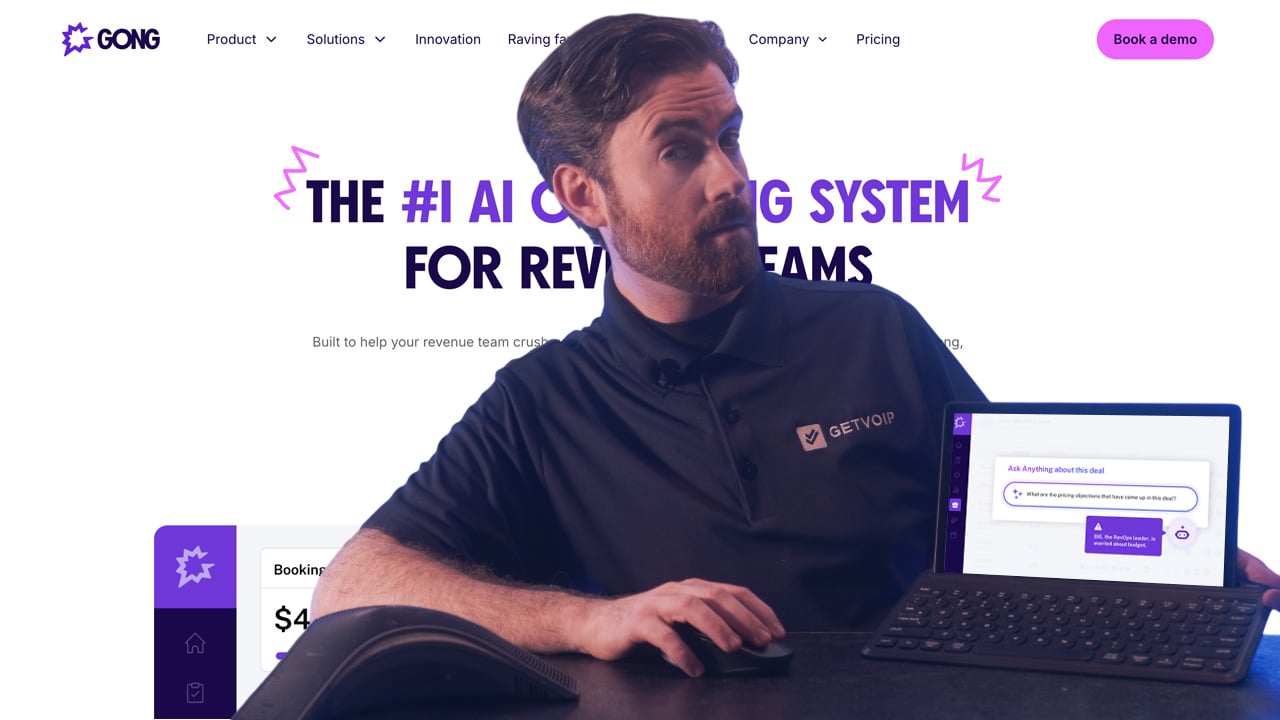
Gong is a revenue intelligence platform that records, transcribes, and analyzes every customer-facing conversation across sales, customer success, and support teams. Calls, emails, meetings, and CRM activity all feed into a single data layer where AI surfaces patterns, risks, and opportunities without human review.
The platform's depth comes from how it connects conversation data to revenue outcomes. Gong automatically identifies which behaviors separate top performers from the rest of the team, flags specific deal risks as they appear in real conversations (a champion going quiet, pricing objections resurfacing, single-threaded stakeholders), and ties engagement patterns to forecast accuracy. AI-generated deal briefs summarize the current state of every opportunity in seconds, and Gong's trackers can be customized to surface any topic or phrase across the entire call library.
Gong is built for revenue teams where understanding what actually happens in conversations drives operational decisions. Sales leaders use it to improve forecast accuracy, enablement teams use it to build coaching programs grounded in real call data, and RevOps teams use it to identify systemic issues in the sales motion. It's designed for scale, with customers spanning mid-market SaaS teams to Fortune 500 enterprise sales organizations.
Key Features
- Call recording, transcription, and AI analysis across every sales conversation
- Deal intelligence tracking engagement patterns, risk signals, and competitive mentions
- Automated coaching insights identifying skill gaps and top performer behaviors
- Forecast analytics using conversation data to validate CRM pipeline projections
- Integration with Salesforce, HubSpot, and major sales engagement platforms
- AI-generated follow-up emails and next-step recommendations
Pricing
Quote-based with no public pricing. Typically positioned for teams of 20+ reps with enterprise budgets. Third-party pricing data places deployments in the tens of thousands of dollars annually at minimum.
Integrations
Salesforce, HubSpot, Microsoft Dynamics, Outreach, Salesloft, Zoom, Google Meet, Microsoft Teams, Slack, and 100+ other tools via native connectors.
Pros
- Deepest conversation intelligence and deal analytics available in the category
- Coaching insights run automatically without requiring manager review time
- Forecast accuracy is a genuine operational lever, not just a reporting feature
Cons
- Enterprise pricing puts it out of reach for small teams
- Implementation complexity is higher than lightweight alternatives
- Quote-only pricing creates friction during early evaluation
Best For
Mid-market and enterprise revenue teams that want conversation intelligence, rep coaching, and deal analytics in one platform and have the budget and operational maturity to use its full capability.
Chorus by ZoomInfo - Best for ZoomInfo Customers
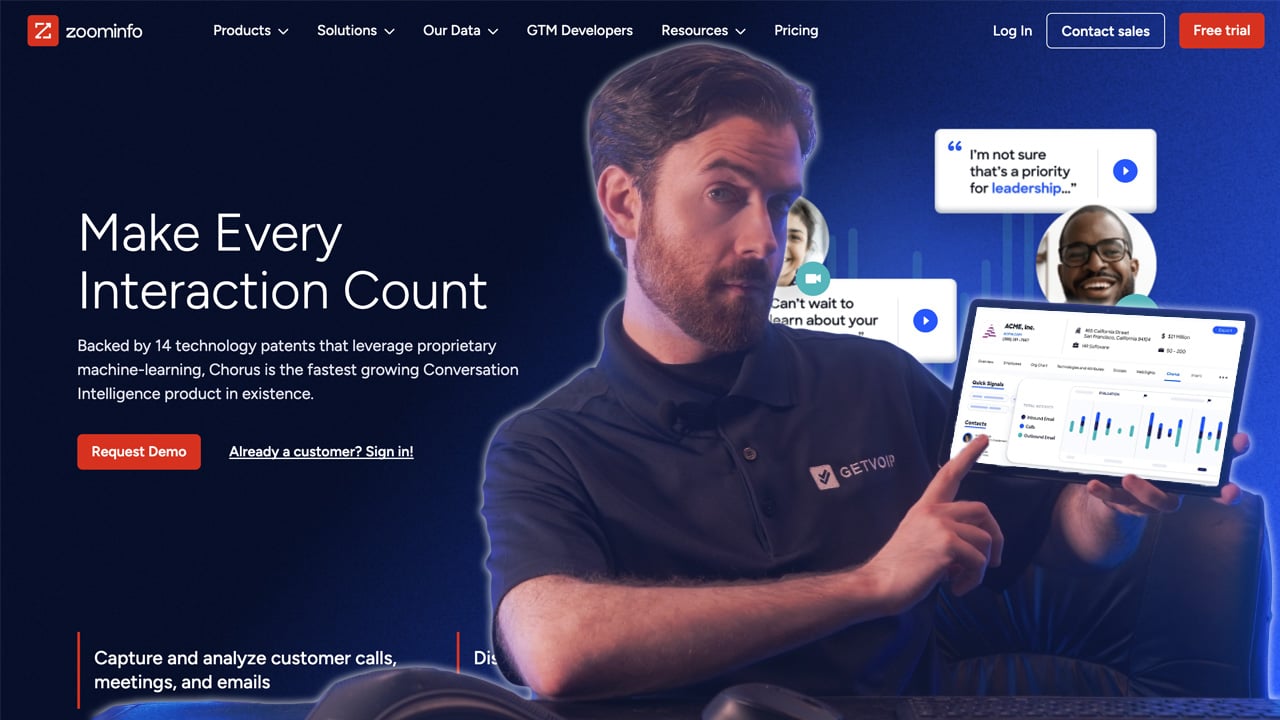
Chorus by ZoomInfo is a conversation intelligence platform that captures sales calls across Zoom, Microsoft Teams, Google Meet, and phone, then applies AI to transcribe, analyze, and surface insights from every conversation. It's a core component of ZoomInfo's revenue operating system, connecting call data to the platform's 100M+ B2B contact database and engagement tools.
The platform's defining feature is live enrichment during calls. When a prospect joins a Chorus-recorded meeting, the system automatically pulls their role, company details, recent funding, technographic data, and buying signals from ZoomInfo, surfacing context to reps in real time. AI trackers monitor for specific topics like competitor mentions, pricing objections, and next-step commitments, tagging moments across calls that managers can review later. The Deal Central workspace aggregates signals across every touchpoint on an opportunity (calls, emails, meetings, stakeholder changes) to flag risks before deals slip.
Chorus is positioned for sales teams that want conversation intelligence tightly coupled with prospect data rather than as a standalone workflow. Organizations already invested in the ZoomInfo platform get the most value because contact enrichment, intent data, and conversation intelligence all operate from the same underlying data. It's used heavily in mid-market and enterprise B2B sales, particularly in competitive industries where understanding buyer context during live conversations shortens sales cycles.
Key Features
- Real-time call recording and transcription across Zoom, Google Meet, and Teams
- Live enrichment from ZoomInfo's contact and company database during calls
- AI trackers for competitor mentions, pricing objections, and next-step commitments
- Deal intelligence flagging engagement drops and stakeholder disengagement
- Coaching workflows with call libraries and performance scorecards
- Native CRM integration with Salesforce, HubSpot, and Microsoft Dynamics
Pricing
Quote-based. Third-party pricing data reports entry-level contracts starting around $8,000 per year for three seats, with additional seats running approximately $1,200 each annually. ZoomInfo's sales motion often bundles Chorus with the broader data platform.
Integrations
Salesforce, HubSpot, Microsoft Dynamics, Zoom, Microsoft Teams, Google Meet, Outreach, Salesloft, Slack, and the broader ZoomInfo data platform.
Pros
- Live ZoomInfo enrichment during calls is unique in the category
- Enterprise-grade coaching and call library features
- Unlimited recording and storage included in the base contract
Cons
- Full value depends on paying for the ZoomInfo data platform
- Transcription accuracy complaints are more common than with Gong or Fireflies
- Bundled pricing can inflate total cost significantly
Best For
Sales teams already invested in the ZoomInfo ecosystem who want conversation intelligence and contact data in one workflow, rather than stitching together separate tools.
Clari Copilot - Best for Forecasting-Driven Teams
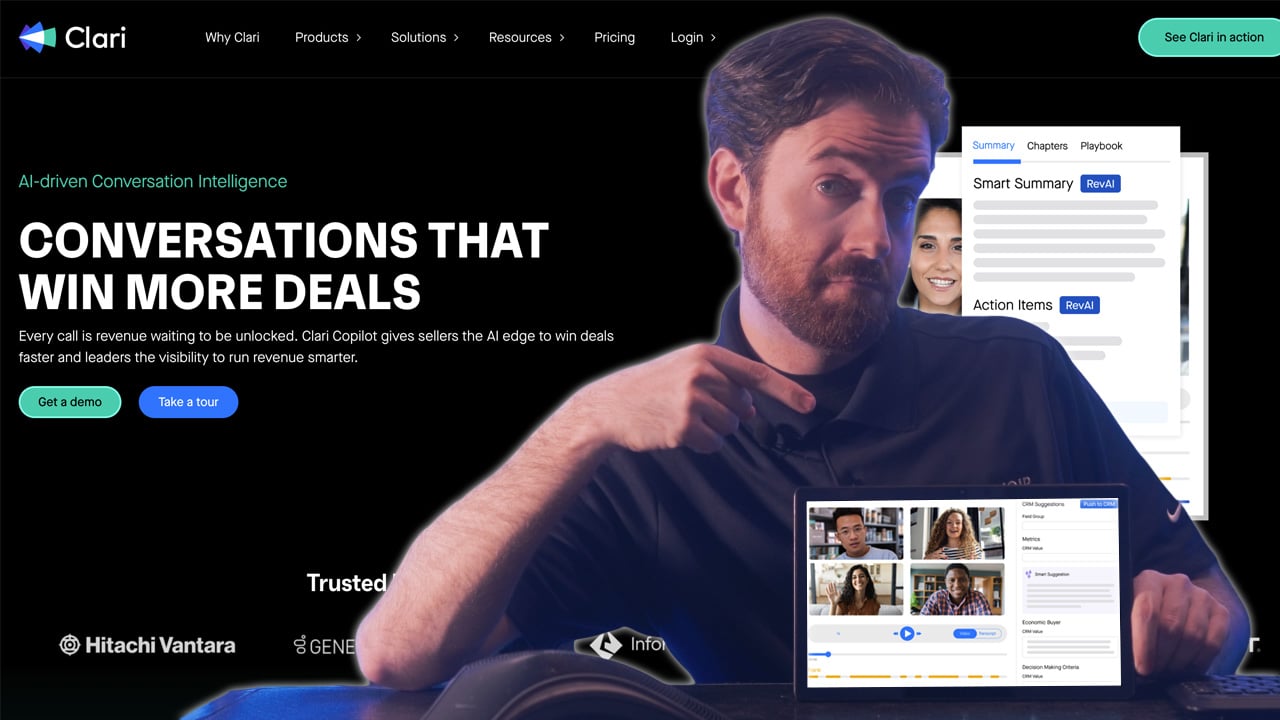
Clari Copilot is the conversation intelligence module inside Clari's revenue orchestration platform. It records and transcribes sales calls, surfaces real-time battlecards during live conversations, and automatically captures objections, buying signals, and commitments into CRM. Every call feeds back into Clari's pipeline inspection, deal health scoring, and forecasting models, making conversation data an operational input rather than just a coaching artifact.
The real-time capabilities are where Clari Copilot stands apart. During live calls, reps see dynamic battlecards that trigger based on what the prospect says (competitor mentions prompt competitive positioning, pricing pushback surfaces discount justifications, objections pull up proof points). After the call, the AI generates structured summaries, follow-up emails, and action items, then writes them back to Salesforce or HubSpot without manual data entry. Monthly Business Reviews and deal inspection workflows pull directly from call content, so conversations inform the numbers executives are reviewing.
Clari expanded significantly when it merged with Salesloft, combining conversation intelligence with sales engagement, email sequencing, and dialing in one platform. For teams evaluating Clari Copilot today, the scope now extends across forecasting, pipeline inspection, conversation intelligence, and outreach execution. It's positioned for enterprise revenue organizations where forecasting discipline is a board-level priority.
Key Features
- Real-time call transcription with live battlecards for objection handling
- Automated capture of intent, objections, next steps, and stakeholder changes into CRM
- Conversation signals feeding directly into Clari's forecasting and pipeline inspection
- AI-generated call summaries and follow-up emails
- Deal health scoring that combines call data with pipeline velocity
- Integration across the Clari and Salesloft combined platform
Pricing
Quote-based. Third-party pricing data places Clari Copilot at roughly $60 to $110 per user per month. The full Clari platform with forecasting and Salesloft modules can reach $200 to $310+ per user per month.
Integrations
Salesforce, HubSpot, Microsoft Dynamics, Zoom, Microsoft Teams, Google Meet, Slack, and native integration with the Salesloft sales engagement platform.
Pros
- Deepest integration between conversation data and forecast accuracy on this list
- Real-time battlecards and objection prompts during live calls
- Salesloft merger expands the platform into sales engagement
Cons
- Most value unlocks only when paired with Clari's core forecasting platform
- Implementation timelines often run 8 to 16 weeks for full deployments
- Total cost rises quickly once modules and services are added
Best For
Enterprise revenue teams where forecasting discipline is a board-level priority and conversation data needs to feed directly into pipeline inspection, not just coaching workflows.
Dialpad - Best for Growing Sales Teams
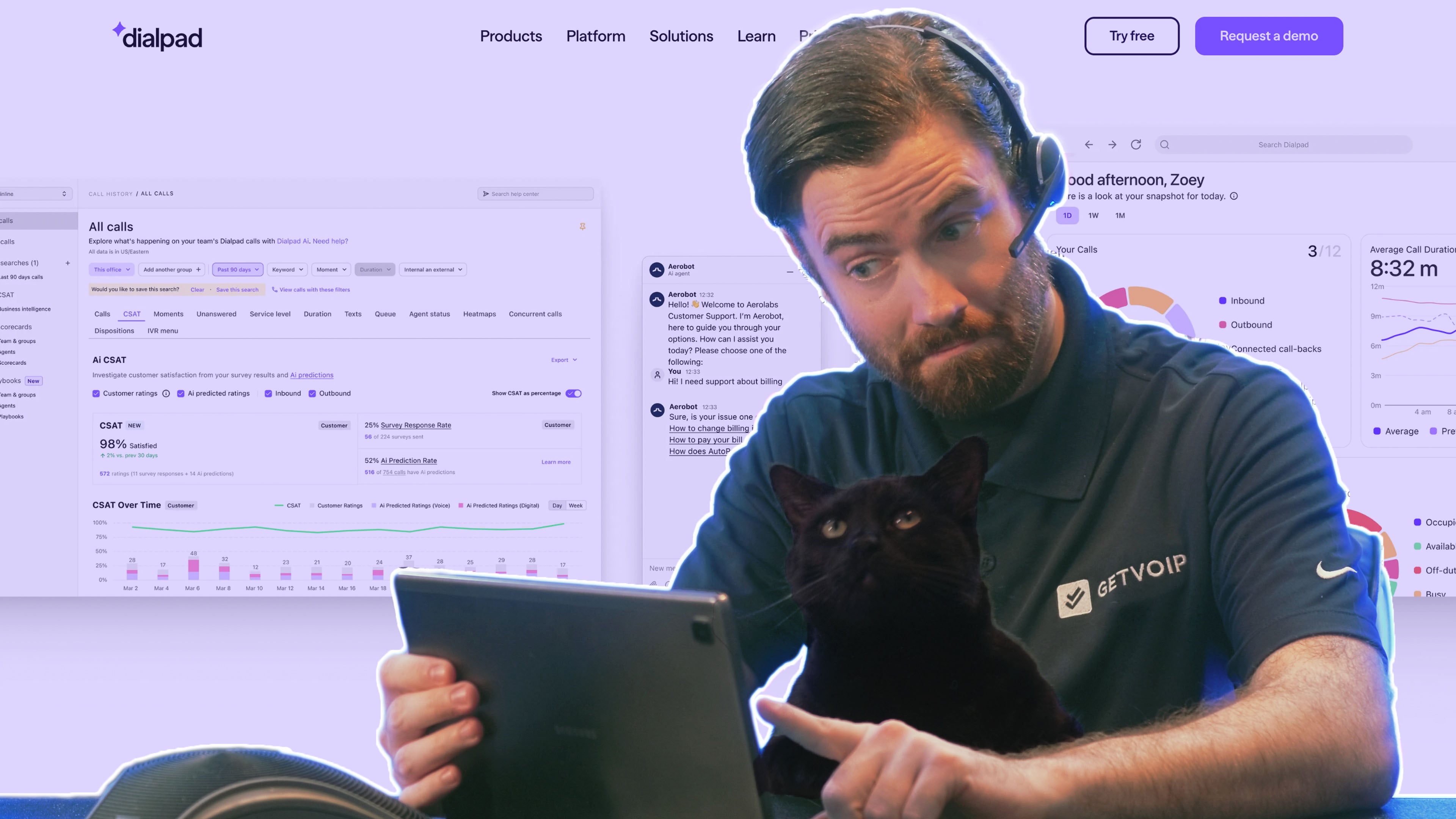
Dialpad is a cloud communications platform with AI built directly into the calling infrastructure. Every call made through Dialpad is transcribed in real time, analyzed for sentiment and talk ratios, and processed by DialpadGPT, the company's proprietary LLM trained specifically on billions of minutes of business conversations. The result is voice AI designed for sales and support contexts rather than general-purpose transcription adapted to business use.
Real-Time Assist cards are Dialpad's signature sales feature. When a rep is on a call and the prospect mentions a competitor, asks about a specific product area, or raises a common objection, the system automatically surfaces relevant knowledge, talk tracks, or counter-points in the call interface. Ai Recaps handle the post-call side: calls end with an auto-generated summary, action items, and next steps, all of which push directly to Salesforce, HubSpot, or other connected CRMs without the rep manually writing anything up. Ai CSAT adds automated customer satisfaction scoring for support-focused use cases.
Dialpad is designed for growing sales and support teams that want voice AI bundled with their phone system rather than procured as a separate conversation intelligence contract. Because calling and AI sit in one platform, adoption is easier and cost structure is simpler than layering a dedicated intelligence tool on top of existing telephony. It's a strong fit for SMB and mid-market teams that need modern voice AI without enterprise procurement cycles.
Key Features
- Real-time call transcription with live sentiment analysis
- Real-Time Assist cards surfacing relevant knowledge and objection responses during calls
- Ai Recaps with automated call summaries, action items, and next steps
- Voice intelligence tracking talk ratios, keyword mentions, and sentiment shifts
- Ai CSAT for automated customer satisfaction scoring on support calls
- Built-in calling, messaging, and video in a single platform
- Native CRM integrations with Salesforce, HubSpot, and major platforms
Pricing
Dialpad's pricing starts at $15 per user per month with AI features included. Dialpad Ai Contact Center starts at $80 per user per month for support and sales center use cases.
Integrations
Salesforce, HubSpot, Zendesk, Google Workspace, Microsoft 365, Slack, Outreach, Salesloft, and 100+ other tools via native integrations.
Pros
- Significantly more accessible pricing than Gong, Chorus, or Clari
- Real-time coaching during calls, not just post-call review
- DialpadGPT trained specifically on business conversations
Cons
- AI depth does not match top-tier dedicated conversation intelligence platforms
- Works best as an all-in-one communications replacement, not as a standalone AI add-on
- Some advanced analytics require higher pricing tiers
Best For
Growing sales teams that want AI-assisted calling and post-call automation without the budget or implementation complexity of an enterprise conversation intelligence platform.
Avoma - Best for Mid-Size Teams
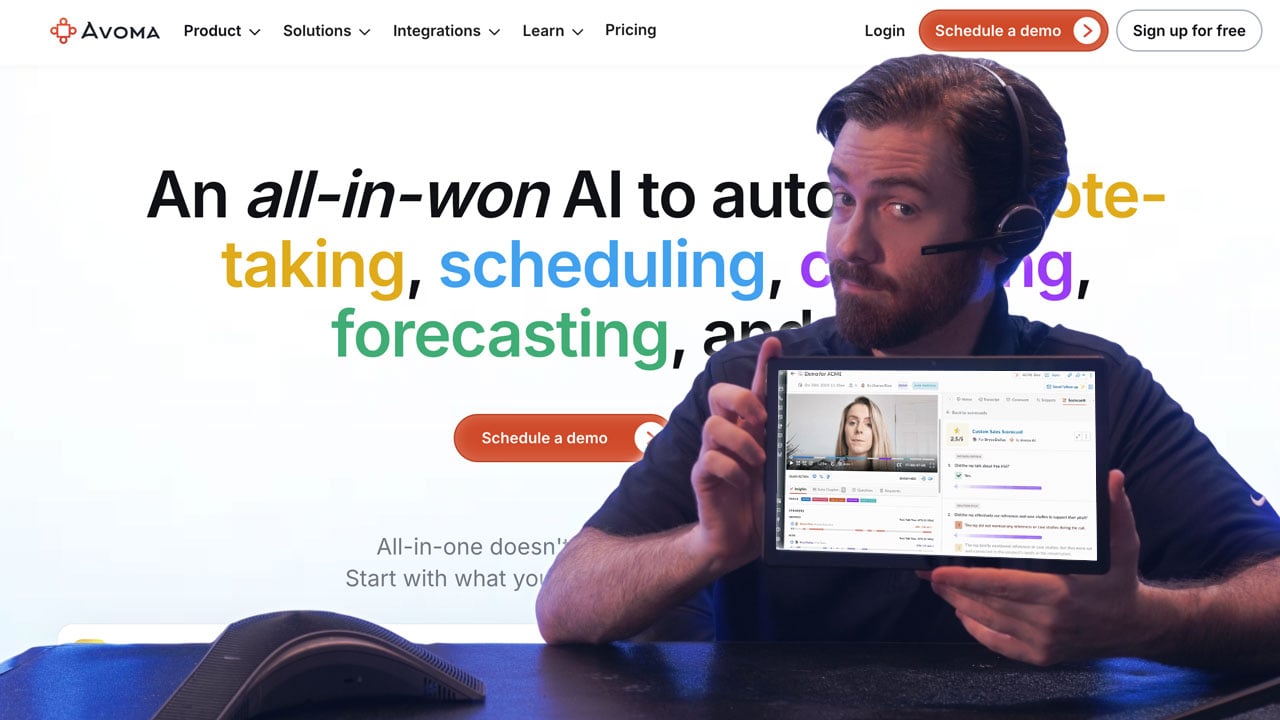
Avoma is a meeting intelligence platform covering the full meeting lifecycle from pre-call preparation to post-call CRM sync. It joins video meetings across Zoom, Google Meet, and Microsoft Teams, transcribes conversations in real time, applies AI to extract topics and action items, and pushes structured notes back to CRM. Phone calls are supported through integration with VoIP systems.
The platform organizes meetings into a searchable library where users can filter by topic, speaker, sentiment, or custom smart tags the AI assigns automatically. Pre-meeting tools include agenda templates tied to specific meeting types (discovery, demo, renewal conversations), and post-meeting features cover automated note generation, action item tracking, and coaching dashboards. The CRM sync is where Avoma shows its value for sales teams: notes, next steps, and deal-relevant content update the right records automatically, eliminating the manual post-call admin that reps routinely skip.
Avoma is positioned for small and mid-size sales, customer success, and revenue operations teams that need genuine meeting intelligence at an accessible price point. Feature depth rivals enterprise platforms for the meeting-capture use case, while pricing and implementation stay lightweight enough for teams without dedicated procurement cycles. It's particularly strong for B2B SaaS companies running a lot of video meetings where keeping CRM data clean is a persistent operational problem.
Key Features
- Automated meeting transcription and AI note-taking across video and phone calls
- Post-meeting CRM sync pushing notes and action items to the relevant record
- Conversation intelligence tracking talk time, topics, and engagement patterns
- Pre-meeting agenda templates and preparation tools
- Deal intelligence and coaching features on higher tiers
- Integration with Zoom, Google Meet, Teams, Salesforce, and HubSpot
Pricing
Plans from $19 per user per month. Higher tiers unlock advanced conversation intelligence, deal analytics, and coaching features.
Integrations
Salesforce, HubSpot, Pipedrive, Zoom, Google Meet, Microsoft Teams, Slack, Outreach, Salesloft, and calendar apps.
Pros
- Strong price-to-value ratio against enterprise conversation intelligence tools
- Automatic CRM sync eliminates manual post-meeting updates
- Covers the full meeting lifecycle from prep to follow-up
Cons
- Analytics depth does not match Gong for enterprise use cases
- Transcription accuracy can vary with heavy accents or poor audio
- Integration ecosystem is narrower than more established platforms
Best For
Small to mid-size sales teams that want reliable meeting transcription, automated CRM updates, and basic conversation intelligence without the cost and complexity of enterprise platforms.
Fireflies.ai - Best for Widely-Adopted AI Meeting Notes
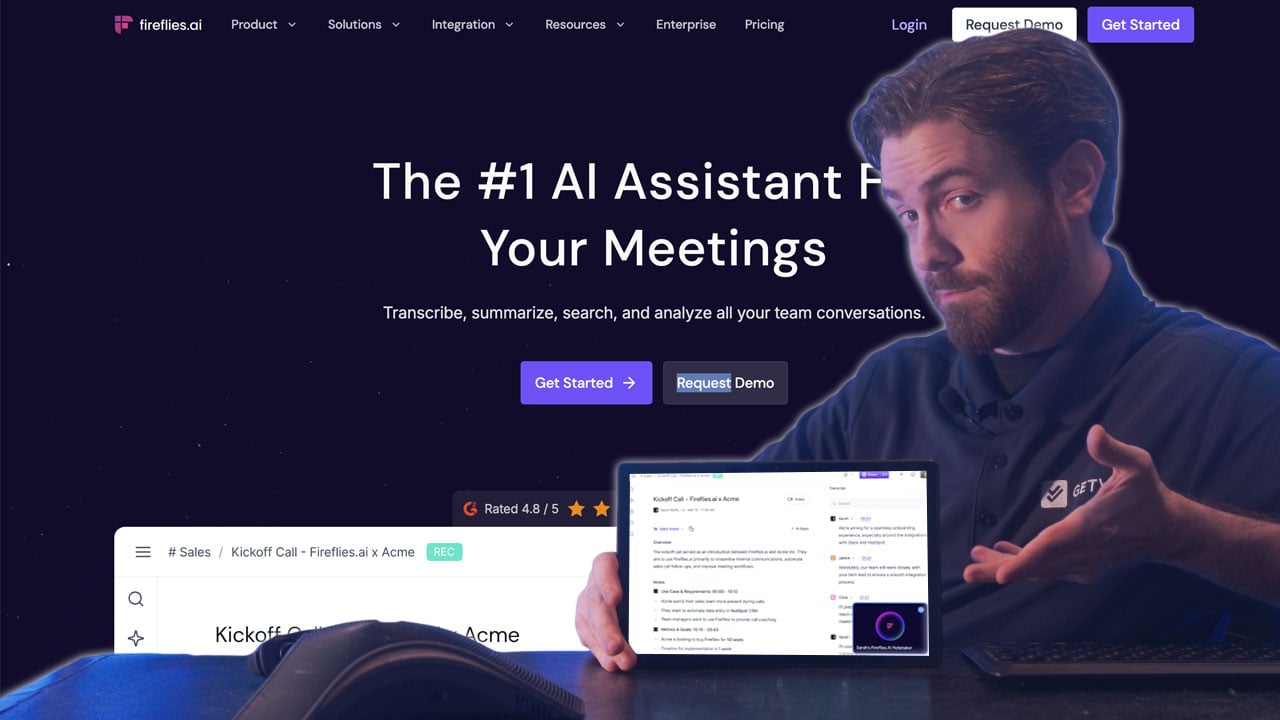
Fireflies.ai is an AI notetaker that joins meetings across Zoom, Google Meet, Microsoft Teams, and phone calls, transcribes conversations in 100+ languages, and generates AI summaries with action items and highlights after each call. Its installed base runs into the millions of users, with strong adoption among sales teams, revenue operations, and any role where meeting follow-through matters.
AskFred is the product's standout AI feature. It's a ChatGPT-style assistant trained on your meeting history, so users can ask questions like "What did John commit to in the pricing call last week?" or "Show me every objection raised across Acme Corp meetings this quarter" and get back answers with timestamps and direct links to the relevant recordings. Super Summaries provide structured post-meeting outputs with keywords, action items, and topic breakdowns. In-meeting, Fireflies offers real-time bullet-point note generation and a Perplexity-powered web search assistant that can answer factual questions mid-call without interrupting flow.
Fireflies is built for sales and customer-facing teams that want AI meeting notes without enterprise pricing or implementation overhead. The free tier gets individual users started in minutes, paid tiers unlock CRM integrations and higher-volume AI usage, and the platform scales up to team-wide deployments with admin controls and security features. It's particularly common in SMB and mid-market sales teams where standardizing on one meeting intelligence tool matters more than having the deepest feature set.
Key Features
- Unlimited transcription on all paid plans across Zoom, Teams, and Google Meet
- AskFred AI assistant for querying across all past meetings and getting answers with timestamps
- AI Super Summaries with keywords, outline, overview, action items, and notes
- Real-time bullet-point notes generated during live calls
- Talk to Fireflies in-meeting web search powered by Perplexity AI
- Support for transcription in 100+ languages
- Native CRM integration with Salesforce, HubSpot, and Slack on paid tiers
Pricing
Free plan includes 800 minutes of storage and limited AI features. Pro at $10 per user per month (annual billing, $18 monthly). Business at $19 per user per month (annual, $29 monthly). Enterprise at $39 per user per month (annual). AI-powered features consume credits, with additional credit bundles available for purchase.
Integrations
Salesforce, HubSpot, Pipedrive, Zoom, Google Meet, Microsoft Teams, Slack, Notion, Asana, Zapier, and 60+ other tools on paid tiers.
Pros
- Unlimited transcription across paid plans is rare in the category
- AskFred is one of the stronger AI meeting assistants available
- Large user base supports mature integrations and workflow templates
Cons
- AI credit system can create unpredictable costs for heavy users
- Key integrations like Salesforce start only on Pro tier
- Visible bot joining calls can feel intrusive in sensitive conversations
Best For
Sales and customer-facing teams that want broadly-capable AI meeting notes with strong CRM integrations, at a price point most teams can justify without enterprise procurement.
Fathom - Best Free Meeting Notes Tier
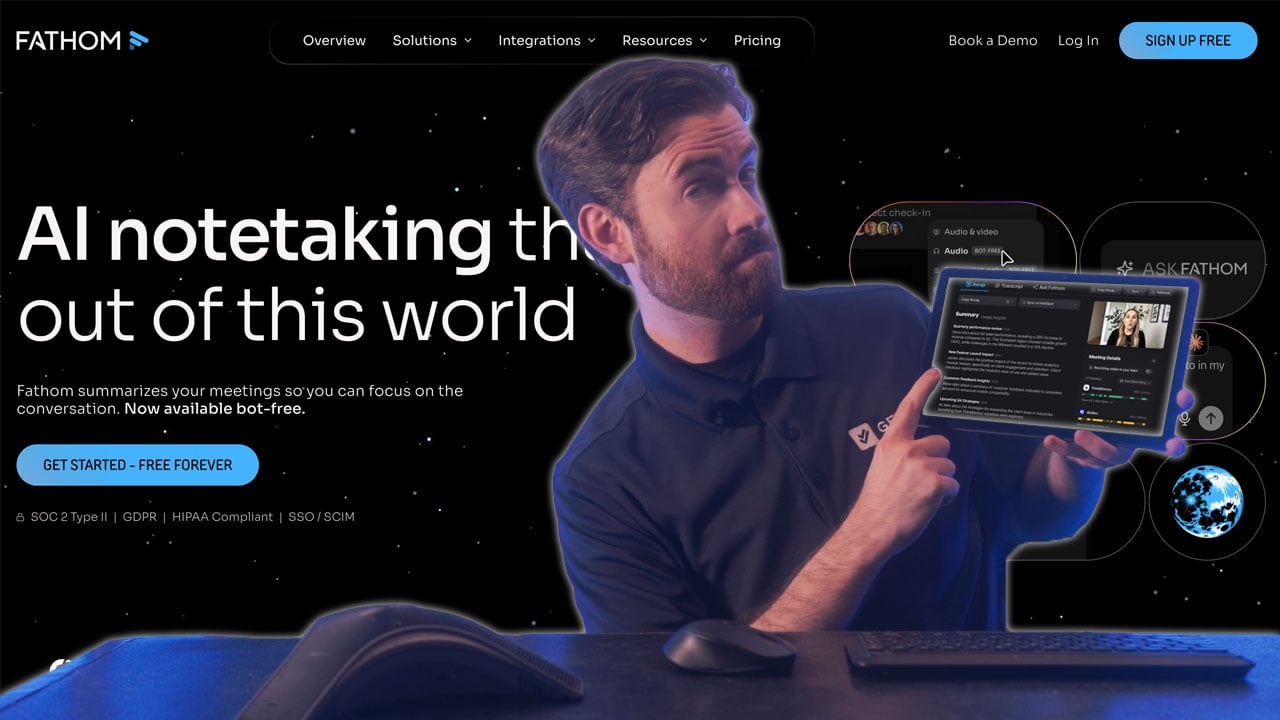
Fathom is an AI meeting assistant that joins calls across Zoom, Google Meet, and Microsoft Teams to record, transcribe, and summarize conversations automatically. The product is designed to be the lowest-friction way to get AI meeting notes into your workflow, with a generous free tier that includes unlimited recording, transcription, and storage from the moment you sign up.
The AI output is organized around customizable summary templates. Fathom ships with 15+ pre-built templates covering common frameworks (BANT, MEDDIC, Sandler, discovery calls, customer success check-ins) and lets users create custom templates for their own meeting types. Ask Fathom provides a ChatGPT-style interface for querying across all past meetings, and the Business tier adds coaching metrics, AI scorecards, and field-level sync with Salesforce and HubSpot (updating CRM fields directly from call content rather than just attaching notes).
Fathom is built for individual reps, small teams, and account executives who want AI meeting notes without committing to enterprise pricing or complex rollouts. The free tier makes it easy to start before escalating a procurement conversation, and the paid tiers scale cleanly from solo use up through teams that need CRM field sync and coaching features. It's particularly well-suited to consultants, founders, and sales professionals running high meeting volumes where note-taking fatigue is a real productivity drain.
Key Features
- Unlimited recording, transcription, and storage on the free plan
- AI summaries with 15+ templates including BANT, Sandler, and custom frameworks
- Ask Fathom ChatGPT-like interface for querying past meetings
- Automated action item and next-step extraction
- CRM field sync with Salesforce and HubSpot on Business tier
- Coaching metrics and AI scorecards on Business tier
- Works across Zoom, Google Meet, and Microsoft Teams
Pricing
Free plan with unlimited recording and 5 advanced AI summaries per month. Premium at $15 per user per month (annual, $20 monthly) for unlimited AI summaries. Team at $15 per user per month (annual, 2-user minimum). Business at $25 per user per month (annual) with CRM field sync and coaching metrics.
Integrations
Salesforce and HubSpot (native CRM field sync on Business tier), Zoom, Google Meet, Microsoft Teams, Slack, Asana, and Zapier on all paid plans.
Pros
- Most generous free tier in the category with no time limits on recording
- Clean AI-generated summaries with usable framework templates
- Simpler and faster to adopt than enterprise platforms
Cons
- CRM field sync requires Business tier, limiting value on lower plans
- Visible bot joins every meeting with no stealth mode option
- Feature set is lighter than dedicated conversation intelligence tools
Best For
Individual reps, founders, and small teams that want AI meeting notes without committing to a paid plan on day one, plus teams already on HubSpot or Salesforce who want CRM field sync at a low price.
Sybill - Best for Post-Call Buyer Intelligence
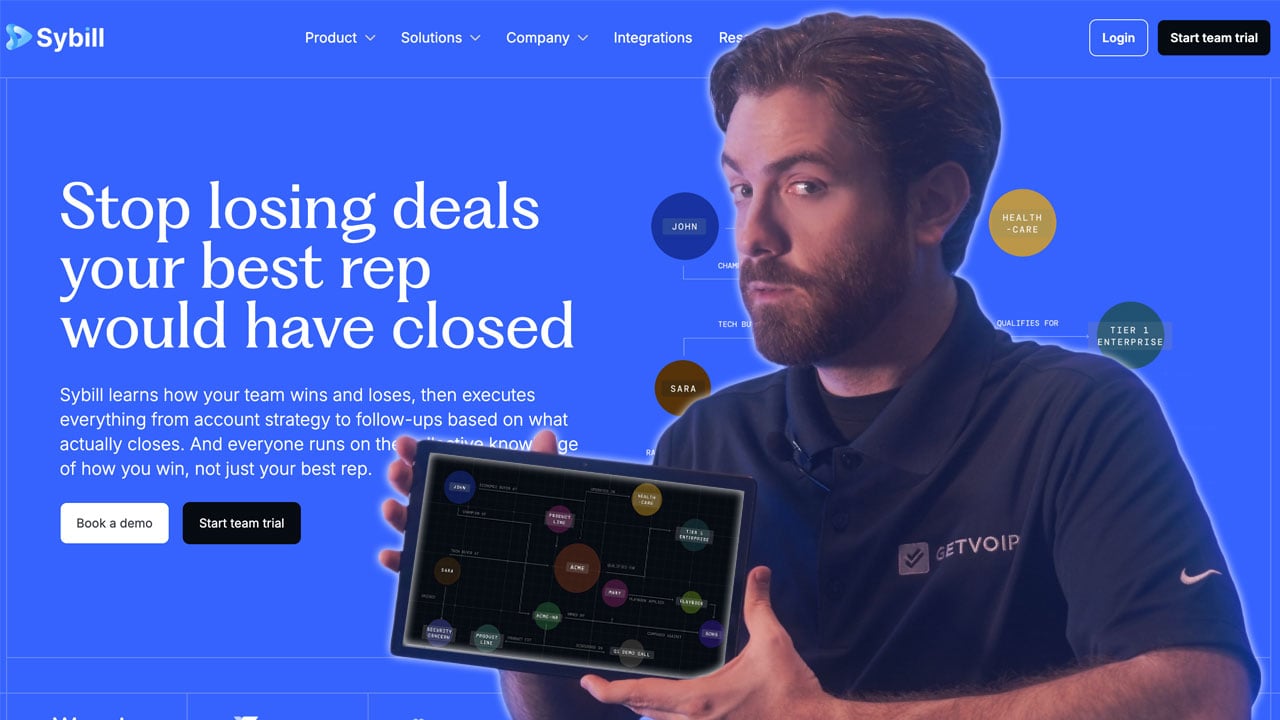
Sybill is an AI assistant for revenue teams that focuses on capturing what happens in sales calls and turning it into action. The platform transcribes meetings, generates structured summaries, extracts buyer behavior signals, and writes the outputs back into CRM and follow-up emails without manual work from reps.
The platform's distinguishing feature is its behavioral analysis layer. Standard meeting tools tell you what was said; Sybill analyzes how the prospect engaged (which topics generated the most interest, where energy dropped, whether stakeholders showed buying signals or polite disengagement), and ties those observations to the call summary. Post-call outputs are CRM-ready, with structured notes that update Salesforce or HubSpot deal records directly and AI-drafted follow-up emails that reference specific moments from the conversation. For account executives running longer discovery cycles, this combination turns calls into richer inputs for the next step of the deal.
Sybill is positioned for B2B sales reps and account executives whose sales motion relies on understanding buyer psychology, not just capturing talking points. It works best for discovery-heavy, consultative sales where reading engagement signals informs whether to accelerate, slow down, or change strategy on a deal. Teams running shorter transactional sales may find the behavioral layer less relevant than teams where every deal takes months and stakeholder reading matters.
Key Features
- AI call summaries capturing both content and buyer engagement signals
- Behavioral analysis identifying topics that generated the most prospect interest
- CRM-ready structured notes pushed automatically after each call
- AI-generated follow-up emails based on call content
- Deal intelligence tracking stakeholder engagement across conversations
- Integration with Salesforce, HubSpot, Zoom, and major sales engagement tools
Pricing
Free plan with limited features. Paid plans from $49 per user per month. Enterprise pricing available for larger teams.
Integrations
Salesforce, HubSpot, Zoom, Google Meet, Microsoft Teams, Slack, Outreach, Salesloft, and Gong.
Pros
- Buyer behavior analysis adds context beyond standard transcription
- CRM-ready notes eliminate post-call formatting work
- Follow-up email generation reduces post-call admin time
Cons
- Narrower feature set than full conversation intelligence platforms
- Behavioral signals are most useful on longer calls, less so on short check-ins
- Smaller track record than established competitors like Gong or Chorus
Best For
Sales reps in discovery-heavy sales cycles who want richer post-call insight than basic transcription provides, particularly in B2B SaaS where understanding buyer engagement patterns informs next steps.
Granola - Best for AI-Enhanced Note Taking
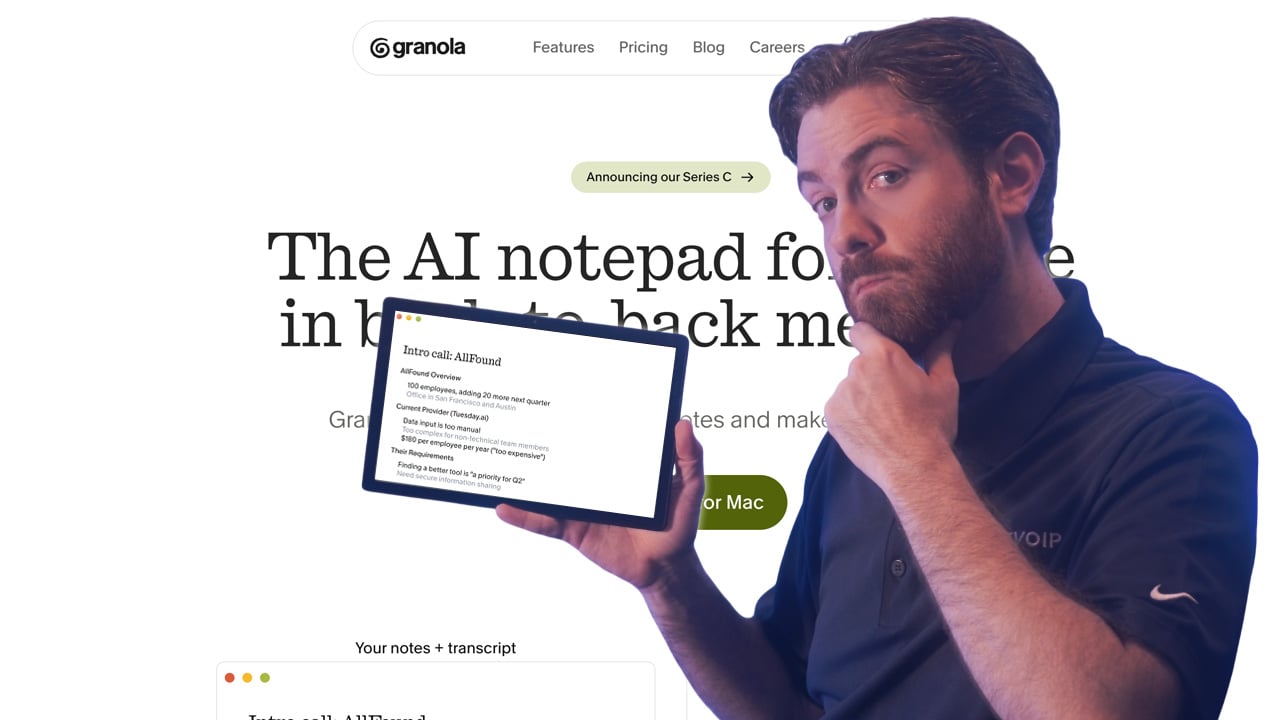
Granola is an AI-powered notepad that sits quietly on your desktop during meetings and works alongside your own note-taking instead of replacing it. You jot down brief observations during the call as you would normally, and after the meeting ends, Granola uses the audio it captured locally to expand those notes into a complete, structured summary that reads like you wrote it yourself.
The defining design choice is that Granola doesn't send a visible recording bot into the meeting. It runs on the user's device, captures system audio locally, and processes it after the call ends. That means no awkward moment where a prospect sees a bot join and asks about it, no impact on call rapport in sensitive conversations, and no need to ask participants for permission to record a visible third party. Users pick from custom note templates for different meeting types (sales calls, customer interviews, one-on-ones, stand-ups), and the AI matches the expanded output to the template format.
Granola is positioned for individual contributors, founders, consultants, sales professionals, and anyone whose meetings are high-stakes enough that a visible recording bot would feel intrusive. It works well for people who already take their own notes and want AI to fill in the gaps, rather than those who want a tool to fully replace manual note-taking. The Mac-first product experience is polished, with expanding support for other platforms.
Key Features
- AI-enhanced note expansion that builds on your own notes rather than replacing them
- No meeting bot required, removing friction in sensitive or client-facing calls
- Structured post-meeting summaries with action items and key decisions
- Custom note templates for different meeting types
- Works across Zoom, Google Meet, Teams, and in-person meetings
- Available primarily on Mac with expanding cross-platform support
Pricing
Free plan available. Paid plans start at $14 per user per month. Team plans available for collaborative workspaces.
Integrations
Zoom, Google Meet, Microsoft Teams, Slack, Notion, Linear, and HubSpot. CRM integration depth is lighter than platforms like Fathom or Avoma.
Pros
- No visible meeting bot creates a more discreet and natural meeting experience
- Note expansion feels personal rather than AI-generated
- Low price point is accessible for individual contributors
Cons
- Lighter feature set than full meeting intelligence platforms
- Primarily optimized for Mac at launch
- Does not offer deep CRM sync like Avoma or Fathom Business
Best For
Individual contributors, founders, and consultants who want AI-enhanced meeting notes without the setup, cost, or visibility of a full meeting intelligence platform.
Lavender - Best for Outbound Email Quality
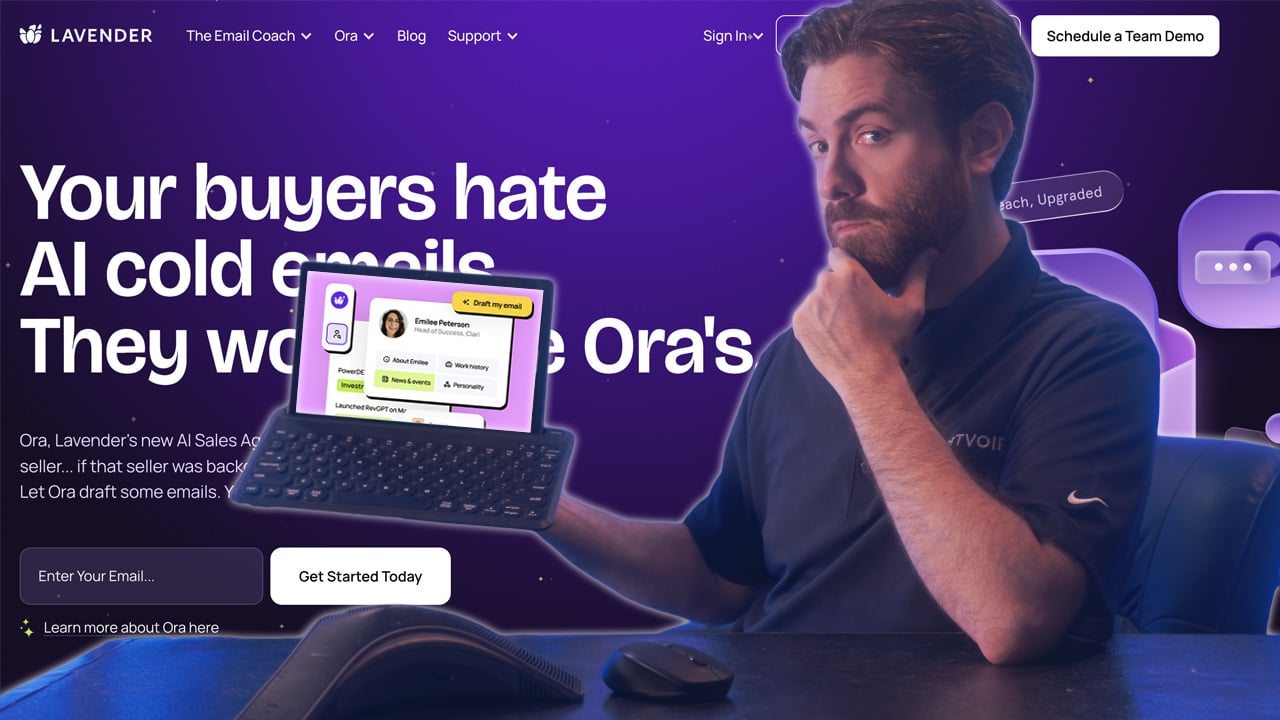
Lavender is an AI email coaching tool that lives inside Gmail and Outlook and scores sales emails in real time as reps write them. It analyzes factors correlated with higher reply rates (length, reading level, subject line quality, mobile readability, personalization density) and provides specific suggestions in the compose window before the email is sent, not after a campaign has already run.
The product is built around data from Lavender's email performance research across millions of sales emails. The scoring algorithm surfaces concrete recommendations (shorten this paragraph, simplify this subject line, add a personalization hook, rewrite for mobile) rather than abstract feedback. A personalization panel pulls prospect data from LinkedIn and other sources to suggest specific angles, and a mobile preview shows exactly how the email will render on a phone screen before sending, which matters because most sales emails are now first opened on mobile. Manager dashboards aggregate email quality across the team, surfacing which reps need coaching and which templates are underperforming.
Lavender is built for outbound sales reps, SDRs, and account executives who want to improve email reply rates without changing their existing tools. Because it overlays the inbox and integrates with Outreach, Salesloft, and Apollo, adoption doesn't require a platform switch or new workflow. It's especially valuable for teams scaling outbound motions where rep skill levels vary and consistent email quality is the bottleneck on pipeline generation.
Key Features
- Real-time email scoring based on factors correlated with higher reply rates
- Subject line analysis and suggestions for improving open rates
- Personalization prompts pulling prospect data to inform relevant outreach angles
- Mobile preview showing how emails render on phone screens before sending
- Manager dashboards surfacing team-wide email quality trends and coaching opportunities
- Integration with Gmail, Outlook, Outreach, Salesloft, and Apollo
Pricing
Plans starting from $27 per user per month. Team plans available with manager reporting and coaching features.
Integrations
Gmail, Outlook, Outreach, Salesloft, Apollo, HubSpot Sales, and Salesforce. Works as a browser extension on top of your existing email workflow.
Pros
- In-inbox delivery creates the lowest adoption friction of any tool on this list
- Real-time coaching improves emails before they are sent
- Manager dashboards provide coaching visibility without call review
Cons
- Focused only on email and does not address other parts of the sales workflow
- Scoring model reflects general best practices that may not match every audience
- Free tier is limited enough that most serious users need a paid plan
Best For
Sales reps and managers who want to improve outbound email quality and reply rates without changing their existing email platform or sales engagement tool.
Apollo.io - Best for Single-Platform Outbound
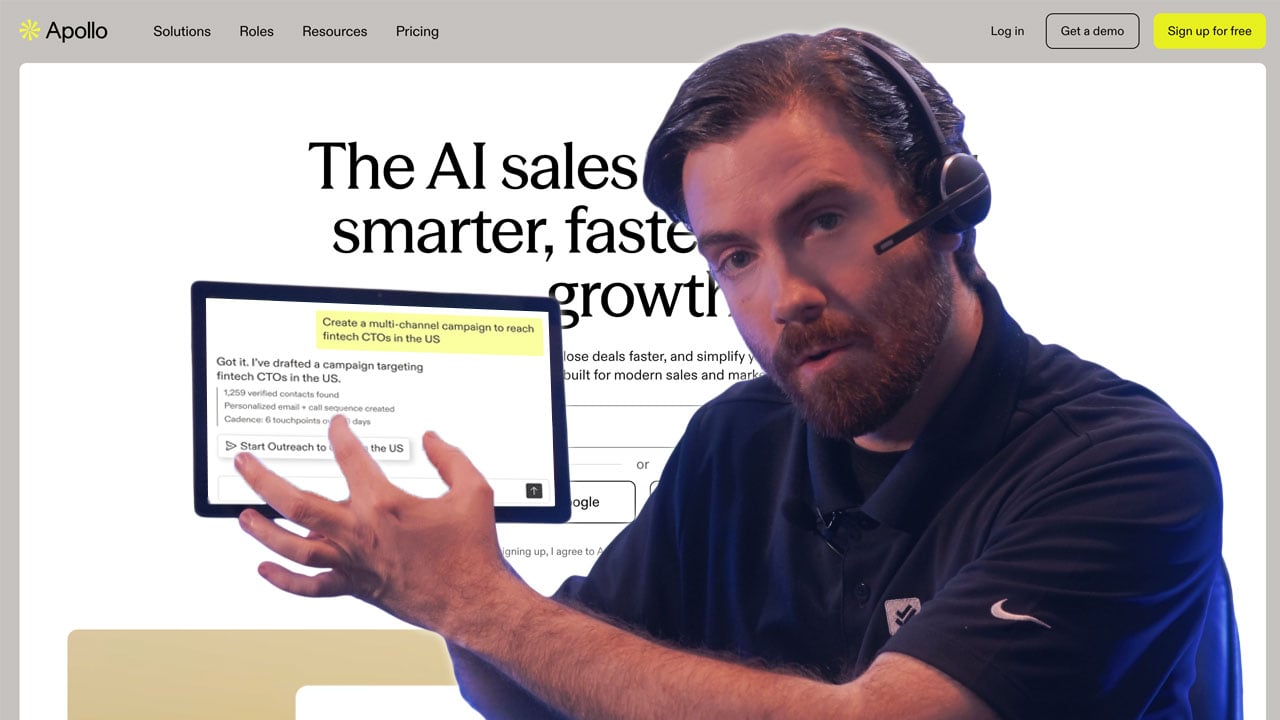
Apollo.io is a go-to-market platform that combines a 275 million-contact B2B database with multi-channel sequencing, conversation intelligence, and AI assistance in a single subscription. It's designed as a one-stop shop for outbound sales motions, covering prospecting, enrichment, outreach, call recording, and analytics in one interface.
The AI layer runs across the product. Apollo's email assistant drafts outreach messages based on prospect context pulled from LinkedIn, company news, and technographic data. Sequence recommendations tune cadences based on what's actually getting responses, and the conversation intelligence module records and analyzes sales calls, surfacing objections and competitor mentions across the team's call library. Intent data highlights accounts researching relevant topics in real time, and the built-in dialer lets reps cold call straight from the platform without switching tools.
Apollo is built for outbound sales teams, SDRs, and full-cycle reps building or scaling outbound motions. The platform's breadth makes it an efficient starting point for companies where one tool replacing three or four separate subscriptions (data provider, sequencer, dialer, conversation intelligence) delivers real cost savings. It's particularly popular with startups and mid-market sales teams that don't have the budget or procurement capacity for enterprise-tier point solutions across every category.
Key Features
- 275 million-plus contact and company database with search and filtering
- Multi-channel outreach sequencing with email, LinkedIn, and calling steps
- AI-assisted email writing and sequence recommendations
- Engagement tracking and lead scoring based on prospect behavior
- Conversation intelligence on recorded sales calls
- CRM sync with Salesforce, HubSpot, and other major platforms
Pricing
Free tier available. Paid plans from $49 per user per month. Enterprise pricing available for larger teams.
Integrations
Salesforce, HubSpot, Gmail, Outlook, LinkedIn Sales Navigator, Outreach, Salesloft, Slack, and Zapier. Apollo also offers a Chrome extension for prospecting directly from LinkedIn.
Pros
- All-in-one database and sequencing reduces tool sprawl
- Accessible pricing with a genuine free tier
- Large contact database covers most B2B markets
Cons
- Data accuracy varies and may require verification for high-stakes outreach
- AI features are useful but not the deepest in any single category
- Interface can feel dense for teams using only part of the platform
Best For
Outbound sales teams that want prospecting data, enrichment, and sequence execution in one subscription, particularly teams building an outbound motion for the first time.
Salesforce Einstein - Best for Salesforce Customers
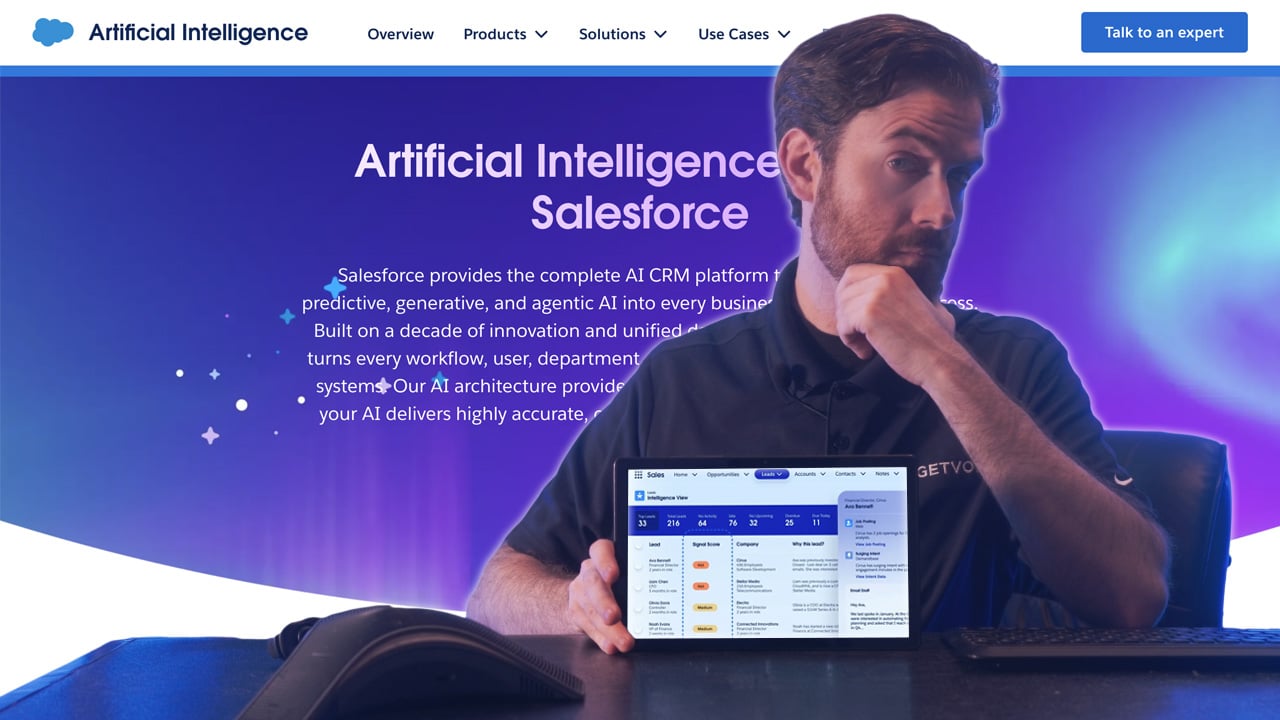
Salesforce Einstein is the AI layer embedded across the Salesforce platform, covering lead scoring, opportunity insights, activity capture, email generation, forecasting, and conversational AI through the Agentforce suite. For sales teams running their process inside Salesforce, Einstein extends the CRM with predictive and generative AI capabilities without requiring another tool or a separate data pipeline.
The functionality spans the full sales workflow. Einstein Lead Scoring and Opportunity Scoring rank pipeline based on historical deal patterns, activity signals, and engagement data, helping reps prioritize. Einstein Activity Capture logs emails and calendar events automatically, eliminating a major source of manual CRM entry. Einstein Conversation Insights records and analyzes sales calls, and the newer Agentforce agents handle autonomous workflows like lead qualification, outbound sequencing, and service case resolution. Generative AI features draft emails, summarize calls, and generate content inside the Salesforce UI using data already in the CRM.
Salesforce Einstein is built for organizations running their sales motion inside Salesforce at scale. The value compounds with Salesforce investment: basic Salesforce customers get lead scoring and core recommendations, while teams on Enterprise and Unlimited editions with relevant add-ons unlock predictive forecasting, autonomous agents, and the full generative AI toolset. It's a natural fit for enterprise sales organizations where Salesforce is already the system of record.
Key Features
- Lead and opportunity scoring based on CRM activity and engagement patterns
- AI-generated email drafts and follow-up suggestions inside Salesforce
- Predictive forecasting using historical and current pipeline data
- Automated activity capture reducing manual CRM data entry
- Agentforce agents for automated outreach, lead qualification, and service workflows
- Native integration across the full Salesforce product suite
Pricing
Included with relevant Salesforce plans. Einstein and Agentforce add-ons available at additional cost. Total pricing depends on Salesforce edition and selected add-ons.
Integrations
Native across the full Salesforce ecosystem including Sales Cloud, Service Cloud, Marketing Cloud, Slack, Tableau, and MuleSoft. AppExchange connects to thousands of third-party tools.
Pros
- Native CRM integration with no additional data pipeline to manage
- Zero adoption friction for teams already working inside Salesforce
- Scales with the Salesforce suite as team needs grow
Cons
- Full AI capability requires higher Salesforce tiers and add-on costs
- Limited value for teams not deeply embedded in Salesforce
- AI quality in some areas trails best-in-class standalone tools
Best For
Salesforce-heavy sales teams that want AI embedded directly in their existing CRM workflow without managing a separate tool, particularly organizations already invested in the Salesforce ecosystem.
HubSpot Breeze - Best for HubSpot Customers
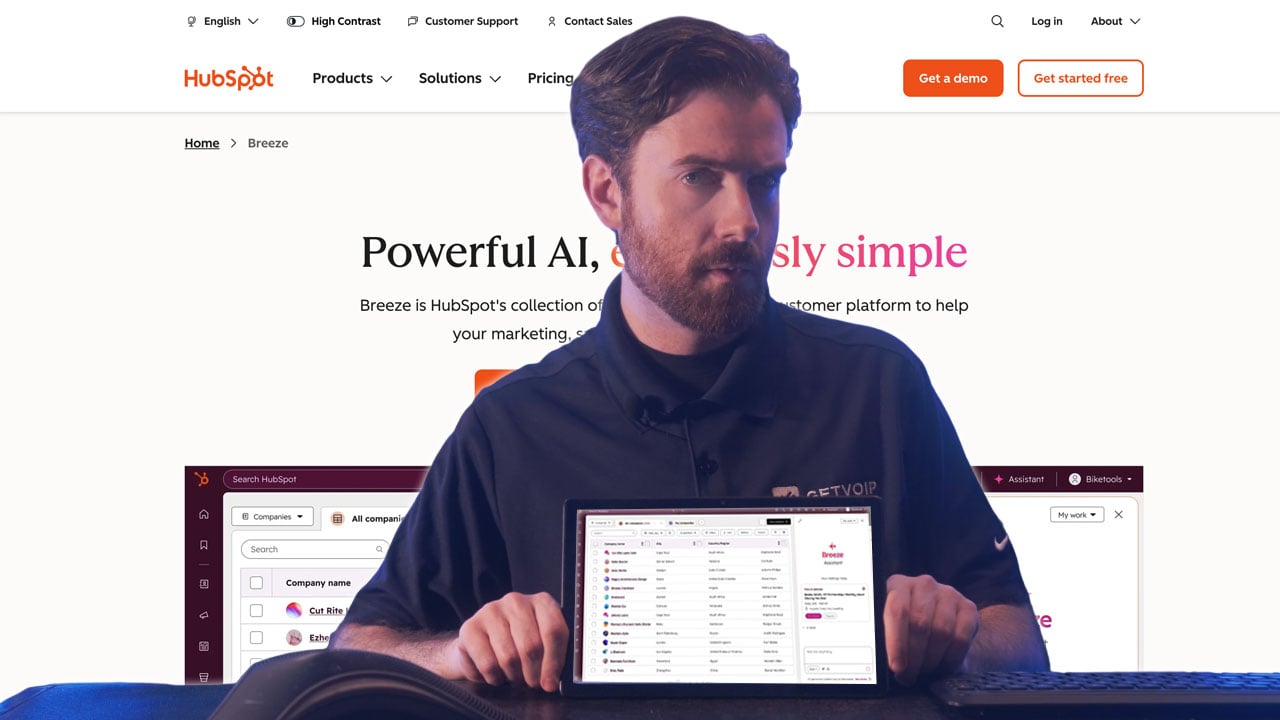
HubSpot Breeze is HubSpot's suite of AI agents and copilots embedded across the CRM, marketing, sales, and service products. It spans four capability areas: a conversational Copilot that lives inside the HubSpot interface, a library of Breeze Agents (Prospecting, Content, Social Media, Customer) that handle autonomous workflows, Breeze Intelligence for contact enrichment and buyer intent, and AI features built into individual tools like email, meetings, and deal management.
The Breeze Prospecting Agent analyzes your existing customer data and ICP definition to surface recommended contacts and companies, giving outbound teams a starting point for list building without leaving the CRM. AI-generated email drafts and follow-up suggestions pull deal context from the CRM record, producing output that references real conversation history rather than generic templates. Meeting summarization captures action items and key decisions and syncs them to contact and deal records automatically. Breeze Copilot acts as a chat-style assistant across the HubSpot UI, answering questions about deals, generating content, and triggering workflows through conversation.
HubSpot Breeze is designed for teams that run sales and marketing in HubSpot and want AI to enhance the workflows they already have. The value compounds when marketing, sales, and service all operate on HubSpot data, since Breeze can reason across the full customer journey rather than just one function. It's a strong fit for SMB and mid-market revenue teams standardized on HubSpot who want AI assistance without adding another vendor to the stack.
Key Features
- Breeze Prospecting Agent surfacing recommended contacts and companies based on ICP data
- AI-generated email drafts and follow-up suggestions drawing on CRM deal context
- Meeting summarization and action item capture synced to contact and deal records
- Deal insights and next-step recommendations based on pipeline activity
- Breeze Copilot for conversational AI across the HubSpot interface
- Native integration across HubSpot's CRM, marketing, and service hubs
Pricing
Included with relevant HubSpot plans. Some Breeze features require higher tiers. Total pricing depends on the HubSpot edition and seats.
Integrations
Native across the full HubSpot ecosystem including CRM, Marketing Hub, Sales Hub, Service Hub, and Operations Hub. HubSpot App Marketplace connects to 1,500+ third-party tools.
Pros
- Fully embedded in HubSpot with no additional integration required
- Covers prospecting, email, and meeting intelligence in one place
- Prospecting recommendations improve with more CRM data over time
Cons
- Most useful for HubSpot customers, with limited value as a standalone tool
- AI depth in individual categories does not match best-in-class standalone tools
- Some advanced Breeze features require higher HubSpot tiers
Best For
HubSpot customers who want AI assistance across their sales workflow without adding tools outside the platform, particularly teams where marketing and sales run in the same HubSpot instance.
Pipedrive AI - Best for Simple Pipeline Management
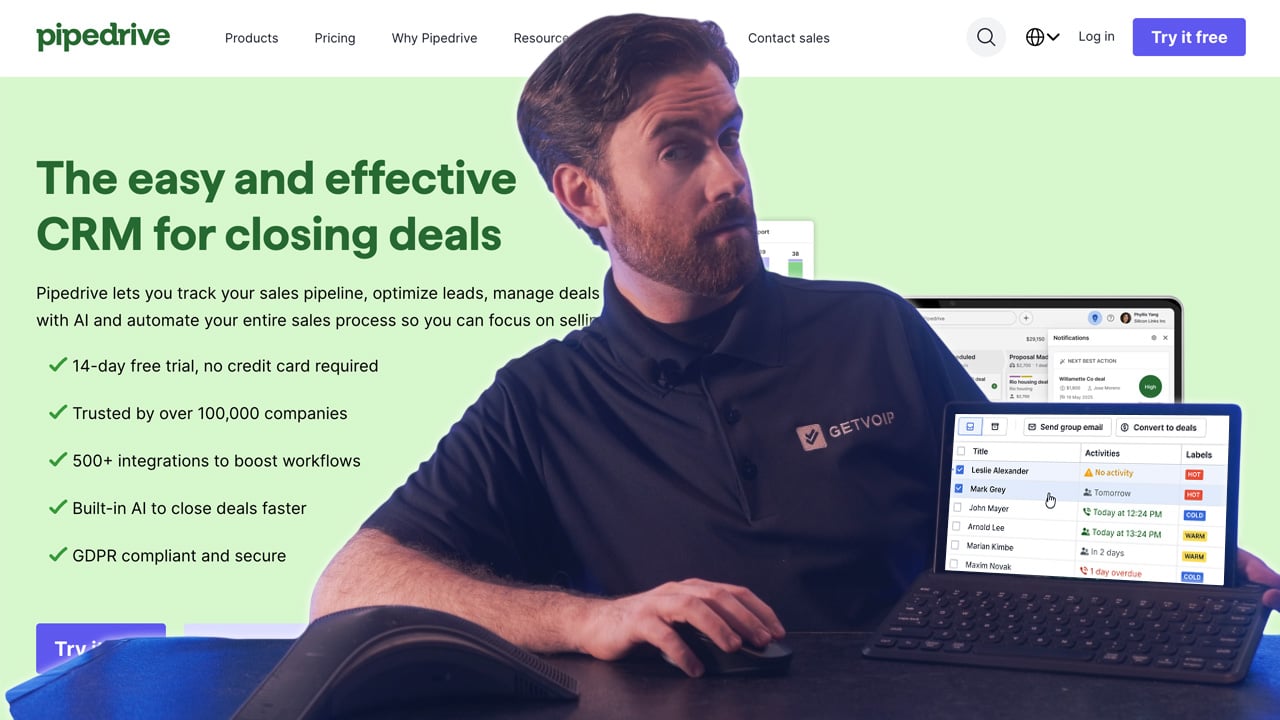
Pipedrive is a sales CRM built around visual pipeline management, with AI assistance layered in to help reps prioritize activity and move deals forward. The platform's core strength is its Kanban-style deal view that makes pipeline visibility immediate and intuitive, and the AI features are designed to enhance that view rather than compete with it for attention.
The AI Sales Assistant acts as a personal productivity coach for reps. It surfaces deal health signals, recommends specific next actions based on deal stage and activity history, and flags deals at risk of stalling due to inactivity. Win probability scoring runs on historical deal patterns from your account, so recommendations get sharper over time as the AI learns your sales motion. The AI Email Composer drafts outreach and follow-up messages based on deal context, and Smart Contact Data automatically enriches contact records with publicly available information. Automation rules connect AI recommendations directly to workflow triggers, so actions the AI suggests can be automated rather than manually executed.
Pipedrive is positioned for small and mid-size sales teams that want a CRM they can set up in a day rather than a month. The simplicity is genuinely a product feature: teams without dedicated sales ops or admin resources get working AI assistance without configuration overhead. It's a strong fit for early-stage startups, SMBs, and sales teams of 5 to 50 reps who want practical AI embedded in a clean, visual CRM interface.
Key Features
- AI Sales Assistant surfacing deal health signals and recommended next actions
- Win probability scoring based on historical deal patterns
- Automated activity reminders keeping pipeline moving without manual tracking
- AI-powered email writing assistance for follow-ups and outreach
- Reporting and forecasting with AI-assisted insights on pipeline trends
- Integration with email, calendar, and communication tools
Pricing
Plans from $14 per user per month. Higher tiers unlock advanced AI features and automation.
Integrations
Gmail, Outlook, Google Workspace, Microsoft 365, Slack, Zoom, Zapier, and 500+ other tools via the Pipedrive Marketplace.
Pros
- Simple setup and intuitive interface suits teams without dedicated sales ops
- Accessible pricing viable for small teams and early-stage companies
- AI deal guidance surfaced directly in the pipeline view
Cons
- AI depth does not match enterprise CRMs like Salesforce for complex workflows
- Limited customization compared to more flexible CRM platforms
- Integration ecosystem is narrower than Salesforce or HubSpot
Best For
Small to mid-size sales teams that want an easy-to-use CRM with practical AI deal guidance built in, without the complexity or cost of enterprise CRM platforms.
How to Choose the Right AI Sales Assistant
The biggest mistake in evaluating these tools is treating them as interchangeable. They're built for different problems, and the right choice depends on where your workflow is actually breaking down.
Step 1: Identify Your Primary Bottleneck
Before evaluating any specific platform, identify which part of your sales workflow is causing the most friction. The category of tool you need follows directly from that answer.
- Meeting follow-through and CRM hygiene: Avoma, Fireflies, or Fathom for accessible pricing; Gong, Chorus, or Clari for enterprise depth
- Email quality and reply rates: Lavender is the clear choice with no meaningful competition in its specific category
- Call coaching and deal intelligence: Gong for enterprise, Dialpad for accessible pricing, Sybill for discovery-heavy motions
- Prospecting and list building: Apollo.io for single-platform breadth
- CRM-embedded assistance: Salesforce Einstein, HubSpot Breeze, or Pipedrive AI depending on which CRM you use
Step 2: Evaluate CRM Integration Depth
Integration quality often determines whether a tool gets used consistently. Native integrations keep the CRM as the source of truth without maintenance overhead. Tools requiring Zapier or manual workflows to move data create friction that compounds across a whole team.
Ask vendors specifically:
- Does the tool write back to CRM field-level, or only attach notes?
- Does it require a middleware layer like Zapier?
- Can it update deal stages or trigger workflows based on conversation signals?
The answers separate tools that become load-bearing from tools that get quietly abandoned six weeks in.
Step 3: Match Automation Depth to Team Maturity
Fully autonomous tools maximize efficiency but remove the judgment layer that matters in complex deals. Assistive tools keep the rep in control, which suits smaller teams and longer relationship-driven sales cycles. Neither approach is wrong, but mismatching creates friction. A 50-person enterprise sales team needs different automation than a five-person startup running founder-led sales.
Step 4: Consider Adoption Friction
In-inbox tools like Lavender have the lowest adoption friction because reps don't change where they work. Meeting intelligence tools require a habit change around recordings but become low-friction once established. CRM-embedded tools like Einstein and Breeze often need admin configuration to unlock full functionality. Gong and Clari require the most onboarding investment and benefit from having a clear internal owner driving adoption.
Step 5: Match Pricing Model to Team Size
Quote-based enterprise tools (Gong, Chorus, Clari) work for organizations with 20+ reps and procurement bandwidth for multi-quarter sales cycles. Per-seat monthly pricing (Avoma, Dialpad, Fireflies Business) suits growing teams that can approve a monthly expense without a committee. Free-tier options (Fathom, Fireflies Free, Apollo Free) let individuals test the category before asking for budget.
FAQs
AI sales assistants augment what a human rep does by handling surrounding tasks like note-taking, email coaching, and data enrichment while the rep stays in control of decisions and outreach. AI sales agents operate autonomously, taking actions end to end without human approval for each step.
Pricing ranges dramatically by category. Free tiers exist for individual use. Mid-market tools typically cost $15 to $50 per user per month. Enterprise conversation intelligence platforms typically cost $60 to $150+ per user per month with annual contracts and implementation services on top.
In-inbox and lightweight tools can be set up and useful within a day. Meeting intelligence tools typically take a week or two to establish consistent recording habits and CRM sync. CRM-embedded tools like Einstein and Breeze may require admin configuration over several weeks to unlock full functionality.
Yes, and in some cases they deliver more proportional value for small teams than large ones because each rep's time is more constrained. Tools like Apollo, Lavender, Avoma, and Pipedrive are specifically well-suited to smaller teams with accessible pricing and low setup overhead.