Medical front desks are breaking. Reception turnover runs north of 40% in most regions, patients expect 24/7 access, and a single missed call can cost a new-patient appointment worth thousands in lifetime value. HIPAA-compliant AI receptionists have moved from novelty to working tool in the last 18 months, with serious platforms now signing BAAs, integrating with major EHRs, handling scheduling and intake, and routing urgent calls to clinicians without leaking PHI into a public LLM.
The seven platforms below are the ones worth shortlisting in 2026. Each section covers what the tool does, where it falls short, what it costs, and which type of practice should pick it.
Quick Overview of Top HIPAA-Compliant AI Receptionists
- Best overall: DeepCura, for clinical workflow depth and the mid-call SMS fallback
- Best for high volume: CloudTalk with CeTe, for real telephony infrastructure
- Best hybrid AI plus human: Smith.ai, for clinical practices that need empathy on edge cases
- Best for specialty growth: Simbie AI, for women’s health and fertility
- Best for compliance-first buyers: Call Agent AI, when legal has veto power
- Best all-in-one AI staff: Sully.ai, for practices going AI-first across roles
- Most customizable: Greetmate.ai, for non-standard workflows
Below roughly 1,500 monthly calls, hybrid AI plus human models like Smith.ai often outperform pure-AI receptionists on two specific dimensions:
- Clinical accuracy on ambiguous symptom descriptions and medication questions
- Patient satisfaction when callers expect a human voice for sensitive issues
Pure AI scales better economically, but the gap between AI confidence and clinical correctness on edge cases stays wider than vendors admit.
For practices where a single misrouted urgent call is unacceptable, hybrid is the safer architecture until the underlying models improve another generation.
What Is a HIPAA-Compliant AI Receptionist?
A HIPAA-compliant AI receptionist is a voice AI agent that answers patient calls, books appointments, captures intake, processes refill requests, and escalates urgent issues to clinical staff, all while operating under a signed Business Associate Agreement with the practice.
The call flow is straightforward. The AI greets the patient, identifies intent (new appointment, reschedule, billing question, refill, urgent symptom), authenticates the caller against the EHR when needed, performs the requested action, and either resolves the call or transfers to a human. Every interaction generates a post-call summary that drops into the EHR or a task queue.
Compliance is the part most buyers underestimate. A vendor saying “we’re HIPAA-compliant" means nothing without:
- A signed BAA that explicitly covers call recordings, transcripts, and any AI training data
- Encryption in transit (TLS 1.3) and at rest (AES-256)
- Access controls and audit logs retained for at least six years
- Clear answers about which subcontractors touch PHI, including the underlying LLM provider
- Breach notification SLAs that match your state and federal obligations
Ask every vendor whether call transcripts are used to train shared models. If the answer is yes or vague, walk away. Ask whether the LLM provider (OpenAI, Anthropic, Google) is a named subcontractor on the BAA with appropriate flow-down terms. If they can’t produce documentation, walk away.
Breach liability still sits with you, the covered entity, even after the BAA is signed. The BAA shifts some financial recovery but not regulatory exposure. Treat vendor selection accordingly.
The 7 Best HIPAA-Compliant AI Receptionists
Ranking criteria: signed BAA and documented safeguards, EHR integration depth, call handling capability, pricing transparency, and specialty fit. Pricing is current as of early 2026 where publicly listed.
DeepCura

DeepCura is a clinically-aware AI receptionist built for practices that want intake, scheduling, and ambient clinical context in one tool. The flagship differentiator is its mid-call SMS fallback, which texts the patient a link to complete intake or confirm details when voice recognition struggles, and its ambient scribing layer that captures clinical context during the call.
The SMS fallback targets the data that voice recognition fumbles most in medical intake: medication names, member IDs, and date-of-birth verification. Shifting those to a secure text link keeps the structured data clean as it hits the chart, which is why intake-heavy practices tend to land here.
Key features
- Pre-built workflows for primary care, multi-specialty, and urgent care intake
- Mid-call SMS fallback for failed voice capture or complex data entry
- Ambient scribing that summarizes patient-stated symptoms into clinical notes
- Refill request handling with provider approval routing
- Native integrations with major EHRs including Epic, athenahealth, and eClinicalWorks
- Signed BAA with documented subcontractor flow-down
- After-hours triage with configurable urgent-symptom escalation
Pricing: Solo Provider pricing ranges from $129 per month to $999/year, with usage-based extra credit add-ons from $59/month for higher call volumes. EHR integration and ambient scribing are typically included in mid-tier plans.
Best for: Primary care and multi-specialty clinics that want clinical workflow depth without building it themselves.
Greetmate.ai
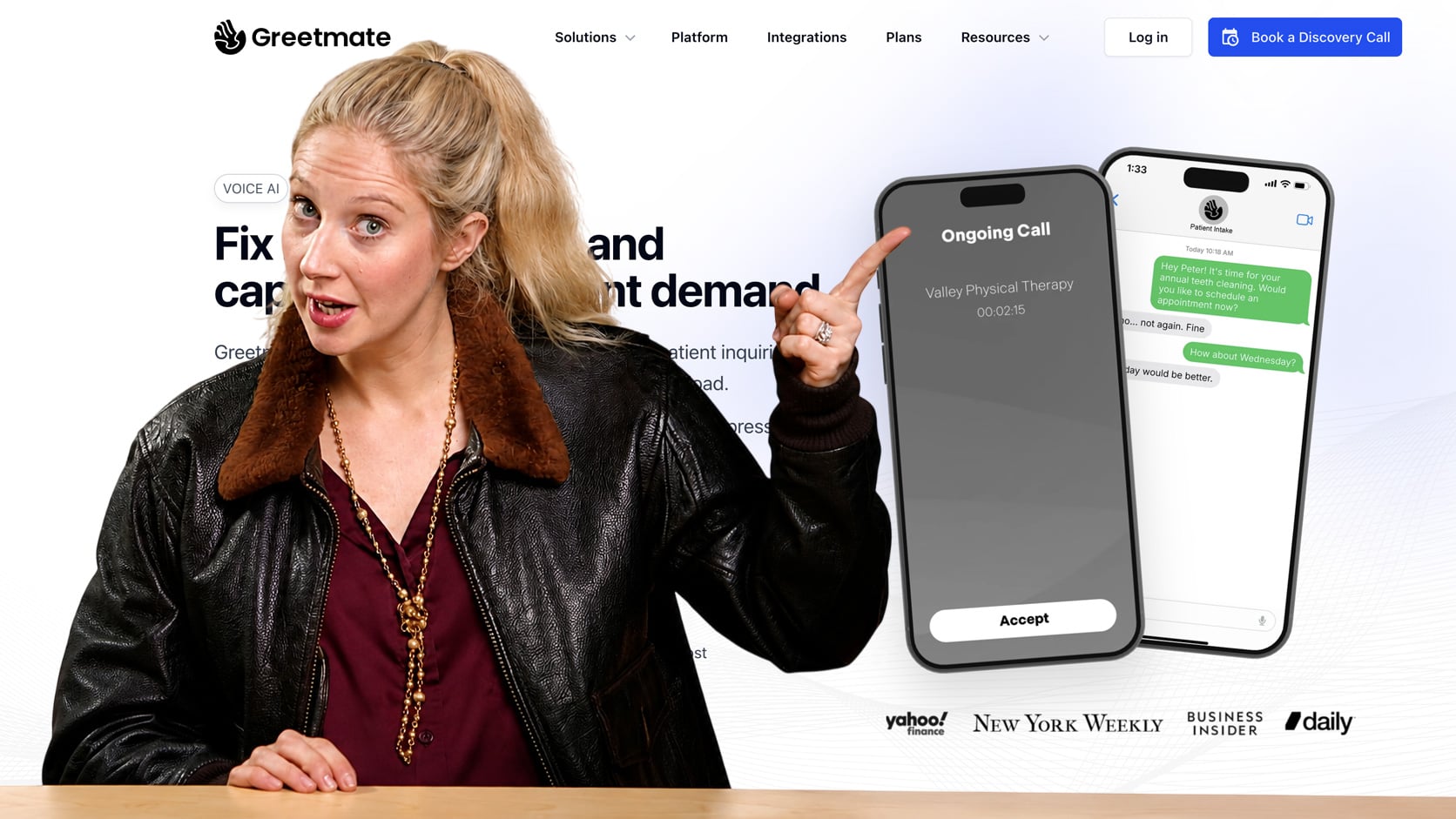
Greetmate.ai is the most flexible call flow builder on this list. Instead of shipping pre-built workflows, it gives you a drag-and-drop canvas to design exactly how calls move through intent detection, branching, EHR lookups, and handoffs. Practices with unusual intake forms or specialty-specific routing tend to land here.
That same build-it-yourself flexibility extends to compliance -- because you configure how each flow handles patient data, responsibility for scoping it correctly under the BAA sits with the practice rather than the vendor. That control helps if you have a dedicated compliance owner, but it works against you if you were counting on safe defaults out of the box.
Key features
- Visual call flow builder with conditional logic and branching
- 300+ integration endpoints, including major EHRs and middleware tools
- Multi-channel handoff to SMS, email, or human queue
- Custom variable capture for specialty intake forms
- Bilingual voice agents (English and Spanish out of the box)
- Signed BAA with configurable PHI handling per flow
- Real-time call analytics and flow performance metrics
Pricing: 3 plans without publicly listed pricing. Pro Plan includes 800 minutes/month with overages from $0.18/minute, Growth Plan includes 2000 minutes/month with overages from $0.18/minute, and Multi Plan includes a custom amount of minutes/month with overages from $0.18/minute. Expect mid-three-figures monthly minimums for production use.
Best for: Practices with non-standard intake workflows, specialty-specific scripts, or existing call center logic they need to replicate exactly.
CloudTalk
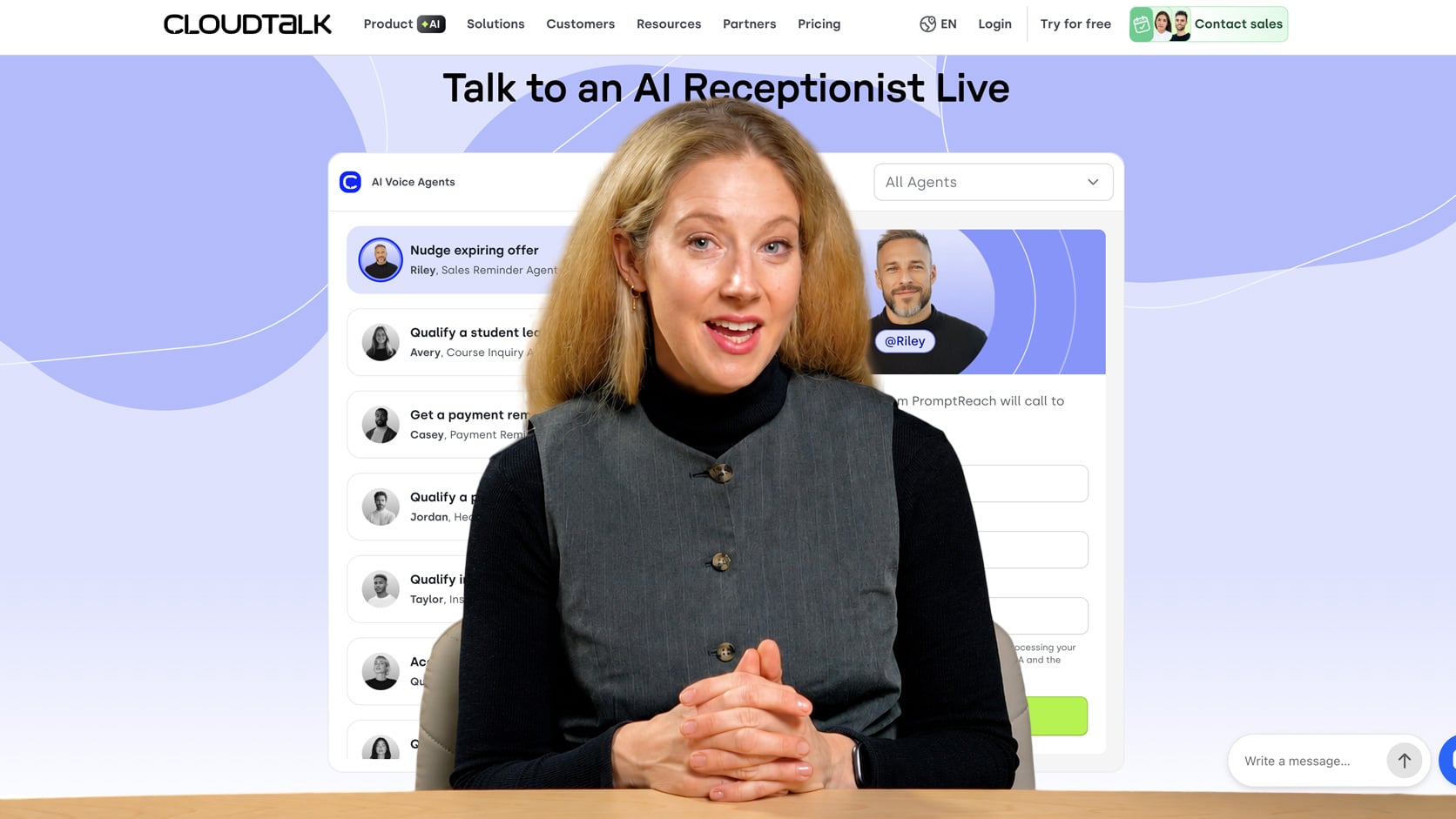
CloudTalk is a telephony platform first and an AI receptionist second, which is the point. If your practice runs hundreds or thousands of calls per day across multiple locations, CloudTalk gives you the queue management, call routing, and analytics infrastructure that pure-AI vendors don’t. The CeTe healthcare voice agent layer adds HIPAA-aware AI on top of that backbone.
This matters most when 40 patients call at 8:01 on a Monday and the constraint is queue depth and overflow routing, not AI quality. Just confirm the BAA covers both the CeTe AI layer and the telephony underneath it, since they're priced and scoped separately.
Key features
- Enterprise-grade telephony with multi-location call routing
- CeTe healthcare voice agent for HIPAA-compliant AI handling
- Queue management, IVR fallback, and live agent transfer
- Analytics covering containment rate, average handle time, and abandonment
- Integrations with Salesforce Health Cloud and major CRMs
- Signed BAA covering the AI agent and telephony layer
- Workforce management for hybrid AI-plus-human operations
Pricing: CloudTalk’s telephony base offers 3 plans from $19-$49/user/month and up. The CeTe AI agent layer adds usage-based pricing on top, starting from $349/month with 1,000 included minutes or $0.15/minute custom pricing for over 10,000 minutes/month. Pricing is typically quote-based for healthcare deployments.
Best for: High-volume clinics, multi-location groups, and call center operations that need real telephony infrastructure underneath the AI.
Simbie AI
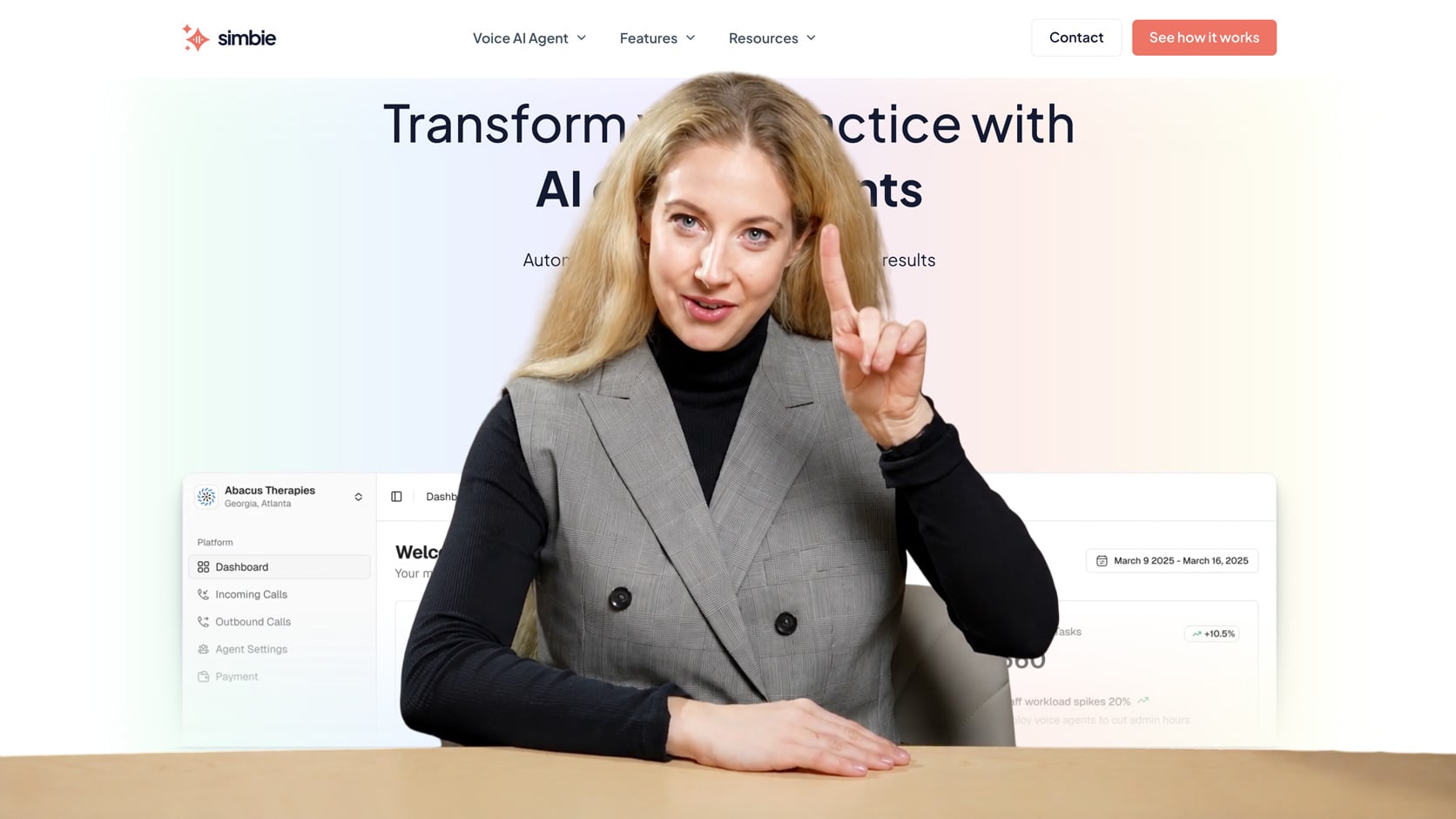
Simbie AI is purpose-built for women’s health, fertility, and specialty practices that need clinically specific intake and patient navigation. Where general-purpose AI receptionists treat every call as a scheduling event, Simbie understands that an OB/GYN call about bleeding or a fertility call about cycle timing requires different triage logic.
A first-trimester bleeding call or a fertility medication-timing question reads as a routine booking to a generic classifier, but Simbie's escalation rules flag them for clinical staff. That specialization is less useful outside women’s health, where the prebuilt workflows may not match the call types.
Key features
- Specialty-aware intake flows for OB/GYN, fertility, and women’s health
- Patient navigation workflows for multi-step care pathways
- Native integrations with athenahealth and ModMed
- Clinical escalation rules tuned to specialty-specific urgency criteria
- Bilingual support for English and Spanish patient populations
- Signed BAA with detailed PHI scope documentation
- Outbound recall and follow-up campaigns for cycle-based care
Pricing: Not publicly listed. Quote-based, scoped to practice size and call volume.
Best for: Growing OB/GYN, fertility, and women’s health practices that need specialty-aware intake out of the box.
Call Agent AI
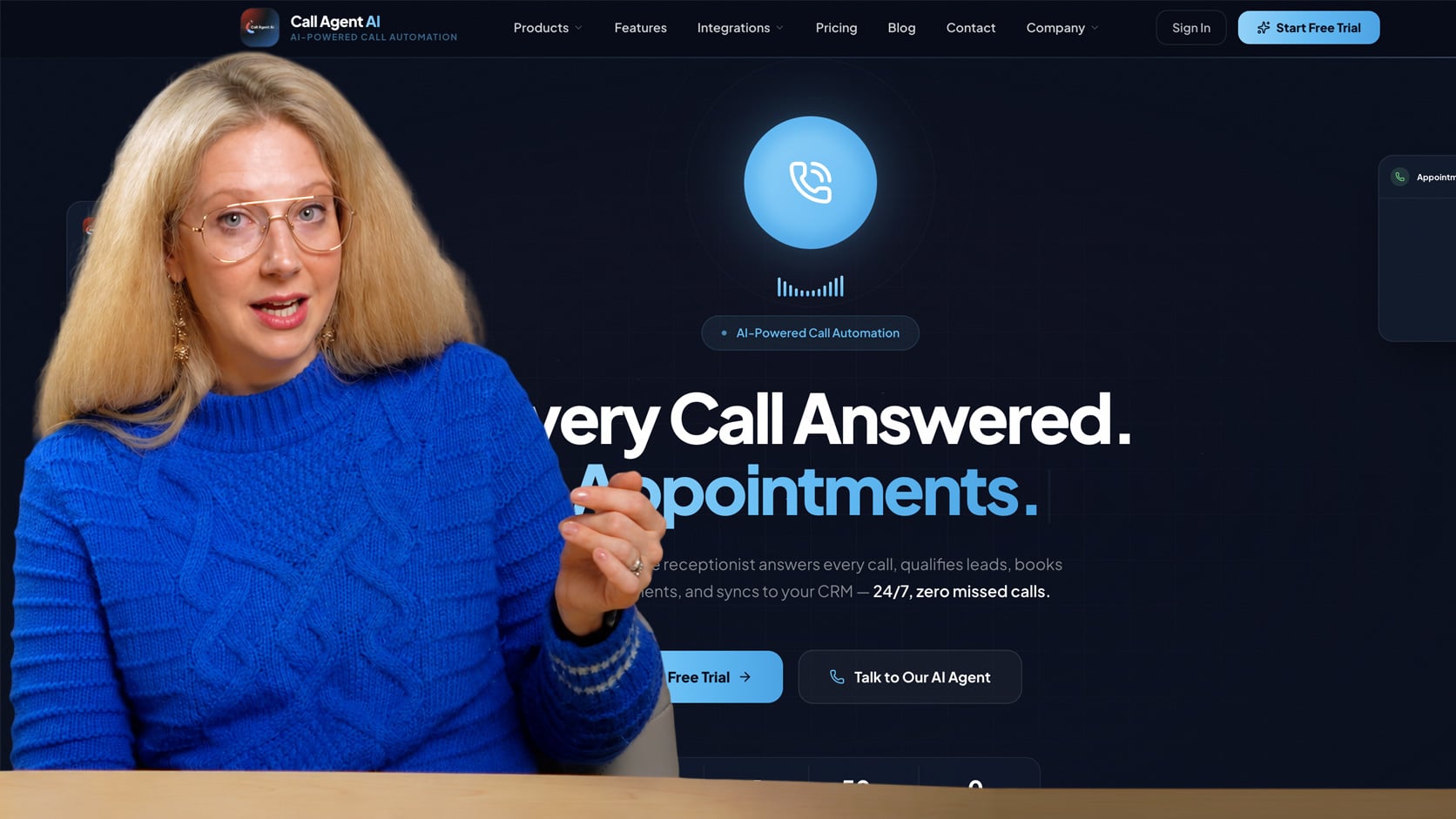
Call Agent AI leads with compliance posture rather than features. The platform is designed for practices that have legal, compliance, or risk-management stakeholders involved in vendor selection, where audit readiness and breach risk reduction outweigh fancy capabilities.
For these buyers, the deciding factors are the documented subcontractor list, the named LLM provider on the BAA, and US data residency, not call-handling polish. A compliance-first product usually gives up some workflow depth, but that tradeoff makes sense when legal or risk teams have final approval.
Key features
- Signed BAA with documented PHI scope and subcontractor list
- AES-256 encryption at rest, TLS 1.3 in transit
- Audit logging with configurable retention periods
- Role-based access controls and SSO support
- Configurable escalation rules for clinical and emergency calls
- US-based data residency options
- Quarterly compliance reporting available on enterprise plans
Pricing: Call Agent AI offers 4 plans from $45/month for 90 minutes to $225/month for 2,250 minutes/month and up. LLM model options let you choose the AI model that best fits your needs, though per-minute rates vary by model.
Best for: Compliance-sensitive practices, behavioral health groups, and any organization where the legal team has veto power on vendor selection.
Sully.ai
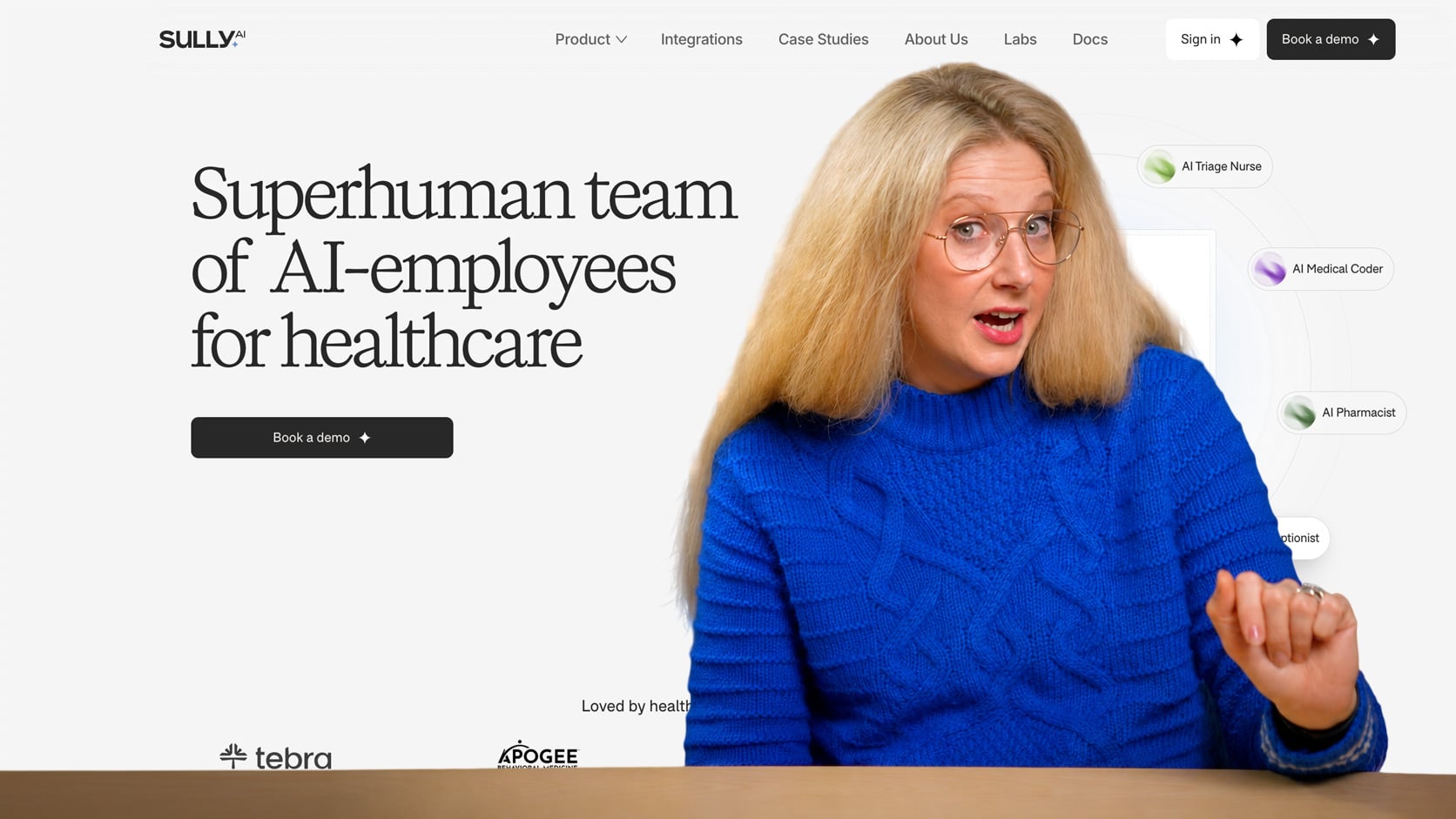
Sully.ai treats the receptionist as one piece of a broader AI staff layer. The platform bundles voice reception, ambient scribing, and back-office AI agents into a unified PHI-handling environment. Practices that are deliberately going AI-first, rather than augmenting existing roles, tend to land here.
Bundling reception, scribing, and back-office agents under one BAA shrinks the compliance surface, with fewer vendors touching PHI and fewer seams to audit. Putting everything with one vendor also concentrates your exposure, since a single outage or breach now hits reception, documentation, and back-office work at once.
Key features
- AI receptionist plus scribe plus back-office agents in one platform
- Unified PHI handling across all agent types
- Pre-configured workflows for primary care and specialty practices
- Real-time clinical documentation during calls
- Integrations with major EHRs and practice management tools
- Signed BAA covering all agent types under one agreement
- Single dashboard for monitoring all AI agent activity
Pricing: Not publicly listed. Bundled pricing based on which agent types you deploy and total monthly usage.
Best for: New practices building AI-first from day one, or established practices undergoing deliberate modernization across multiple roles.
Smith.ai
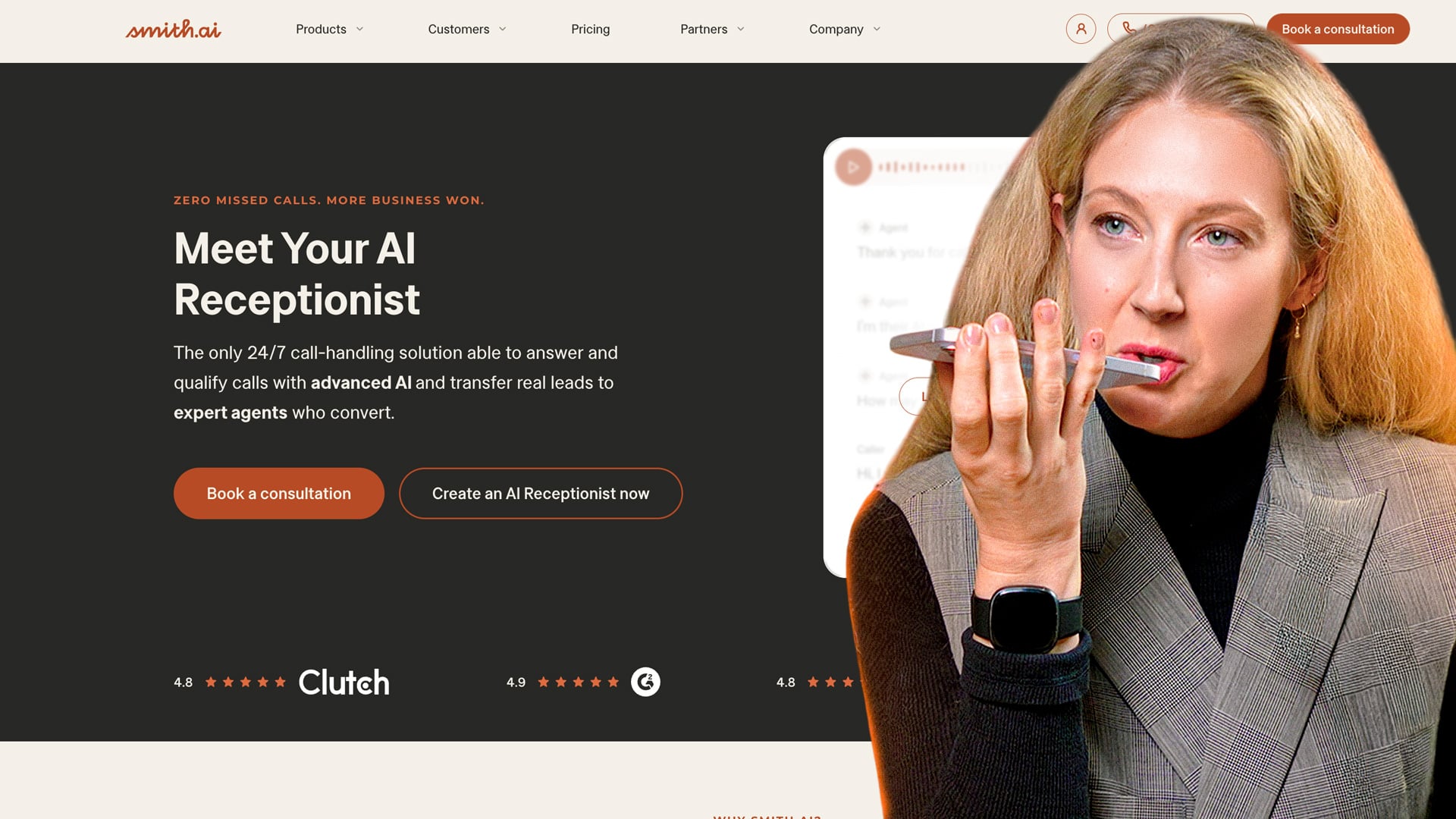
Smith.ai is the hybrid AI receptionist option. AI handles routine scheduling, FAQs, and intake, while trained human agents take over for clinical nuance, complicated insurance questions, or any call where the AI’s confidence drops. For clinical practices under a certain call volume, this hybrid model often produces better patient satisfaction than pure AI.
Human fallback directly covers the two spots pure AI breaks in medical settings: ambiguous symptom descriptions and callers who want a person for something sensitive. The premium gets harder to justify as volume climbs, which is why hybrid fits best below roughly 1,500 calls a month.
Key features
- AI for routine calls with human agent fallback for edge cases
- Bilingual live agents (English and Spanish)
- Intake, lead qualification, and appointment booking
- Custom call scripts and routing rules per practice
- CRM and EHR integrations for major platforms
- Signed BAA covering both AI and human agent handling
- 24/7 coverage with no overtime or staffing logistics
Pricing: Smith.ai offers a DIY plan from $95/month for 2 calls/day, $270/month for 5 calls/day, and $800/month for 15 calls/day. A Done for You plan starts at $500/month for 10 calls/day, $1000/month for 25 calls/day, and $2,000/month for 55 calls/day.
Best for: Smaller clinical practices, mental health groups, and any setting where empathy or complex calls regularly break pure-AI systems.
EHR Integration: What Actually Works
Integration is where most AI receptionist deployments stall. The vendor demo shows real-time scheduling against Epic; the implementation reveals a middleware layer with five-minute sync latency and no write-back. Ask the right questions before signing.
Three integration models exist:
- Native integrations use the EHR’s official API (SMART on FHIR for Epic, athenahealth’s Marketplace API, ModMed’s developer API) and support real-time read and write.
- Middleware integrations route through a third-party connector like Redox or Particle Health, which adds latency but expands EHR coverage.
- Manual integrations mean the AI captures data into its own database and someone (or some automation) pushes it into the EHR later.
What you actually want depends on the workflow. Real-time scheduling needs native or low-latency middleware. Intake capture can tolerate middleware. Refill requests work fine with manual handoff to a clinical task queue.
Publicly stated EHR support among the seven platforms:
| Platform | Epic | athenahealth | eClinicalWorks | ModMed | Tebra |
| DeepCura | Native | Native | Native | Middleware | Middleware |
| Greetmate.ai | Middleware | Middleware | Middleware | Middleware | Middleware |
| CloudTalk | Middleware | Middleware | Middleware | Middleware | Middleware |
| Simbie AI | Roadmap | Native | Middleware | Native | Middleware |
| Call Agent AI | Quote-based | Quote-based | Quote-based | Quote-based | Quote-based |
| Sully.ai | Native | Native | Middleware | Middleware | Middleware |
| Smith.ai | Middleware | Middleware | Middleware | Middleware | Middleware |
Verify with the vendor before signing. Integration capabilities change quarterly, and “supported” sometimes means “we can build it in 90 days for a fee.”
A few questions worth asking every vendor: Is the integration read-only or read-write? What’s the sync latency? Is there a sandbox where you can test against your actual EHR data before go-live? Does the vendor support SMART on FHIR for Epic deployments? Who owns the integration when it breaks?
What These Platforms Cost at Real Call Volumes
Sticker pricing is misleading. The platforms that advertise $99 or $129 per month are quoting base fees that assume modest call volume. Real costs scale with minutes used, and clinical calls are longer than retail calls.
Rough monthly cost ranges by volume, blending base fees and typical per-minute overages:
| Monthly call volume | Pure AI platforms | Hybrid AI + human (Smith.ai) | Enterprise (CloudTalk + CeTe) |
| 500 calls | $130 to $400 | $300 to $600 | $500 to $900 |
| 2,000 calls | $400 to $1,200 | $900 to $1,800 | $1,200 to $2,500 |
| 10,000 calls | $1,500 to $4,000 | $3,500 to $8,000 | $4,000 to $9,000 |
These are estimates. Get written quotes from any vendor you’re seriously evaluating. Watch for minimums, overage rates, and add-on fees for EHR integration, bilingual support, and compliance reporting.
The cost comparison most practices skip: a full-time front desk receptionist at $22 per hour plus benefits runs $55,000 to $65,000 per year. Two FTEs for partial 24/7 coverage push that toward $130,000. Most AI receptionist deployments come in under $30,000 annually for comparable call volume. The math works at almost any scale, but the implementation risk is real, which is why the rollout plan below matters.
Pros and Cons of AI Medical Receptionists
AI receptionists solve real staffing and capture problems, but they introduce new risks around clinical accuracy and patient experience. Weigh both sides before signing a BAA.
The case for adopting:
- 24/7 answering with no overtime, no callouts, no turnover
- Consistent intake capture, which improves EHR data quality and downstream billing
- Faster booking and shorter hold times, which improves new-patient conversion
- Bilingual support without hiring multilingual staff
- Audit trails on every call, which most human-staffed practices lack
The case against:
- Hallucinated clinical advice remains a real risk on edge cases, particularly when patients ask symptom-related questions the AI wasn't scoped to handle
- Weak triage logic can misroute urgent or emergency calls, with potentially serious consequences
- Older patient demographics often push back hard on AI interactions
- HIPAA breach liability sits with you regardless of BAA terms
- EHR integration and workflow tuning typically take six to twelve weeks before the deployment is production-ready
The risk most practices overlook is hallucinated clinical advice. Even with guardrails, LLM-powered agents occasionally generate plausible-sounding but wrong medical information. Every production deployment needs an explicit list of topics the AI must refuse and escalate, plus regular audits of call transcripts to catch drift.
A 5-Question Decision Tree
Most practices can shortlist to one or two platforms in under five minutes.
- What’s your monthly call volume? Under 500 calls: any platform works, lean toward DeepCura or Smith.ai. 500 to 2,000: DeepCura, Simbie, or Greetmate depending on specialty. 2,000 to 10,000: CloudTalk or Sully.ai. 10,000+: CloudTalk with CeTe, or enterprise quote from Call Agent AI.
- Which EHR do you use? Epic: DeepCura, Sully.ai, or CloudTalk. athenahealth: DeepCura, Simbie, or Sully.ai. ModMed: Simbie or DeepCura. eClinicalWorks: DeepCura. Tebra: Greetmate.ai or DeepCura via middleware.
- What’s your specialty? Primary care or multi-specialty: DeepCura. OB/GYN, fertility, or women’s health: Simbie AI. Mental health or behavioral: Smith.ai or Call Agent AI. Dental: Greetmate.ai for the custom flow builder. Urgent care or high-volume: CloudTalk.
- Do you need human fallback? Yes, regularly: Smith.ai. Yes, occasionally: CloudTalk with live agent transfer. No: any pure-AI option.
- What’s your monthly budget? Under $200: DeepCura or CloudTalk base tier. $200 to $1,000: most platforms on this list. Enterprise: Call Agent AI, Sully.ai, or CloudTalk.
If two answers point to the same platform, that’s your shortlist of one. If they conflict, pilot the top two for 30 days each before committing.
A 90-Day Rollout Plan
Most AI receptionist deployments fail not because the technology is bad but because the rollout was rushed. Plan for 90 days from contract signing to full production.
- Weeks 1 to 2: Legal and compliance. Sign the BAA after legal review. Confirm subcontractor list and PHI scope in writing. Document your breach notification workflow. Provision admin access and SSO.
- Weeks 3 to 4: EHR integration. Set up sandbox integration with your EHR. Test patient lookup, appointment booking, and intake write-back against test data, never live PHI. Measure sync latency. Identify edge cases the integration mishandles.
- Weeks 5 to 6: Call flow configuration. Build out the intent map for your practice’s actual call patterns. Define escalation triggers for urgent symptoms, billing disputes, and clinical questions. Record custom prompts and greetings. Configure bilingual flows if needed.
- Weeks 7 to 8: Staff training and parallel testing. Train front desk staff on the new workflow, especially escalation handoffs. Run the AI in parallel with human reception, taking maybe 10% of calls. Audit every transcript daily. Tune prompts and flows based on what you find.
- Weeks 9 to 10: Gradual cutover. Move to 50% AI handling, then 80%, monitoring call containment rate, patient satisfaction, and any complaints. Maintain a human override path for every call type.
- Weeks 11 to 12: Full production and KPI baseline. Establish baseline metrics: containment rate (target 70%+ for routine calls), appointment booking accuracy (target 95%+), patient satisfaction (track via post-call survey), and clinical escalation rate. Review weekly for the first quarter, then monthly.
Skip any of these phases and you’ll spend the next year fixing problems that should have been caught in week four.
FAQs
A voice AI agent that handles patient calls (scheduling, intake, refills, basic triage) under a signed Business Associate Agreement with documented safeguards including encryption, access controls, and audit logging. The compliance posture is what separates these tools from generic AI voice products.
Entry-level platforms start around $99 to $129 per month for low call volumes. Realistic production costs run $400 to $1,200 monthly for a typical practice handling 2,000 calls, and $1,500 to $4,000 for high-volume operations. Hybrid AI-plus-human services like Smith.ai cost more but reduce clinical risk.
Usually not entirely. Most practices use AI to handle after-hours coverage, overflow during peak periods, and routine scheduling, while keeping reduced human staff for complex interactions, in-person check-in, and clinical handoffs. Pure replacement is feasible but rarely the best operational choice in the first year.
Refills, yes, with provider approval routing. Most platforms on this list handle refill requests by capturing the medication and patient details, then routing to a clinical task queue. Emergency triage is more nuanced. The AI can detect urgent-symptom keywords and escalate, but it should never be the sole layer between a patient and clinical judgment. Configure aggressive escalation thresholds.
Most platforms support English and Spanish natively. Greetmate.ai, Simbie AI, and Smith.ai have the strongest bilingual flows. Other languages (Mandarin, Vietnamese, Arabic) vary by vendor and often require custom configuration.
They’re PHI and must be handled accordingly. The vendor’s BAA should explicitly cover recordings and transcripts, specify retention periods, and prohibit use for shared model training. If the BAA is silent on these points, get an addendum or pick a different vendor.
Plan for 90 days from contract to full production: two weeks for legal and BAA, two weeks for EHR integration, two weeks for flow configuration, two weeks for parallel testing, and four weeks for gradual cutover and tuning. Vendors who promise two-week launches are skipping steps you’ll regret missing.